
1. Introduktion
This manual provides instructions for the proper use and maintenance of your EUQQ Translation Earbuds Model YYK. These earbuds are designed to facilitate communication across language barriers through real-time translation, in addition to offering standard audio functions.
2. Produktet er slutview
The EUQQ Translation Earbuds Model YYK feature advanced Bluetooth 5.4 technology for stable connections and lower power consumption. They offer 2-way instant voice translation in up to 144 languages, 4-mic noise cancelling for clear audio, and a total playtime of up to 40 hours with the charging case.
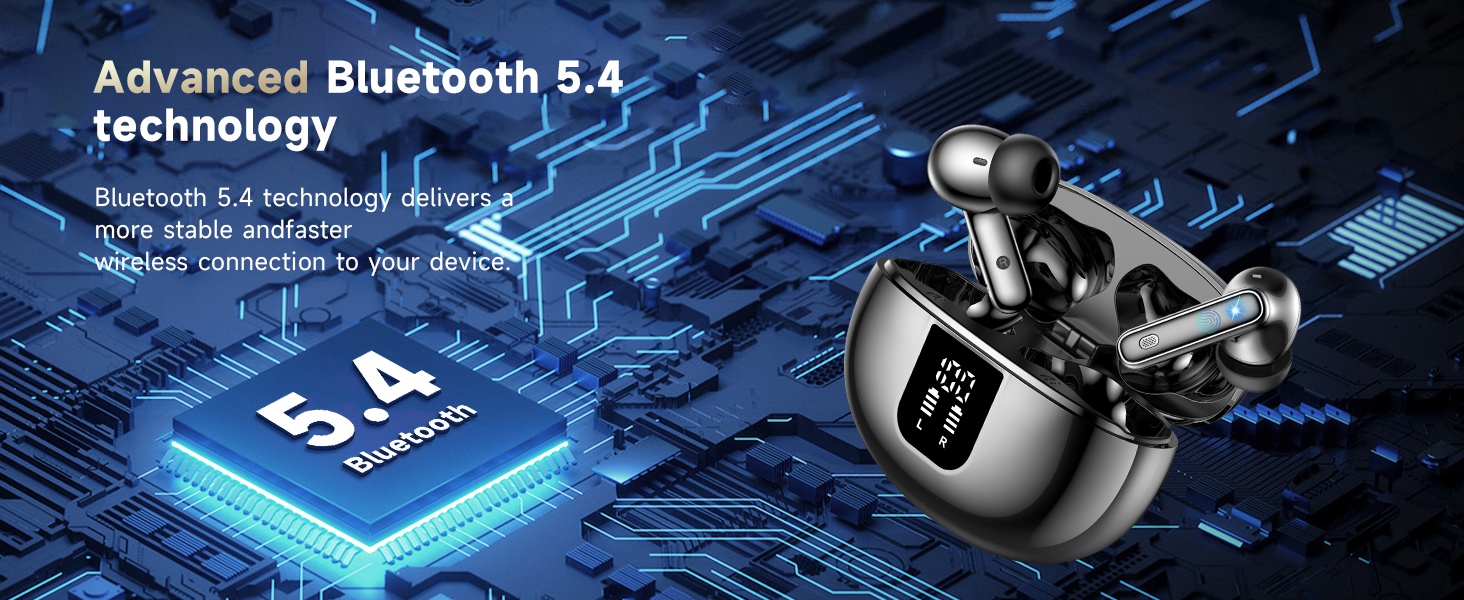
Image: Earbuds illustrating Bluetooth 5.4 technology benefits, including increased connection range, stable connection, and transfer speed.
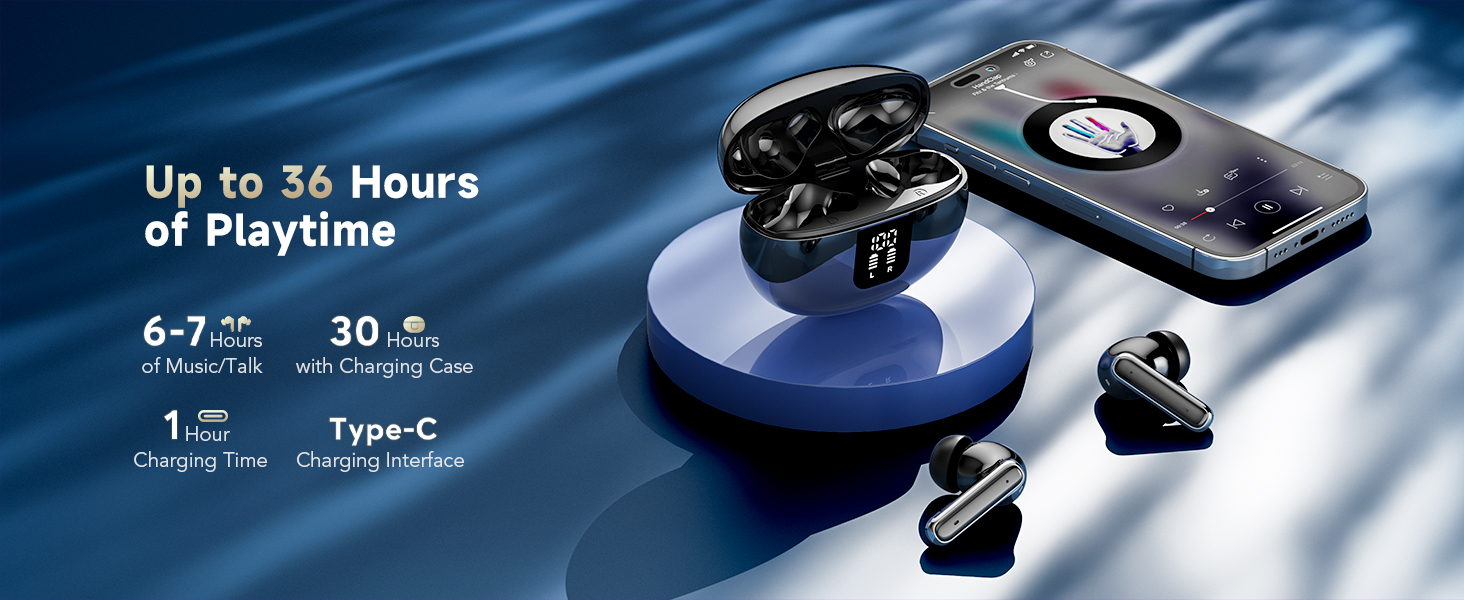
Image: Earbuds and charging case displaying up to 36 hours of playtime, 6-7 hours per charge, 1 hour charging time, and Type-C interface.
3. Opsætning
3.1 Indledende opladning
Oplad ørepropperne og opladningsetuiet helt før første brug. Tilslut det medfølgende USB-C-kabel til opladningsetuiet og en strømkilde. Indikatorlamperne på etuiet viser opladningsstatus.
3.2 Appinstallation og -forbindelse
To utilize the translation features, you must download and connect to the companion application.
- Download the "BitDynamic" app from your device's app store (e.g., App Store for iOS, Google Play Store for Android).
- Sørg for, at Bluetooth er aktiveret på din telefon.
- Open the "BitDynamic" app and grant necessary permissions (e.g., Bluetooth, microphone, network access).
- The app should automatically detect the earbuds. Select your earbuds (e.g., "Q10 AI") and confirm connection.

Image: Visual guide showing the four steps to connect the earbuds to the "BitDynamic" application, including app download, Bluetooth activation, app permissions, and device selection.
3.3 Bluetooth Pairing (Standard Audio)
For standard audio use without translation features, you can pair the earbuds directly via your device's Bluetooth settings:
- Åbn opladningsetuiet. Ørepropperne vil gå i parringstilstand.
- Gå til Bluetooth-indstillinger på din enhed og søg efter tilgængelige enheder.
- Select "EUQQ YYK" (or similar name) from the list to connect.
4. Betjeningsvejledning
4.1 Tryk på kontrolelementer
Ørepropperne har berøringsfølsomme områder til styring af forskellige funktioner:
- Klik på MFB-knappen: Pause/afspil lyd.
- Dobbeltklik på venstre/højre MFB-knapper: Next/Previous track (function may vary by app).
- Langt tryk på MFB-knappen: Afvis et indgående opkald.
- Klik på MFB-knappen: Besvar/afslut et opkald.
- Tryk og hold den højre MFB-knap nede i 2 sekunder: Aktivér stemmeassistent (f.eks. Siri).
- Tryk og hold venstre MFB-knap nede i 2 sekunder: Skift til ANC-tilstand.
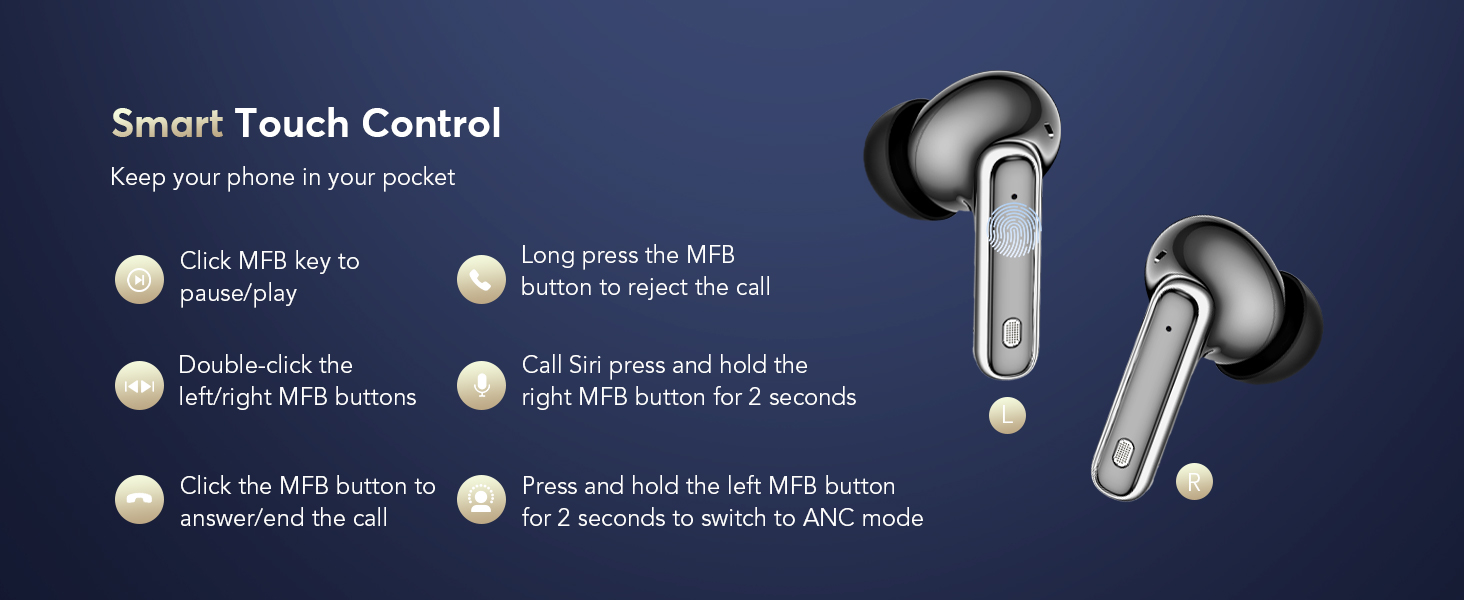
Image: Diagram illustrating the touch control functions on the left and right earbuds.
4.2 Støjkontroltilstande
The earbuds offer three modes for different listening environments:
- Aktiv støjreduktion (ANC) tilstand: Reducerer omgivende støj for fordybende lyd.
- Normal tilstand: Standard lydoplevelse uden støjreduktion eller gennemsigtighed.
- Gennemsigtighedstilstand: Giver dig mulighed for at høre dine omgivelser, mens du lytter til lyd.
To switch between modes, long press the touch button on the left earbud. You will hear an audio prompt indicating the current mode (ANC on/off/Transparency Mode).
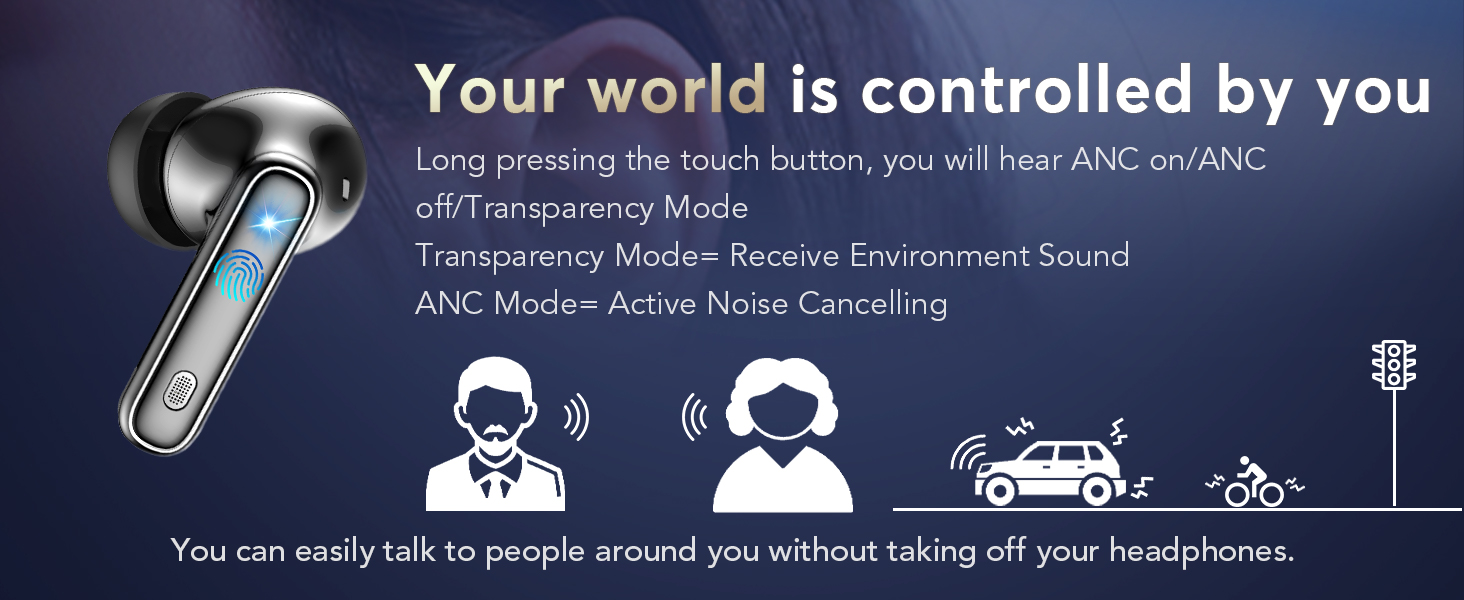
Image: Illustration of the earbud's ability to switch between Active Noise Cancellation, Normal, and Transparency modes.
4.3 Translation Modes (via BitDynamic App)
The BitDynamic app provides several translation modes:
- Oversættelse ansigt til ansigt (hovedtelefoner + mobiltelefon): For two-way conversations. One person speaks into the phone, and the translation is heard through the earbuds. The other person hears the translation from the phone's speaker. This mode is switchable.
- Fri tale-tilstand: For in-depth one-on-one conversations. Each participant wears an earbud and speaks naturally. The app processes and translates the conversation in real-time.
- Højttalertilstand: For directions or ordering food. You wear the earbuds and speak; the translated results are played through your phone's speaker.
- Berøringstilstand: For fluent conversations where each person wears an earbud. Touch your earbud before speaking, and the other person will hear the translation in their earbud.
- Simultantolkning: For international conferences. Set the target language, click "Start," and the app provides real-time voice translation.
- Audio and Video Call Translation: Online calls with real-time translation. Set up the dialogue language, share the call link, and the call will be translated once participants join.
- Real-Time Text Translation: The app provides various translation modes, including photo translation and audio transcription.
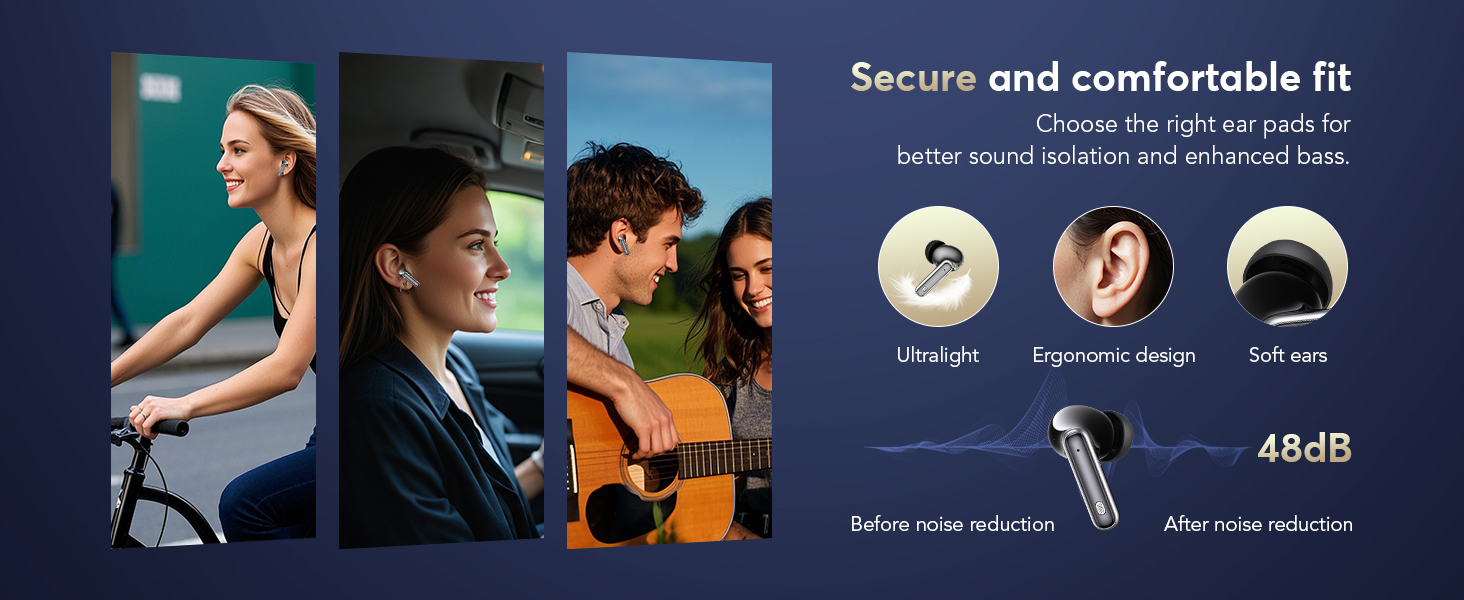
Image: Screenshot of the app interface demonstrating Face-to-Face Translation mode, where one person uses earbuds and the other uses the phone.
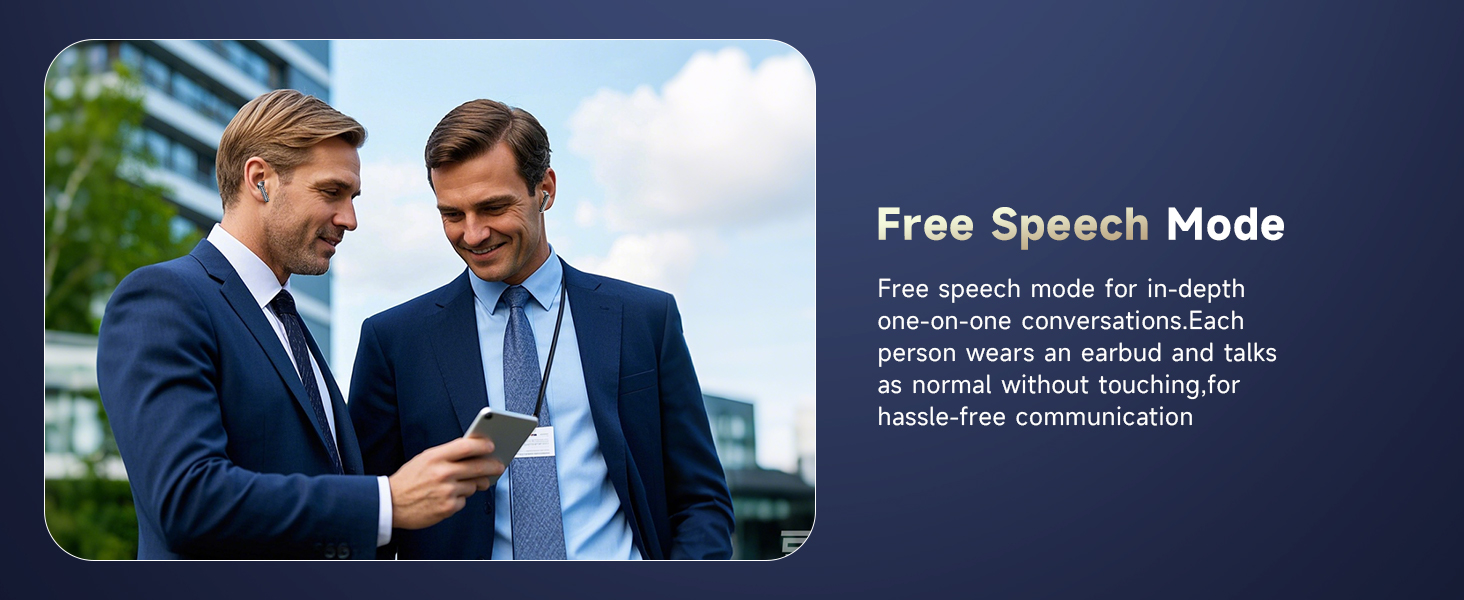
Image: Two individuals engaged in conversation, both wearing earbuds, illustrating the Free Speech Mode.
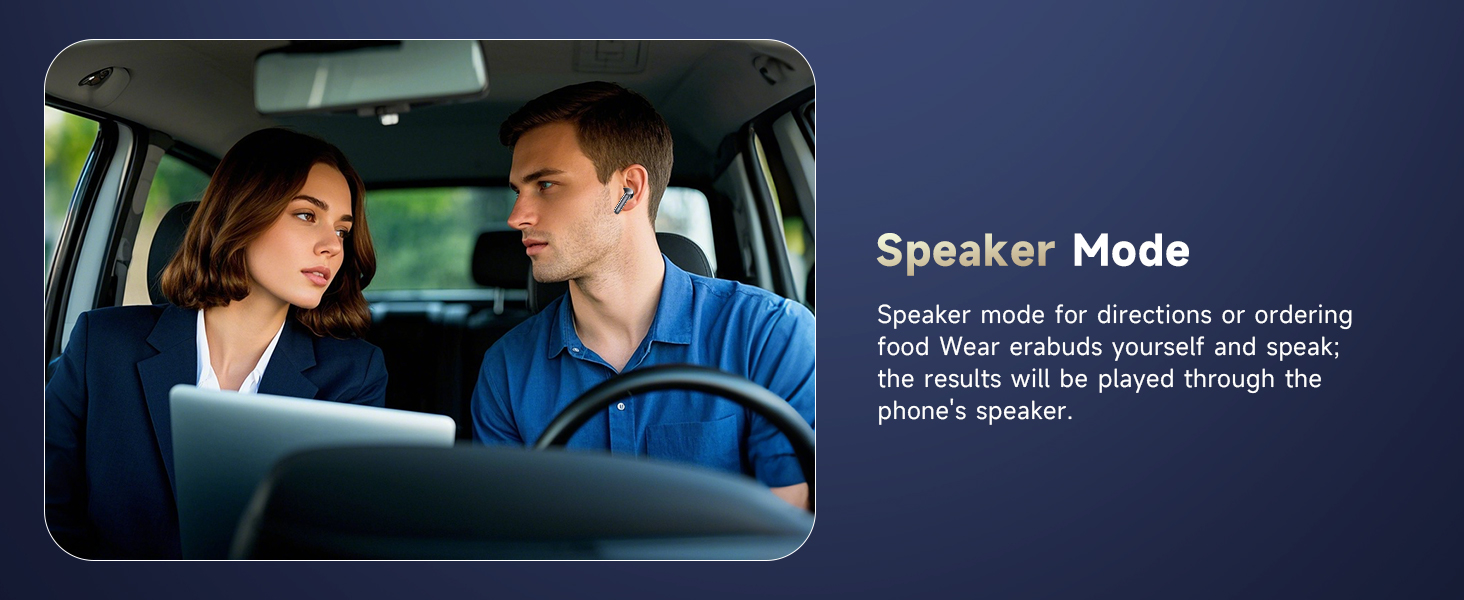
Image: A man wearing an earbud in a car, demonstrating Speaker Mode where translations are broadcast through the phone.
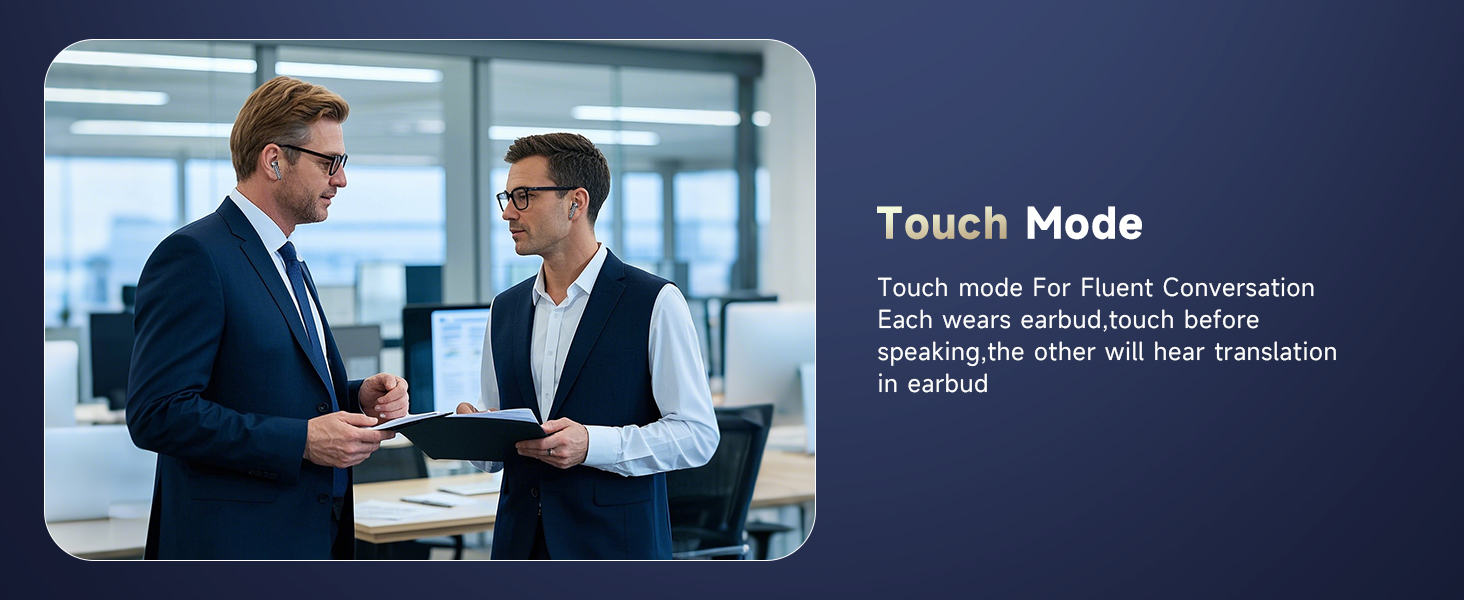
Image: Two men in a professional setting, both wearing earbuds, illustrating the Touch Mode for fluent conversation.
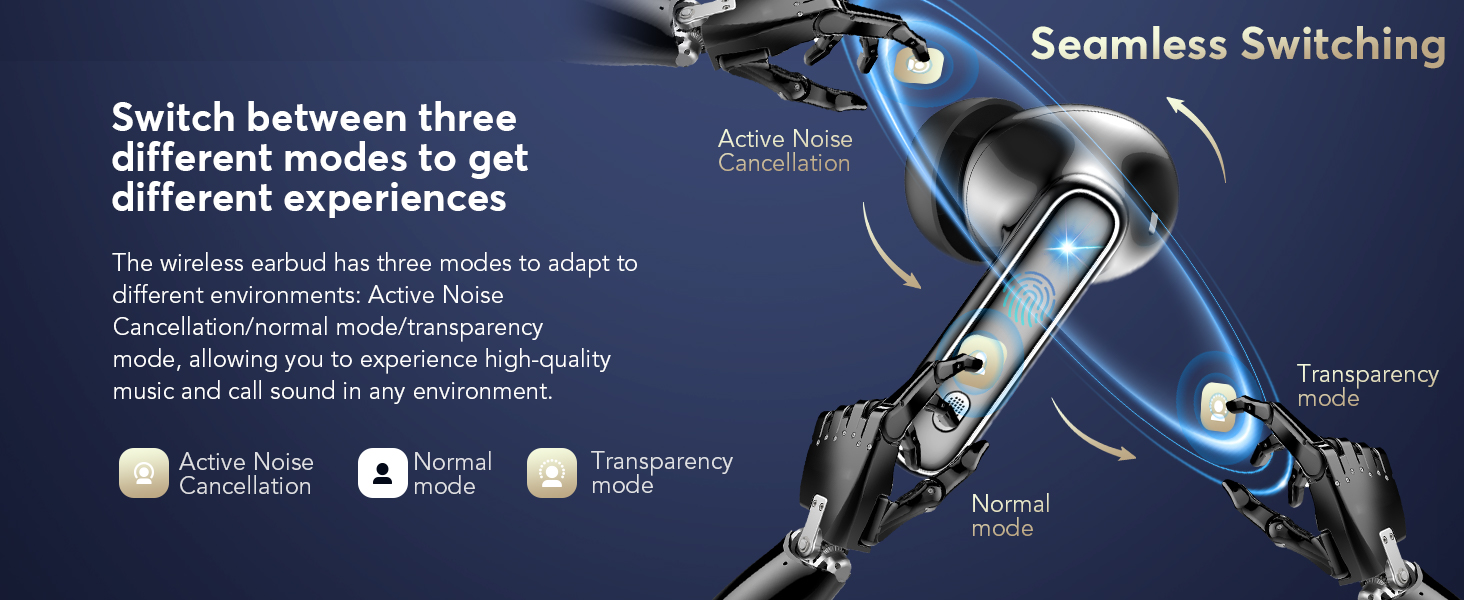
Image: Screenshot of the app showing simultaneous interpretation, translating spoken text between two languages.
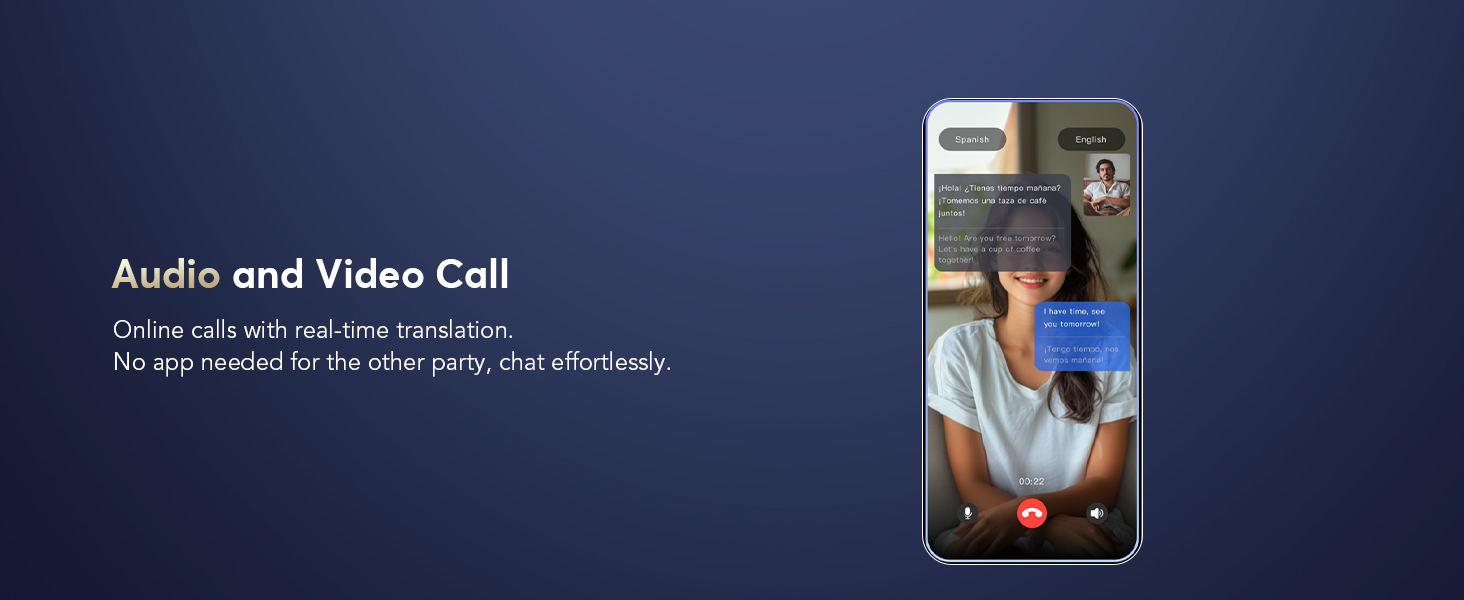
Image: Screenshot of the app demonstrating real-time translation during an audio or video call.

Image: Screenshot of the app showing real-time text translation from spoken input.
4.4 Yderligere appfunktioner
- AI Voice Smart Dialog: Use real-time voice interaction to ask AI questions within the app.
- AI Meeting Assistant: Record, transcribe, summarize, and generate mind maps from meetings.
- Liveoptagelse: Convert recordings to text for meeting notes or personal reference.
- Find Earphones: If your earbuds are misplaced, use this feature in the app to make them emit a sound or show their last known location on a map.
- Søvnhjælp: Features built-in white noise sounds (e.g., rain, ocean waves) to assist with sleep.

Image: Screenshots of the app demonstrating AI Voice Smart Dialogue with different AI models.

Image: Screenshots of the app showing the AI Meeting Assistant features, including recording, transcription, and mind mapping.

Image: Screenshot of the app displaying the Live Recording feature, converting spoken audio to text.

Image: Screenshot of the app showing the 'Find Earphones' feature with options to play sound or navigate to the location on a map.

Image: Screenshot of the app displaying the Sleep Aid feature with various white noise options.
5. Vedligeholdelse
5.1 Rengøring
Rengør dine ørepropper og opladningsetui regelmæssigt for at sikre optimal ydeevne og hygiejne.
- Brug en blød, tør og fnugfri klud til at tørre ydersiden af ørepropperne og opladningsetuiet af.
- For ear tips, gently remove them and clean with a mild soap solution if necessary, then rinse and dry thoroughly before reattaching.
- Brug en tør vatpind til forsigtigt at rengøre opladningskontakterne på både ørepropperne og indersiden af etuiet.
- Undgå at bruge slibende materialer, opløsningsmidler eller barske kemikalier.
5.2 Opladning
To maintain battery health, charge the earbuds and case regularly. A quick 10-minute charge provides approximately 2 hours of use. The total battery life with the charging case is up to 40 hours.
5.3 Secure and Comfortable Fit
Choosing the correct ear tip size is crucial for sound isolation and comfort. Experiment with different sizes to find the best fit for your ears.

Image: Illustration highlighting the secure and comfortable fit of the earbuds, with options for ultralight, ergonomic design, and soft ear tips.
6. Fejlfinding
If you encounter issues with your EUQQ Translation Earbuds, refer to the following common solutions:
- Øretelefoner opretter ikke forbindelse til telefonen:
- Sørg for, at ørepropperne er opladet.
- Sluk og tænd for din telefons Bluetooth.
- Glem enheden i din telefons Bluetooth-indstillinger, og par den igen.
- Genstart din telefon.
- Oversættelsen virker ikke eller er unøjagtig:
- Ensure the "BitDynamic" app is open and connected to the earbuds.
- Check your internet connection, as cloud-based translation requires it.
- Bekræft, at de korrekte kilde- og målsprog er valgt i appen.
- Tal tydeligt og i et moderat tempo.
- Opdater appen til den nyeste version.
- Dårlig lydkvalitet:
- Sørg for, at ørepropperne er rene og fri for snavs.
- Check for a secure fit with the correct ear tip size.
- Ensure your device is within Bluetooth range (up to 15 meters).
- Opladningsproblemer:
- Kontroller, at opladningskablet og adapteren fungerer korrekt.
- Rengør opladningskontakterne på begge ørepropper og etuiet.
- Sørg for, at øretelefonerne sidder korrekt i opladningsetuiet.
Hvis problemerne fortsætter, bedes du kontakte kundesupport.
7. Specifikationer
| Feature | Detalje |
|---|---|
| Mærke | EUQQ |
| Modelnummer | YYK |
| Farve | Sort |
| Øreplacering | In Ear |
| Formfaktor | In Ear |
| Forbindelsesteknologi | Trådløs |
| Trådløs teknologi | Bluetooth |
| Bluetooth version | 5.4 |
| Bluetooth rækkevidde | 15 meter |
| Støjkontrol | Aktiv støjreduktion |
| Kontroltype | Tryk på kontrol |
| Vandmodstandsniveau | Vandtæt |
| Batterilevetid (i alt med etui) | Op til 40 timer |
| Opladningsgrænseflade | Type-C |
| Kompatible enheder | iPhone 17, iPhone 17 Air, iPhone 17 Pro, iPhone 17 Pro Max, IPhone 16, IPhone 16 Plus, iPhone16 Pro, iPhone16 Pro Max, IPhone 15, iPhone15 Pro, iPhone15 Pro Max, IPhone 14, iPhone14 Pro, iPhone14 Pro max, IPhone13, iPhone13Pro, IPhone12, iPhone12Pro, iPhone12 Pro max, iPhone11, iPhone11Pro, iPhone11Pro max, iPhone XS Max, iPhone XS, iPhone XR, iPhone X, iPhone 8, 8 plus, iPhone 7, 7 plus, Apple Watch, iPad Pro, iPad Air 2, iPad Air, iPad mini 4, iPad mini 2; Samsung Galaxy S8 & S8+, Samsung Galaxy S6 edge, Samsung Galaxy S6, Samsung Galaxy Note5, Note 4, Note 3; Moto X, Moto G, Moto E, DROID Turbo 2, DROID Maxx 2, SONY Xperia X Performance, Xperia X, Xperia XA, Xperia Z5, Xperia Z5 Compact, Xperia C4, Xperia M4 Aqua, Xperia Z3, Xperia Z4 Tablet, Xperia Z3 Tablet Compact, Xperia Z2 Tablet; Xiaomi 6, Xiaomi 5s, Xiaomi 5, Huawei mate9, Huawei mate8, Huawei P10, Huawei P8, OnePlus one, LG, Huawei mate30, Huawei mate40. Compatible with almost all Bluetooth devices. |
8. Garanti og support
8.1 Garantioplysninger
Your EUQQ Translation Earbuds Model YYK are protected by a 365-day, no-questions-asked warranty. This includes a full year of hassle-free after-sales support. If the product has quality defects, it will be replaced or a full refund will be provided.

Image: Graphic indicating hassle-free after-sales service and a 365-day warranty.
8.2 Kundesupport
For any inquiries, issues, or assistance, please contact the EUQQ Customer Service Team directly. Our dedicated team is available to provide support and resolve any concerns you may have.

Image: Graphic promoting 24-hour online customer service for product support.