
Indledning
This manual provides detailed instructions for the setup, operation, maintenance, and troubleshooting of your BOSGAME M4 Neo Mini PC. Please read this manual thoroughly before using the device to ensure proper functionality and to prevent damage.
Pakkens indhold
Bekræft at alle varer er til stede i pakken:
- BOSGAME M4 Neo Mini PC
- Strømadapter
- HDMI kabel
- Brugermanual
Produkt overview
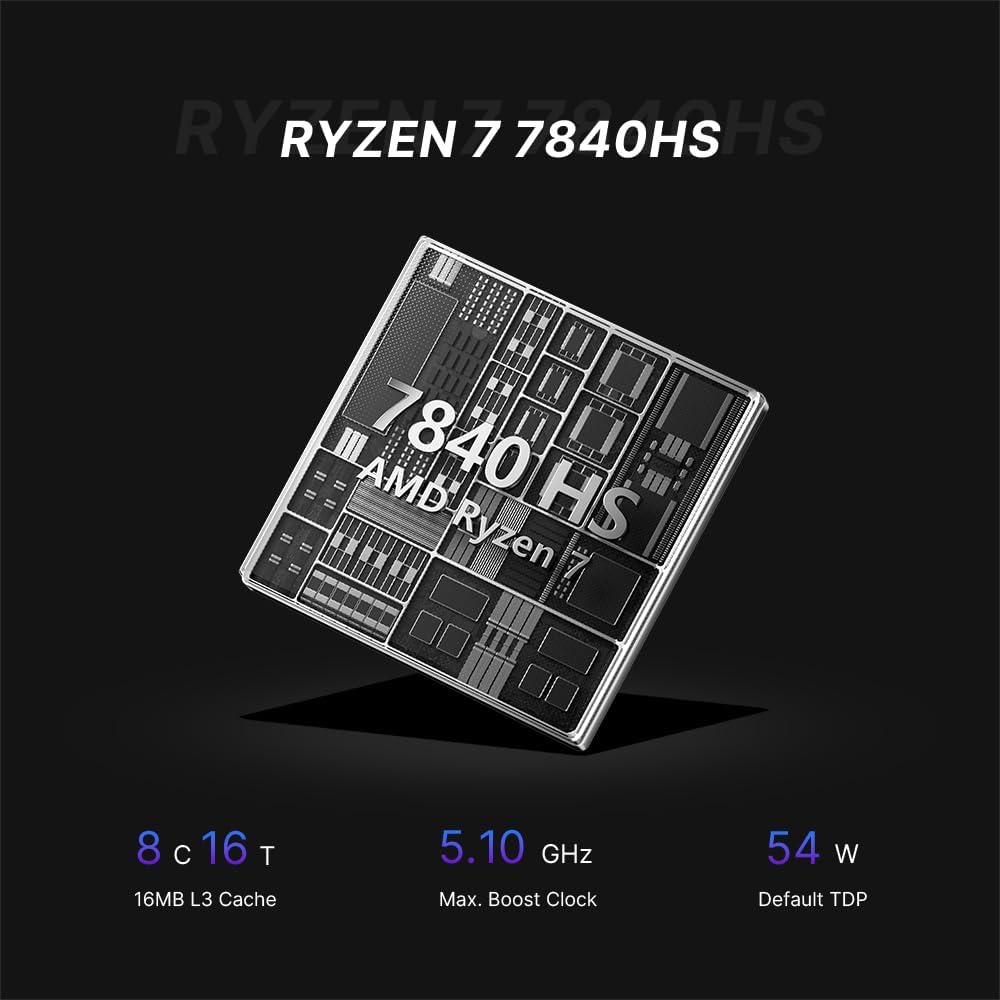
The BOSGAME M4 Neo is a compact desktop computer designed for various applications, from office tasks to gaming. It features an AMD Ryzen 7 7840HS processor, DDR5 memory, and PCIe SSD storage.

Image: Top, front, side, and rear views of the BOSGAME M4 Neo Mini PC with dimensions (130mm x 129mm x 46mm) and port labels.
Billede: Detaljeret view of the front and rear ports on the BOSGAME M4 Neo Mini PC, including USB, HDMI, DisplayPort, LAN, and power input.
Opsætning
Tilslutning af eksterne enheder
- Tilslut skærm: Use an HDMI or DisplayPort cable to connect your monitor(s) to the corresponding ports on the Mini PC. The device supports up to three displays simultaneously.
- Tilslut inputenheder: Tilslut dit USB-tastatur og din mus til de tilgængelige USB-porte.
- Tilslut netværk (valgfrit): For a wired connection, connect an Ethernet cable from your router or modem to one of the 2.5G LAN ports.
- Tilslut strøm: Plug the power adapter into the DC-in port on the Mini PC, then connect the adapter to a power outlet.

Image: The BOSGAME M4 Neo Mini PC connected to an external display, keyboard, and mouse via its USB4.0 interface, demonstrating its connectivity capabilities.
Første gang tændt
- Tryk på tænd/sluk-knappen på forsiden af Mini PC'en.
- The system will boot up. Follow the on-screen instructions to complete the initial operating system setup.
Operativsystem
The BOSGAME M4 Neo Mini PC comes with Windows 11 Pro pre-installed. It also supports other operating systems such as Ubuntu and Linux. For installing alternative operating systems, refer to the specific installation guides for your chosen OS.
Lagerplads og hukommelsesudvidelse
The M4 Neo is equipped with 64GB DDR5 4800MHz dual-channel RAM and a 2TB PCIe 4.0x4 NVMe SSD. The storage can be expanded by adding another M.2 2280 NVMe PCIe 4.0x4 SSD.

Image: Illustration of DDR5 SODIMM memory modules and an M.2 NVMe PCIe 4.0 SSD, representing the internal components for storage and memory.
For detailed instructions on upgrading RAM or SSD, consult the advanced user guide or contact technical support to avoid damaging internal components.
Forbindelse
Kablet tilslutning
The Mini PC features dual 2.5G Ethernet LAN ports, providing high-speed and reliable wired network connections.
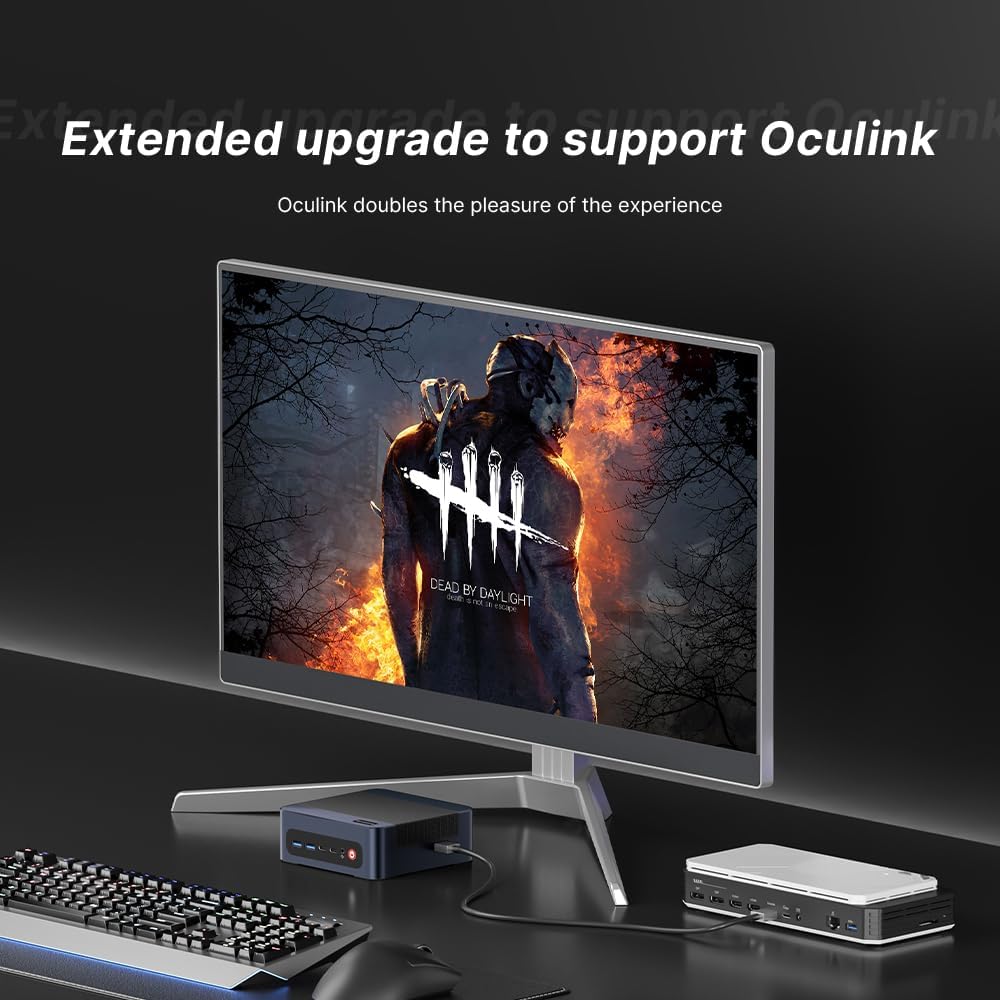
Image: The BOSGAME M4 Neo Mini PC highlighting its dual 2.5G RJ45 LAN ports with Ethernet cables connected, indicating high-speed network capability.
Trådløs forbindelse
Integrated Wi-Fi 6E and Bluetooth 5.2 provide fast and stable wireless network access and connectivity for various wireless accessories.
Skærmkonfiguration
The Mini PC supports quad-screen display output via HDMI 2.0 (4K@60Hz), DisplayPort 1.4 (4K@60Hz), and USB4.0 (8K@60Hz) / Type-C (4K@60Hz) ports. This allows for multi-tasking across multiple monitors.

Image: The BOSGAME M4 Neo Mini PC connected to three external monitors, demonstrating its capability to support a quad-screen display setup for enhanced productivity and entertainment.
An Oculink port is also included, enabling connections to external GPUs (eGPUs) for enhanced graphics performance.

Image: The BOSGAME M4 Neo Mini PC connected to an external graphics card enclosure via its Oculink port, illustrating the option for extended graphics capabilities.
Opretholdelse
Rensning
- Rengør regelmæssigt ydersiden af Mini PC'en med en blød, tør klud.
- Use compressed air to gently clear dust from ventilation openings to maintain optimal airflow and cooling. Ensure the device is powered off before cleaning.
Softwareopdateringer
- Hold dit operativsystem og dine drivere opdaterede for at sikre systemstabilitet og sikkerhed.
- Check the BOSGAME official website for the latest driver updates for your M4 Neo Mini PC.
Fejlfinding
Ingen strøm
- Sørg for, at strømadapteren er korrekt tilsluttet både mini-pc'en og en fungerende stikkontakt.
- Kontroller, at stikkontakten fungerer ved at tilslutte en anden enhed.
Ingen skærm
- Check that the HDMI or DisplayPort cable is firmly connected to both the Mini PC and the monitor.
- Sørg for, at din skærm er indstillet til den korrekte inputkilde (f.eks. HDMI 1, DisplayPort).
- Test med et andet skærmkabel eller en anden skærm, hvis det er muligt.
Præstationsproblemer
- Luk unødvendige baggrundsprogrammer for at frigøre systemressourcer.
- Ensure the operating system and drivers are up to date.
- Monitor system temperatures. Excessive heat can lead to performance throttling.

Image: Graphs showing CPU temperature changes over 14 hours (peaking at 72°C) and noise data from running various software (Illustrator, Photoshop, Office, Standby mode), indicating typical operating conditions.
Specifikationer
| Mærke | BOSGAME |
| Modelnummer | M4 |
| CPU model | AMD Ryzen 7 7840HS |
| CPU hastighed | 3.8 GHz (Max Boost 5.1 GHz) |
| RAM-hukommelse installeret | 64 GB DDR5 4800 MHz |
| Hukommelseslagringskapacitet | 2 TB PCIe 4.0x4 NVMe SSD |
| Grafik coprocessor | AMD Radeon 780M Graphics (Integrated) |
| Operativsystem | Support Win/Ubuntu/Linux (Windows 11 Pro pre-installed) |
| Video output | HDMI, DisplayPort, USB4.0, USB Type-C (Supports Quad Screen, 4K/8K) |
| Netværksforbindelse | Dual 2.5G Ethernet, Wi-Fi 6E, Bluetooth 5.2 |
| USB-porte | 4 Total USB Ports (USB3.2 Type A*2, USB4.0*1, Type-C*1) |
| Særlige funktioner | Oculink Port for eGPU |
Garanti og support
The BOSGAME M4 Neo Mini PC comes with a 1-year manufacturer's warranty. For technical assistance, troubleshooting, or warranty claims, please contact BOSGAME customer service. Refer to the contact information provided with your product or visit the official BOSGAME webwebsted for supportressourcer.