
GOBOULT Tuff Hawk Smart Watch User Manual
Model: Tuff Hawk
Indledning
This manual provides essential instructions for setting up, operating, and maintaining your GOBOULT Tuff Hawk Smart Watch. Please read this guide thoroughly before using your device to ensure optimal performance and longevity.

Image: The GOBOULT Tuff Hawk Smart Watch, highlighting its design and features.
Hvad er der i æsken
Bekræft, at alle varer er til stede i din produktemballage:
- GOBOULT Tuff Hawk Smart Watch
- Ladekabel
- Brugermanual (dette dokument)
Opsætning
1. Opladning af smarturet
Before initial use, fully charge your GOBOULT Tuff Hawk Smart Watch. Connect the provided charging cable to the charging port on the watch and a compatible USB power source. A full charge takes approximately 150 minutes.

Image: The GOBOULT Tuff Hawk Smart Watch connected to its charging cable, illustrating the charging process and battery indicator.
2. Tænd/sluk
To power on the watch, press and hold the Power button until the screen illuminates. To power off, press and hold the Power button, then select "Power Off" on the screen.
3. Parring med din smartphone
The GOBOULT Tuff Hawk Smart Watch uses Bluetooth 5.3 for connectivity. Follow these steps to pair your watch with your smartphone:
- Sørg for, at dit ur er opladet og tændt.
- Aktiver Bluetooth på din smartphone.
- Download and install the companion application (refer to the watch screen or packaging for app name) from your phone's app store.
- Åbn appen, og følg instruktionerne på skærmen for at tilføje din enhed.
- Select "GOBOULT Tuff Hawk" from the list of available Bluetooth devices in the app to establish a one-click connection.

Image: The GOBOULT Tuff Hawk Smart Watch showing an incoming call notification, demonstrating its Bluetooth calling feature with a dedicated speaker and microphone.
Betjening af smarturet
1. Display og navigation
The watch features a 1.39-inch TFT HD display with a 240x240 resolution and 450 nits brightness for clear visuals. Navigate the interface using the touchscreen or the working crown.
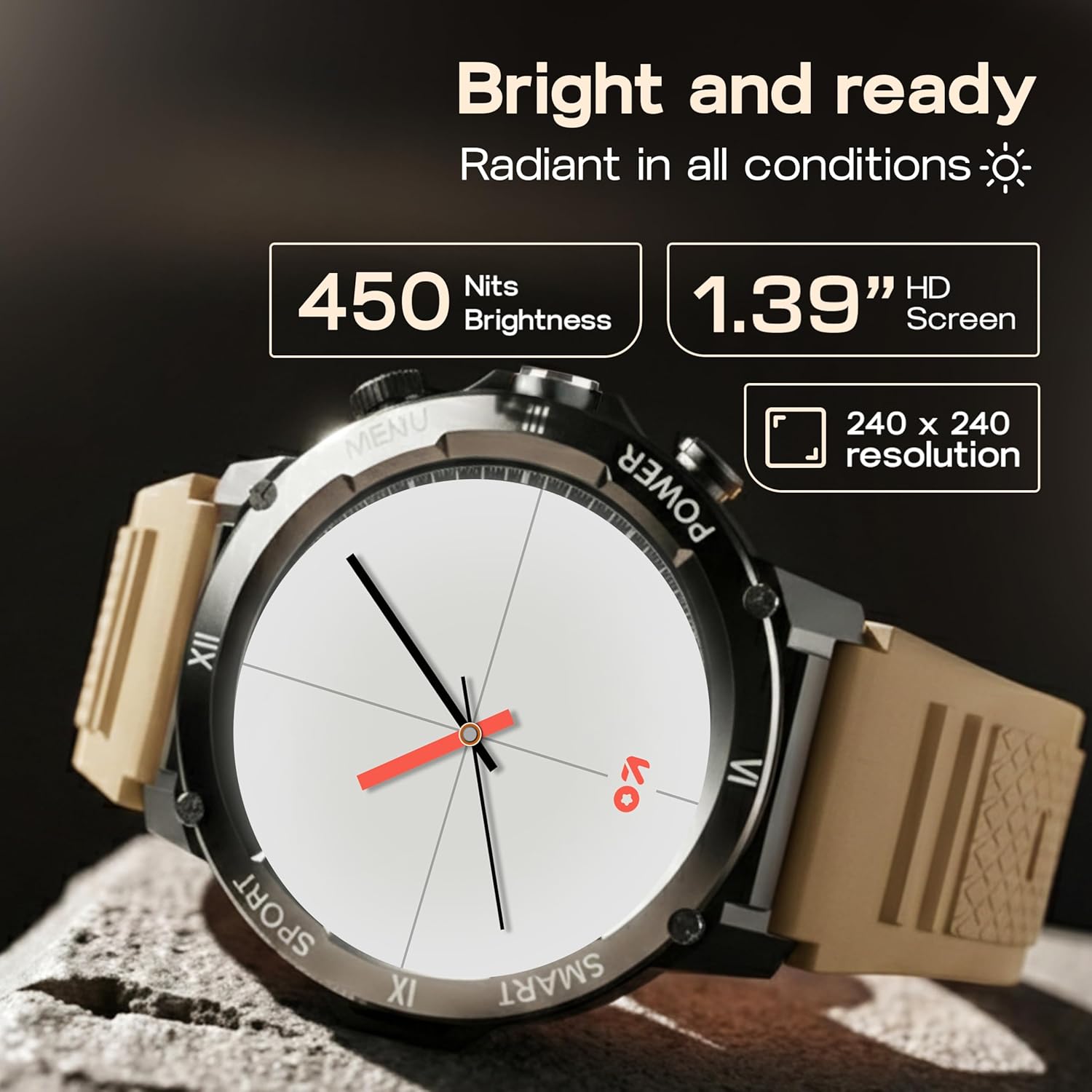
Image: Close-up of the GOBOULT Tuff Hawk Smart Watch display, highlighting its 1.39-inch HD screen, 240x240 resolution, and 450 nits brightness.
2. Using the Working Crown
Rotate the working crown to scroll through menus, lists, and adjust settings effortlessly. Press the crown to select items or return to the home screen.

Image: The GOBOULT Tuff Hawk Smart Watch interface with app icons, demonstrating how to use the rotating working crown for navigation.
3. Bluetooth-opkald
With Bluetooth 5.3 and a single-chip design, the Tuff Hawk Smart Watch allows you to make and receive calls directly from your wrist. It includes a dedicated speaker and microphone for clear communication.
4. AI-stemmeassistent
Access your AI Voice Assistant (compatible with Google Assistant and Siri) directly from your watch. Simply activate the feature and speak your commands for hands-free assistance.
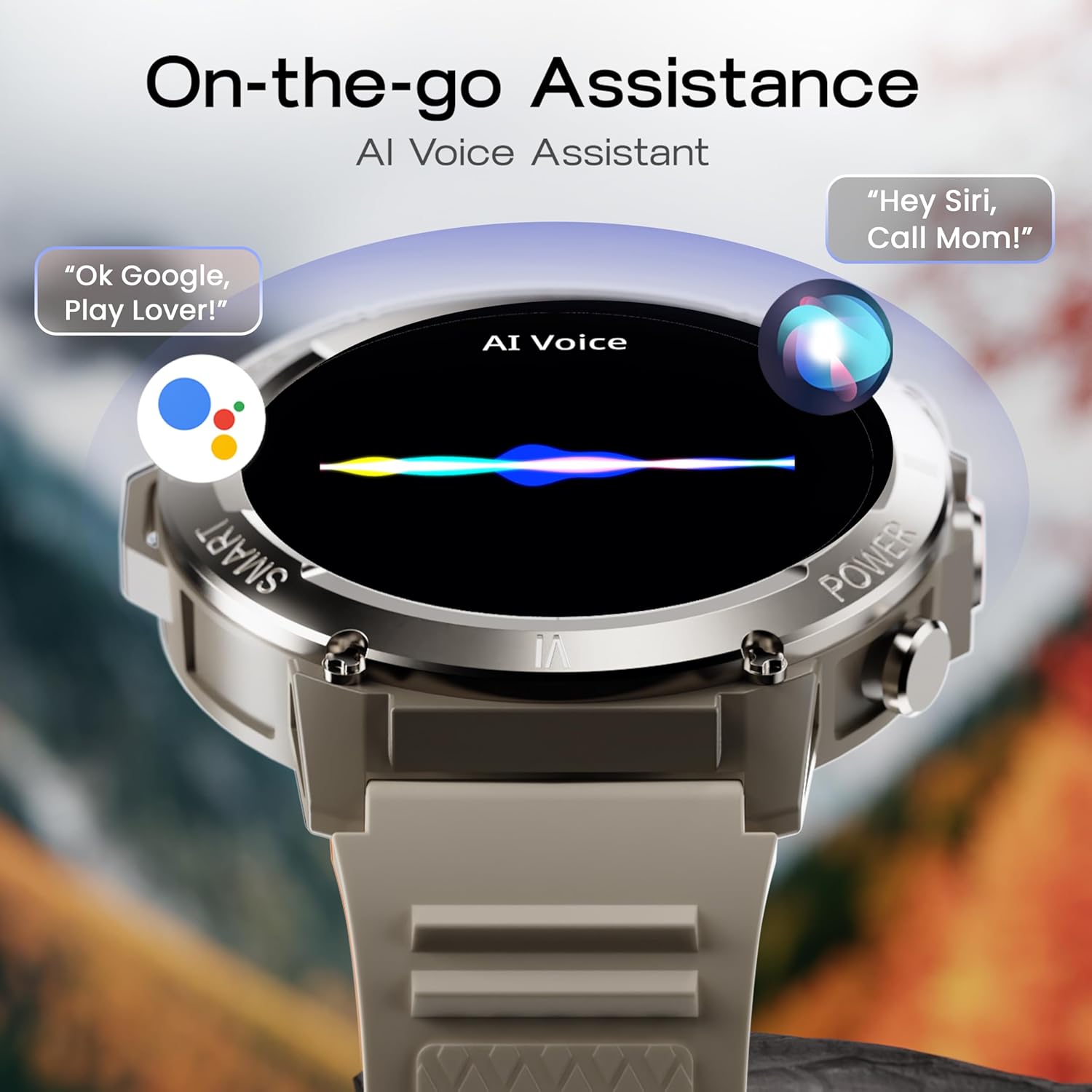
Image: The GOBOULT Tuff Hawk Smart Watch screen showing the AI Voice Assistant in action, with examples of voice commands for Google Assistant and Siri.
5. Sports Modes and Health Tracking
The watch supports over 120 sports modes for various activities. It also provides comprehensive health monitoring features:
- Blodtryksmåler: Spor dine blodtryksniveauer.
- Pulsmåler: Continuously monitor your heart rate.
- Søvnmonitor: Analyser dine søvnmønstre.
- SpO2-monitor: Mål din blods iltmætning.
- Aktivitetssporing: Records steps taken, calories burned, and distance covered.
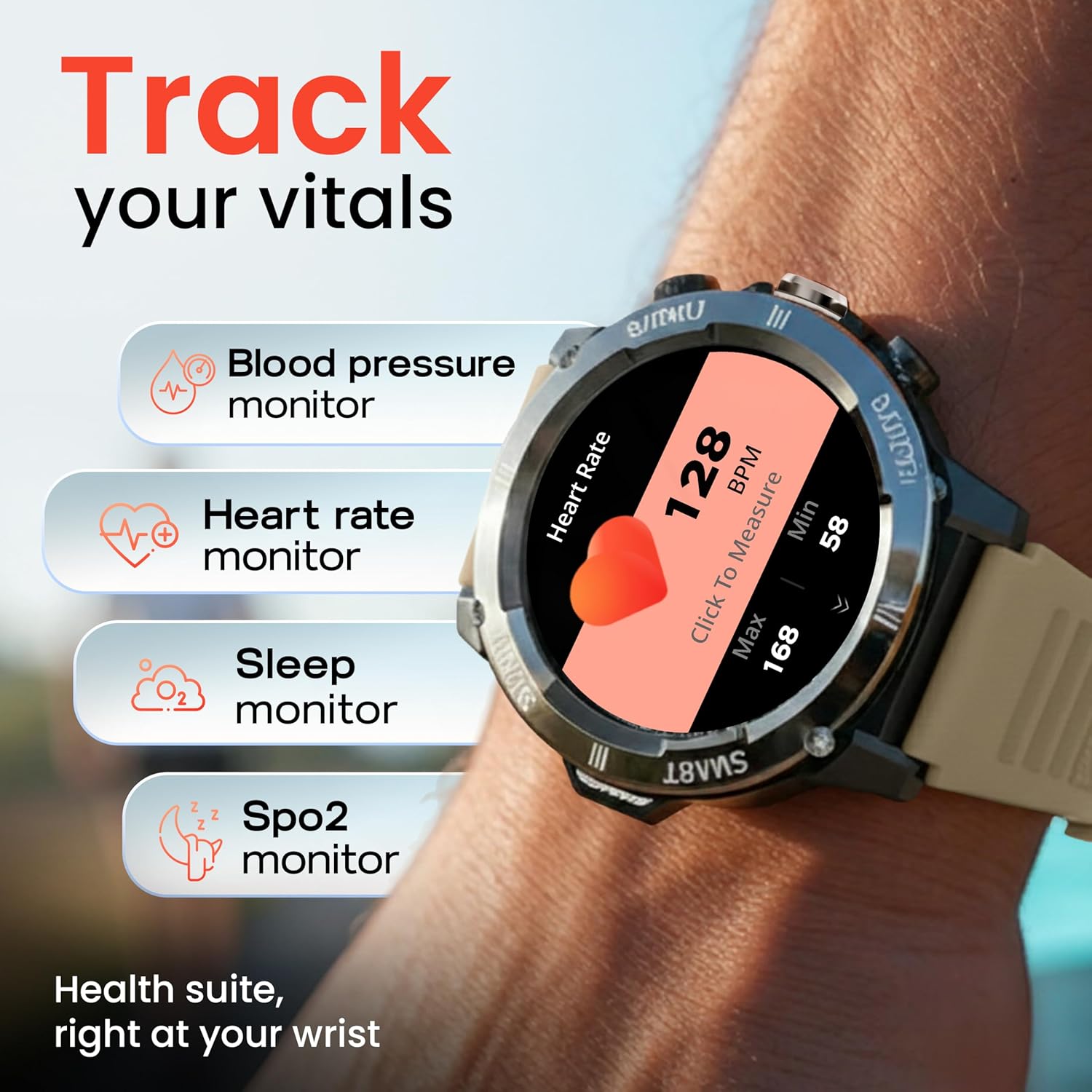
Image: The GOBOULT Tuff Hawk Smart Watch displaying various health tracking features such as blood pressure, heart rate, sleep, and SpO2 monitoring.

Image: The GOBOULT Tuff Hawk Smart Watch on a user's wrist, illustrating the availability of over 120 sports modes for diverse activities.
6. Urskiver
Personalize your watch with over 150 available watch faces to match your style or activity.

Image: The GOBOULT Tuff Hawk Smart Watch showcasing a selection of over 150 customizable watch faces.
7. Dedicated Flashlight
Activate the quick access flashlight feature for instant illumination when needed.

Billede: Et nærbillede view of the GOBOULT Tuff Hawk Smart Watch demonstrating its dedicated flashlight feature, providing instant light.
8. Yderligere funktioner
Uret har adskillige praktiske funktioner:
- Find min telefon: Find din parrede smartphone.
- Verdensur: View tid i forskellige tidszoner.
- Vejroplysninger: Få aktuelle vejroplysninger.
- Fjernbetjening til kamera: Styr din telefons kamera på afstand.
- Lommeregner: Udfør grundlæggende beregninger.

Image: The GOBOULT Tuff Hawk Smart Watch screen showing the 'Find My Phone' feature, alongside icons for world clock, weather details, remote camera, and calculator.
Opretholdelse
1. Vandafvisende
The GOBOULT Tuff Hawk Smart Watch is IP68 water resistant, making it suitable for rain, dust, and rugged outdoor conditions. It can withstand immersion up to 1.5 meters. Avoid prolonged exposure to hot water or steam.

Image: The GOBOULT Tuff Hawk Smart Watch partially submerged in water, highlighting its IP68 water resistance for protection against rain and dust.
2. Rensning
Tør uret og remmen regelmæssigt af med en blød, tør klud. Brug om nødvendigt en let tør klud.amp klud og mild sæbe, og tør derefter grundigt. Undgå barske kemikalier eller slibende materialer.
3. Opbevaring
When not in use for extended periods, store the watch in a cool, dry place. Ensure it is partially charged to prevent battery degradation.
Fejlfinding
1. Uret tænder ikke
- Sørg for, at uret er fuldt opladet. Tilslut det til opladningskablet, og lad det oplade i mindst 30 minutter, før du forsøger at tænde det igen.
- Tryk og hold tænd/sluk-knappen nede i 10-15 sekunder for at udføre en tvungen genstart.
2. Unable to Pair with Smartphone
- Sørg for, at Bluetooth er aktiveret på din smartphone og uret.
- Sørg for, at uret er inden for din telefons Bluetooth-rækkevidde (typisk 10 meter).
- Genstart både din smartphone og uret.
- Ryd Bluetooth-cachen på din telefon, eller glem enheden, og prøv at parre igen.
- Sørg for, at den ledsagende app er opdateret til den nyeste version.
3. Unøjagtige sundhedsdata
- Sørg for, at uret sidder tæt på dit håndled, men ikke for stramt.
- Rengør sensoren på bagsiden af uret.
- Undgå overdreven bevægelse under målingerne.
- Bemærk at uret ikke er et medicinsk udstyr; aflæsningerne er kun til reference.
4. Kort batterilevetid
- Reducer skærmens lysstyrke.
- Deaktiver unødvendige notifikationer.
- Limit continuous heart rate monitoring or other intensive features.
- Sørg for, at uret er fuldt opladet hver gang.
Specifikationer
| Feature | Detalje |
|---|---|
| Modelnavn | Tuff Hawk |
| Skærmstørrelse | 1.39 tommer |
| Display Type | TFT |
| Opløsning | 240x240 |
| Maximum Display Brightness | 450 nit |
| Forbindelsesteknologi | Bluetooth 5.3 |
| Battericellesammensætning | Lithium polymer |
| Batteriopladningstid | 150 minutter |
| Batterilevetid | Op til 7 dage |
| Vandmodstandsvurdering | IP68 (1.5 Metres depth) |
| Etui materiale | Zink Alloy |
| Båndmateriale | Silikone |
| Vægt | 48 gram |
| Human Interface Input | Touchscreen, Working Crown |
| Controller type | Google Assistant, Siri |
| Målte metrikker | Blood Oxygen (SpO2), Calories Burned, Sleep Duration, Step Count |
| Kompatible enheder | Android- og iOS-smartphones |
| Kassens indhold | Ladekabel, Brugervejledning |
Garanti og support
Garantioplysninger
Your GOBOULT Tuff Hawk Smart Watch comes with a 1 års producentgaranti fra købsdatoen. Denne garanti dækker fabrikationsfejl. Gem venligst din købsbevis i tilfælde af garantikrav.
Kundesupport
For technical assistance, warranty claims, or product inquiries, please contact GOBOULT customer support. Refer to the product packaging or the official GOBOULT webhjemmeside for de seneste kontaktoplysninger.
Fabrikant: Exotic Mile Private Limited, Boult Audio, B-67 Wazirpur Industriområde, New Delhi 110052