
Indledning
Welcome to the Portronics 30W Dash Wireless Bluetooth Portable Speaker user manual. This guide provides detailed instructions for setting up, operating, maintaining, and troubleshooting your speaker, ensuring you get the most out of its features, including the dual wireless karaoke microphones, RGB LED lights, and versatile connectivity options.
Hvad er der i æsken
- Party Speaker (1 N)
- Charging Cable (1 N)
- Documentation (1 N)
- Wireless Karaoke Mic (2 N)
Produkt overview
Familiarize yourself with the components and controls of your Portronics Dash speaker.

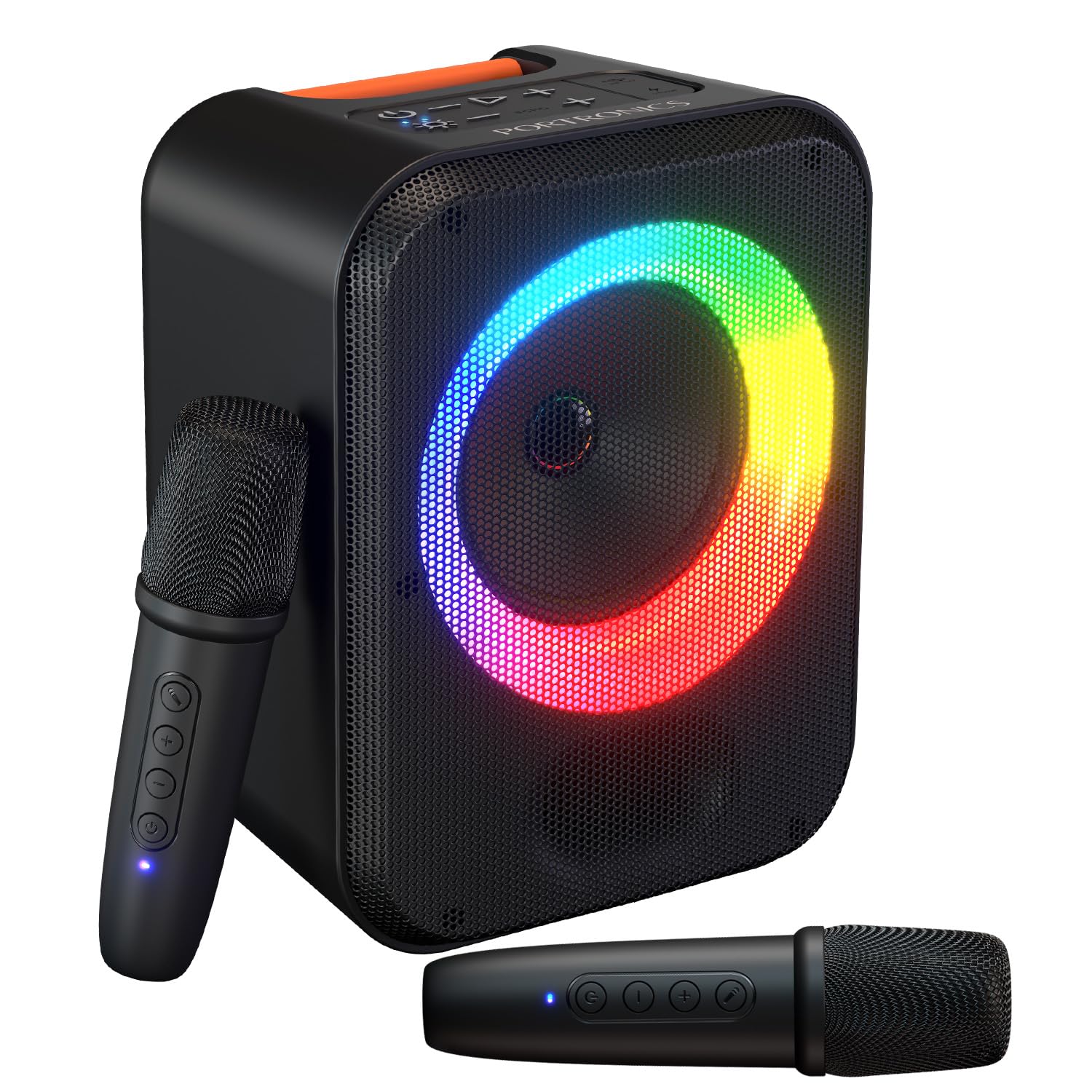
The Portronics Dash speaker featuring its compact design, RGB LED ring, and integrated handle.

Detaljeret view of the speaker's top control panel, showing buttons for power, playback, RGB lights, and echo adjustment.

The two wireless karaoke microphones included with the speaker, featuring power and volume controls.
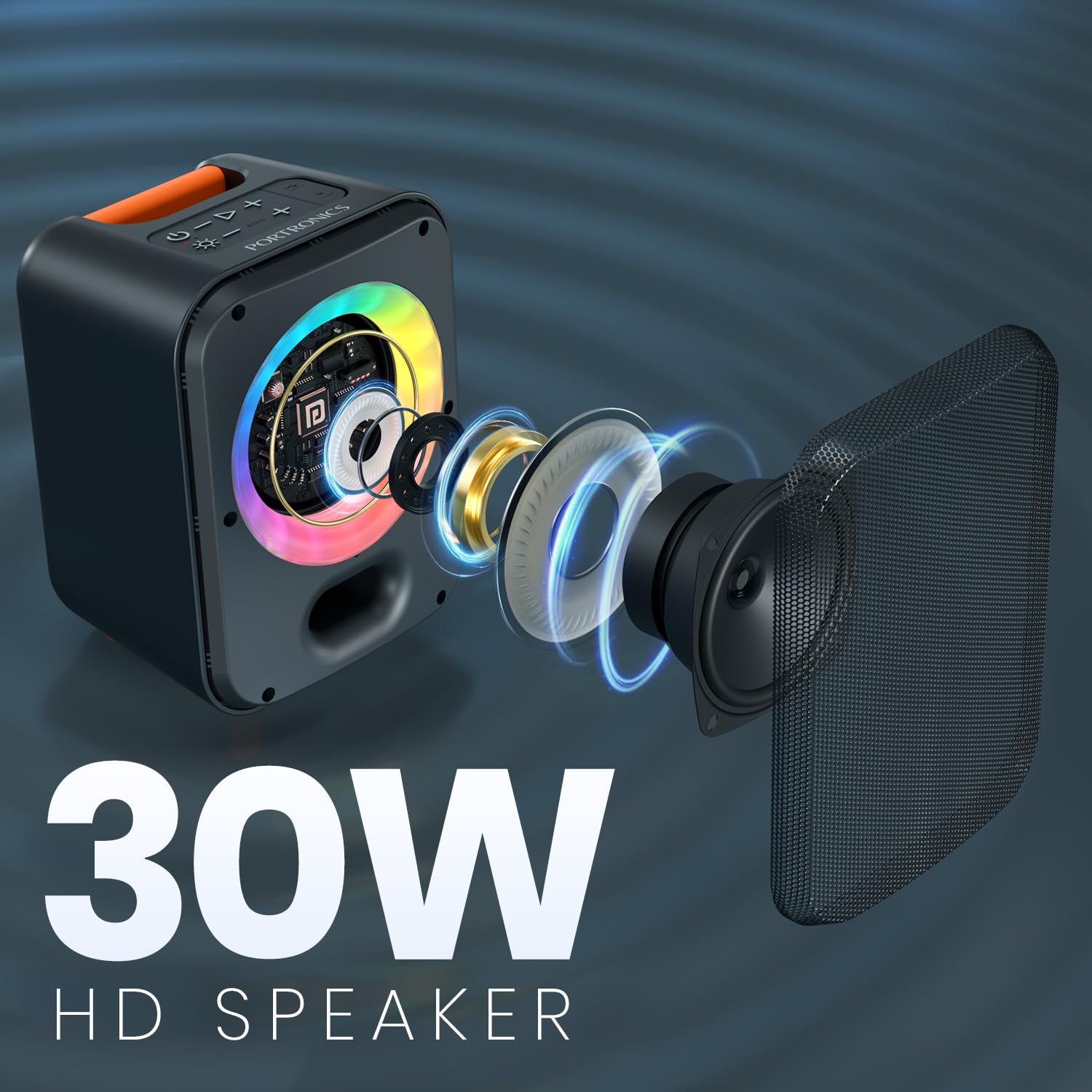
En eksploderede view illustrating the powerful 30W speaker driver and internal components.
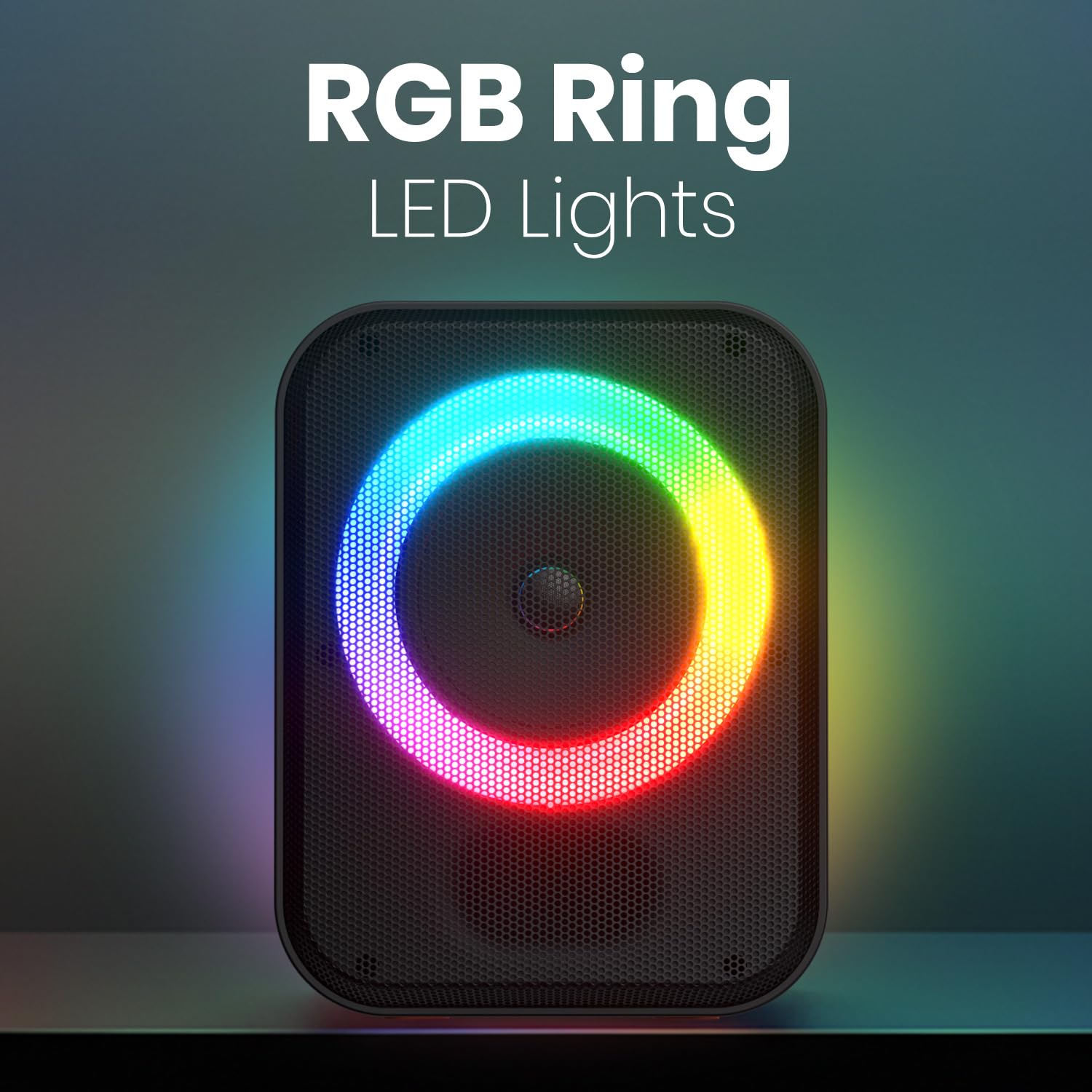
A close-up of the dynamic RGB LED light ring, which syncs with music.

The speaker, microphones, and a smartphone, demonstrating seamless Bluetooth 5.4 pairing.
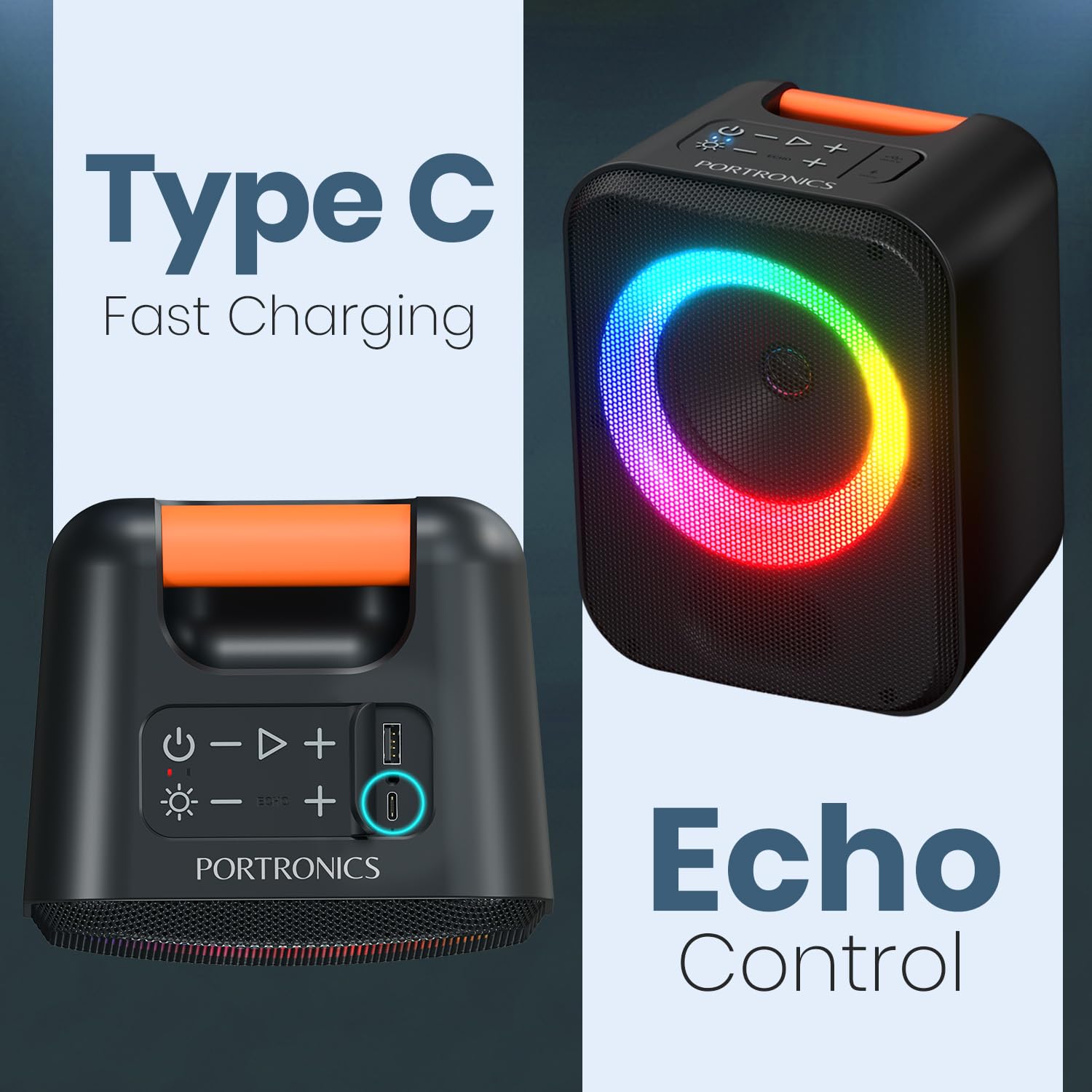
The speaker highlighting its Type-C fast charging port and dedicated echo control feature.
The speaker with a visual representation of its up to 5 hours of playtime on a single charge.
Opsætning
Opladning af højttaleren
Connect the provided Type-C charging cable to the speaker's Type-C port and a compatible USB power adapter (not included). The charging indicator will illuminate to show the charging status. A full charge provides up to 5 hours of playtime.
Opladning af mikrofoner
The wireless microphones are powered by internal rechargeable batteries. Connect them to a USB power source using their respective charging cables (if provided) or follow the specific charging instructions included with the microphones.
Tænd/sluk
Tryk og hold på Magt button on the speaker's control panel to turn the device on or off. A sound prompt will indicate the power status.
Betjeningsvejledning
Bluetooth-parring
- Sørg for, at højttaleren er tændt. Den vil automatisk gå i Bluetooth-parringstilstand, hvilket indikeres af et blinkende LED-lys.
- Naviger til Bluetooth-indstillingerne på din smartphone eller anden Bluetooth-aktiveret enhed.
- Søg efter available devices and select "Portronics Dash" from the list.
- A confirmation sound will indicate successful pairing. The LED light will become solid.
Using Karaoke Microphones
- Power on both wireless microphones. They are designed to automatically connect to the speaker.
- Brug Ekkokontrol knapper (EKKO + / ECHO -) on the speaker's control panel to adjust the echo effect for your vocals.
- Some microphones may feature a voice changer function; refer to the microphone's specific instructions for activation and use.
Afspilning af musik fra andre kilder
USB-drev
Indsæt et USB-drev, der indeholder lyd files into the USB port on the speaker. The speaker will automatically detect the drive and begin playing music.
TF kort
Indsæt et TF-kort (microSD) med lyd files into the TF card slot. The speaker will automatically detect the card and play music.
AUX-indgang
Connect an external audio device (e.g., MP3 player, laptop) to the speaker's AUX-In port using a 3.5mm AUX cable. The speaker will automatically switch to AUX mode.
RGB lyskontrol
Tryk på den dedikerede RGB lys button (often indicated by a light bulb icon) on the speaker's control panel to cycle through different light modes or to turn the lights off.
Lydstyrkekontrol
Brug Volumen + og Volumen - buttons on the speaker's control panel to adjust the master volume level.
Opretholdelse
Rensning
Wipe the speaker and microphones with a soft, dry, lint-free cloth. Do not use abrasive cleaners, solvents, or harsh chemicals, as these can damage the finish and internal components.
Opbevaring
Store the device in a cool, dry place away from direct sunlight, high temperatures, and excessive humidity. When storing for extended periods, ensure the battery is partially charged (around 50%) to maintain battery health.
Batteripleje
To prolong the lifespan of the built-in rechargeable battery, fully charge the speaker before its first use. Recharge the battery regularly, even if the speaker is not in use for extended periods. Avoid completely discharging the battery frequently.
Fejlfinding
| Problem | Løsning |
|---|---|
| Højttaleren tænder ikke. | Ensure the battery is charged. Connect the Type-C charging cable and try powering on again. |
| Ingen lyd fra højttaleren. | Check the volume level on both the speaker and the connected device. Ensure the correct input mode (Bluetooth, USB, AUX, TF) is selected. |
| Bluetooth-parring mislykkes. | Ensure the speaker is in pairing mode. Turn off Bluetooth on other nearby devices to avoid interference. Move the speaker closer to your device. |
| Mikrofonerne virker ikke. | Ensure microphones are powered on and charged. Check their connection to the speaker. Adjust microphone volume and echo settings on the speaker. |
Specifikationer
| Feature | Værdi |
|---|---|
| Mærke | Portronics |
| Modelnummer | POR-3334 |
| Højttaler Maksimal udgangseffekt | 30 watt |
| Forbindelsesteknologi | Bluetooth V5.4, TF Card, AUX-In, USB Drive, Type-C |
| Lydudgangstilstand | Stereoanlæg |
| Batteriets gennemsnitlige levetid | 5 timer |
| Varedimensioner (D x B x H) | 31D x 20B x 18.2H Centimeter |
| Varens vægt | 1567 gram |
| Indkapslingsmateriale | ABS plast |
| Produktegenskaber | Dual Karaoke Mic, ECHO Control, RGB LED Light |
| Kassens indhold | Party Speaker 1 N, Charging Cable 1 N, Documentation 1 N, Wireless Karaoke Mic 2N |
Garanti og support
Garantioplysninger
This Portronics Dash speaker comes with a 1 års garanti from the date of purchase. Please retain your purchase receipt or invoice as proof of purchase for any warranty claims.
Kundesupport
For any assistance, technical support, or warranty-related inquiries, please contact Portronics customer service:
- E-mail: help@portronics.com
- Telefon: +91 9555-245-245
- Manufacturer Address: Portronics Digital Pvt ltd, First Floor Property No D 8 Upper Basement Sector 8 Noida Uttar Pradesh 201301