
1. Opsætning
1.1 Pakkens indhold
Før montering skal du kontrollere, at alle komponenter er til stede i pakken:
- KTC H24F7 24 Inch 240Hz Monitor
- Skærmbase
- Monitor Stand
- Strømadapter
- HDMI kabel
- Hurtig startguide (QSG)
1.2 Monteringsvejledning
Følg disse trin for at samle din skærm:
- Tag forsigtigt skærmen og alle komponenter ud af emballagen.
- Attach the monitor stand to the monitor base. Ensure it clicks securely into place.
- Connect the assembled stand and base to the back of the monitor. The stand is designed for easy snap-in installation.
- Placer skærmen på en stabil, flad overflade.

1.3 Installation af VESA-beslag
The KTC H24F7 monitor supports VESA 100mm x 100mm mounting for alternative stand or wall mount solutions. Ensure you use M4-0.7 x 10mm screws (not included) for secure installation.

1.4 Tilslutning til enheder
Tilslut din computer eller andre enheder til skærmen med de relevante kabler.
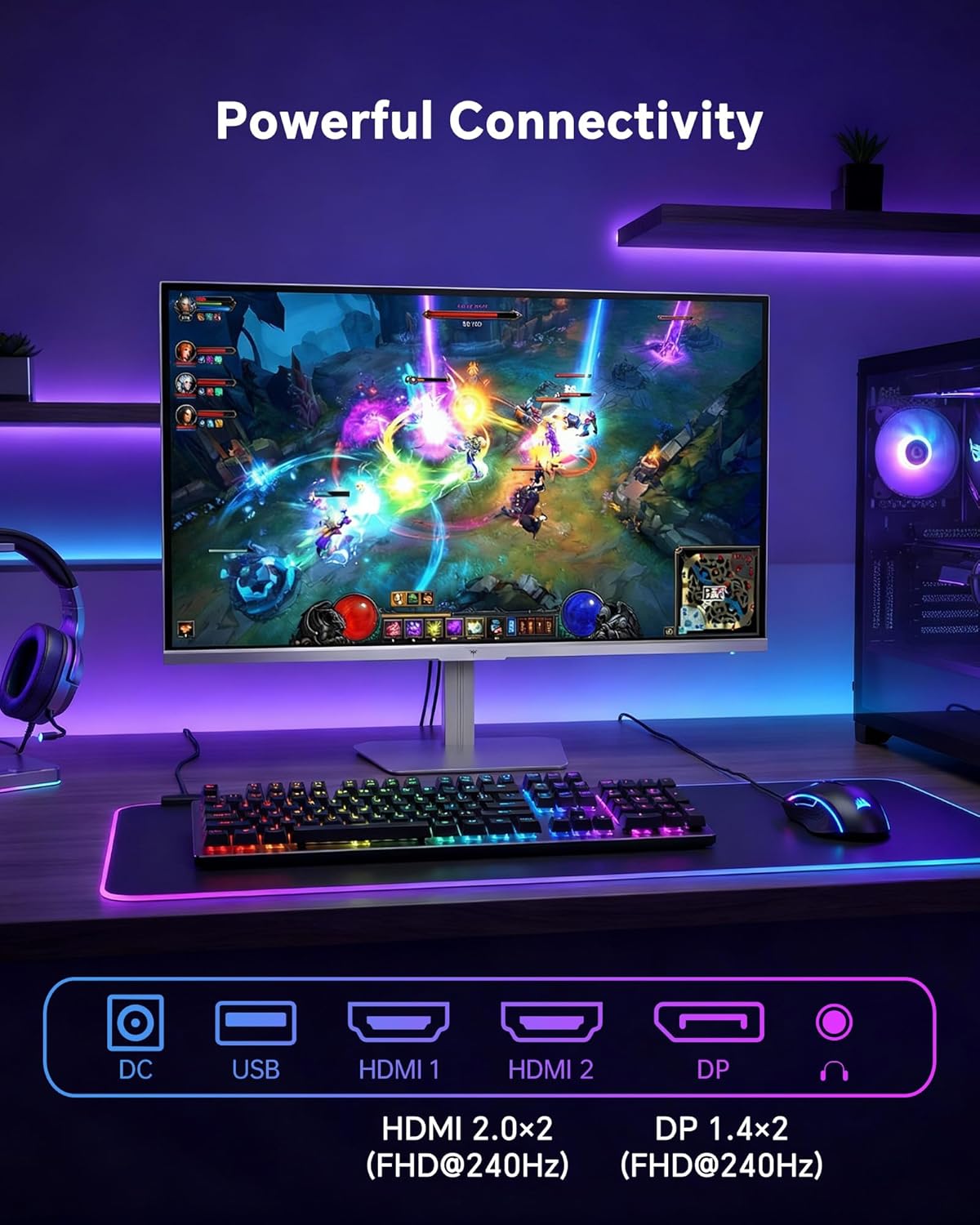
- HDMI: Use an HDMI cable to connect to devices with HDMI output. The monitor has two HDMI 2.0 ports, supporting FHD at 240Hz.
- DisplayPort: Use a DisplayPort cable for devices with DisplayPort output. The monitor has one DisplayPort 1.4, supporting FHD at 240Hz.
- Magt: Connect the power adaptor to the DC input on the monitor and then to a power outlet.
- USB: A USB 2.0 port is available for connecting peripherals.
- Lydudgang: A 3.5mm audio jack is available for connecting headphones or external speakers.
2. Betjeningsvejledning
2.1 Tænd/sluk
Tryk på tænd/sluk-knappen på skærmen for at tænde eller slukke den. Strømindikatorlampen lyser, når skærmen er aktiv.
2.2 On-Screen Display (OSD) menu
The OSD menu allows you to adjust various monitor settings. Use the control buttons (typically located on the back or bottom of the monitor) to navigate the menu and select options. Refer to the Quick Start Guide for specific button functions.
2.3 Skærmindstillinger
Optimer din viewoplevelse ved at justere følgende indstillinger:
- Opdateringshastighed: The monitor supports a 240Hz refresh rate for smooth motion. Ensure your graphics card settings are configured to utilize this rate.

- Adaptiv synkronisering: This technology synchronizes the monitor's refresh rate with your graphics card's frame rate to eliminate screen tearing and stuttering. Enable Adaptive Sync in the OSD menu and ensure it is also enabled in your graphics card control panel (FreeSync/G-Sync compatible).

- HDR 400: High Dynamic Range 400 provides enhanced contrast and color accuracy, delivering brighter highlights and deeper shadows. Activate HDR in the OSD menu and your operating system display settings for compatible content.

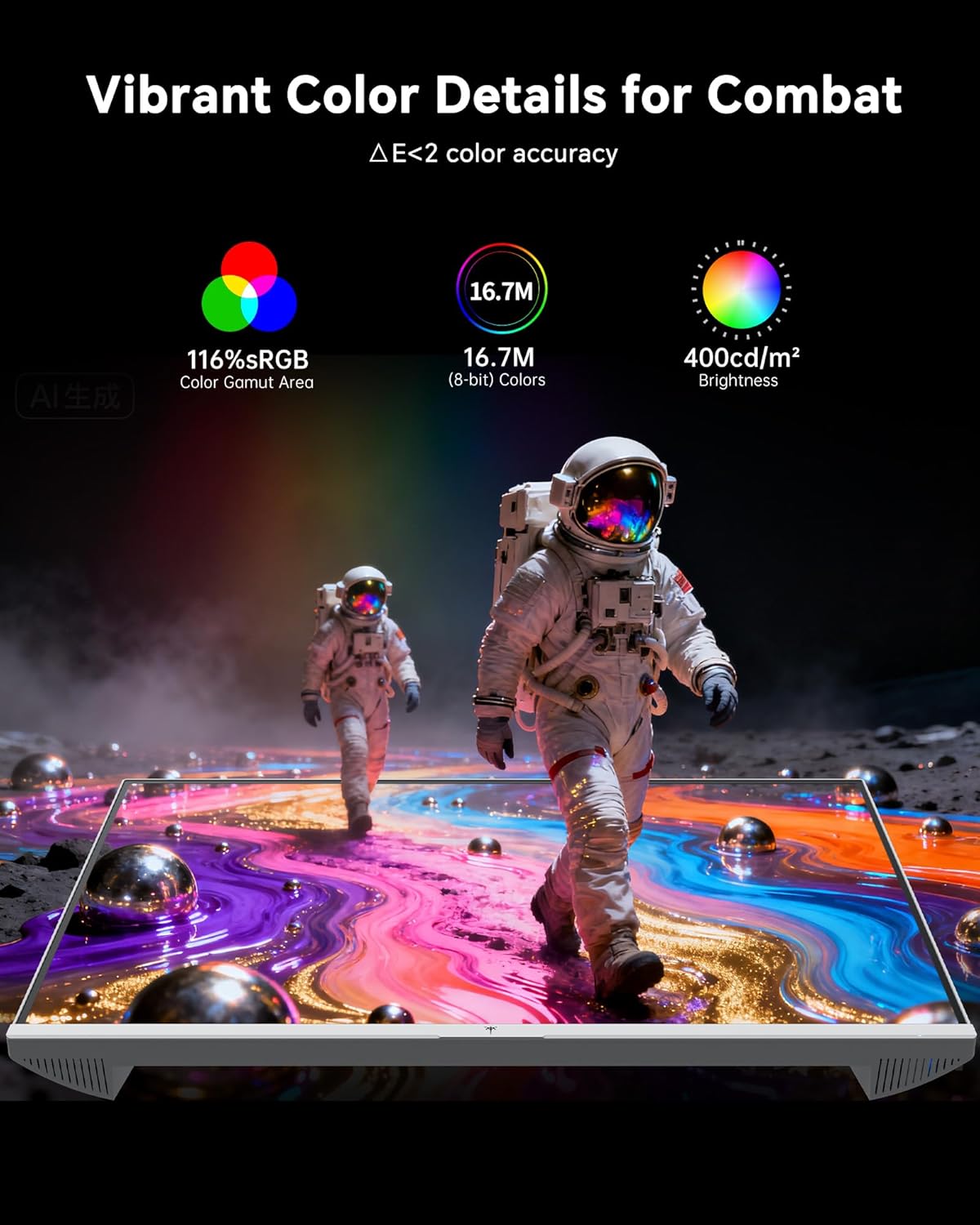
- Farveindstillinger: The monitor offers 116% sRGB color gamut and 16.7 million colors. Adjust brightness (up to 400 cd/m²) and color temperature through the OSD menu to suit your preference.
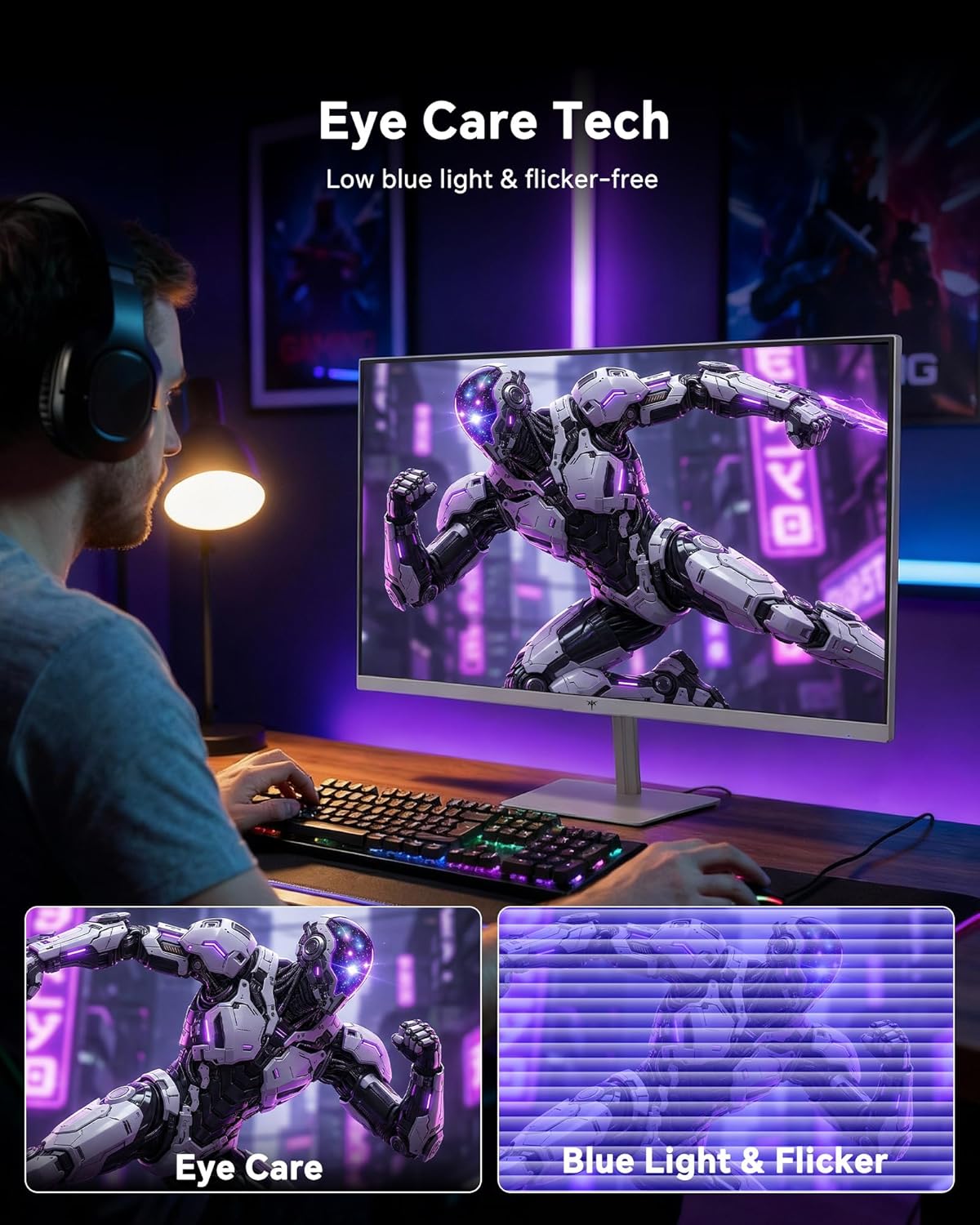
- Øjenplejeteknologi: The monitor features low blue light and flicker-free technology to reduce eye strain during prolonged use. These settings can typically be adjusted or enabled within the OSD menu.
2.4 Monitor Tilt Adjustment
The monitor supports tilt adjustment from -5° to 15° (±3°). Gently adjust the monitor panel to your desired viewvinkel.
3. Vedligeholdelse
3.1 Rengøring af monitoren
For at rengøre skærmskærmen og casing:
- Sluk altid skærmen og tag netledningen ud, inden rengøring.
- Brug en blød, fnugfri klud lidt damprengøres med vand eller et mildt, ikke-slibende skærmrensemiddel.
- Wipe the screen gently to remove dust and smudges. Avoid applying excessive pressure.
- For casing, use a dry, soft cloth. Do not use alcohol, ammonia, or abrasive cleaners, as these can damage the surface.
3.2 Generel pleje
- Undgå at placere tunge genstande på skærmen eller dens kabler.
- Udsæt ikke skærmen for direkte sollys, overdreven varme eller ekstrem kulde.
- Hold skærmen væk fra væsker og høj luftfugtighed.
- Sørg for korrekt ventilation omkring skærmen for at forhindre overophedning.
4. Fejlfinding
If you encounter issues with your KTC H24F7 monitor, refer to the following common problems and solutions:
| Problem | Mulig årsag | Løsning |
|---|---|---|
| Intet billede på skærmen | Power cable disconnected; Video cable disconnected or loose; Incorrect input source selected; Monitor is off. | Ensure power cable is securely connected and monitor is on. Check video cable connections (HDMI/DisplayPort) at both the monitor and computer. Press the input source button on the monitor to cycle through inputs. |
| Billede flimrer eller tearing | Adaptive Sync not enabled; Graphics card driver issues; Faulty video cable. | Enable Adaptive Sync in the OSD menu and your graphics card control panel. Update graphics card drivers. Try a different video cable. If using DisplayPort 1, try DisplayPort 2 or HDMI if available, as some units may experience issues with specific ports. |
| Farverne virker forkerte eller udvaskede | Color settings incorrect; HDR not properly configured; Faulty video cable. | Adjust color settings (brightness, contrast, color temperature) in the OSD menu. Ensure HDR is enabled in both the OSD and your operating system for HDR content. Try a different video cable. |
| Monitor not reaching 240Hz | Graphics card limitations; Incorrect display settings in OS; Cable bandwidth limitations. | Ensure your graphics card supports 240Hz at 1080p. Verify display settings in your operating system (e.g., Windows Display Settings or NVIDIA/AMD control panel) are set to 240Hz. Use the provided HDMI cable or a certified DisplayPort 1.4 cable. |
| Stuck or dead pixels | Produktionsfejl. | A small number of stuck or dead pixels (typically 1-3) may be considered normal for LCD panels. If the issue is severe or persistent, contact customer support. |
5. Specifikationer
| Feature | Detalje |
|---|---|
| Mærke | KTC |
| Modelnummer | H24F7 |
| Skærmstørrelse | 24 tommer |
| Opløsning | FHD 1080p (1920 x 1080 pixels) |
| Paneltype | Næsten IPS |
| Opdateringshastighed | 240 Hz |
| Svartid | 1 Millisecond (MPRT) |
| Aspektforhold | 16:9 |
| Lysstyrke | 400 Candela pr. kvadratmeter |
| Kontrastforhold | 1000:1 |
| Farveskala | 116 % sRGB |
| HDR-understøttelse | HDR 400 |
| Adaptiv synkronisering | FreeSync, G-Sync Compatible |
| Forbindelse | 2x HDMI 2.0, 1x DisplayPort 1.4, 1x USB 2.0, 1x Audio Out (3.5mm) |
| Øjenplejefunktioner | Low Blue Light, Flicker-Free, Anti-Glare Screen |
| Justeringer | Hældning (-5° til 15°) |
| VESA Mount | 100 mm x 100 mm |
| Mål (D x B x H) | 5.39" D x 21.25" B x 15.74" H |
| Varens vægt | 3.2 kilo |
| Farve | Hvid |
6. Garanti og support
6.1 Garantioplysninger
The KTC H24F7 monitor comes with a tre års producentgaranti. Denne garanti dækker fejl i materialer og udførelse ved normal brug.
Gem venligst dit købsbevis for garantikrav.
6.2 Kundesupport
For technical assistance, warranty claims, or any questions regarding your KTC H24F7 monitor, please contact KTC customer support. KTC aims to provide responsive customer support and typically responds within 12 hours.
You can usually find contact information on the official KTC website or through the retailer where you purchased the product. When contacting support, please have your monitor model number (H24F7) and purchase details ready.