
Indledning
This manual provides detailed instructions for the setup, operation, maintenance, and troubleshooting of your MAGIC-REFINER X2 Superlight Wireless Gaming Mouse. Please read this manual thoroughly before using the product to ensure optimal performance and longevity.
Pakkens indhold
- MAGIC-REFINER X2 Wireless Gaming Mouse
- USB-C lade-/datakabel
- 2.4 GHz USB-modtager
- Valgfrit grebstape
- Brugermanual
Produkt overview
The MAGIC-REFINER X2 mouse features a lightweight design and tri-mode connectivity for versatile use.
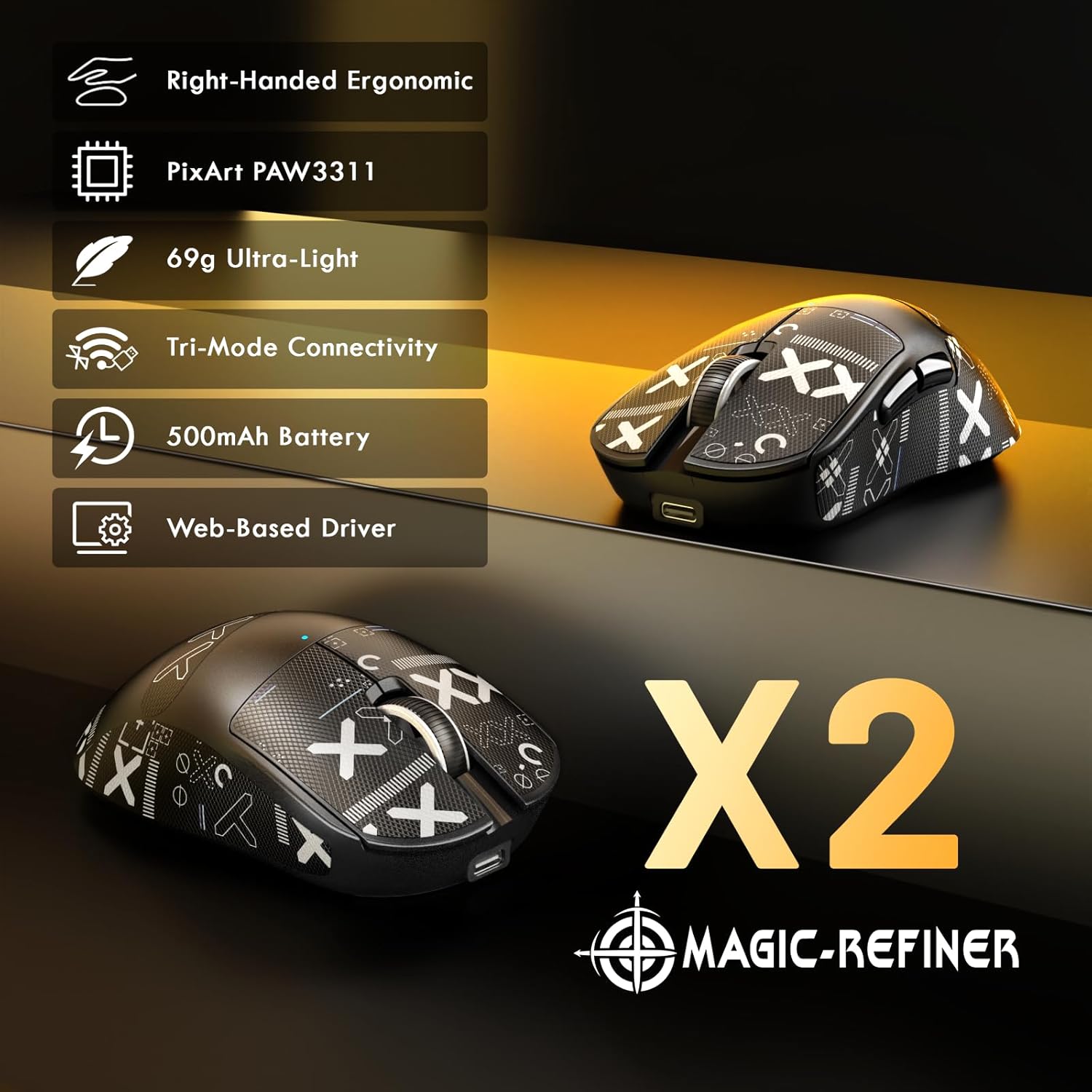
Billede: Overview of the MAGIC-REFINER X2 mouse highlighting its main features and ergonomic design.
Mouse Dimensions and Ergonomics

Image: Detailed dimensions and ergonomic design of the X2 mouse, suitable for right-handed users with medium to large hands.
The X2 mouse is designed for right-handed users, offering an ergonomic shape for comfortable use during extended periods. Its dimensions are approximately 122mm (length) x 64mm (width) x 41mm (height).
Opsætning
1. Opladning af musen
Before first use, it is recommended to fully charge the mouse. Connect the supplied USB-C cable to the mouse's charging port and the other end to a USB power source (e.g., computer USB port, USB wall adapter). The mouse features a 500mAh battery, providing approximately 200 hours of usage on a full charge.
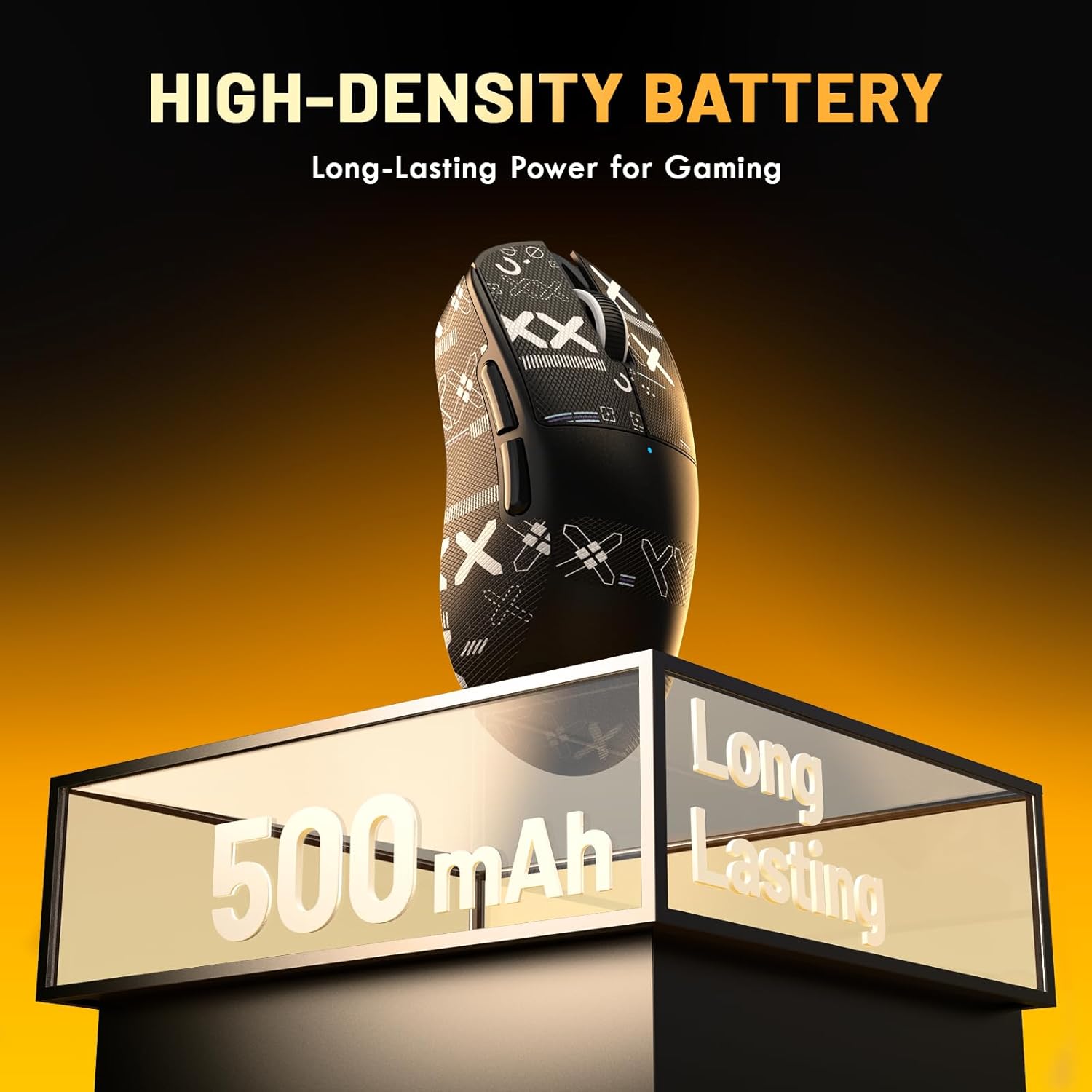
Image: The X2 mouse highlighting its 500mAh high-density, long-lasting battery.
2. Tilslutning af musen
The MAGIC-REFINER X2 supports three connection modes: 2.4GHz Wireless, Bluetooth, and Wired USB-C.
2.1. 2.4 GHz trådløs tilstand
- Locate the 2.4GHz USB receiver, usually stored in a compartment on the underside of the mouse.
- Sæt USB-modtageren i en ledig USB-port på din computer.
- Turn on the mouse using the power switch on the underside. Select the 2.4GHz mode (often indicated by a specific switch position or LED color).
- Musen burde automatisk oprette forbindelse til din computer.
2.2. Bluetooth-tilstand
- Turn on the mouse and select the Bluetooth mode using the switch on the underside.
- Åbn Bluetooth-indstillingerne på din computer eller enhed.
- Initiate the pairing process on the mouse (refer to the mouse's underside or a specific button for pairing mode, usually indicated by a blinking LED).
- Select "MAGIC-REFINER X2" (or similar name) from the list of available Bluetooth devices on your computer and complete the pairing.
2.3. Kablet tilstand
- Tilslut USB-C-kablet til musen og den anden ende til en USB-port på din computer.
- Musen skifter automatisk til kablet tilstand og begynder at oplade.

Image: The X2 mouse demonstrating its tri-mode connectivity options, including wired USB-C, 2.4GHz wireless, and Bluetooth.
Betjening af musen
DPI justering
The X2 mouse features a PixArt PAW3311 sensor with a maximum DPI of 25,000. DPI settings can be adjusted using the dedicated DPI button on the mouse or through the web-based driver software. The mouse typically cycles through preset DPI levels with each press of the DPI button.

Image: Technical specifications of the PixArt PAW3311 sensor, including IPS, DPI, Polling Rate, and Acceleration.
Afstemningshastighedsjustering
The mouse supports a 1000Hz polling rate. This setting can be configured via the web-based driver software to suit your preferences.
Programmerbare knapper og software
The MAGIC-REFINER X2 mouse is equipped with 5 programmable buttons. To customize button functions, DPI settings, polling rate, and other parameters, download and install the dedicated web-based driver software from the official MAGIC-REFINER website. The software allows for personalized configurations to enhance your gaming experience.

Image: The user interface of the web-based driver software for the X2 mouse, demonstrating customization options for DPI, polling rate, and button assignments.
Applying Grip Tape
The included grip tape can be applied to the mouse for enhanced grip and to reduce hand sweat. Ensure the mouse surface is clean and dry before carefully applying the pre-cut tape to the desired areas.
Opretholdelse
- Rensning: Use a soft, dry cloth to clean the mouse. Avoid using harsh chemicals or abrasive materials. For stubborn dirt, a slightly damp cloth can be used, ensuring no moisture enters the mouse's internal components.
- Opbevaring: Opbevar musen et køligt, tørt sted væk fra direkte sollys og ekstreme temperaturer.
- Batteripleje: For at forlænge batteriets levetid bør du undgå at aflade musen helt ofte. Oplad den, når batteriindikatoren indikerer lav strøm.
Fejlfinding
- Musen svarer ikke:
- Ensure the mouse is powered on and the correct connection mode (2.4GHz, Bluetooth, or Wired) is selected.
- Kontroller batteriniveauet og oplad om nødvendigt.
- For 2.4GHz mode, ensure the USB receiver is securely plugged into a working USB port. Try a different USB port.
- For Bluetooth mode, ensure Bluetooth is enabled on your device and the mouse is properly paired. Try re-pairing.
- Sørg for, at USB-C-kablet er korrekt tilsluttet til både musen og computeren, hvis du bruger kabelbaseret tilstand.
- Cursor movement is erratic or sluggish:
- Rengør den optiske sensor på undersiden af musen.
- Sørg for at bruge musen på en passende overflade (f.eks. en musemåtte). Undgå meget reflekterende eller gennemsigtige overflader.
- Juster DPI-indstillingerne til et behageligt niveau.
- Check for interference in wireless modes. Move the receiver closer to the mouse or away from other wireless devices.
- Knapper virker ikke:
- Sørg for, at musen er korrekt tilsluttet.
- If using programmable buttons, check the settings in the web-baseret driversoftware.
Specifikationer
| Mærke | MAGI-RAFFINER |
| Model | X2 |
| Forbindelse | Tri-Mode (2.4 GHz trådløs, Bluetooth, USB-C kablet) |
| Sensor | PixArt PAW3311 Optisk Sensor |
| Max DPI | 25,000 DPI |
| Afstemningsfrekvens | 1000 Hz |
| Acceleration | 35G |
| IPS | 300 IPS |
| Knapper | 5 Programmerbare knapper |
| Afbrydere | HUANO mikroafbrydere (60 millioner klik) |
| Encoder | TTC Encoder |
| Batterikapacitet | 500mAh |
| Batterilevetid | Op til 200 timer |
| Vægt | 69g (approx. 0.2 Kilograms total package weight) |
| Håndorientering | Right-Handed |
| Kompatible enheder | Personlig computer (PC/Mac) |
Garanti og support
MAGIC-REFINER products are designed for reliability and performance. This product comes with a standard manufacturer's warranty. For specific warranty terms and conditions, please refer to the warranty card included in your package or visit the official MAGIC-REFINER webwebsted.
For technical support, troubleshooting assistance, or inquiries regarding your MAGIC-REFINER X2 mouse, please contact our customer support team through the official webwebstedet eller kontaktoplysningerne i din produktdokumentation.
Officiel Webwebsted: www.magic-refiner.com (Bemærk: Dette er en pladsholder URL. Please refer to your product packaging for the actual support webwebsted.)