
Indledning
This manual provides essential instructions for the safe and efficient operation of your ASHATA 5 Inch E-Book Reader (Model ASHATA7sn5yg8thx). Please read this manual thoroughly before using the device and retain it for future reference.
Sikkerhedsoplysninger
- Udsæt ikke enheden for ekstreme temperaturer, direkte sollys eller høj luftfugtighed.
- Undgå at tabe eller udsætte enheden for kraftige stød.
- Brug kun det medfølgende opladningskabel og adapter for at undgå skader.
- Hold enheden væk fra vand og andre væsker.
- Forsøg ikke selv at skille enheden ad eller reparere den. Kontakt support for at få hjælp.
Pakkens indhold
Bekræft at alle varer er til stede i pakken:
- 1 x ASHATA E-Reader
- 1 x høretelefoner
- 1 x opladningskabel (Type-C)
- 1 x Writing Pad
- 1 x kapacitiv pen
- 1 x skærmbeskytter
- 1 x beskyttelsesetui
- 1 x Brugermanual (dette dokument)
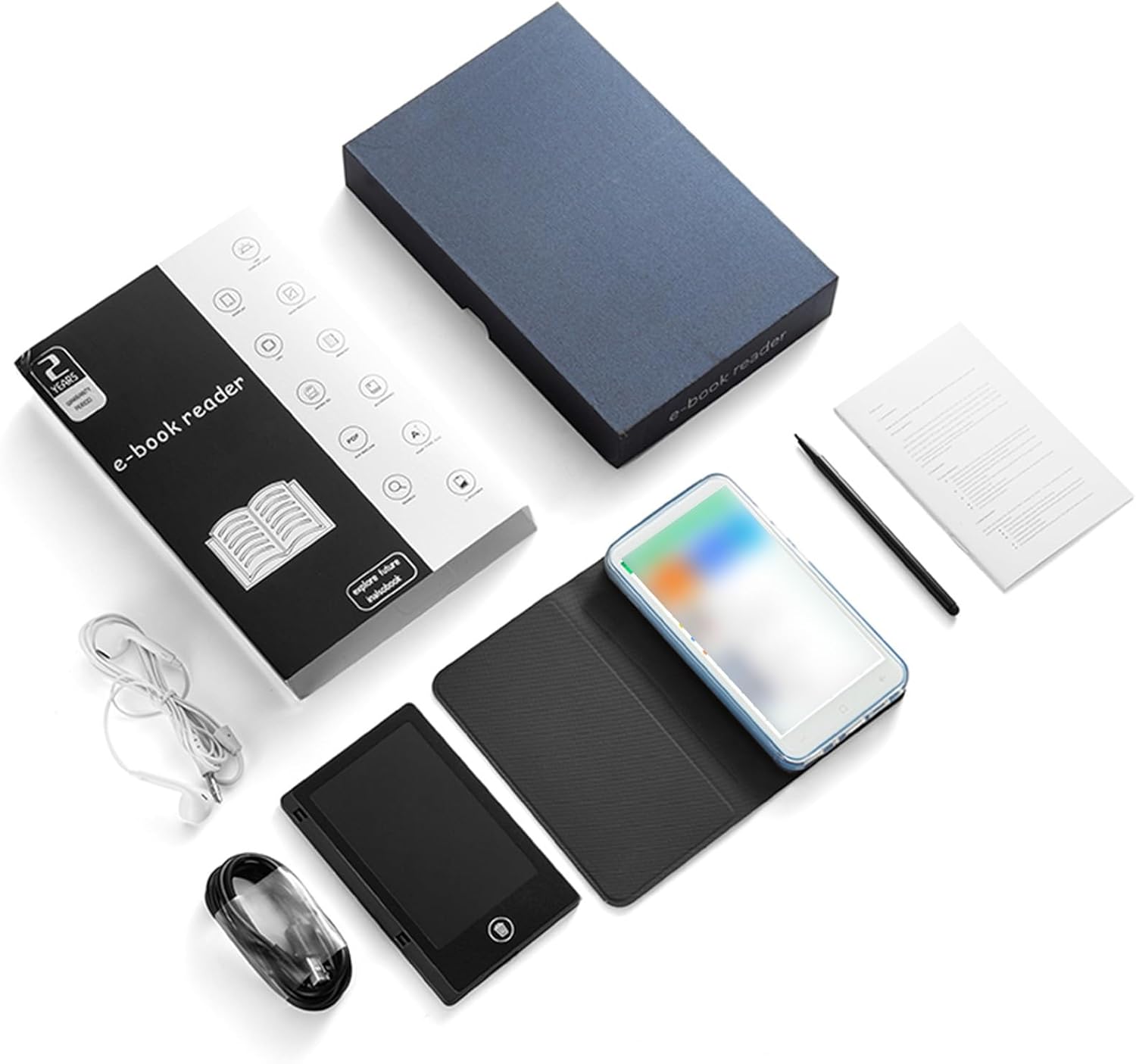
Image: All components included in the ASHATA E-Reader package.
Enhed overview
The ASHATA E-Book Reader features a compact and lightweight design for comfortable handling and portability.

Billede: Forside, bagside og side views of the ASHATA E-Reader, highlighting its lightweight design and button/port layout.
- Vise: 5-inch, 480*854 touchscreen.
- Fysiske knapper: Volume +/-, Camera, Power.
- USB-grænseflade: Type-C-port til opladning og dataoverførsel.
- Hovedtelefonstik: 3.5 mm port.
- Kamera: 5M with flash.
Opsætning
- Første gang tændt: Tryk og hold tænd/sluk-knappen nede i 1-3 sekunder for at tænde enheden.
- Sprogvalg: Once the device is on, navigate to the settings menu to select your preferred language.
- Opladning: Connect the provided Type-C charging cable to the device and a power source. Ensure the device is fully charged before first use.
- Skærmbeskytter: Apply the included screen protector to prevent scratches.
- Beskyttelsesetui: Place the device into the protective case for added durability and protection.
Betjeningsvejledning
Grundlæggende betjening
- Tænd/sluk: Tryk og hold tænd/sluk-knappen nede i 1-3 sekunder.
- Skærmnavigation: Use the touchscreen to navigate menus and select options.
- Lydstyrkekontrol: Use the volume +/- buttons to adjust audio output.
Læsning af e-bøger
The device supports various e-book formats including PDF, EPUB, MOBI, TXT, and more. Its eye-guard screen technology mimics traditional ink on paper, reducing eye strain.
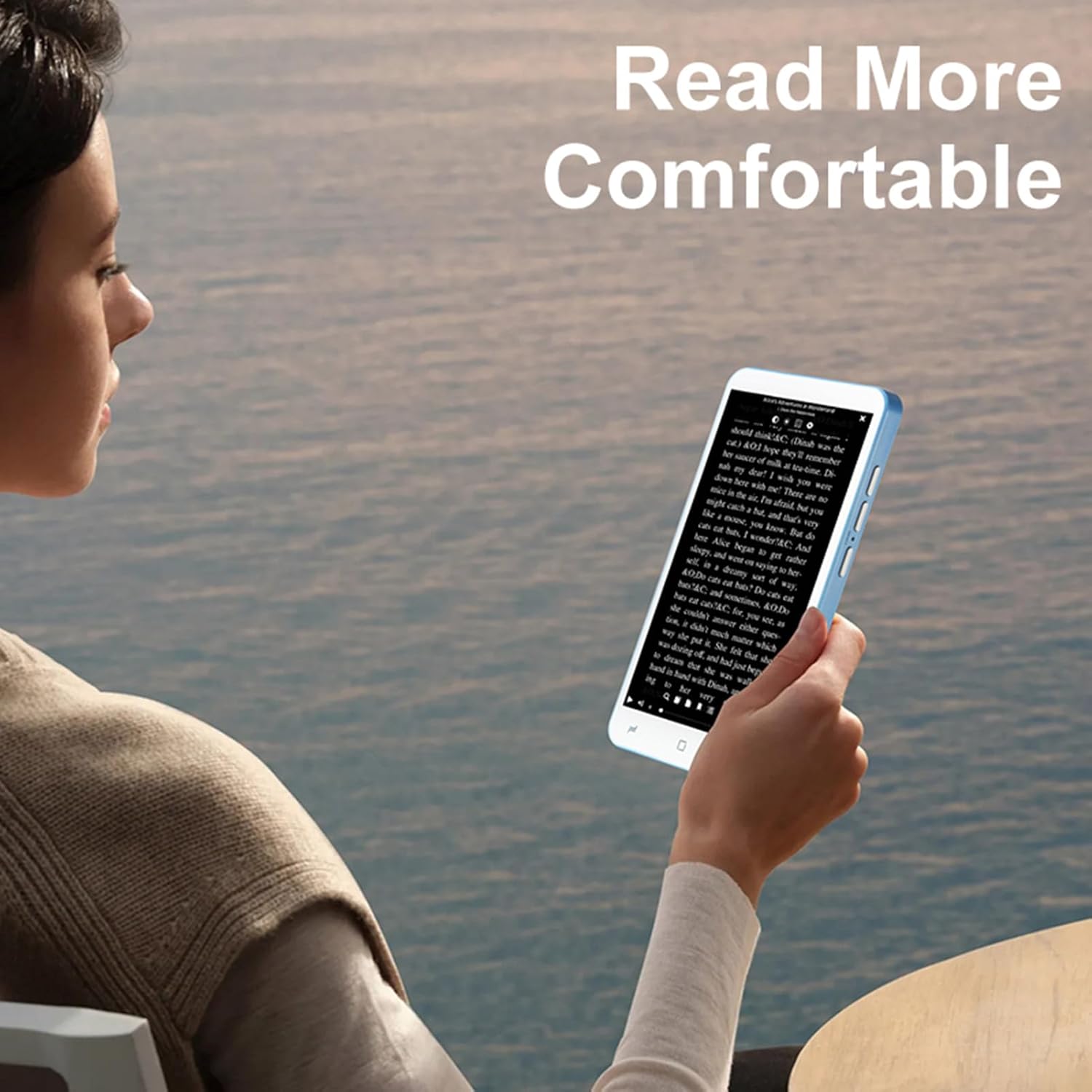
Image: A user holding the ASHATA E-Reader, demonstrating comfortable reading posture.
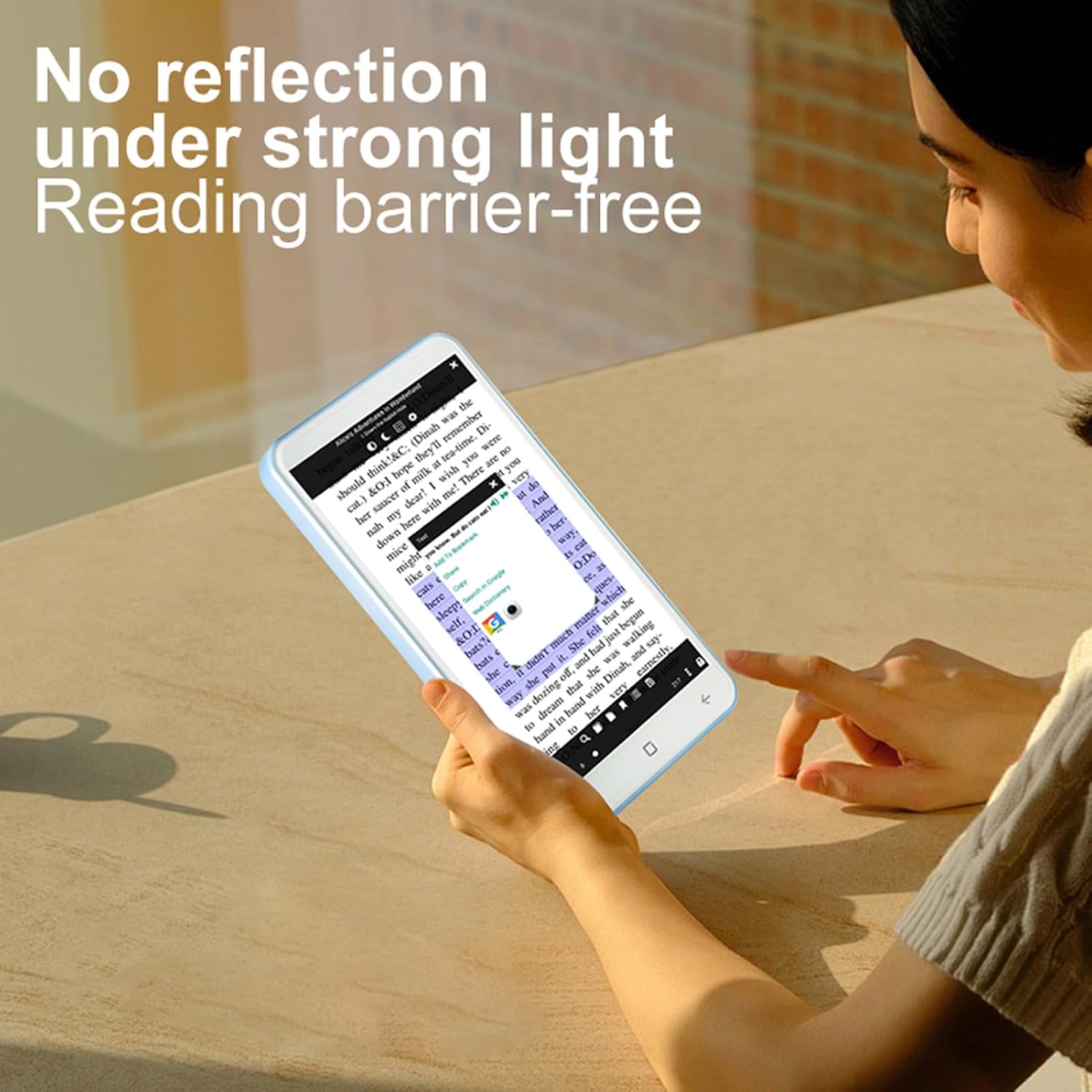
Image: The ASHATA E-Reader display showing text clearly visible even in bright conditions, demonstrating its non-reflective screen.
- Åbning af bøger: Tryk på en e-bog file at åbne den.
- Sidevending: Swipe left or right on the screen to turn pages.
- Justering af tekst: Access settings within the e-book reader application to adjust font size, style, and line spacing.
Using the Handwriting Tablet
The device comes with a dedicated writing pad and capacitive pen, allowing you to take notes or make annotations.

Image: The ASHATA E-Reader alongside its capacitive pen, highlighting the flat TFT screen and handwriting capabilities.
- Activating Writing Mode: Open the dedicated writing application or annotation feature within an e-book.
- Brug af pennen: Use the capacitive pen on the screen or the separate writing pad to write or draw.
Kamera funktionalitet
The integrated 5MP camera with flash allows for capturing images.
- Adgang til kamera: Locate and tap the camera application icon.
- Tager billeder: Press the dedicated camera button or the on-screen shutter button.
Forbindelse
The device supports Wireless-Fidelity (Wi-Fi) and BT 4.0LE for internet access and connecting to other devices.
- Wi-Fi: Go to Settings > Wireless & Networks > Wi-Fi to connect to available networks.
- BT: Go to Settings > Connected Devices > BT to pair with BT headphones or other accessories.
Opretholdelse
- Rengøring af skærmen: Brug en blød, fnugfri klud til forsigtigt at tørre skærmen af. Brug ikke slibende rengøringsmidler eller opløsningsmidler.
- Batteripleje: For optimal battery life, avoid fully discharging the device frequently. Charge the device regularly. The built-in 2500mAh battery provides extended usage.
- Softwareopdateringer: Periodically check for software updates in the device settings to ensure optimal performance and new features.

Image: The ASHATA E-Reader in its protective case, illustrating the device's high-capacity battery for extended reading.
Fejlfinding
| Problem | Mulig løsning |
|---|---|
| Enheden tændes ikke. | Ensure the device is charged. Connect to a power source and try again. If unresponsive, perform a hard reset by holding the power button for 10-15 seconds. |
| Skærmen reagerer ikke. | Genstart enheden. Hvis problemet fortsætter, skal du sørge for, at skærmen er ren og fri for snavs. |
| Kan ikke oprette forbindelse til Wi-Fi. | Check if Wi-Fi is enabled in settings. Ensure the password is correct. Restart your router and the e-reader. |
| E-books are not opening. | Verify the e-book format is supported. Try opening a different e-book. Ensure the e-book reader application is up to date. |
Specifikationer
| Feature | Detalje |
|---|---|
| Varetype | E-reader with Handwriting Board |
| LCD-specifikation | 5-tommer, 480*854 |
| Touchskærm | COF 6PIN |
| Kamera | 5M with flash |
| Fysiske knapper | Volume +/-, Camera, Power |
| E-reader Battery | 2500mAh (indbygget) |
| Handwriting Board Battery | 25mAh |
| USB interface | Type-C |
| Hovedtelefoner | 3.5mm (L-R-G-M) |
| Data Link | Wireless-Fidelity/BT 4.0LE |
| Hardware platform | MT6580, Quad-core 1.3GHz, ARM Cortex-A7 |
| Hukommelse | 1 GB RAM + 8 GB intern lagerplads |
| Sensorer | G-sensor |
| FM radio | Støtte |
| Højttaler | 2030 Single Magnetic Speaker |
| Mikrofon | Støtte |
| Sprog | Understøtter flere sprog |
| Understøttelse af billedformat | JPG, JPEG, BMP, GIF, PNG |
| Understøttelse af lydformat | MP3, MP2, AMR, APE, M4A, MIDI, OGG, WAV, FLAC, 3GP |
| Understøttelse af videoformat | MPEG4-SP, H.264/AVC, H.263, 3GP, 3G2, MP4, MKV, AVI WEBM |
| Understøttelse af e-bogsformater | PDF, EPUB, EPUB3, MOBI, DjVu, FB2, DOC, DOCX, TXT, RTF, CBR, CBZ, HTML |
| Varestørrelse | 13x7x1cm / 5.12x2.76x0.39in |
| Varens vægt | 114 g / 4.02 oz |
Garanti og support
The ASHATA E-Book Reader comes with a manufacturer warranty for 90 days from the date of purchase. This warranty covers defects in materials and workmanship under normal use.
For technical support, warranty claims, or further assistance, please contact ASHATA customer service through your retailer or the official ASHATA website. Please have your model number (ASHATA7sn5yg8thx) and proof of purchase ready.