
Nillkin JCUS-HJ-S26U-BLK
Nillkin CamShield Pro Case for Samsung Galaxy S26 Ultra Instruction Manual
Brand: Nillkin | Model: JCUS-HJ-S26U-BLK
Indledning
This manual provides detailed instructions for the Nillkin CamShield Pro Case designed for the Samsung Galaxy S26 Ultra. It covers installation, usage of the patented camera cover, maintenance, and product specifications to ensure optimal protection and functionality for your device.
Produktegenskaber
-
Patented Sliding Camera Cover: Features a 0.2mm lifted bezel to protect camera lenses from dust, scratches, and provides privacy.
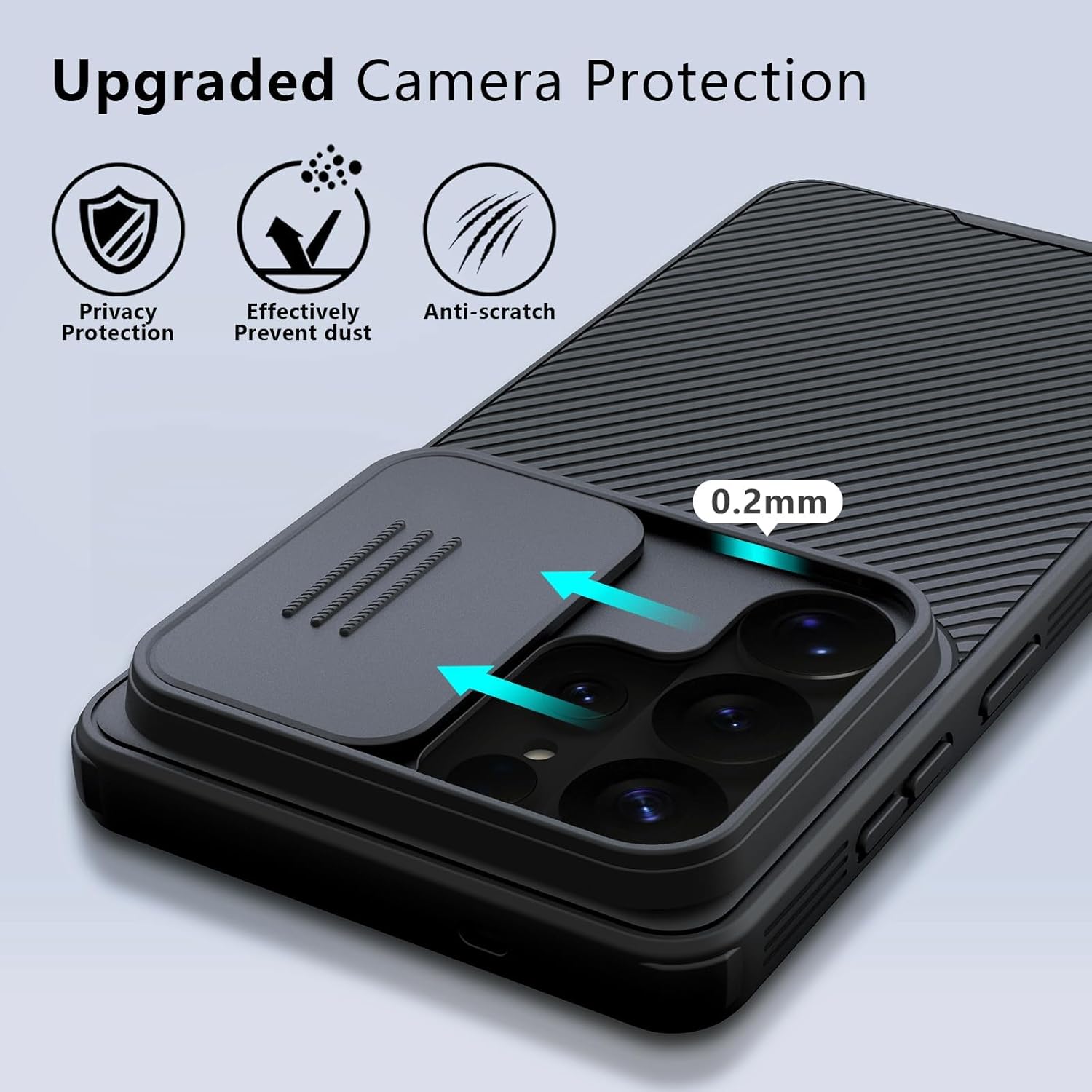
Image: The Nillkin CamShield Pro Case features a sliding cover over the camera module, providing protection against scratches and dust, and enhancing privacy. Arrows indicate the sliding motion of the cover.
-
Military-Grade Impact Defense: Built with four-corner shock-absorbing airbags and a hybrid design (tough PC backplate with elastic TPU bumper) to dissipate impact force from drops.
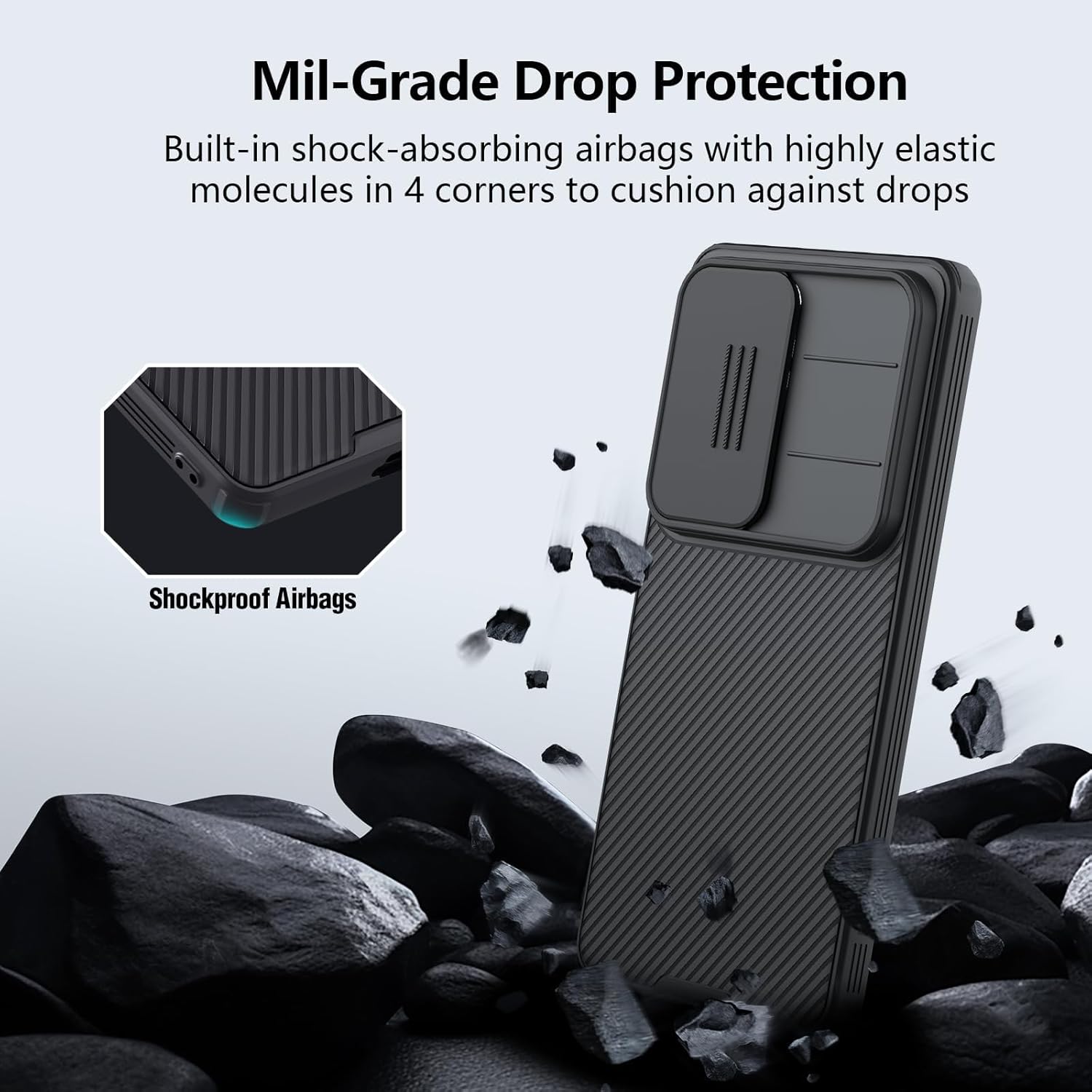
Image: The Nillkin CamShield Pro Case is shown with a phone amidst rocks, illustrating its military-grade drop protection with built-in shock-absorbing airbags in all four corners.
-
Ultra-Slim Profile & Superior Tactile Grip: Designed to be thin (1.1mm) with an upgraded nano-oleophobic coating for a skin-friendly, velvety touch that resists fingerprints. Features anti-slip strips on the sides for a secure grip.
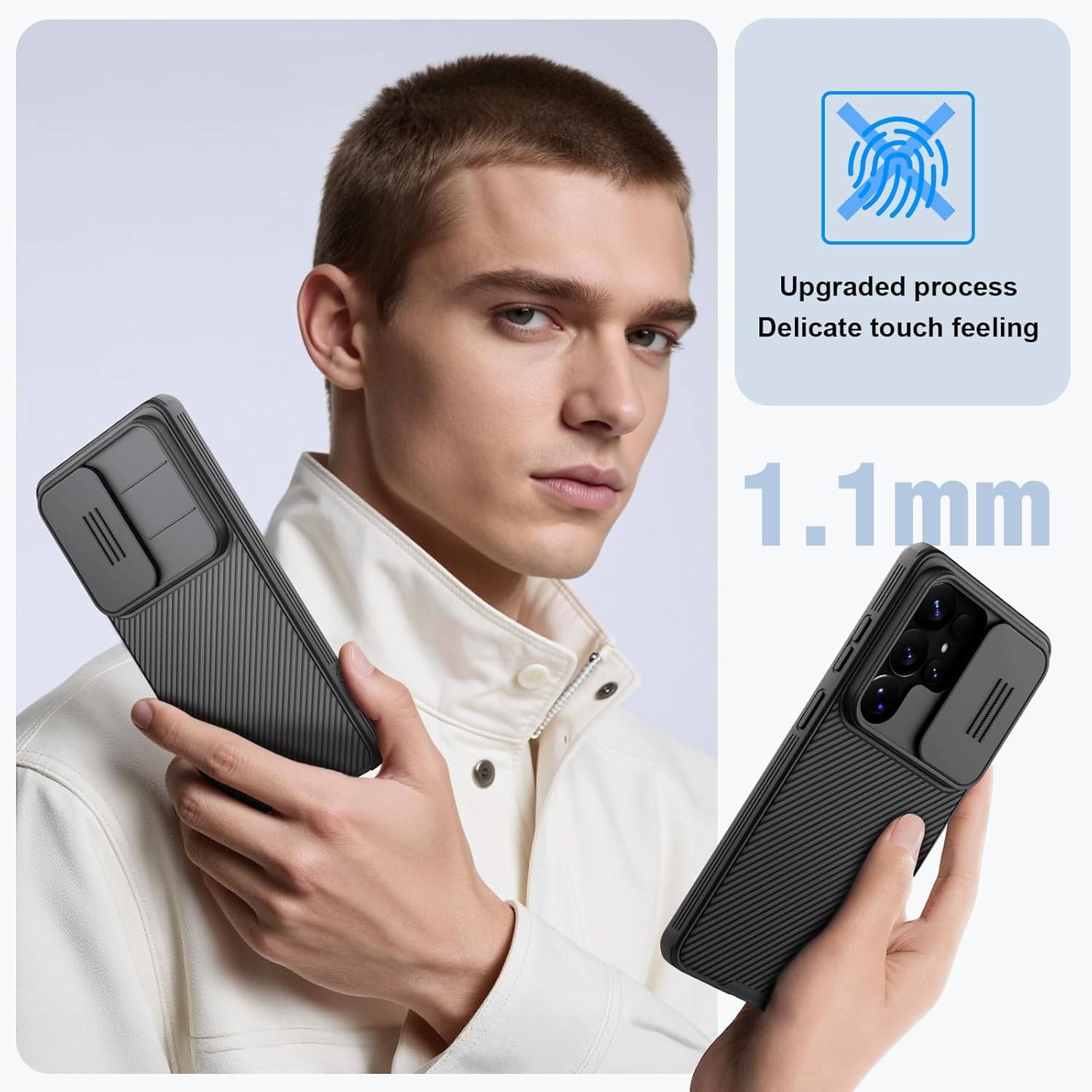
Image: A person holds the Nillkin CamShield Pro Case, highlighting its slim profile and textured back for enhanced grip. The image also indicates the 1.1mm thickness.
-
All-Around Bezel Security: Features 1mm raised edges to protect the 6.9-inch display from scratches when placed on flat surfaces.

Image: The Nillkin CamShield Pro Case is shown protecting the phone's screen with 1mm raised bezels, preventing direct contact with surfaces.
-
Dual Protection Material: Constructed from a hard PC back and a soft TPU frame for comprehensive protection.

Billede: En eksploderet view of the Nillkin CamShield Pro Case illustrates its dual-layer construction, combining a hard PC back with a soft TPU frame for enhanced protection.
-
Funktionelle detaljer: Includes non-slip tire tread texture, dual-side lanyard holes, and independent tactile buttons for responsive feedback. Precise cutouts ensure access to the S Pen and ports.

Image: A collage of four close-up images highlights the functional design elements of the Nillkin CamShield Pro Case: lanyard design, 4-corner edging, anti-slip strip, and accurate port cutouts.
Opsætningsinstruktioner
- Forbered din enhed: Ensure your Samsung Galaxy S26 Ultra is clean and free of dust or debris before installing the case.
- Juster sagen: Gently align the top edge of your phone with the top edge of the Nillkin CamShield Pro Case.
-
Insert the Phone: Press your phone firmly into the case, starting from the top and working your way down, ensuring all corners and edges are securely seated.
Video: This video demonstrates the process of installing the Nillkin CamShield Pro Case onto a Samsung Galaxy S26 Ultra, highlighting the secure fit and precise cutouts.
- Bekræft pasform: Check that all buttons, ports, and the camera module are correctly aligned with the case's cutouts. The case should fit snugly without any gaps.
Betjeningsvejledning
Using the Sliding Camera Cover
-
For at åbne: Gently slide the camera cover horizontally across the camera module until it fully exposes the lenses.
Video: This video illustrates the smooth operation of the patented sliding camera cover on the Nillkin CamShield Pro Case, demonstrating how to open and close it for camera access and protection.
-
At lukke: Slide the camera cover back over the camera module until it clicks into its closed position, fully covering the lenses. This protects them from scratches and provides privacy.
Video: This video shows the functionality of the Nillkin CamShield Pro Case's sliding camera cover, demonstrating how it smoothly slides to cover and uncover the camera lenses for privacy and protection.
Opretholdelse
- Rensning: Brug en blød, damp cloth to wipe the case clean. Avoid harsh chemicals or abrasive materials that could damage the finish.
- Fjernelse af støv: Periodically remove the case and clean any accumulated dust or debris from your phone and the inside of the case to prevent scratches.
- Camera Cover Care: Ensure the sliding mechanism of the camera cover remains free of obstructions. If it becomes stiff, gently clean the tracks with a soft, dry brush.
Fejlfinding
| Problem | Løsning |
|---|---|
| Kameradækslet er stift eller svært at skubbe. | Clean the sliding tracks with a soft, dry brush to remove any dust or debris. Avoid applying lubricants. |
| Etuiet sidder ikke tæt. | Ensure the case is designed specifically for the Samsung Galaxy S26 Ultra. Re-install the case, making sure all corners are properly seated. |
| Knapperne reagerer ikke. | Verify the case is correctly aligned with the phone's buttons. Remove and re-install the case to ensure proper button alignment. |
Specifikationer
| Attribut | Detalje |
|---|---|
| Mærke | Nillkin |
| Kompatibel telefonmodel | Samsung Galaxy S26 Ultra |
| Modelnummer | JCUS-HJ-S26U-BLK |
| Farve | Sort |
| Materiale | PC+TPU Eco-friendly material |
| Yderligere funktioner | Built-in Camera Protector, Anti-Slip, Anti-Fingerprint, Light Weight, Slim Fit |
| Skærmstørrelseskompatibilitet | 6.9 tommer |
| Emnedimensioner | 8.27 x 5.91 x 0.79 tommer |
| Varens vægt | 300 gram |

Image: A compatibility chart showing the Nillkin CamShield Pro Case is designed specifically for the Samsung Galaxy S26 Ultra (6.9 inch), and not for the S26+ (6.7 inch) or S26 (6.3 inch).
Garanti og support
This Nillkin product comes with a 30-day warranty from the date of purchase. For warranty claims, technical support, or any inquiries regarding your product, please contact NillkinDirect US through the retailer's platform or visit the official Nillkin webwebsted for kontaktoplysninger.
Gem venligst din købsbevis for at validere garantien.
Ask a question about this manual
Ask about setup, troubleshooting, compatibility, parts, safety, or missing instructions. Manuals+ will review the question and use this page’s manual context to help answer it.