
Indledning
Thank you for choosing the GOBOULT Z40 V2.0 True Wireless Earbuds. These earbuds are designed to provide a superior audio experience with advanced features such as 70 hours of total playtime, Quad Mic Environmental Noise Cancellation (ENC), 45ms low latency for gaming, and Bluetooth 5.4 connectivity. This manual will guide you through the setup, operation, maintenance, and troubleshooting of your new earbuds.
Hvad er der i æsken
Kontroller venligst pakkens indhold for at sikre, at alle varer er til stede:
- GOBOULT Z40 V2.0 Øretelefoner
- Opladningsetui
- USB opladningskabel
- Ørepropper (forskellige størrelser)
- Brugermanual
- Garantikort
Produkt overview
The GOBOULT Z40 V2.0 earbuds offer a range of features for enhanced audio and communication.


Opsætning
Indledende opladning
Before first use, ensure both the earbuds and the charging case are fully charged. Connect the charging case to a power source using the provided USB cable. The LED indicator on the case will show charging status. A 10-minute charge can provide approximately 120 minutes of playtime.

Parring med din enhed
- Åbn låget på opladningsetuiet. Øretelefonerne tænder automatisk og går i parringstilstand.
- Gå til Bluetooth-indstillingerne på din smartphone eller Bluetooth-aktiverede enhed.
- Søg efter available devices and select 'GOBOULT Z40 V2.0' from the list.
- Once connected, you will hear a confirmation tone, and the LED indicator on the earbuds will change.
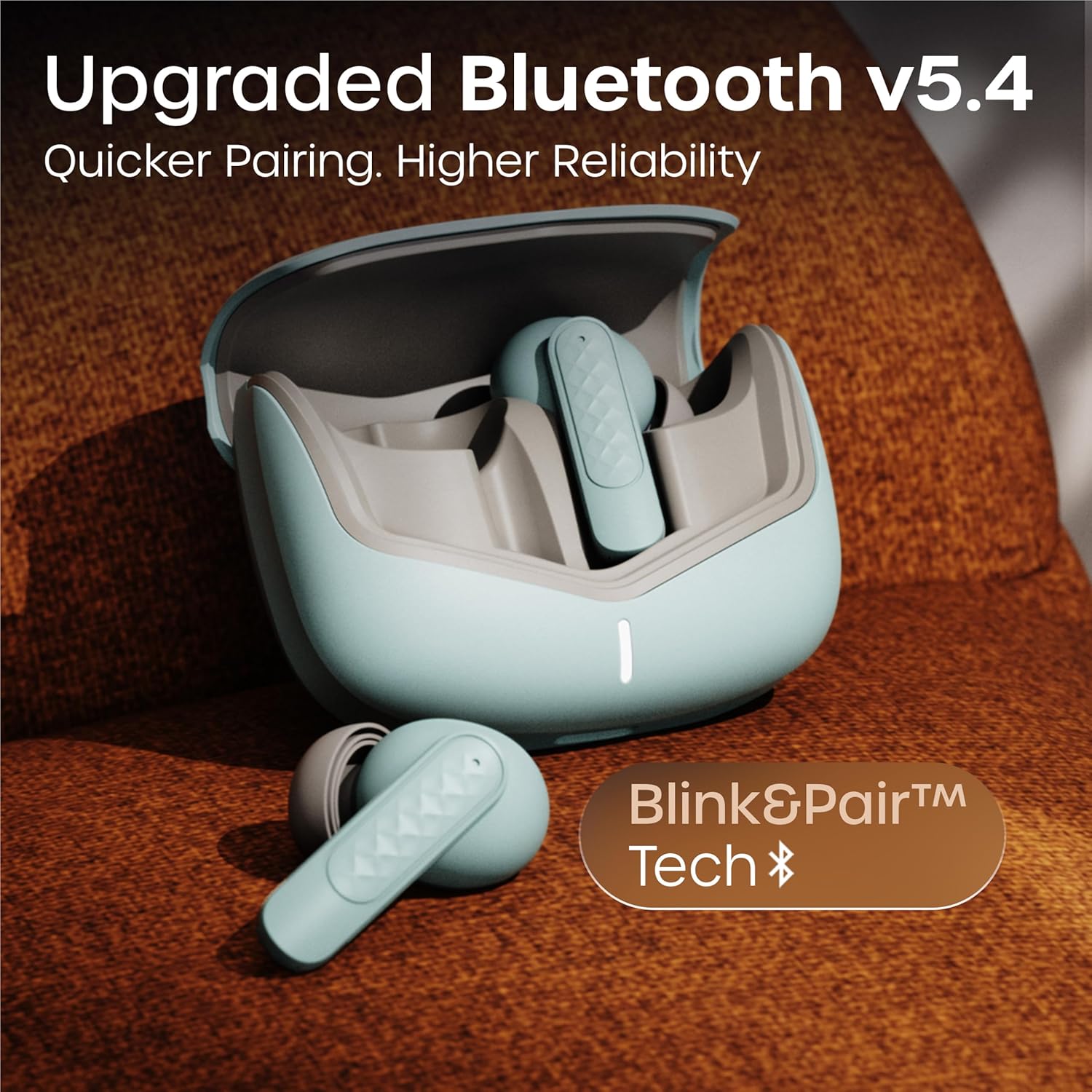
Ørepropperne bruger Bluetooth 5.4-teknologi for en stabil og effektiv forbindelse.
Betjeningsvejledning
Tænd/sluk
- Tænd: Open the charging case, and the earbuds will automatically power on. Alternatively, long-press the touch area on both earbuds for 3 seconds.
- Sluk: Place the earbuds back into the charging case and close the lid. Alternatively, long-press the touch area on both earbuds for 5 seconds.
Musikafspilning
| Handling | Tryk på kontrol |
|---|---|
| Afspil/pause | Et enkelt tryk på begge øretelefoner |
| Næste spor | Dobbelttryk på den højre øreprop |
| Forrige spor | Dobbelttryk på den venstre øreprop |
| Lydstyrke op | Tryk tre gange på den højre øretelefon |
| Lydstyrke ned | Tryk tre gange på venstre øretelefon |
Opkaldsstyring
| Handling | Tryk på kontrol |
|---|---|
| Besvar/afslut opkald | Et enkelt tryk på begge øretelefoner |
| Afvis opkald | Long press on either earbud for 2 seconds |
The Quad Mic Environmental Noise Cancellation (ENC) ensures clear voice calls by minimizing background noise, making them ideal for office calls and online meetings.

Stemmeassistent
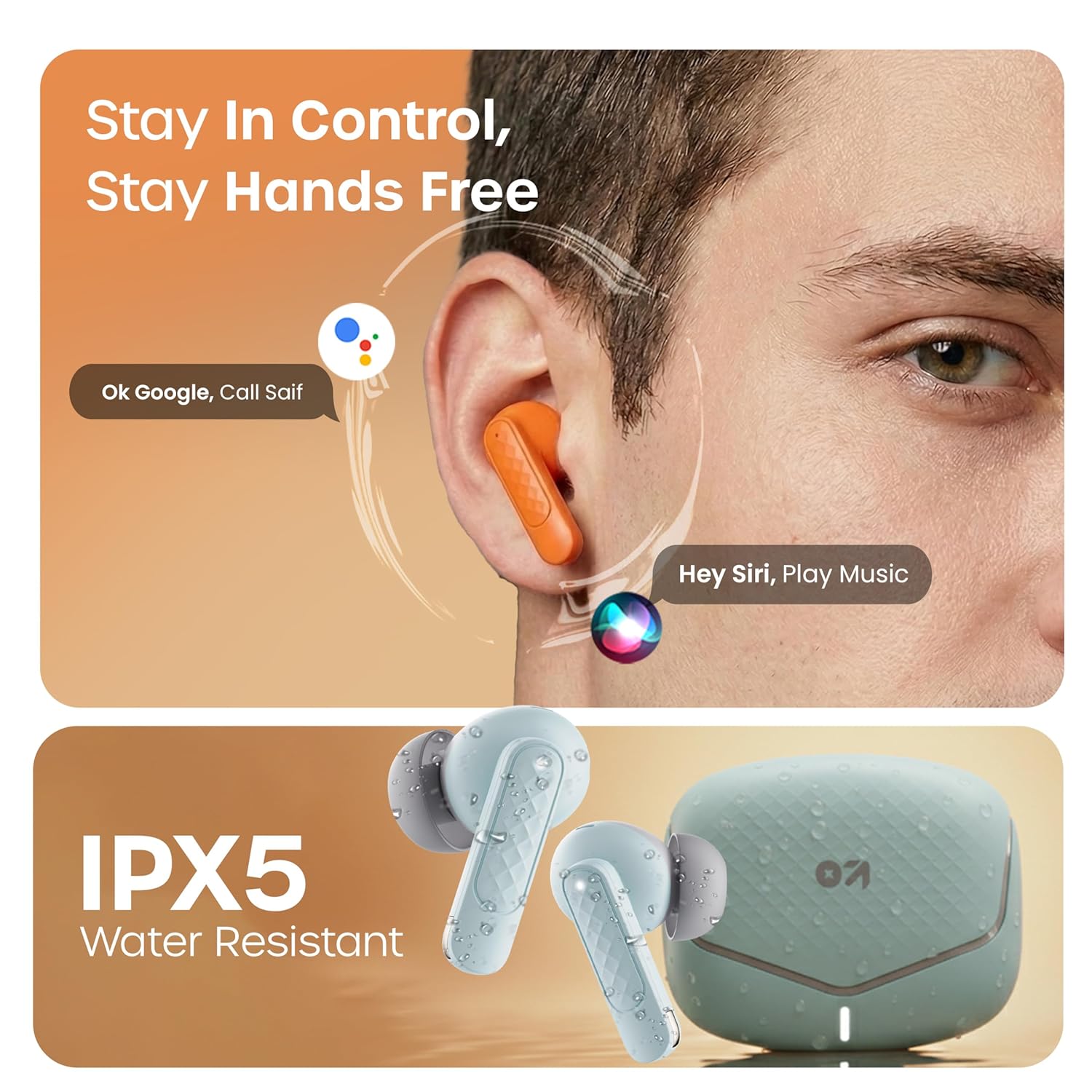
Activate your device's voice assistant (e.g., Google Assistant, Siri) by long-pressing the touch area on either earbud for 2 seconds (when not on a call).
Spiltilstand
Activate the low latency gaming mode for a synchronized audio experience during gaming. This mode reduces audio delay to 45 milliseconds, providing faster responses and an immersive gaming experience.
- Aktivér spiltilstand: Long press the touch area on the left earbud for 2 seconds.
- Deaktiver spiltilstand: Repeat the same action.

Opretholdelse
Rensning
Regularly clean your earbuds and charging case to ensure optimal performance and hygiene. Use a soft, dry, lint-free cloth. Do not use abrasive cleaners, solvents, or harsh chemicals. Gently remove any earwax or debris from the eartips and speaker mesh.
Vandmodstand
The GOBOULT Z40 V2.0 earbuds are IPX5 water-resistant, meaning they are protected against sweat and splashes. They are suitable for workouts and outdoor activities. However, they are not designed for swimming or submersion in water. Avoid exposing them to heavy rain or direct water jets.
Fejlfinding
Hvis du støder på problemer med dine GOBOULT Z40 V2.0-ørepropper, bedes du bruge følgende almindelige løsninger:
- Ingen lyd:
- Sørg for, at ørepropperne er korrekt parret med din enhed.
- Kontroller lydstyrkeniveauet på både din enhed og ørepropperne.
- Make sure the earbuds are seated correctly in your ears.
- Kan ikke parres:
- Ensure the earbuds are charged and in pairing mode (LED blinking).
- Sluk og tænd derefter Bluetooth på din enhed.
- Flyt ørepropperne tættere på din enhed.
- Glem enheden fra din Bluetooth-liste, og prøv at parre igen.
- Én øretelefon virker ikke:
- Placer begge ørepropper tilbage i opladningsetuiet, luk låget, og åbn det derefter igen for at nulstille forbindelsen.
- Sørg for, at begge øretelefoner er opladet.
- Opladningsproblemer:
- Kontroller, om opladningskablet er korrekt tilsluttet til både etuiet og strømkilden.
- Sørg for, at opladningskontakterne på ørepropperne og inde i etuiet er rene og fri for snavs.
- Prøv et andet opladningskabel eller en anden strømadapter.
Specifikationer
| Feature | Detalje |
|---|---|
| Mærke | GOBOULT |
| Modelnavn | Z40 V2.0 (Airbass) |
| Øreplacering | In Ear |
| Støjkontrol | Miljøstøjreduktion (Quad Mic) |
| Batteriets gennemsnitlige levetid | 70 timer (med opladningsetui) |
| Batteriopladningstid | 10 Minutes for 120 Minutes Playtime |
| Audio driver størrelse | 13 millimeter |
| Lydforsinkelse | 45 millisekunder (spiltilstand) |
| Kontrolmetode | Røre |
| Vandmodstandsniveau | IPX5 (vandtæt) |
| Trådløs teknologi type | Bluetooth |
| Bluetooth version | 5.4 |
| Bluetooth rækkevidde | 10 meter |
| Varens vægt | 0.6 kilogram (samlet pakkevægt) |
| Kassens indhold | Cable, Eartip, User Manual, Warranty Card, Z40v2.0 Earbuds |
Garanti og support
Garantioplysninger
The GOBOULT Z40 V2.0 True Wireless Earbuds are backed by a 1 års producentgaranti from the date of purchase. This warranty covers manufacturing defects. Please retain your purchase receipt as proof of purchase for warranty claims.
Kundesupport
For any technical assistance, warranty claims, or product-related inquiries, please refer to the contact information provided on the warranty card included in your product box. You may also visit the official GOBOULT webwebsted for yderligere supportressourcer.