
1. Introduktion
This manual provides essential information for setting up, operating, maintaining, and troubleshooting your Sharp Aquos QLED 55 Inch 4K Ultra HD Xumo Smart TV. Please read this manual thoroughly before using your television and retain it for future reference.
Billede: Forside view of the Sharp Aquos QLED 55 Inch 4K Ultra HD Xumo Smart TV.
2. Sikkerhedsoplysninger
Always follow basic safety precautions when using this television to reduce the risk of fire, electric shock, and injury. Keep the television away from moisture, direct sunlight, and heat sources. Ensure proper ventilation and do not block any ventilation openings. Use only the power cord and accessories specified by the manufacturer. Refer to the full safety guidelines in the included printed manual.
3. Hvad er der i æsken
Your Sharp Aquos QLED 55 Inch 4K Ultra HD Xumo Smart TV package includes:
- Sharp Aquos QLED 55 Inch 4K Ultra HD Xumo Smart TV
- Stemmefjernbetjening
- TV-bord (2 stk.)
- Skruer til TV-stativ
- Strømledning
- Brugervejledning (dette dokument)
- Hurtig startvejledning
4. Opsætning
4.1 Montering af tv-stativet
- Placer forsigtigt tv-skærmen med nedad på en blød, flad overflade for at forhindre skader.
- Juster hvert stativstykke med de tilsvarende skruehuller i bunden af tv'et.
- Fastgør hvert stativ med de medfølgende skruer. Sørg for, at de er spændt godt fast.
4.2 Vægmontering (valgfrit)
If you choose to wall mount your TV, ensure you use a VESA-compatible wall mount kit (sold separately) that supports the 55-inch screen size and weight. Follow the instructions provided with your wall mount kit. Remove the TV stand before mounting.
4.3 Tilslutning af enheder
Connect your external devices (cable box, gaming console, soundbar, etc.) to the appropriate ports on the back of the TV. The Sharp Aquos QLED TV features multiple HDMI inputs for versatile connectivity.

Billede: Bagside view of the Sharp Aquos QLED TV showing cable management through the stand.
4.4 Strømtilslutning
Plug the power cord into the TV's power input, then into a wall outlet. The TV is now ready for initial setup.
5. Betjeningsvejledning
5.1 Første opsætning og netværksforbindelse
Upon first power-on, the TV will guide you through the initial setup process. This includes selecting your language, connecting to your Wi-Fi network (dual-band Wi-Fi supported for reliable streaming), and agreeing to terms and conditions. Follow the on-screen prompts.
5.2 Fjernbetjeningsfunktioner
The included voice remote allows for intuitive navigation. Use the directional pad to move through menus, the OK button to select, and dedicated buttons for popular streaming services. The built-in voice search feature provides hands-free control for launching apps, adjusting volume, and switching inputs.
5.3 Xumo Smart TV Platform
The Xumo Smart TV system offers fast and intuitive access to your favorite streaming applications. The clean home screen allows for easy navigation and personalized content recommendations.
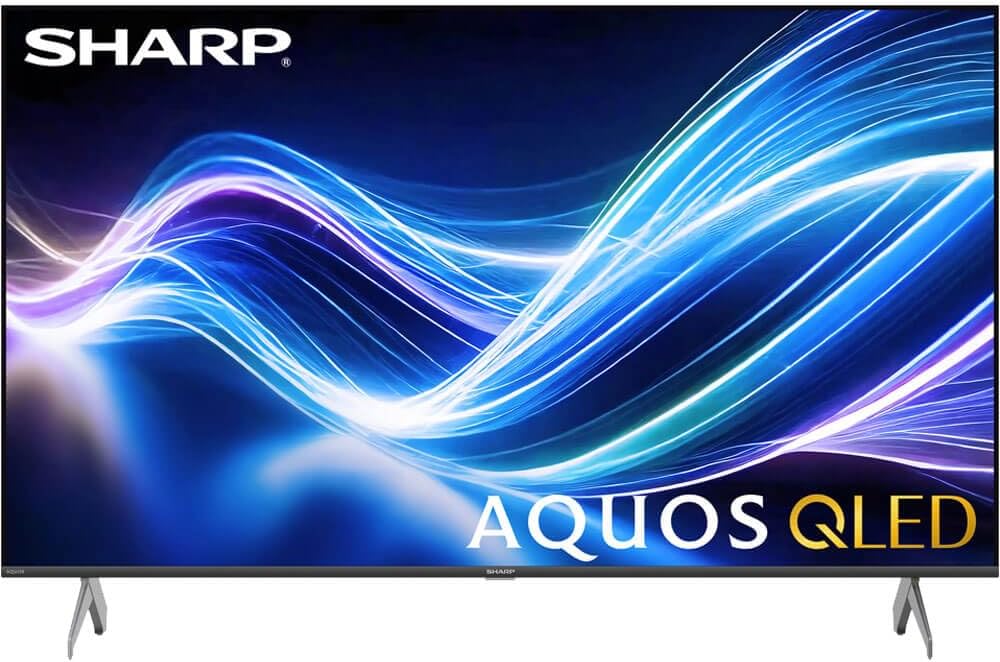
Image: The Xumo Smart TV home screen displaying various streaming apps and voice search functionality.
5.4 Billed- og lydindstillinger
Your Sharp Aquos QLED TV supports advanced picture and sound technologies:
- 4K QLED-skærm: Enjoy vibrant, lifelike images with Quantum Dot color and enhanced brightness.
- Dolby Vision og HDR10: These premium HDR formats optimize contrast, depth, and clarity for cinematic picture quality. Access picture settings via the TV menu to fine-tune brightness, contrast, color, and sharpness.
- Immersive Audio: The TV features optimized sound processing for clear dialogue and enhanced bass. Connect Bluetooth headphones or speakers for wireless listening. Adjust audio modes (Standard, Music, Movie, Speech, Custom) in the sound settings.
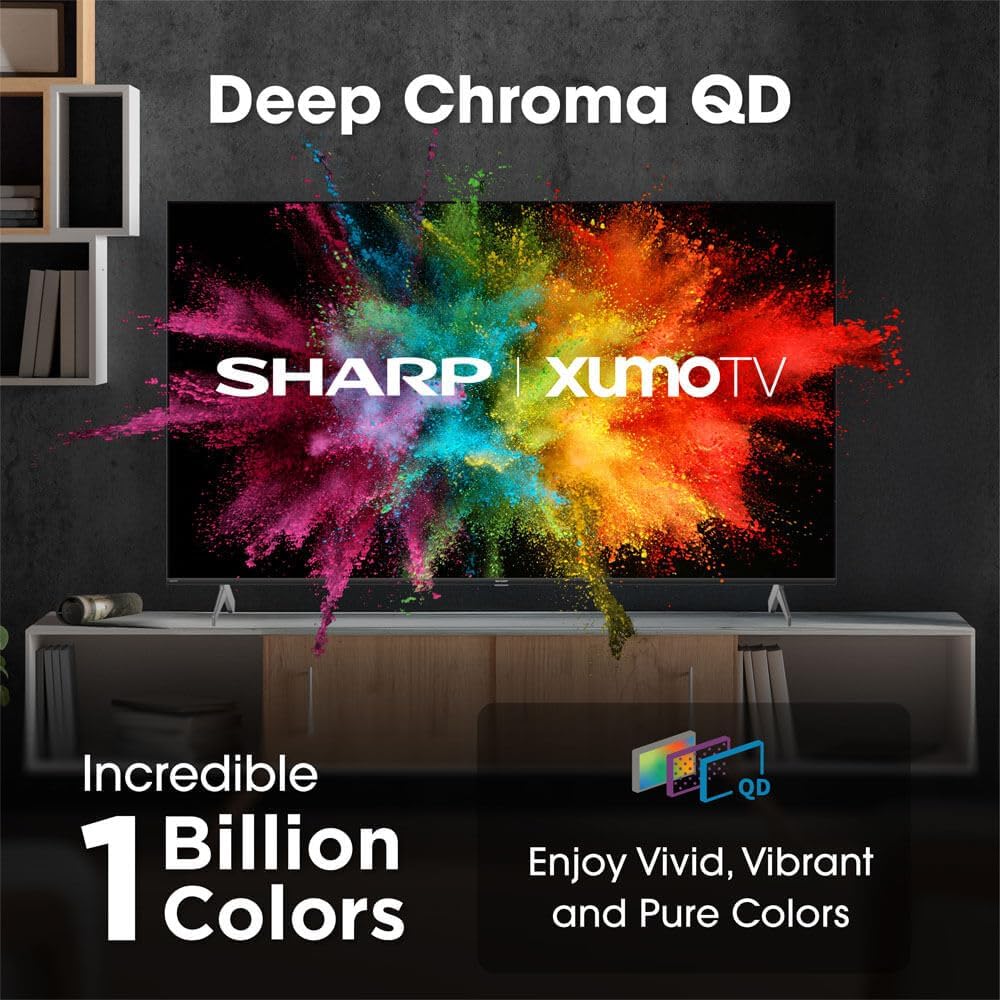
Image: Comparison of Dolby Vision enhanced picture quality against a standard display.

Image: Visual representation of Dolby Atmos creating immersive sound in a living room setting.
6. Vedligeholdelse
6.1 Rengøring af tv'et
For at rengøre skærmen skal du forsigtigt tørre den af med en blød, fnugfri klud. Ved genstridige mærker skal du forsigtigt tørre den let af.ampen the cloth with water or a screen-cleaning solution. Never spray liquid directly onto the screen. Clean the TV's exterior with a soft, dry cloth.
6.2 Softwareopdateringer
Dit tv modtager muligvis automatiske softwareopdateringer for at forbedre ydeevnen og tilføje nye funktioner. Sørg for, at dit tv har forbindelse til internettet for at modtage disse opdateringer. Du kan også manuelt søge efter opdateringer i tv'ets indstillingsmenu.
7. Fejlfinding
| Problem | Mulig årsag | Løsning |
|---|---|---|
| Ingen strøm | Power cord not connected, power outlet not working. | Kontroller netledningens tilslutning, prøv en anden stikkontakt. |
| Intet billede/lyd | Incorrect input selected, external device off/disconnected. | Verify input source, check device power and connections. |
| Fjernbetjening virker ikke | Batteries low/dead, obstruction between remote and TV. | Replace batteries, remove obstructions, re-pair remote if necessary. |
| Problemer med Wi-Fi-forbindelse | Router issues, incorrect password, weak signal. | Restart router, re-enter Wi-Fi password, move TV closer to router or use Ethernet. |
8. Specifikationer
- Mærke: Skarp
- Modelnummer: 4TC55HP7050U
- Skærmstørrelse: 55 tommer
- Displayteknologi: QLED Smart
- Opløsning: 4K Ultra HD
- Opdateringshastighed: 60 Hz
- Særlige funktioner: Flat, Dolby Vision, HDR10, Xumo Smart TV, Voice Remote, Bluetooth, Dual-band Wi-Fi
- Forbindelse teknologi: RCA, HDMI (multiple ports)
- Understøttede internettjenester: Netflix, Hulu, Amazon Prime Video (and more via Xumo platform)
- Varens vægt: 32 pund
- Farve: Sort
9. Garanti og support
For warranty information and technical support, please refer to the warranty card included with your product or visit the official Sharp webwebsted. Behold din købskvittering som købsbevis i tilfælde af garantikrav.