
Indledning
This manual provides detailed instructions for the Qubick Wireless Controller, designed for use with Nintendo Switch, NS2, and PC. Please read this manual carefully before using the product to ensure proper operation and to maximize your gaming experience. Keep this manual for future reference.
Produkt overview
The Qubick Wireless Controller features advanced wireless technology, Hall Effect triggers, precise analog sticks, and a Six-Axis motion sensor for immersive gameplay. It includes programmable back buttons, adjustable vibration, and multiple connectivity modes.
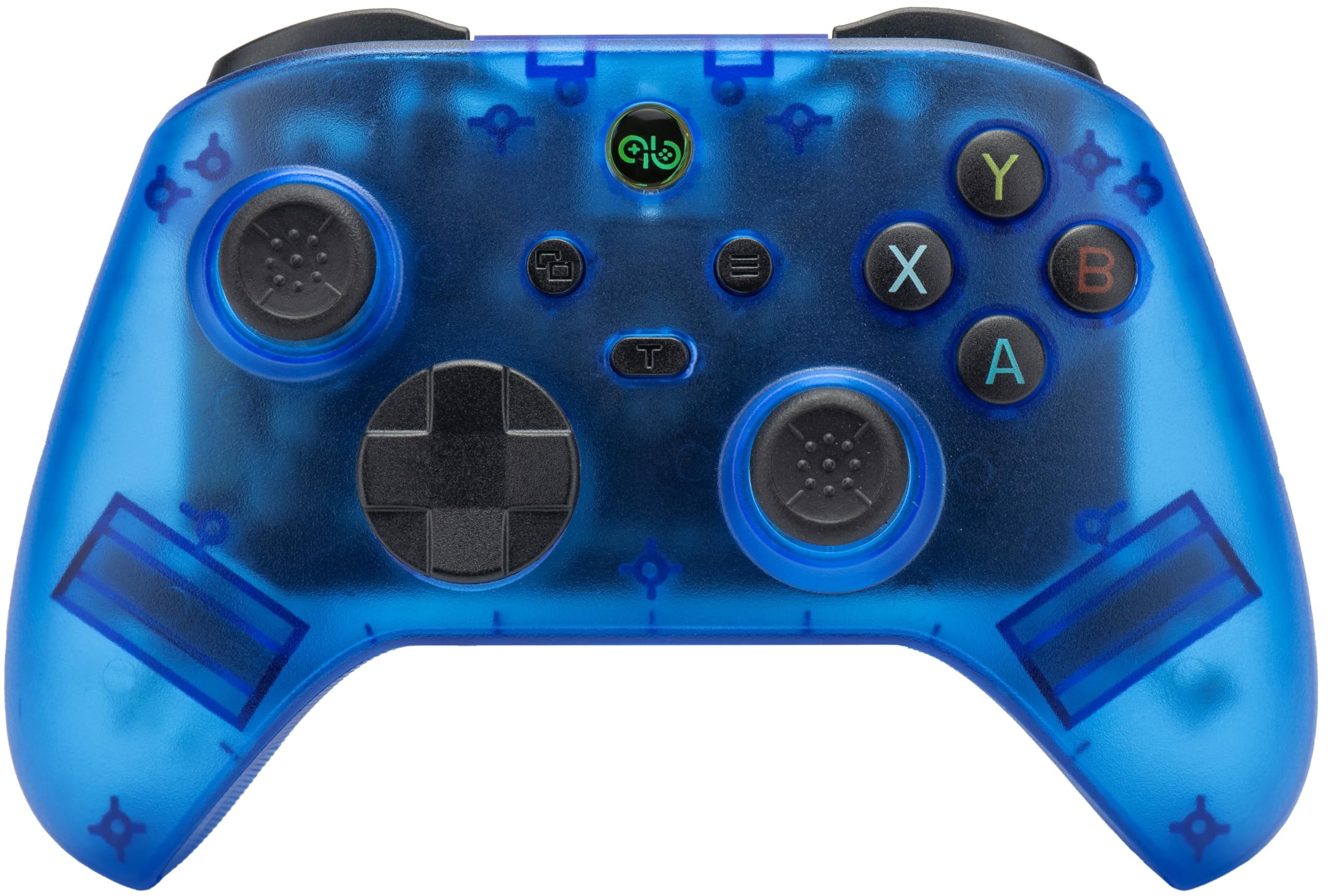
Billede: Forside view of the Qubick Wireless Controller, showcasing its transparent blue casing, dual analog sticks, D-pad, and face buttons (A, B, X, Y).
Opsætning
1. Første opladning
Before first use, fully charge the controller. Connect the supplied USB Type-C cable to the controller's charging port and the other end to a USB power source (e.g., console, PC, or USB wall adapter). The LED indicators will show charging status.
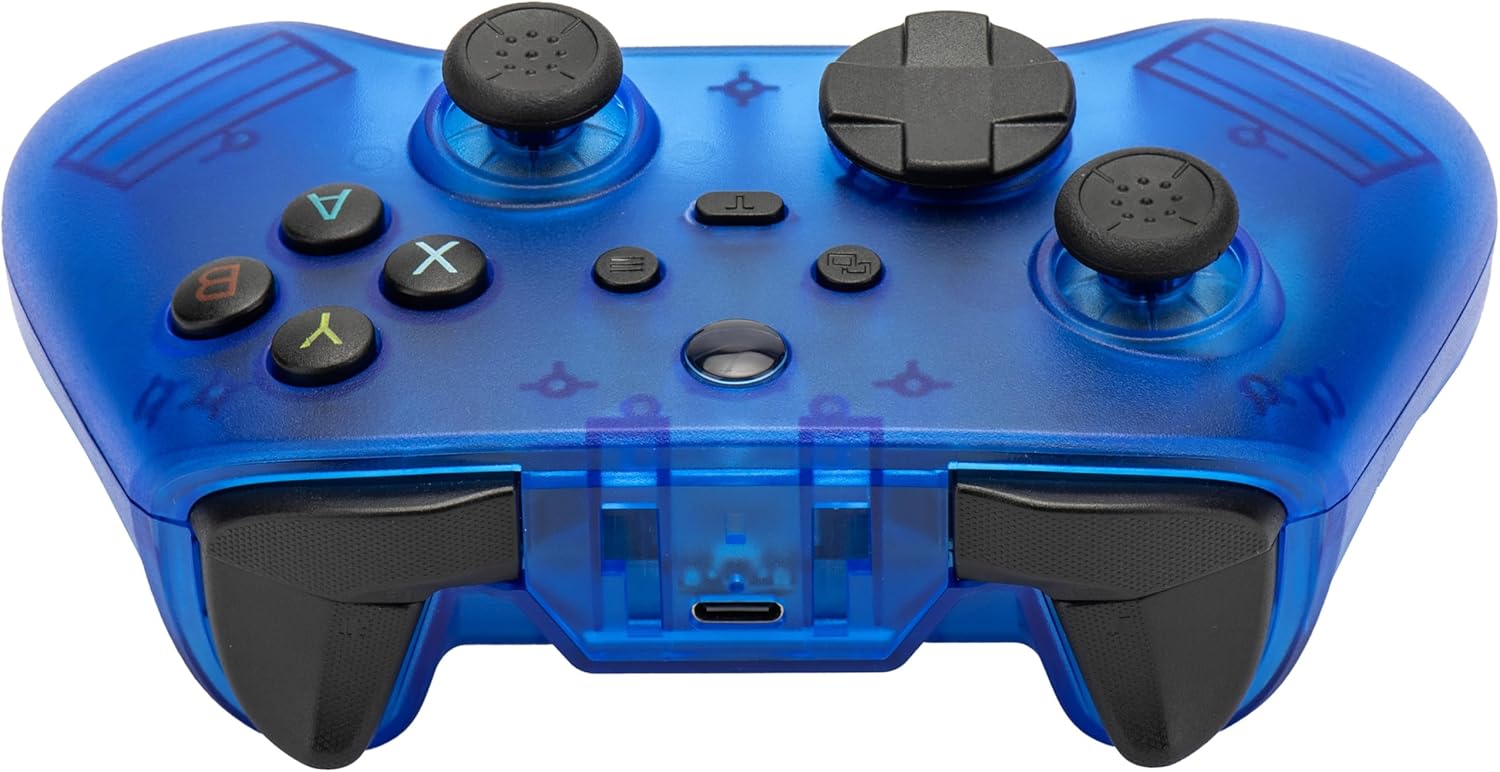
Billede: Forside view of the Qubick Wireless Controller, highlighting the USB Type-C charging port located at the top center.
2. Parring med Nintendo Switch
- Gå til HOME-menuen på din Nintendo Switch-konsol.
- Vælg 'Controllere' > 'Skift greb/rækkefølge'.
- Press and hold the pairing button on the Qubick Wireless Controller until the LED indicators begin to flash rapidly.
- Once paired, the controller's LED will remain solid, indicating a successful connection.
3. Pairing with PC
- Ensure the controller is in the correct PC mode (Xinput). Use the mode change button if necessary.
- Connect the controller to your PC via the USB Type-C cable, or follow Bluetooth pairing instructions if your PC supports it.
- For Bluetooth, go to your PC's Bluetooth settings, enable Bluetooth, and search for new devices. Select the Qubick Wireless Controller when it appears.
4. Skift af tilstand
The controller supports multiple modes: V3, MFi, Xinput, Switch, and 2.4G. Use the dedicated mode change button to cycle through these options to match your device's requirements.
Betjeningsvejledning
1. Knaplayout
Familiarize yourself with the controller's buttons:
- Analoge pinde: Venstre og højre til bevægelse og kamerastyring.
- D-Pad: Retningsbestemt input.
- Ansigtsknapper (A, B, X, Y): Primære handlingsknapper.
- Skulderknapper (V, H) og aftrækkere (ZL, ZR): Yderligere handlingsinput.
- Hjemknappen: Vender tilbage til konsollens startskærm.
- Plus (+) / Minus (-) knapper: System functions.
- Skærmbillede-knap: Tager skærmbilleder.
- M1 / M2 Buttons: Programmerbare tilbageknapper.

Billede: Vinklet front view of the Qubick Wireless Controller, showing the arrangement of all primary buttons and analog sticks.
2. Turbo and Auto Turbo Function
The controller supports Turbo and Auto Turbo functions for rapid button presses.
- For at aktivere Turbo: Press and hold the desired action button, then press the Turbo button. The button will now rapidly repeat its input when held down.
- To activate Auto Turbo: Press the desired action button, then press the Turbo button twice. The button will now rapidly repeat its input without being held down.
- To deactivate Turbo/Auto Turbo: Repeat the activation steps for the specific button, or clear all Turbo settings by holding the Turbo button for 5 seconds.
3. Justering af vibrationer
The dual-motor vibration system has 3 intensity levels. To adjust, press and hold the vibration adjustment button (refer to controller diagram for location) and use the D-pad Up/Down to cycle through intensity levels.
4. Six-Axis Motion Sensor Calibration
If motion controls feel inaccurate, you can recalibrate the Six-Axis sensor. Refer to the specific instructions provided in the console's system settings or the full online manual for detailed calibration steps.
5. Programmerbare tilbageknapper (M1/M2)
The M1 and M2 buttons on the back of the controller can be programmed to replicate other button inputs.

Billede: Bagside view of the Qubick Wireless Controller, clearly showing the M1 and M2 programmable buttons on the grips.
- For at programmere: Press and hold the 'Program' button (usually a small button near M1/M2) until the indicator light flashes.
- Tryk på den M1- eller M2-knap, du ønsker at programmere.
- Press the button (or sequence of buttons) you want M1/M2 to emulate.
- Tryk på knappen 'Program' igen for at gemme indstillingen. Indikatorlampen holder op med at blinke.
6. LED-indikatorer
The controller features LED indicators to display its status:
- Blinkende lysdioder: Indicates pairing mode or low battery.
- Solid LED(s): Indicates successful connection and player number (for Switch).
- Pulsing LED: Angiver, at opladning er i gang.
- LED Off (when connected to power): Indikerer fuldt opladet.
Opretholdelse
1. Rensning
Brug en blød, tør klud til at rengøre controlleren. Ved genstridigt snavs, tør letampen the cloth with water. Do not use harsh chemicals or abrasive cleaners, as these can damage the surface.
2. Opbevaring
Opbevar controlleren et køligt og tørt sted, væk fra direkte sollys og ekstreme temperaturer. Undgå at placere tunge genstande oven på controlleren.
3. Batteripleje
To prolong battery life, avoid fully discharging the controller frequently. If storing for an extended period, charge the battery to approximately 50% every few months.
Fejlfinding
- Controlleren forbinder ikke:
Ensure the controller is charged. Verify it is in the correct mode for your device (Switch, Xinput for PC). Re-attempt the pairing process. If using Bluetooth, ensure your device's Bluetooth is enabled and discoverable. - Knapper eller sticks reagerer ikke:
Check if the controller is properly connected. Restart the controller and the console/PC. If the issue persists, a factory reset (if available, refer to online manual) might be necessary. - Opladningsproblemer:
Ensure the USB Type-C cable is securely connected to both the controller and the power source. Try a different USB port or charging cable. - Vibrationen virker ikke eller er for svag/stærk:
Adjust the vibration intensity as described in the 'Operating Instructions' section. Ensure the game you are playing supports vibration feedback. - Motion controls inaccurate:
Perform a Six-Axis motion sensor calibration as described in the 'Operating Instructions' section.
Specifikationer
| Mærke | Qubick |
| Model | Wireless Controller (NSW) |
| Kompatibilitet | Nintendo Switch, NS2, PC |
| Forbindelse | Avanceret trådløs teknologi |
| Udløsere | Hall Effect Technology |
| Analoge sticks | Precise Analog Sticks |
| Bevægelsessensor | Six-Axis with Calibration Function |
| Vibration | Dual Motor with 3 Intensity Levels |
| Batteri | Integrated 400 mAh Li-ion Rechargeable Battery |
| Opladningsport | USB Type-C |
| Programmerbare knapper | M1 / M2 Back Buttons |
| Dimensioner | Cirka 16 x 12 x 8 cm |
| Vægt | Cirka 350 g |
Garanti og support
For warranty information, technical support, or to download the latest version of this manual, please visit the official Qubick webwebsted.
Official Manuals and Support: https://www.qubick.it/manuali
This product is manufactured by Cidiverte.
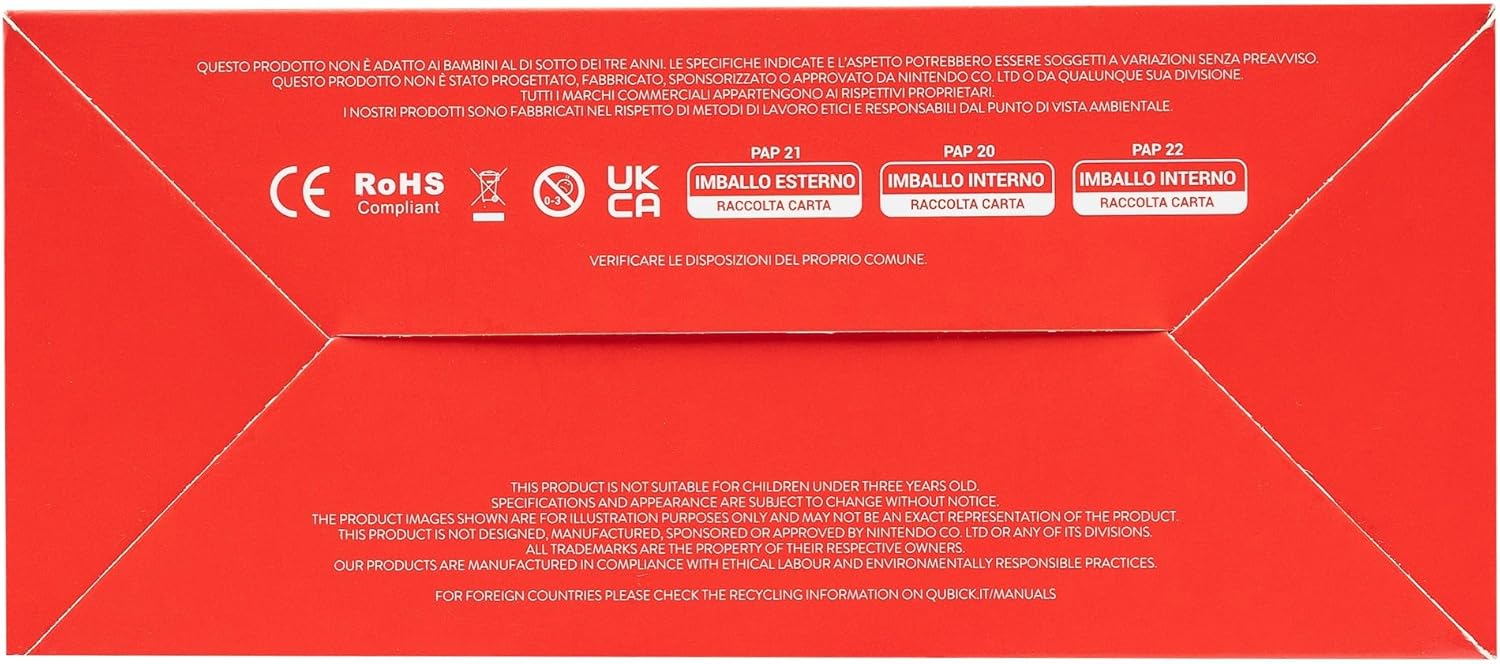
Image: Packaging of the Qubick Wireless Controller, displaying multilingual product information and a QR code linking to the online manual.
Image: Product packaging bottom, showing CE, RoHS, UKCA compliance marks and recycling information for cardboard packaging.