
Indledning
This manual provides comprehensive instructions for the installation, operation, and maintenance of your FIREBOX M20 WiFi Video Doorbell. Please read this manual carefully before use to ensure proper functionality and safety.
Pakkens indhold
- FIREBOX M20 Video Doorbell
- Trådløs klokke
- Monteringsbeslag
- Monteringsskruer og ankre
- USB opladningskabel
- Brugermanual

Opsætning
1. Opladning af dørklokken
Before first use, fully charge the doorbell's integrated 4000 mAh lithium-ion battery using the provided USB cable. Connect the USB cable to the doorbell's charging port and a standard 5V USB power adapter (not included). The charging indicator light will show the charging status.

2. Appinstallation og kontooprettelse
- Download appen "Tuya Smart" eller "Smart Life" fra din smartphones appbutik (iOS eller Android).
- Opret en ny konto, eller log ind, hvis du allerede har en.

3. Enhedsparring
- Ensure your doorbell is charged and powered on.
- Åbn Tuya Smart/Smart Life-appen.
- Tryk på ikonet "+" for at tilføje en ny enhed.
- Select "Video Surveillance" then "Smart Doorbell" or search for "M20".
- Follow the on-screen instructions to connect the doorbell to your 2.4GHz Wi-Fi network. Ensure your phone is connected to the same 2.4GHz Wi-Fi network during pairing.
- The doorbell will indicate successful pairing.
4. Montering af dørklokken
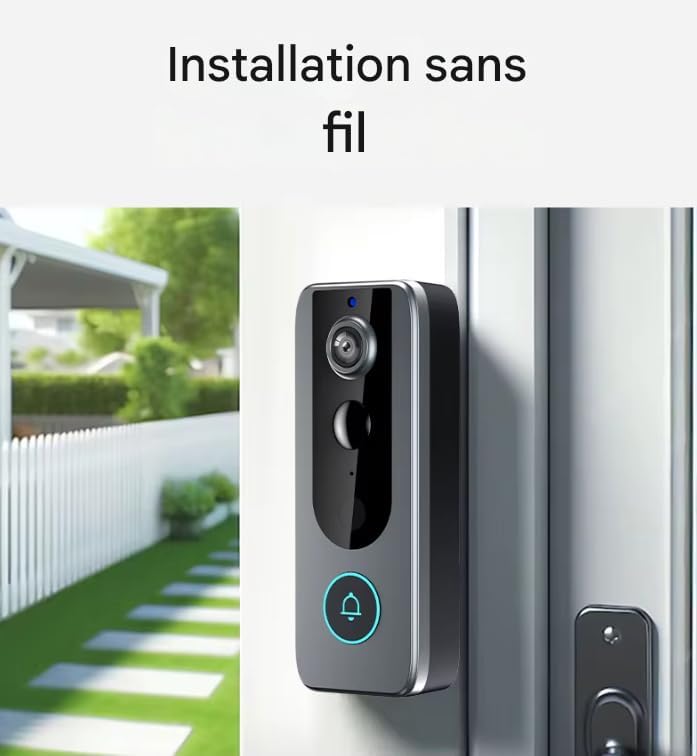
The FIREBOX M20 is designed for wireless wall mounting. Choose a suitable location near your entrance, ensuring good Wi-Fi signal strength.
- Position the mounting bracket at the desired height.
- Marker skruehullerne.
- Bor forhuller og isæt vægankre om nødvendigt.
- Fastgør monteringsbeslaget til væggen med skruer.
- Attach the doorbell unit to the mounting bracket, ensuring it clicks securely into place.
Betjeningsvejledning
1. Lev View
Open the Tuya Smart/Smart Life app and select your doorbell device to access the live video feed from the 1080p HD camera. This allows you to monitor your entrance in real-time.
2. Tovejslyd
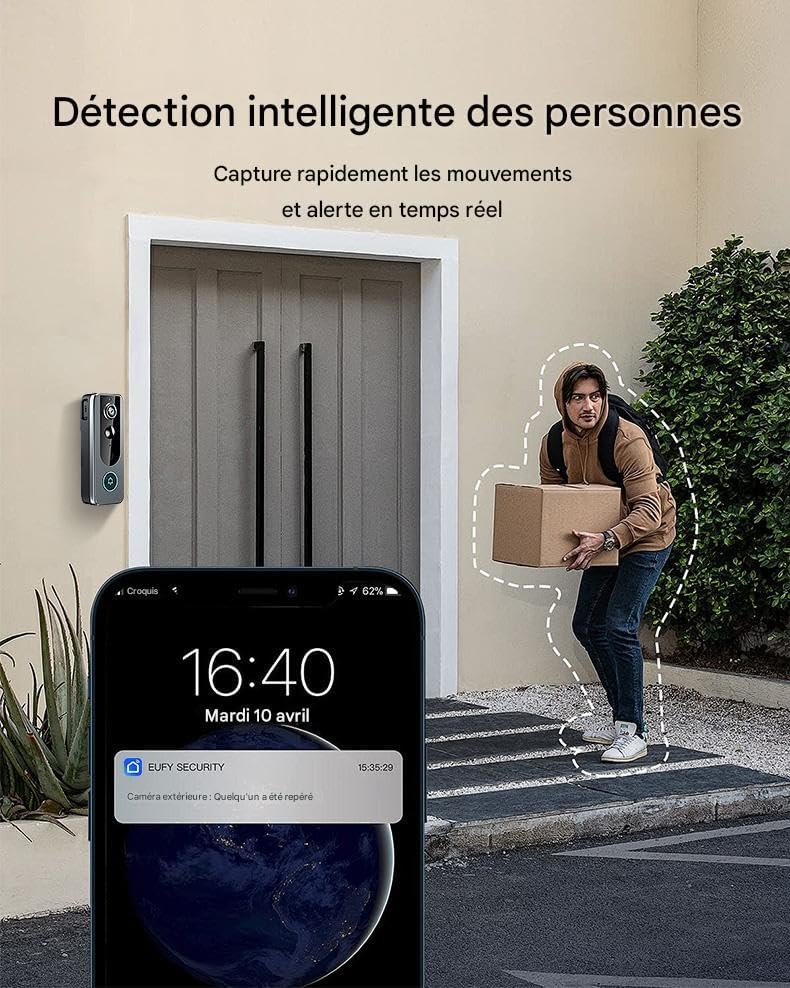
When a visitor presses the doorbell or motion is detected, you will receive a notification on your smartphone. Tap the notification to answer and engage in a two-way conversation with the visitor using the integrated microphone and speaker.

3. Bevægelsesdetektion
The doorbell features intelligent motion detection. When movement is detected within its 160-degree viewing angle, you will receive instant notifications on your smartphone. You can adjust sensitivity settings within the app.
4. Nattesyn
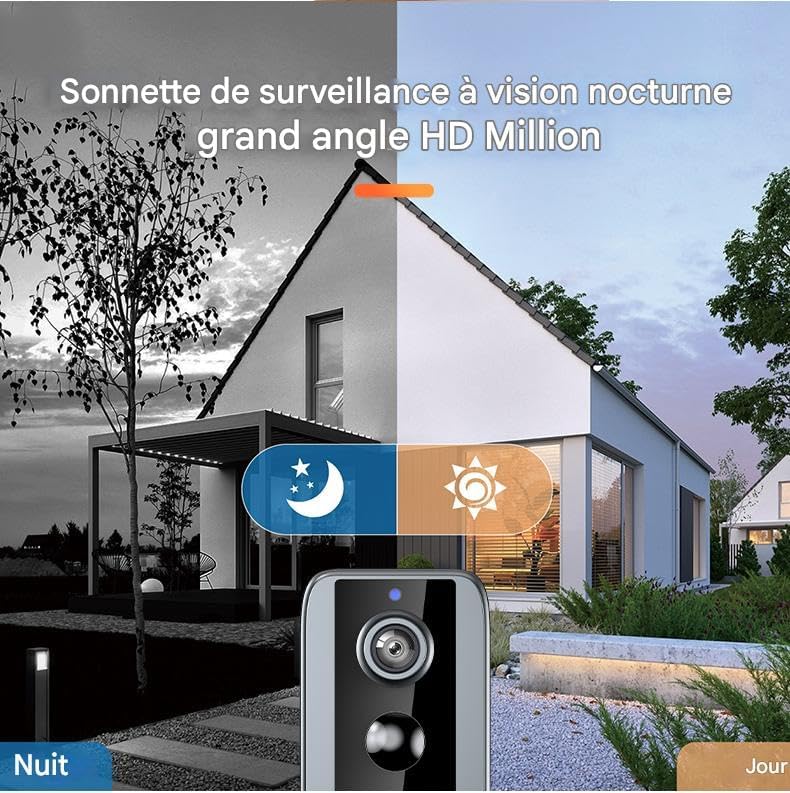
Equipped with 6 infrared LEDs, the doorbell provides clear night vision up to 10 meters, ensuring surveillance capabilities 24 hours a day, even in low-light conditions.
5. Videooptagelse og -lagring
The doorbell supports local storage via a microSD card (up to 32GB, not included). Recorded events, such as motion detections or doorbell presses, are saved to the card. You can review these recordings through the app.
Opretholdelse
1. Batteriopladning
The integrated battery requires periodic recharging. The app will notify you when the battery level is low. Disconnect the doorbell from its mounting bracket and charge it using the USB cable. Charging time may vary.
2. Rensning
Tør dørklokkens yderside af med en blød kludamp cloth to remove dust and dirt. Do not use abrasive cleaners or solvents. Ensure the camera lens is clean for optimal video quality.
3. Firmwareopdateringer
Periodically check the Tuya Smart/Smart Life app for available firmware updates. Keeping your doorbell's firmware updated ensures optimal performance and access to new features.
Fejlfinding
1. Doorbell Not Connecting to Wi-Fi
- Sørg for, at dit Wi-Fi-netværk er 2.4 GHz. Dørklokken understøtter ikke 5 GHz Wi-Fi.
- Bekræft, at Wi-Fi-adgangskoden er korrekt.
- Place the doorbell closer to your Wi-Fi router during the initial setup.
- Genstart din router og dørklokken.
2. Dårlig videokvalitet
- Check your Wi-Fi signal strength at the doorbell's location. A weak signal can affect video quality.
- Rengør kameralinsen.
3. Bevægelsesdetektion virker ikke eller er for følsom
- Adjust the motion detection sensitivity settings within the Tuya Smart/Smart Life app.
- Sørg for, at der ikke er nogen forhindringer, der blokerer sensoren.
4. Kort batterilevetid
- Frequent motion detections or live view access can drain the battery faster.
- Sørg for, at dørklokken er fuldt opladet efter hver opladningscyklus.
- Ekstreme temperaturer kan påvirke batteriets ydeevne.
Specifikationer
| Modelnavn | FIREBOX M20 |
| Video opløsning | 1080p HD |
| Viewi vinkel | 160 grader |
| Night Vision Range | Up to 10 meters (with 6 IR LEDs) |
| Lyd | To-vejs lyd |
| Forbindelse | 2.4 GHz Wi-Fi |
| Appkompatibilitet | Tuya Smart, Smart Life |
| Strømkilde | Genopladeligt litium-ion-batteri (4000 mAh) |
| Opbevaring | MicroSD-kort (op til 32 GB, medfølger ikke) |
| Vejrbestandighed | IP65 (Vandtæt) |
| Monteringstype | Vægmontering |
| Dimensioner (L x B x H) | 5.5 x 3.5 x 14 cm |
| Vægt | 400 gram |
Garanti og support
Specific warranty information and direct customer support contact details are not provided within this manual. Please refer to the retailer or your purchase documentation for warranty terms and support options.