
Indledning
Thank you for choosing the EDYELL MBH-C2 Motorcycle Helmet Bluetooth Headset. This manual provides detailed instructions for the proper installation, operation, and maintenance of your device. Please read this manual thoroughly before use to ensure optimal performance and safety.
Pakkens indhold
Før du fortsætter installationen, skal du kontrollere, at alle nedenstående varer er til stede i din pakke:
- Motorcycle Bluetooth Headset C2 (x1)
- Replaceable Hard Mic and Soft Micspeakers (x1)
- Clamping-base (x1)
- Mikrofon velcrobånd (x2)
- Højttaler velcro (x2)
- Booster-klistermærke (x2)
- Stativ velcrobånd (x1)
- Tyk dobbeltklæbende tape (x1)
- Brugervejledning (x1)
- Ladekabel (x1)

Image: Contents of the EDYELL MBH-C2 package.
Opsætning
1. Installation
The EDYELL MBH-C2 is designed for easy installation and is compatible with all types of helmets. Follow these steps to install the headset:
- Fastgør clamping base to the side of your helmet using the provided screws or adhesive tape. Ensure it is securely fastened.
- Insert the main headset unit into the clamping base until it clicks into place.
- Position the speakers inside the helmet's ear pockets. Use the speaker Velcro to secure them. Ensure the speakers are aligned with your ears for optimal sound quality.
- Attach the microphone to a suitable location inside the helmet, near your mouth, using the microphone Velcro tape. Choose between the hard mic (for open-face helmets) or soft mic (for full-face helmets) as appropriate.
- Route all cables neatly within the helmet padding to avoid interference and ensure comfort.

Image: The MBH-C2 headset is compatible with various helmet types.
2. Opladning af enheden
The C2 features a built-in 1000mAh rechargeable Li-ion battery. Before first use, fully charge the device.
- Connect the provided Type-C charging cable to the charging port on the headset and to a USB power source.
- Indikatorlampen viser opladningsstatus (f.eks. rød for opladning, blå for fuldt opladet).
- En fuld opladning tager cirka 1.5 timer.
- Once fully charged, the device provides up to 25 hours of music playback or 50 hours of talk time.

Image: Charging and battery life indicators for the MBH-C2 headset.
3. Bluetooth-parring
To connect your headset to a mobile device or another C2 unit:
- Sørg for, at headsettet er slukket.
- Press and hold the Power Button until the indicator light flashes red and blue, indicating pairing mode.
- On your mobile device, enable Bluetooth and search for available devices. Select "EDYELL C2" from the list.
- Når der er forbindelse, lyser indikatorlampen konstant blåt.
- For intercom pairing with another C2 unit, refer to the Group Communication section.
Betjeningsvejledning
1. Kontroller overview
The EDYELL MBH-C2 features a unique scroll roller design for intuitive control, alongside dedicated buttons.

Image: EDYELL MBH-C2 control layout.
- Tænd/sluk-knap (1): Press and hold to power on/off. Short press to play/pause music, answer/hang up calls.
- Scrollhjul (2): Rotate up/down to adjust volume. Press to switch function modes.
- Indikatorlys (3): Viser enhedens status (parring, tilsluttet, opladning).
- Previous Song Button / Intercom Button (4): Short press for previous song. Long press to initiate/end intercom.
- Speaker/Microphone Interface (5): Connection point for speakers and microphone.
- Next Song Button / Music Sharing Button (6): Short press for next song. Long press to activate music sharing.
2. Group Communication System
The C2 supports group communication within a range of 200-520 meters. It allows universal pairing with other motorcycle helmet headsets for two-rider communication. For group chat functionality, pairing with EDYELL brand motorcycle helmet speakers is required.
- One-on-One Intercom: The C2 can pair with third-party helmet headsets for one-on-one communication.
- EDYELL Group Chat: For multi-rider group chat, pair with other EDYELL brand C2 motorcycle helmet speakers.
- Start af intercom: Long press the Intercom Button (4 or 7) on both units to establish a connection.
- Rækkevidde: For optimal communication in areas with poor signal or at high speeds, it is recommended to maintain a communication distance within 200 meters.
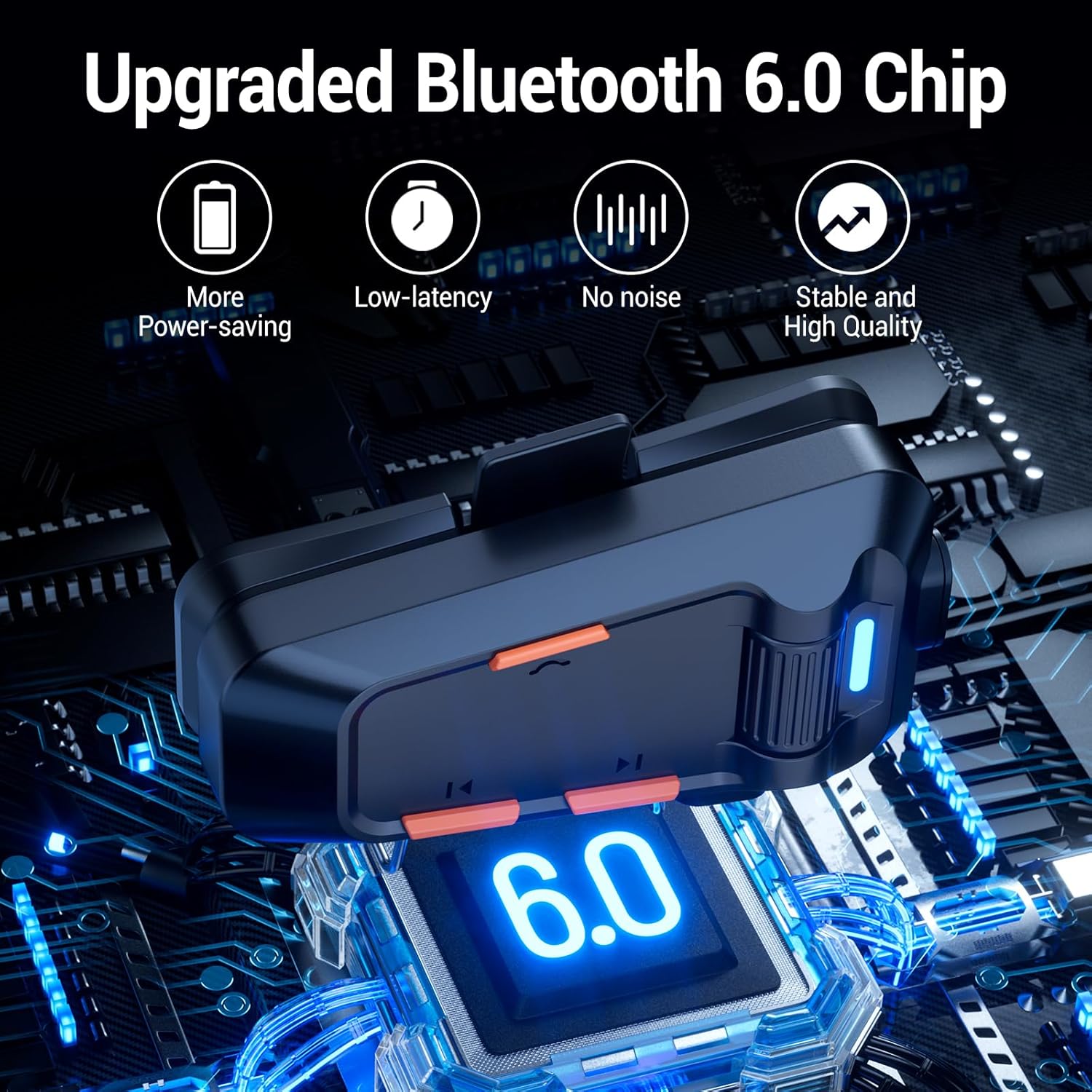
Image: EDYELL MBH-C2 Group Communication System in use.
3. Musikafspilning og -deling
Enjoy stereo music with Bluetooth 6.0 connectivity.
- Afspil/pause: Tryk kort på tænd/sluk-knappen (1).
- Næste / forrige nummer: Short press the Next Song Button (6) or Previous Song Button (4).
- Lydstyrkejustering: Rotate the Scroll Wheel (2) up or down.
- Musikdeling: Long press the Music Sharing Button (6) to share your audio with another paired EDYELL C2 unit.

Image: Music sharing between two EDYELL MBH-C2 users.
4. Opkaldsfunktioner
The headset supports automatic call answering and features Enhanced Noise Cancellation (ENC) for clear voice calls.
- Besvar/afslut opkald: Tryk kort på tænd/sluk-knappen (1).
- Automatisk besvarelse: The headset will automatically answer incoming calls after a few rings.
- Støjreduktion: The microphone's ENC technology reduces background noise from engine, wind, and traffic, ensuring your voice is heard clearly.
Opretholdelse
Proper maintenance ensures the longevity and performance of your EDYELL MBH-C2 headset.
- Rensning: Tør headsetenheden af med en blød kludamp klæde. Brug ikke skrappe kemikalier eller slibende rengøringsmidler.
- Vandtæt og støvtæt: The device is IPX5 waterproof and dustproof, utilizing nano-coating technology. This design protects against dust and rain, ensuring reliable operation in various weather conditions and temperatures down to -50°F. While resistant, avoid prolonged submersion in water.
- Opbevaring: Opbevar headsettet et køligt og tørt sted, når det ikke er i brug. Undgå ekstreme temperaturer.
- Batteripleje: For at forlænge batteriets levetid bør du undgå at aflade batteriet helt ofte. Oplad enheden regelmæssigt, selvom den ikke er i konstant brug.
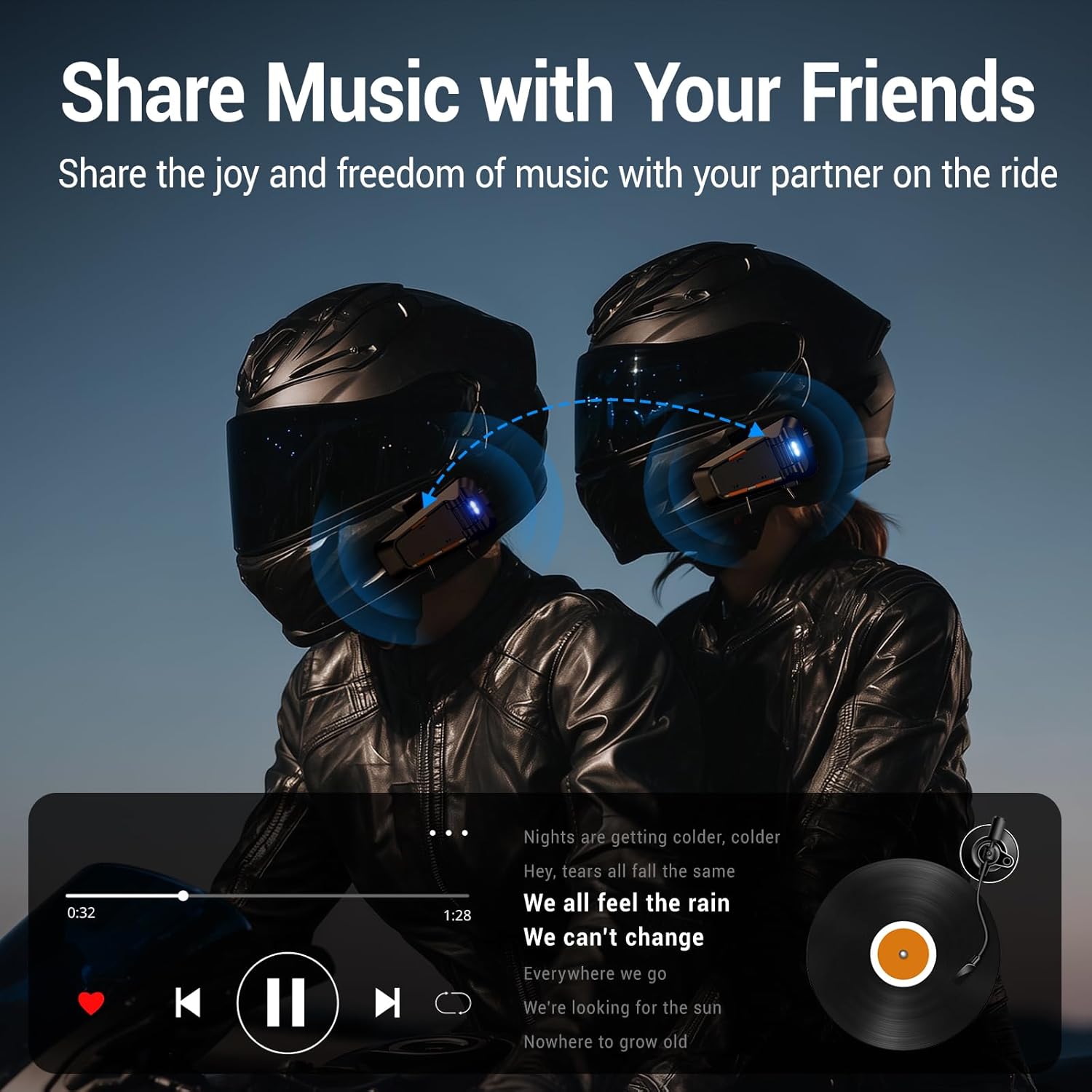
Image: EDYELL MBH-C2 IPX5 Waterproof and Dustproof features.
Fejlfinding
If you encounter issues with your EDYELL MBH-C2 headset, refer to the following common solutions:
| Problem | Mulig årsag | Løsning |
|---|---|---|
| Enheden tænder ikke | Lavt batteri; Enhedsfejl | Oplad enheden helt. Kontakt support, hvis problemet fortsætter. |
| Cannot pair with phone/another headset | Not in pairing mode; Bluetooth off on other device; Too far apart | Ensure headset is in pairing mode (flashing red/blue). Check Bluetooth on your device. Bring devices closer. Restart both devices. |
| Ingen lyd eller lav lydstyrke | Volume too low; Speakers not positioned correctly; Loose connection | Increase volume using the scroll wheel. Adjust speaker position inside helmet. Check speaker/microphone interface connection. |
| Intercom connection unstable or short range | Obstructions; Exceeding range; Signal interference | Reduce distance between units. Avoid physical obstructions. Ensure clear line of sight if possible. |
| Poor call quality / excessive noise | Microphone not positioned correctly; High wind noise; ENC not active | Adjust microphone closer to your mouth. Ensure microphone is not obstructed. ENC is automatic; if issues persist, contact support. |
Specifikationer
| Feature | Detalje |
|---|---|
| Model | MBH-C2 |
| Forbindelsesteknologi | Trådløs (Bluetooth 6.0) |
| Støjkontrol | Passive Noise Cancellation, ENC Microphone |
| Batterikapacitet | 1000mAh Li-ion |
| Opladningstid | Approx. 1.5 Hours (Type-C) |
| Musik afspilningstid | Op til 25 timer |
| Taletid | Op til 50 timer |
| Intercom rækkevidde | 200-520 meters (EDYELL units) |
| Vandtæt vurdering | IPX5 |
| Driftstemperatur | Ned til -50°F |
| Varens vægt | 150 gram |
| Produktdimensioner | 14 x 9.5 x 6 cm |
| Oprindelsesland | Kina |
Garanti og support
For warranty information, technical support, or customer service inquiries, please contact EDYELL INDIA directly.
- Kundeservice e-mail: support@fenman.in
- Kundeservice telefon: +91 8882786235
Gem venligst din købsbevis i tilfælde af garantikrav.