
1. Introduktion
Thank you for choosing the Tiksounds S12 Portable Bluetooth Speaker. This manual provides essential information for setting up, operating, and maintaining your speaker to ensure optimal performance and longevity. Please read these instructions carefully before using the product.
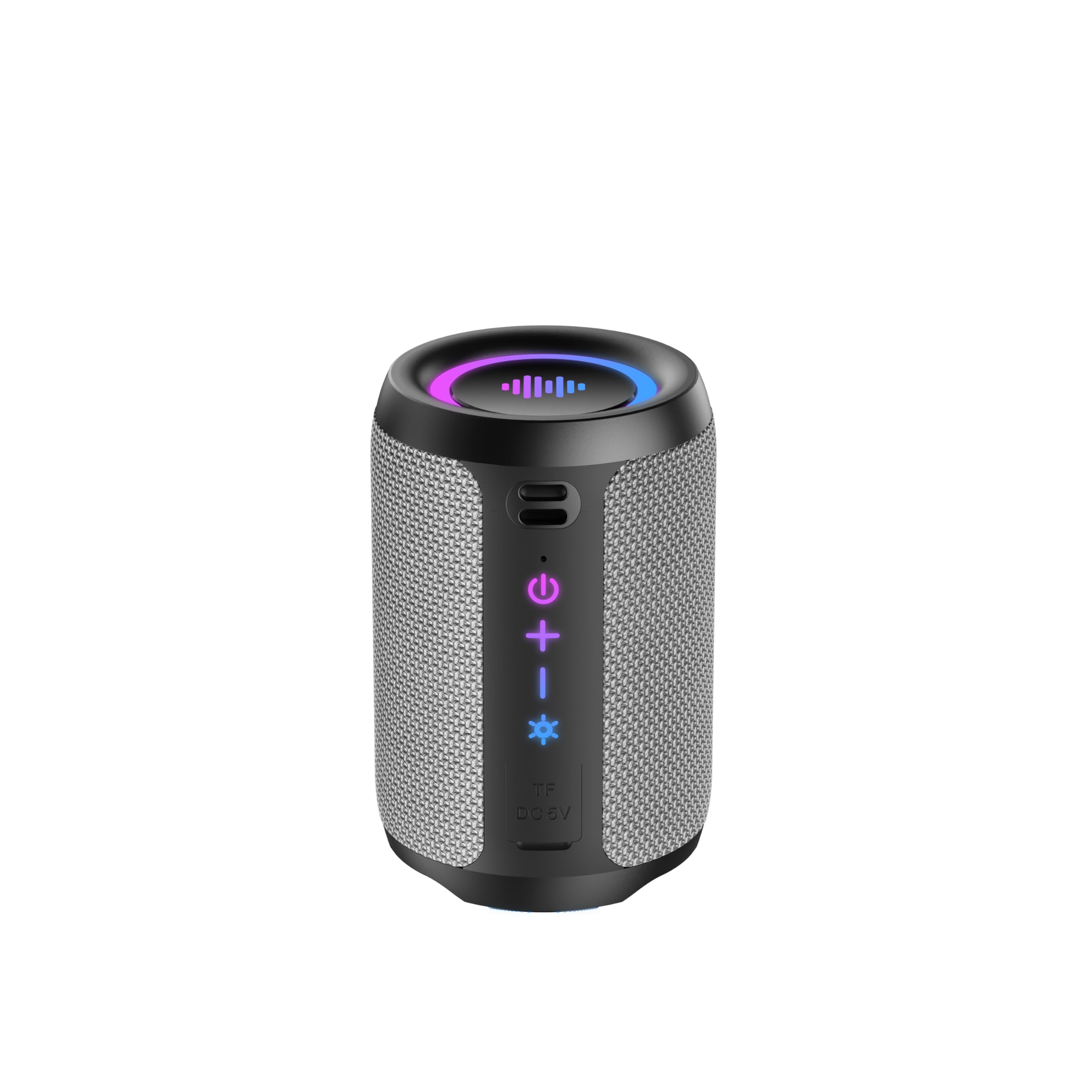
Image 1.1: The Tiksounds S12 Portable Bluetooth Speaker, showcasing its IPX7 waterproof design with water splashes.
2. Produktet er slutview
2.1 Hvad er der i æsken
- Tiksounds S12 Portable Bluetooth Speaker
- USB Type-C opladerkabel
- Brugermanual
2.2 Højttalerkomponenter og betjeningselementer
Familiarize yourself with the speaker's buttons and ports for easy operation.
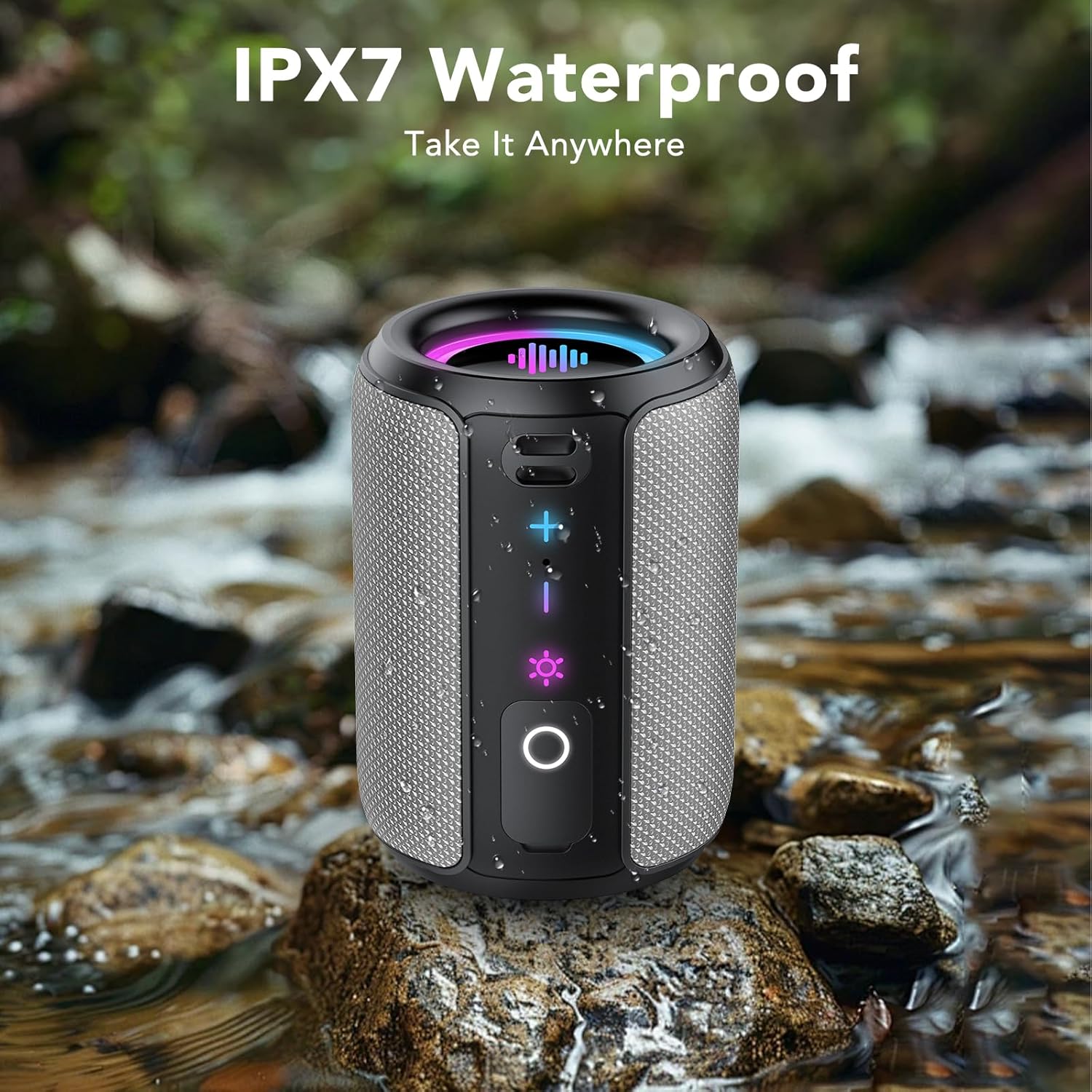
Billede 2.1: Forside view of the S12 speaker highlighting the Volume Up (+), Volume Down (-), Light Control, and Play/Pause/Call buttons.
- Lydstyrke op (+): Tryk for at øge lydstyrken.
- Skrue ned (-): Tryk for at sænke lydstyrken.
- Light Control (☀): Press to cycle through light modes. Press and hold for 3 seconds to turn lights off.
- Play/Pause/Call (O): Press to play/pause music or answer/end calls. Press and hold for 2 seconds to power on/off. Press for 1.5 seconds to reject a call.
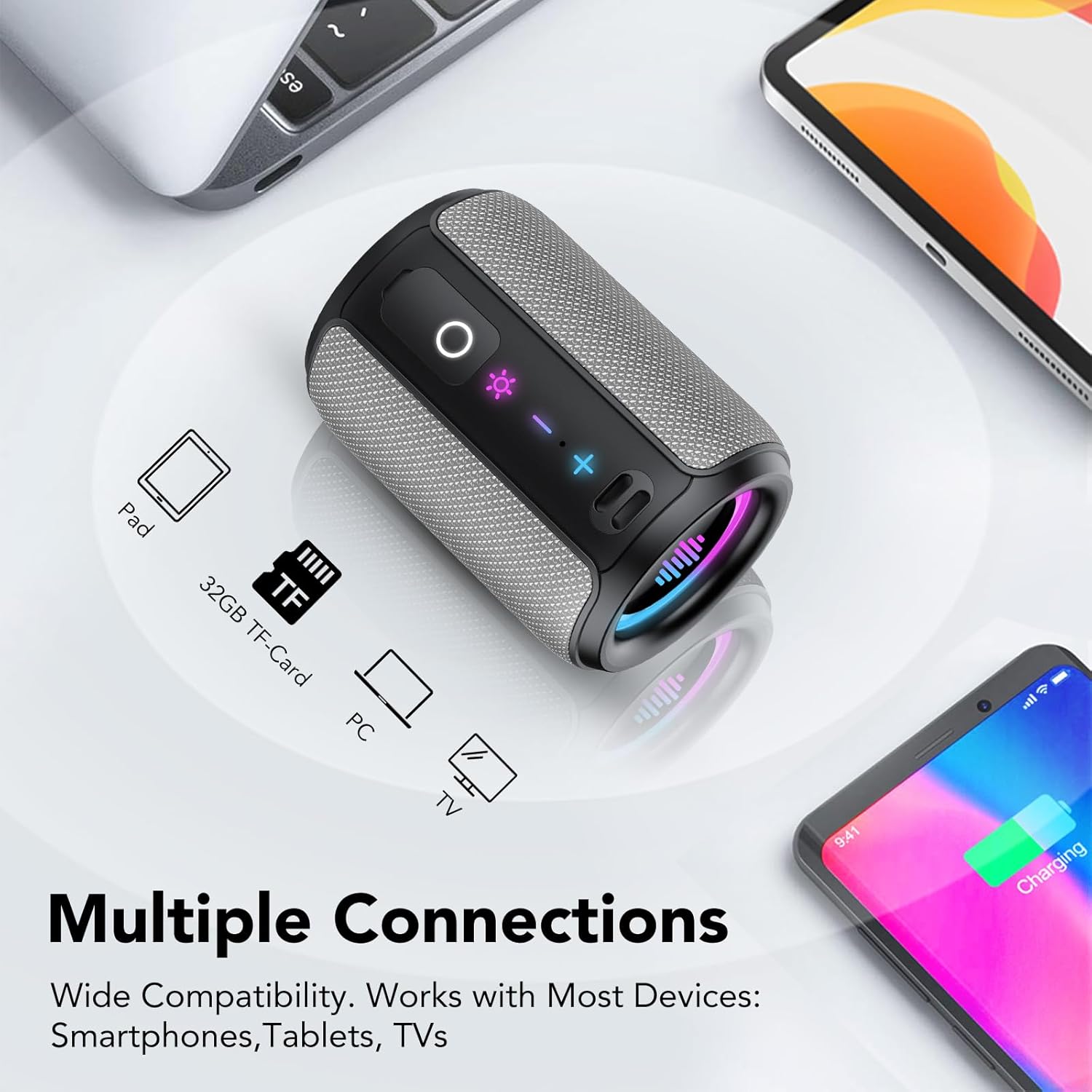
Billede 2.2: Side view of the S12 speaker revealing the TF Card Slot and Type-C Charging/Data Port, protected by a waterproof cover.
- TF kort slot: Supports WAV / MP3 formats for direct music playback.
- Type-C port: For charging the speaker and data transfer.
3. Opsætningsvejledning
3.1 Opladning af højttaleren
Before first use, fully charge the speaker. Connect the provided USB Type-C cable to the speaker's Type-C port and a compatible USB power adapter (not included). A full charge typically takes 3-4 hours and provides up to 12-24 hours of playtime depending on volume and light usage.
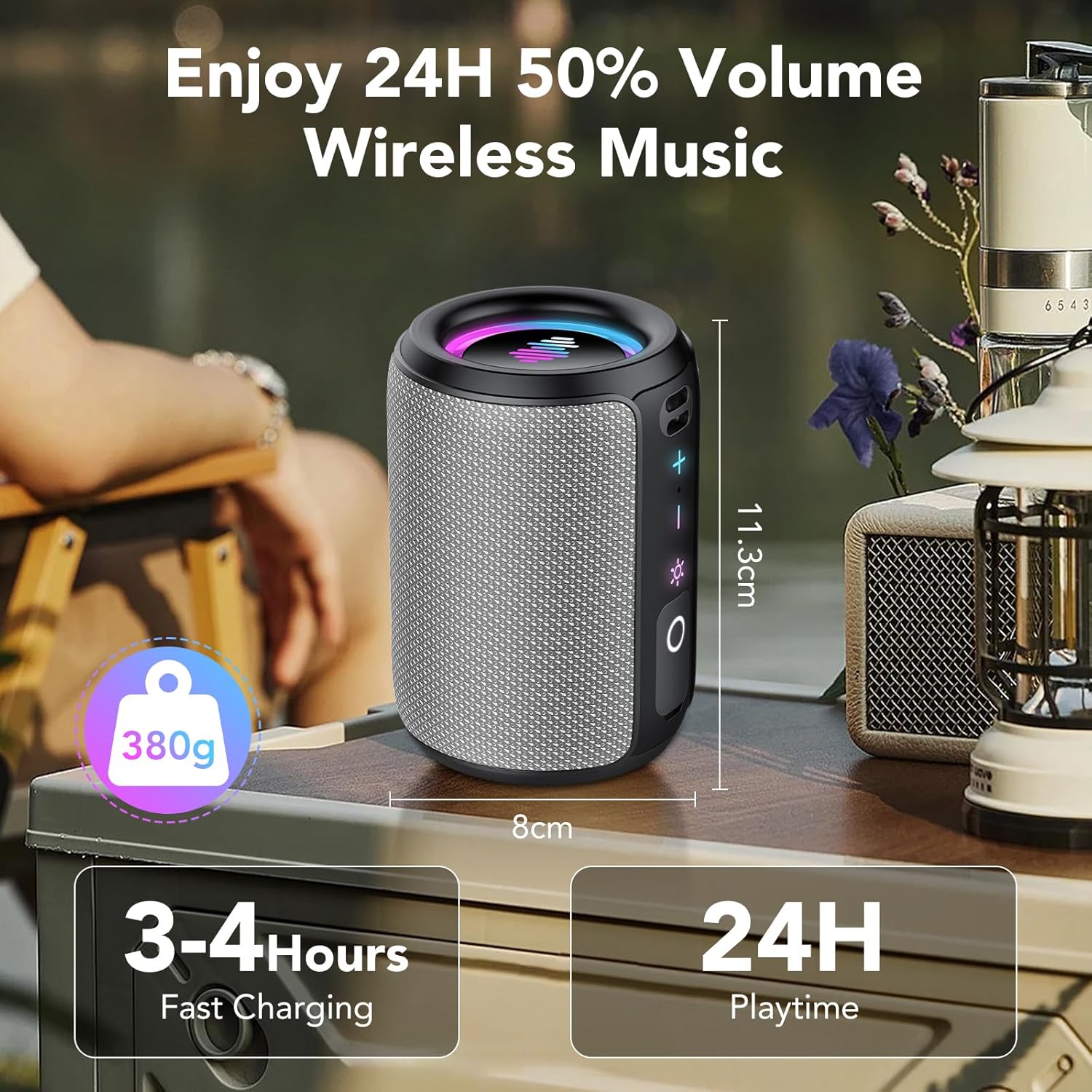
Image 3.1: The S12 speaker highlighting its compact size, 380g weight, 3-4 hours fast charging, and 24 hours playtime.
3.2 Tænd/sluk
- Til tænding: Tryk på og hold Play/Pause/Call (O) knappen i 2 sekunder.
- For at slukke: Tryk på og hold Play/Pause/Call (O) knappen i 2 sekunder.
3.3 Bluetooth -parring
The S12 speaker features Bluetooth 5.4 for fast and stable connections.
- Ensure the speaker is powered on and in pairing mode (indicated by a flashing light).
- Aktiver Bluetooth på din enhed (smartphone, tablet, computer).
- Søg efter "S12" på listen over tilgængelige Bluetooth-enheder, og vælg den for at oprette forbindelse.
- Once connected, the speaker will emit a confirmation sound, and the light will stop flashing.
3.4 Ægte trådløs stereo (TWS) parring
For an immersive 360° stereo sound experience, you can pair two S12 speakers together.
- Sørg for, at begge S12-højttalere er tændt og ikke er forbundet til nogen anden Bluetooth-enhed.
- On one speaker, double-press the TWS knap (often integrated with the Play/Pause button or a dedicated button, refer to Image 2.1 for specific button layout if available, otherwise assume Play/Pause). The speaker will enter TWS pairing mode.
- De to højttalere vil automatisk oprette forbindelse til hinanden. En bekræftelseslyd vil indikere vellykket TWS-parring.
- Once paired, connect your device to one of the S12 speakers via Bluetooth as described in Section 3.3. Both speakers will now play audio in stereo.
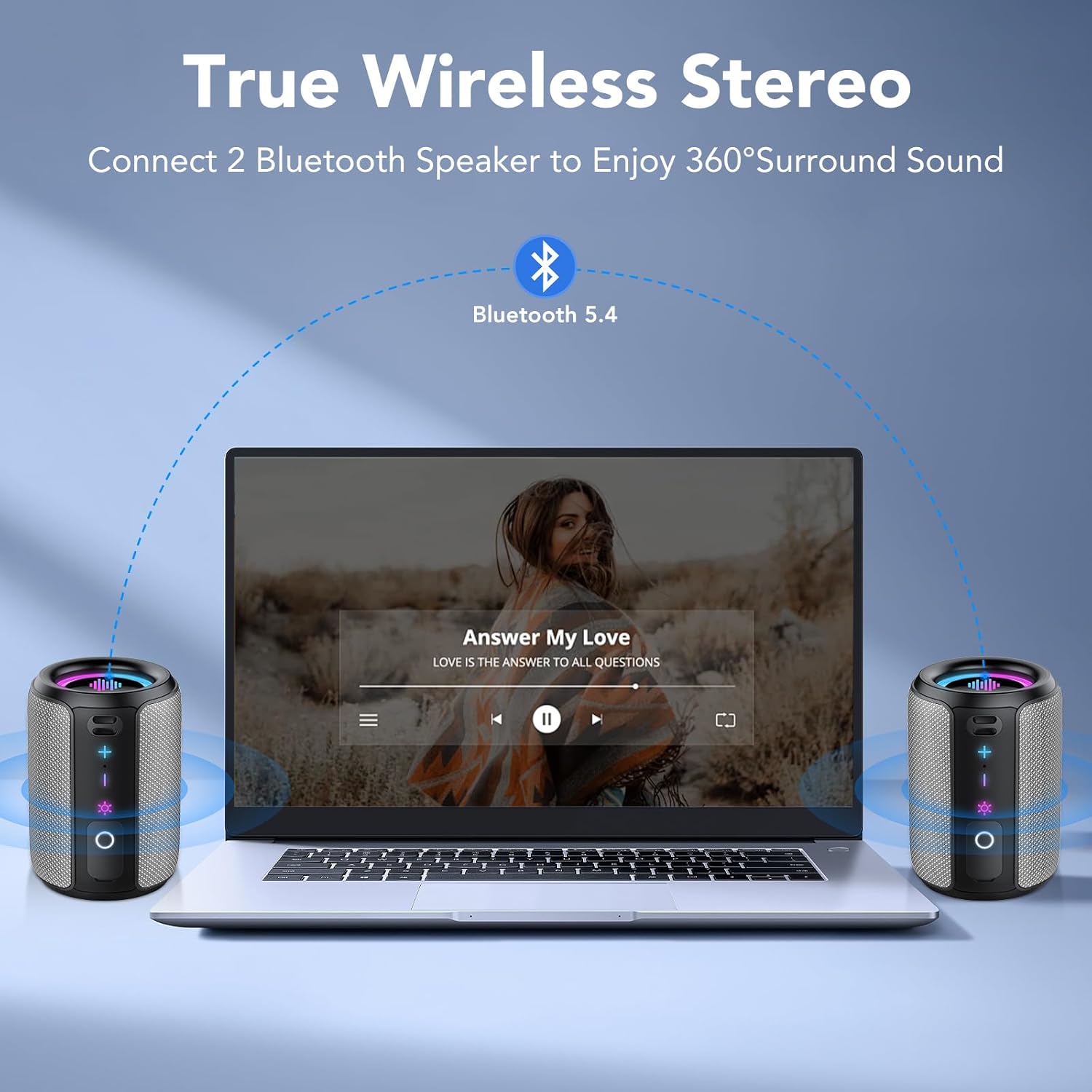
Image 3.2: Two S12 speakers set up for True Wireless Stereo (TWS) pairing with a laptop, providing 360° surround sound.
4. Betjeningsvejledning
4.1 Musikafspilning
- Afspil/pause: Tryk på Play/Pause/Call (O) knap én gang.
- Lydstyrke op: Tryk på + knap.
- Lydstyrke ned: Tryk på - knap.
- Næste spor: Tryk på og hold + knappen i 2 sekunder.
- Forrige spor: Tryk på og hold - knappen i 2 sekunder.
4.2 Opkaldshåndtering
- Besvar/afslut opkald: Tryk på Play/Pause/Call (O) knap én gang.
- Afvis opkald: Tryk på og hold Play/Pause/Call (O) knappen i 1.5 sekunder.
4.3 Dynamic Rhythm Light Show
The S12 speaker features dynamic RGB LED lights that sync with your music. There are six distinct light modes:
- Rainbow Cycle
- Alternating Red, Green, and Blue
- Red, Green, and Blue Alternating
- Regnbue vejrtrækning
- Rainbow Stacking
- Slukket
Tryk på Light Control (☀) button to cycle through these modes. Press and hold the Light Control (☀) button for 3 seconds to turn the lights off.

Image 4.1: Multiple S12 speakers demonstrating the vibrant RGB colorful lighting feature.
4.4 TF-kortafspilning
Insert a TF card (up to 32GB) containing WAV or MP3 audio files into the TF card slot. The speaker will automatically switch to TF card playback mode. Use the playback controls (Section 4.1) to manage your music.
5. Vedligeholdelse
5.1 Vandtæthedspleje (IPX7)
The S12 speaker is IPX7 waterproof, meaning it can be immersed in water up to 1 meter (3 feet) for 30 minutes. Ensure the Type-C port and TF card slot cover is securely closed before exposing the speaker to water. After exposure to water, wipe the speaker dry with a soft cloth before charging or opening the port cover.
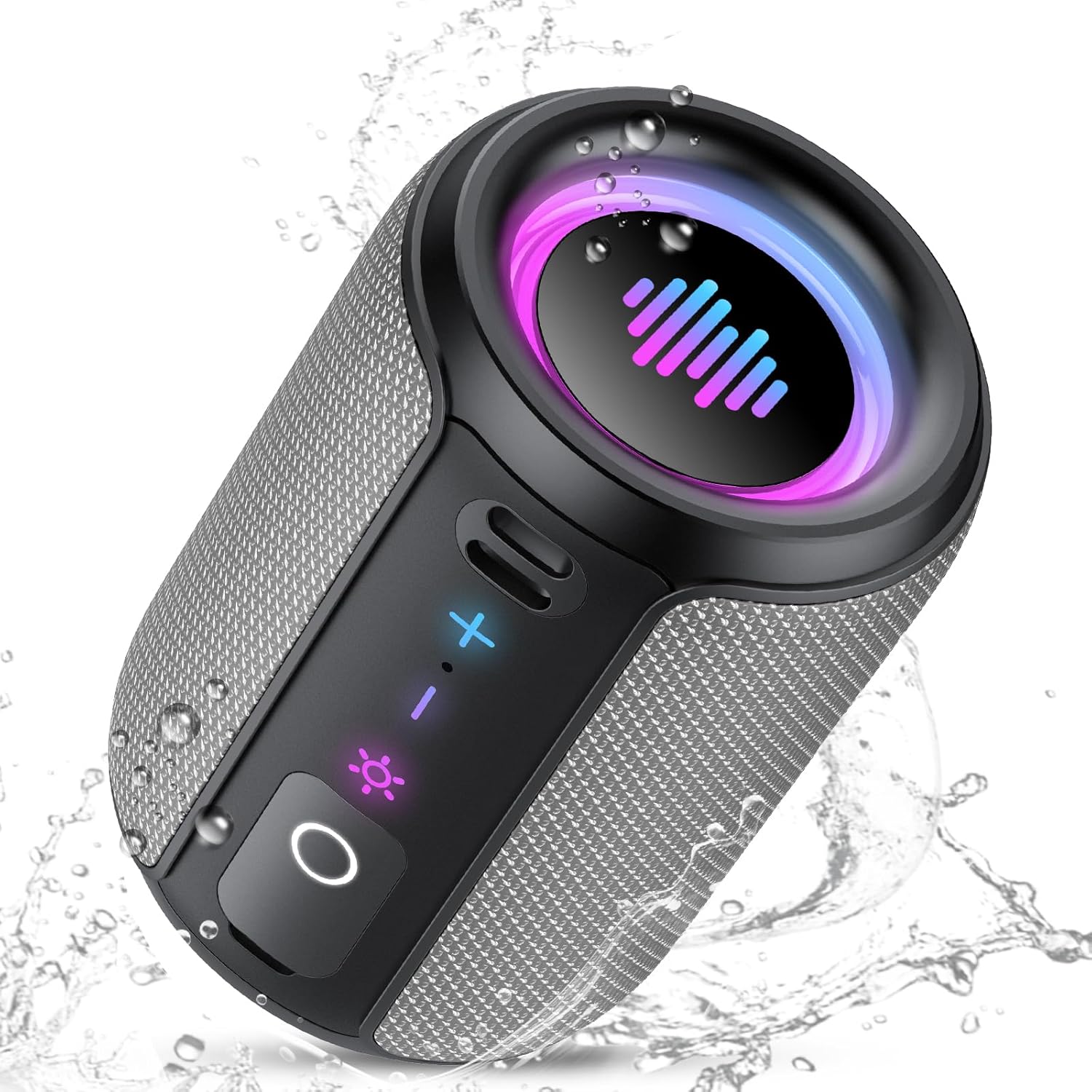
Image 5.1: The S12 speaker in a wet environment, highlighting its IPX7 waterproof capability.
5.2 Rengøring og opbevaring
- Rengør højttaleren med en blød, damp klæde. Brug ikke skrappe kemikalier eller slibende rengøringsmidler.
- Opbevar højttaleren et køligt, tørt sted væk fra ekstreme temperaturer og direkte sollys.
- Hvis batteriet opbevares i en længere periode, skal det oplades til cirka 50% hver par måneder for at opretholde batteriets tilstand.
6. Fejlfinding
If you encounter issues with your S12 speaker, refer to the following common problems and solutions:
| Problem | Mulig årsag | Løsning |
|---|---|---|
| Højttaleren tændes ikke | Lavt batteri | Oplad højttaleren i 3-4 timer. |
| Kan ikke parres via Bluetooth | Højttaler ikke i parringstilstand; enhed Bluetooth slukket; for langt fra enheden | Ensure speaker is on and flashing; enable Bluetooth on device; move speaker closer (within 10m/33ft). |
| Ingen lyd | Lydstyrken er for lav; enheden er ikke tilsluttet; forkert lydkilde | Increase speaker/device volume; re-pair Bluetooth; check if TF card is inserted. |
| TWS-parring mislykkes | Speakers too far apart; one speaker already connected to a device | Ensure speakers are close; disconnect any Bluetooth devices from both speakers before TWS pairing. |
7. Specifikationer
| Feature | Detalje |
|---|---|
| Modelnavn | S12 |
| Mærke | Afkrydsningslyde |
| Højttaler type | Bærbar højttaler |
| Forbindelsesteknologi | Bluetooth 5.4 |
| Højttaler Maksimal udgangseffekt | 15 watt (30 W i TWS-tilstand) |
| Særlige funktioner | LED Light, IPX7 Waterproof, TWS Pairing, TF Card Slot |
| Farve | Grå |
| Produktdimensioner | 8.5 cm D x 12.3 cm B x 8.5 cm H (3.34 cm D x 4.84 cm B x 3.34 cm H) |
| Varens vægt | 15.5 ounces (ca. 440 g) |
| Spilletid | Op til 12-24 timer (afhængigt af brug) |
| Opladningstid | 3-4 timer |
| TF-kortstøtte | WAV / MP3 formats |
8. Sikkerhedsoplysninger
- Produktet må ikke skilles ad, repareres eller modificeres.
- Hold højttaleren væk fra ekstreme varmekilder, direkte sollys og åben ild.
- Udsæt ikke højttaleren for ætsende væsker.
- Ensure the charging port cover is sealed tightly when near water.
- Brug kun de medfølgende eller certificerede opladningskabler.
9. Produktvideo overview
Watch this official video for a visual guide to the Tiksounds S12 Portable Bluetooth Speaker's features and functions.
Video 9.1: En overview of the Tiksounds S12 Portable Bluetooth Speaker, demonstrating its portable design, 15W stereo sound, 24-hour battery life, RGB dynamic light shows, Bluetooth 5.4 connectivity, IPX7 waterproof rating, TWS pairing, and control interface.
10. Garanti og support
For warranty information and customer support, please refer to the documentation included with your purchase or visit the official Tiksounds webwebsted. Du kan også kontakte sælgeren direkte for at få hjælp.