
1. Introduktion
Thank you for choosing the xinwld M17 Portable Bluetooth Speaker. This manual provides essential information for setting up, operating, and maintaining your speaker to ensure optimal performance and longevity. The M17 speaker features Bluetooth 5.4 connectivity, 20W HD stereo sound, IP7 waterproofing, LED lights, and TWS pairing for an enhanced audio experience.
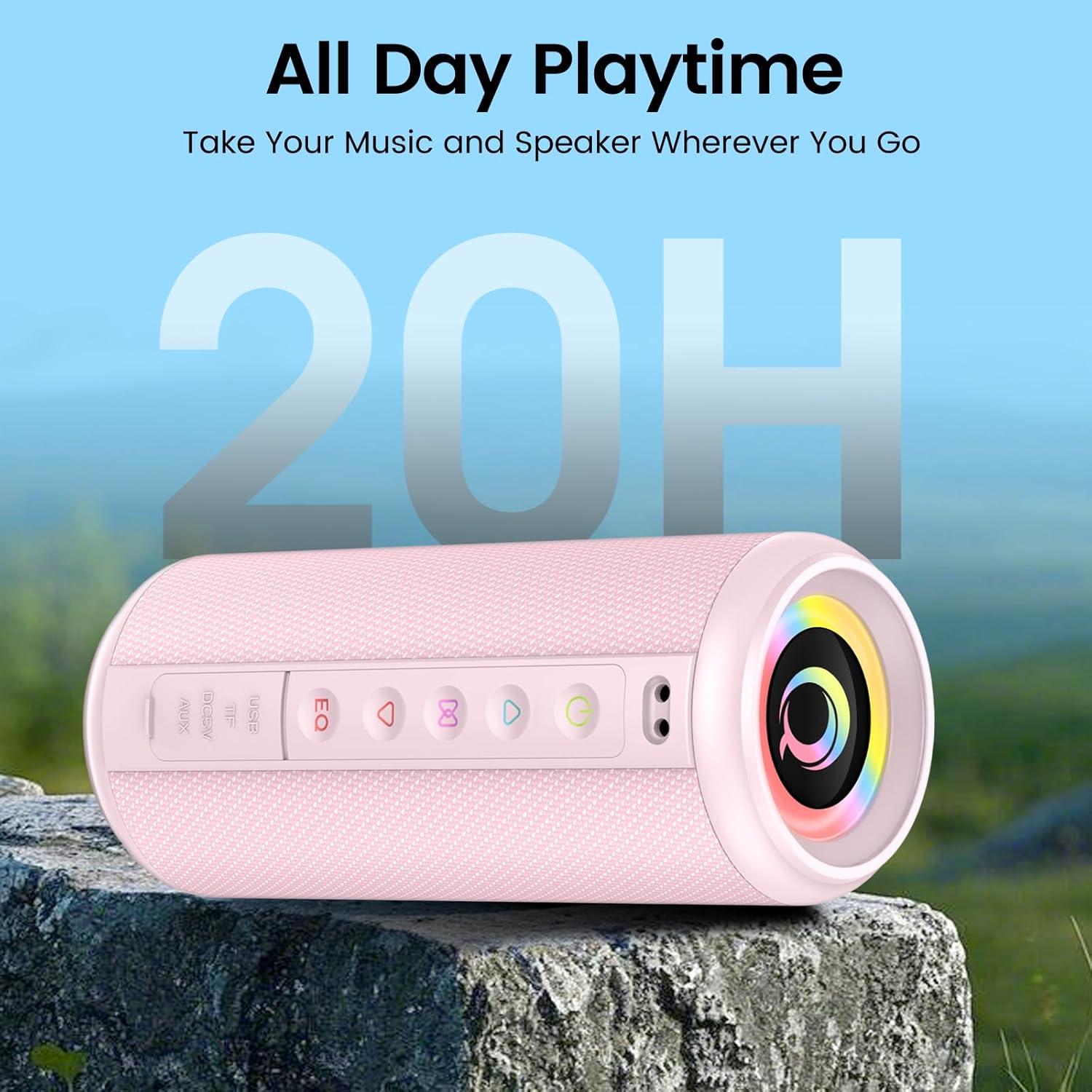
Figure 1: xinwld M17 Portable Bluetooth Speaker. This image shows the speaker's cylindrical design with control buttons on the side and the main speaker grille.
2. Opsætning
2.1 Hvad er der i æsken
Kontroller venligst pakkens indhold ved udpakning:
- 1 x xinwld M17 Portable Bluetooth Speaker
- 1 x USB-C opladningskabel
- 1 x brugermanual
2.2 Opladning af højttaleren
Before first use, fully charge the speaker. Connect the provided USB-C cable to the speaker's charging port and the other end to a compatible USB power adapter (not included). The charging indicator light will show the charging status. A full charge provides up to 15 hours of playback at 50% volume.
2.3 Tænd/sluk
- Sådan tænder du: Tryk på tænd/sluk-knappen ( og hold den nede)⏻) for 2-3 seconds. You will hear an audible prompt.
- Sådan slukker du: Tryk på tænd/sluk-knappen ( og hold den nede)⏻) for 2-3 seconds. You will hear an audible prompt.
2.4 Bluetooth -parring
M17-højttaleren bruger Bluetooth 5.4 for en stabil og hurtig forbindelse.
- Sørg for, at højttaleren er tændt og i Bluetooth-parringstilstand (indikeret med en blinkende LED).
- Aktiver Bluetooth på din enhed (smartphone, tablet osv.) og søg efter tilgængelige enheder.
- Select "M17" from the list of devices.
- Når den er tilsluttet, vil højttaleren udsende en hørbar bekræftelse, og LED-indikatoren vil lyse konstant.

Figure 2: Bluetooth 5.4 connectivity. This image illustrates the speaker's compatibility with various connection modes including AUX, TF Card, Bluetooth, and USB, and shows a phone successfully paired with "M17".
2.5 Ægte trådløs stereo (TWS) parring
For an immersive stereo sound experience, you can pair two M17 speakers together.
- Sørg for, at begge M17-højttalere er tændt og ikke er forbundet til nogen Bluetooth-enhed.
- På den ene højttaler (dette vil være den primære højttaler) skal du dobbelttrykke på TWS-knappen (ofte angivet med et kædeledsikon eller lignende). Højttaleren vil gå i TWS-parringstilstand.
- De to højttalere vil automatisk oprette forbindelse til hinanden. Du vil høre en bekræftelsestone.
- Once paired, connect your device to the primary speaker via Bluetooth as described in Section 2.4.

Figure 3: True Wireless Stereo pairing. This image depicts two M17 speakers wirelessly connected to a smartphone via Bluetooth 5.4, creating a stereo sound setup.
3. Betjening
3.1 Grundlæggende kontroller
The speaker features intuitive buttons for control:
- Tænd/sluk-knap (⏻): Tryk og hold for at tænde/slukke.
- Afspil/pause knap (▶/‖): Tryk én gang for at afspille eller sætte musik på pause.
- Lydstyrke op-knap (+): Tryk én gang for at øge lydstyrken. Tryk og hold nede for næste nummer.
- Lydstyrke ned-knap (-): Tryk én gang for at sænke lydstyrken. Tryk og hold nede for at gå til forrige nummer.
- EQ knap: Tryk for at gennemgå equalizer-forudindstillinger.
- Lystilstandsknap: Press to change RGB lighting modes.
3.2 Forbindelsestilstande
In addition to Bluetooth, the M17 supports multiple playback options:
- TF-kort: Indsæt et TF-kort (microSD) med lyd files into the designated slot. The speaker will automatically switch to TF card playback.
- AUX-indgang: Connect an audio device using a 3.5mm AUX cable (not included) to the AUX port. The speaker will switch to AUX mode.
- USB-afspilning: Indsæt et USB-flashdrev med lyd files into the USB port. The speaker will automatically switch to USB playback.
3.3 Equalizer (EQ) Tuning
The speaker features a 3-band equalizer for customizable sound profiles. Press the EQ button to cycle through different sound modes (e.g., Bass Boost, Vocal, Balanced) to match your music genre or preference.

Figure 4: Deep Bass Stereo Sound. This cutaway view illustrates the internal dual 52mm full-range drivers responsible for delivering clear highs and rich midranges.
3.4 RGB-lystilstande
The M17 speaker includes 8 dynamic RGB lighting modes that pulsate with your music. Press the Light Mode button to cycle through the available lighting effects. To turn off the lights, continue pressing the button until the lights are off.
3.5 Håndfri opkald
With its built-in HD noise-canceling microphone, you can answer calls directly through the speaker when connected via Bluetooth.
- Besvar opkald: Tryk én gang på knappen Afspil/Pause.
- Afslut opkald: Tryk én gang på Afspil/Pause-knappen under et opkald.
- Afvis opkald: Tryk og hold knappen Afspil/Pause nede i 2 sekunder.
4. Vedligeholdelse
4.1 Vandtætning (IP7-klassificering)
The M17 speaker is IP7 waterproof, meaning it can withstand immersion in water up to 1 meter for 30 minutes. It is also dustproof and sandproof. However, do not intentionally immerse the speaker in water for extended periods or at depths greater than 1 meter. Sørg for, at alle portdæksler er forsvarligt lukket, før højttaleren udsættes for vand.
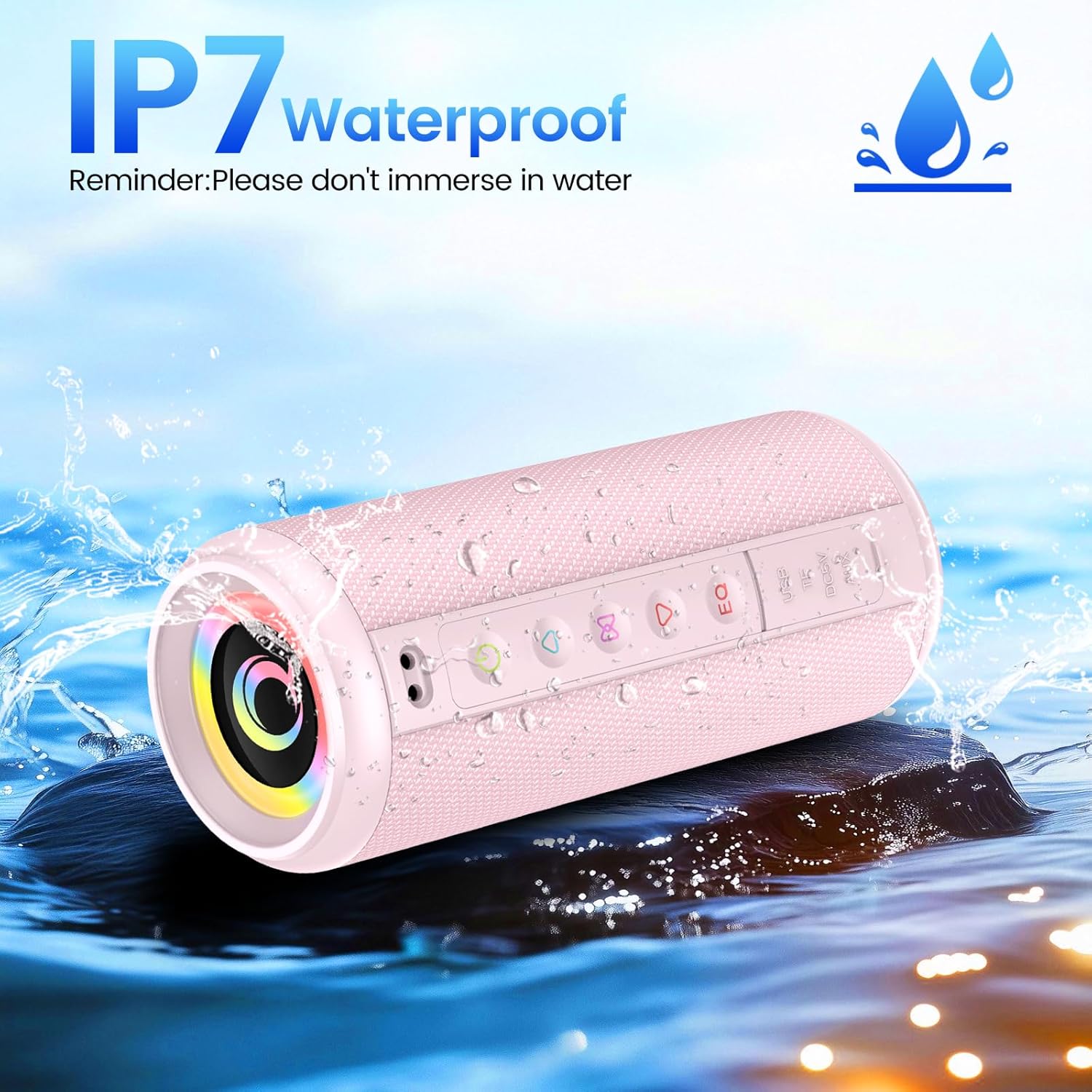
Figure 5: IP7 Waterproof. This image shows the M17 speaker being splashed with water, highlighting its IP7 waterproof capability. A reminder states: "Please don't immerse in water."
4.2 Rengøring og opbevaring
- Rengør højttaleren med en blød, damp klæde. Brug ikke slibende rengøringsmidler eller opløsningsmidler.
- Ensure the speaker is completely dry before charging or using it after exposure to water.
- Opbevar højttaleren et køligt, tørt sted væk fra direkte sollys og ekstreme temperaturer, når den ikke er i brug i længere perioder.
5. Fejlfinding
| Problem | Mulig årsag | Løsning |
|---|---|---|
| Højttaleren tænder ikke. | Lavt batteri; Tænd/sluk-knappen er ikke trykket korrekt ind. | Oplad højttaleren helt. Tryk på tænd/sluk-knappen og hold den nede i 2-3 sekunder. |
| Kan ikke parres via Bluetooth. | Højttaler ikke i parringstilstand; Enhedens Bluetooth er slået fra; Højttaleren er allerede forbundet til en anden enhed. | Ensure speaker is in pairing mode. Turn Bluetooth off/on on your device. Disconnect from other devices. |
| Ingen lyd. | Lydstyrken er for lav; Forkert inputtilstand; Enheden afspiller ikke lyd. | Increase speaker and device volume. Check if the correct input mode (Bluetooth, AUX, TF, USB) is selected. Ensure audio is playing on your source device. |
| TWS-parring mislykkes. | Højttalerne er for langt fra hinanden; én højttaler er allerede parret med en enhed. | Sørg for, at højttalerne er tæt på hinanden. Frakobl begge højttalere fra alle Bluetooth-enheder, før du starter TWS-parring. |
6. Specifikationer
| Feature | Detalje |
|---|---|
| Modelnavn | M17 |
| Mærke | xinwld |
| Højttaler type | Bærbar højttaler |
| Forbindelsesteknologi | Bluetooth 5.4 |
| Højttaler Maksimal udgangseffekt | 20 watt |
| Produktmål (diameter x højde) | 8 cm (3.15") x 19 cm (7.48") |
| Varens vægt | 555 g (1.22 lbs) |
| Maksimal rækkevidde | 98 fod |
| Vandtæt vurdering | IP7 |
| Batterikapacitet | 3600mAh |
| Afspilningstid | Op til 15 timer (ved 50 % volumen) |
| Inkluderede komponenter | Speaker, USB-C cable, Manual |

Figure 6: Size Parameters. This image provides detailed dimensions (8cm diameter, 19cm height) and weight (555g) of the M17 speaker.
7. Garanti og support
7.1 Garantioplysninger
The xinwld M17 Portable Bluetooth Speaker comes with a standard manufacturer's warranty. Please refer to the warranty card included in your package or contact xinwld customer support for specific warranty terms and conditions.
7.2 Kundesupport
For any questions, technical assistance, or support regarding your xinwld M17 speaker, please contact our customer service team. Contact details can typically be found on the product packaging, the official xinwld webwebstedet eller via din købsplatform.