
1. Produktet er slutview
The occiam T19 Active Noise Cancelling Wireless Earbuds are designed to provide a high-quality audio experience with enhanced comfort and durability. Featuring advanced active noise cancellation technology, these earbuds reduce ambient noise by up to 45dB, ensuring clear audio for music and calls. The ergonomic design with flexible ear hooks ensures a secure and comfortable fit, ideal for various activities including sports and daily use. With extended battery life and intuitive controls, the T19 earbuds offer a seamless wireless experience.

Image: occiam T19 Earbuds showcasing the Active Noise Cancelling feature, indicating a 45dB noise reduction.
2. Hvad er der i æsken
Upon unboxing your occiam T19 Wireless Earbuds, please ensure all components are present:
- Trådløse øretelefoner (venstre og højre)
- Opladningsetui
- USB-C ladekabel
- Brugermanual
- Ørepropper (størrelser S, M, L)
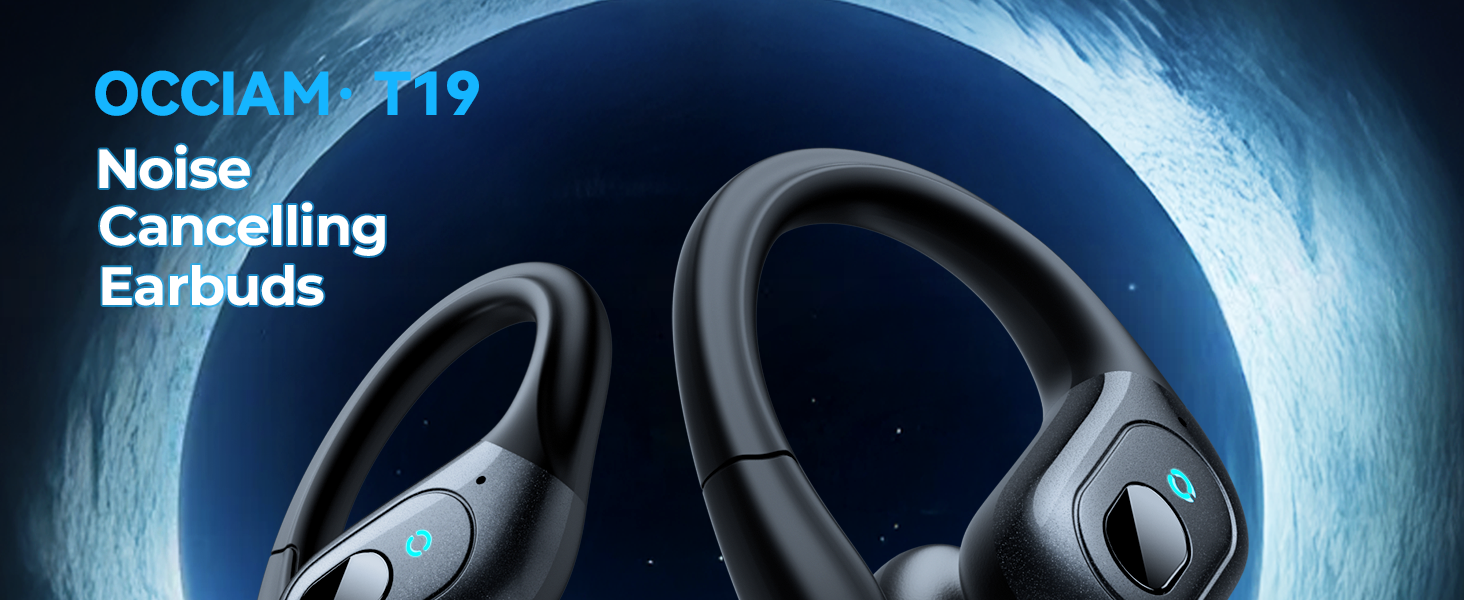
Image: A visual representation of the occiam T19 Earbuds package contents, including earbuds, charging case, USB-C cable, user manual, and various eartip sizes.
3. Opsætning
3.1 Opladning af øretelefoner og etuiet
Before first use, fully charge the earbuds and charging case. Use the provided USB-C charging cable to connect the case to a power source. The digital battery display on the case will show the charging status and remaining power.
- Each earbud provides approximately 8 hours of playback on a full charge.
- With the charging case, total playback time is up to 48 hours when using both earbuds, or up to 90 hours when using a single earbud alternately.
- Opladningsetuiet tager cirka 2 timer at oplade helt.

Image: The occiam T19 charging case displaying battery levels for both earbuds and the case itself, highlighting the long-lasting power time and Type-C charging port.
3.2 Parring med din enhed
The occiam T19 earbuds feature one-step pairing for quick and easy connection:
- Open the charging case. Both earbuds will automatically power on and enter pairing mode. Each earbud will flash a blue indicator light.
- On your Bluetooth-enabled device (smartphone, tablet, laptop, etc.), go to the Bluetooth settings.
- Find "T19" in the list of available devices and select it to pair and connect.
- After initial pairing, the earbuds will automatically connect to your last paired device when the case is opened.
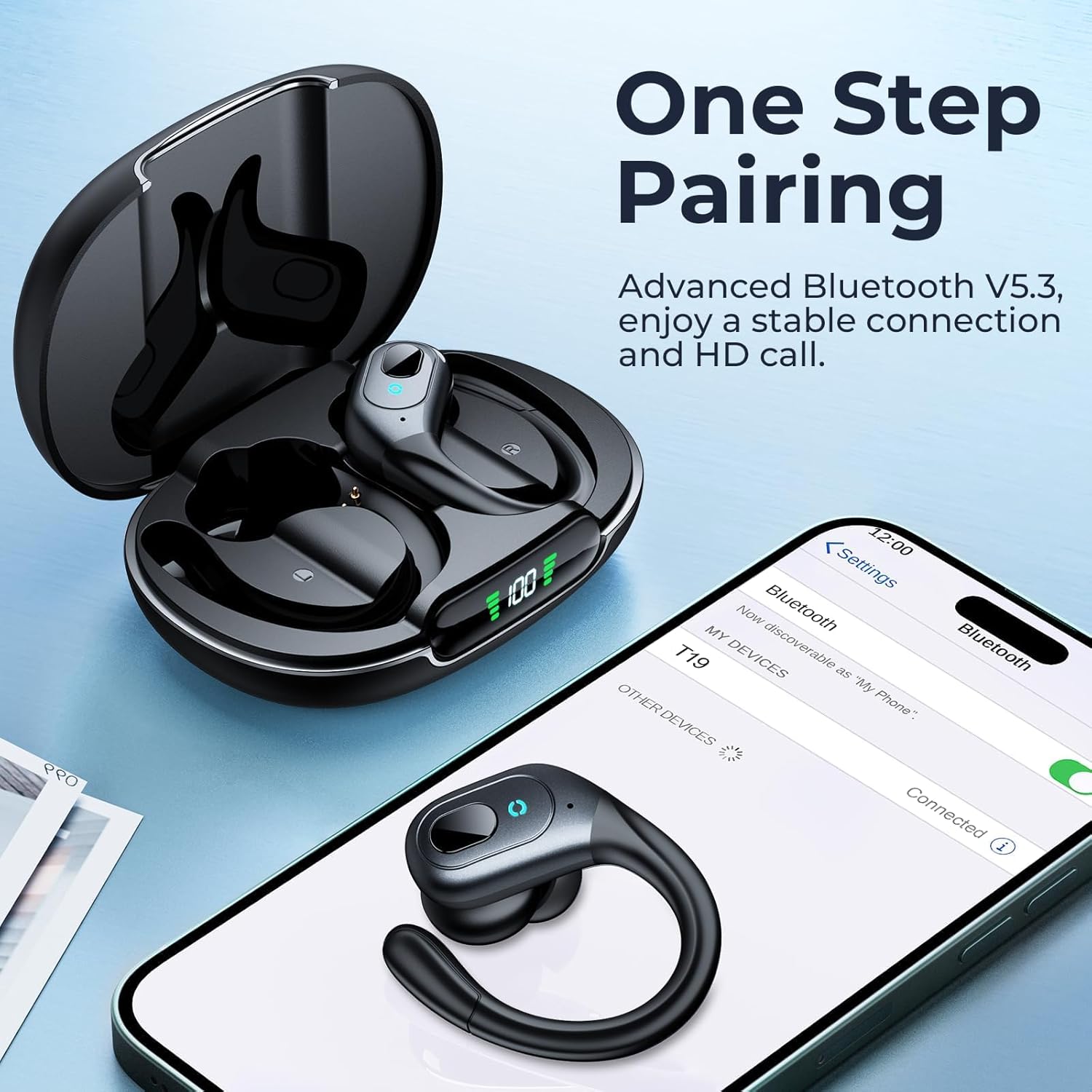
Image: An occiam T19 earbud next to a smartphone screen showing the Bluetooth settings with "T19" available for connection, illustrating the one-step pairing process.
3.3 Sådan tager du ørepropperne på
For optimal sound quality and comfort, choose the correct ear tip size and adjust the ear hooks:
- Select the ear tips (S, M, L) that provide a snug fit in your ear canal.
- Place the earbud into your ear and gently hook the flexible ear hook over the top of your ear.
- Adjust the angle of the earbud and hook until it feels secure and comfortable.

Image: A person wearing an occiam T19 earbud, demonstrating the secure fit with the over-ear hook and the availability of different ear tip sizes for customized comfort.
4. Betjeningsvejledning
4.1 Physical Button Controls
Each earbud is equipped with a physical button for easy control of audio playback and calls:
- Afspil/pause: Tryk enkeltvis på knappen på begge øretelefoner.
- Næste nummer: Dobbelttryk på knappen på den højre øreprop.
- Forrige nummer: Dobbelttryk på knappen på den venstre øreprop.
- Lydstyrke op: Triple press the button on the right earbud.
- Skrue ned for lyden: Triple press the button on the left earbud.
- Besvar/afslut opkald: Single press the button on either earbud during an incoming call or active call.
- Afvis opkald: Tryk og hold knappen nede på en af øretelefonerne under et indgående opkald.
- Aktiver stemmeassistent: Press and hold the button on either earbud for 2 seconds.

Image: A visual guide to the single button controls on the occiam T19 earbuds, detailing actions for play/pause, track navigation, volume adjustment, call management, and voice assistant activation.
4.2 Aktiv støjreduktion (ANC)
The occiam T19 earbuds feature Active Noise Cancelling technology to minimize external distractions. This function is automatically enabled when the earbuds are in use, providing a more immersive listening experience. The built-in high-sensitivity microphones also contribute to clear call quality by reducing background interference.
Video: A seller-provided video demonstrating the occiam T19 wireless earbuds, highlighting ease of pairing and comfortable wear for sports. This video helps illustrate the product's design and fit.
5. Vedligeholdelse
5.1 Vandtæthed
The occiam T19 earbuds are designed with an IPX7 waterproof rating, making them resistant to sweat and splashes. This makes them suitable for workouts, running, and other activities where exposure to moisture is common.
- Avoid submerging the earbuds in water for extended periods.
- Sørg for, at ørepropperne er tørre, før du sætter dem tilbage i opladningsetuiet, for at forhindre skader.
Video: A seller-provided video showcasing the occiam T19 wireless earbuds in a sports context, demonstrating their suitability for running and exercise due to their secure fit and sweatproof design.
5.2 Rengøring og opbevaring
- Rengør regelmæssigt ørepropperne og opladningskontakterne med en blød, tør klud.
- Opbevar ørepropperne i deres opladningsetui, når de ikke er i brug, for at beskytte dem og opretholde opladningen.
- Undgå at udsætte øretelefonerne for ekstreme temperaturer eller direkte sollys.
6. Fejlfinding
If you encounter issues with your occiam T19 earbuds, try the following steps:
- Ingen lyd-/forbindelsesproblemer: Ensure the earbuds are charged and within the 10-meter Bluetooth range of your device. Re-pair the earbuds if necessary by placing them back in the case, closing it, and then reopening to initiate pairing mode.
- Én øretelefon virker ikke: Check the battery level of both earbuds in the charging case. Try resetting the earbuds by placing them in the case and then taking them out again.
- Opladningsproblemer: Verify that the USB-C cable is securely connected to both the charging case and the power source. Ensure the charging contacts on the earbuds and inside the case are clean.
- Ubehagelig pasform: Experiment with the different sizes of ear tips (S, M, L) provided to find the most comfortable and secure fit for your ears.
7. Specifikationer
| Feature | Specifikation |
|---|---|
| Modelnummer | T19 |
| Mærke | occiam |
| Øreplacering | In Ear (with Over-Ear Hooks) |
| Støjkontrol | Aktiv støjreduktion (op til 45 dB) |
| Bluetooth version | 5.4 |
| Bluetooth rækkevidde | 10 meter (30ft) |
| Batterilevetid (ørepropper) | 8 timer |
| Samlet batterilevetid (med etui) | Up to 48 Hours (both earbuds), Up to 90 Hours (single earbud) |
| Batteriopladningstid | 2 timer (sag) |
| Vandmodstand | IPX7 (svedtæt) |
| Audio driver størrelse | 10 millimeter |
| Kontrolmetode | Tryk knap |
8. Garanti og support
The occiam T19 Wireless Earbuds come with a 2-års garanti. For any product inquiries, technical support, or warranty claims, please refer to the contact information provided in the included User Manual or visit the official occiam webwebsted.