
1. Introduktion
This manual provides essential information for the safe and effective use of your iTouch AIR 5 Smartwatch. Please read these instructions thoroughly before using the device to ensure optimal performance and to prevent damage. The iTouch AIR 5 is designed to assist with health monitoring, fitness tracking, and smart notifications, featuring a vibrant 1.85" AMOLED display and Bluetooth calling capabilities.
2. Hvad er der i æsken
Upon opening your iTouch AIR 5 Smartwatch package, you should find the following items:
- iTouch Air 5 Smartwatch
- Ladekabel
- Hurtig startvejledning
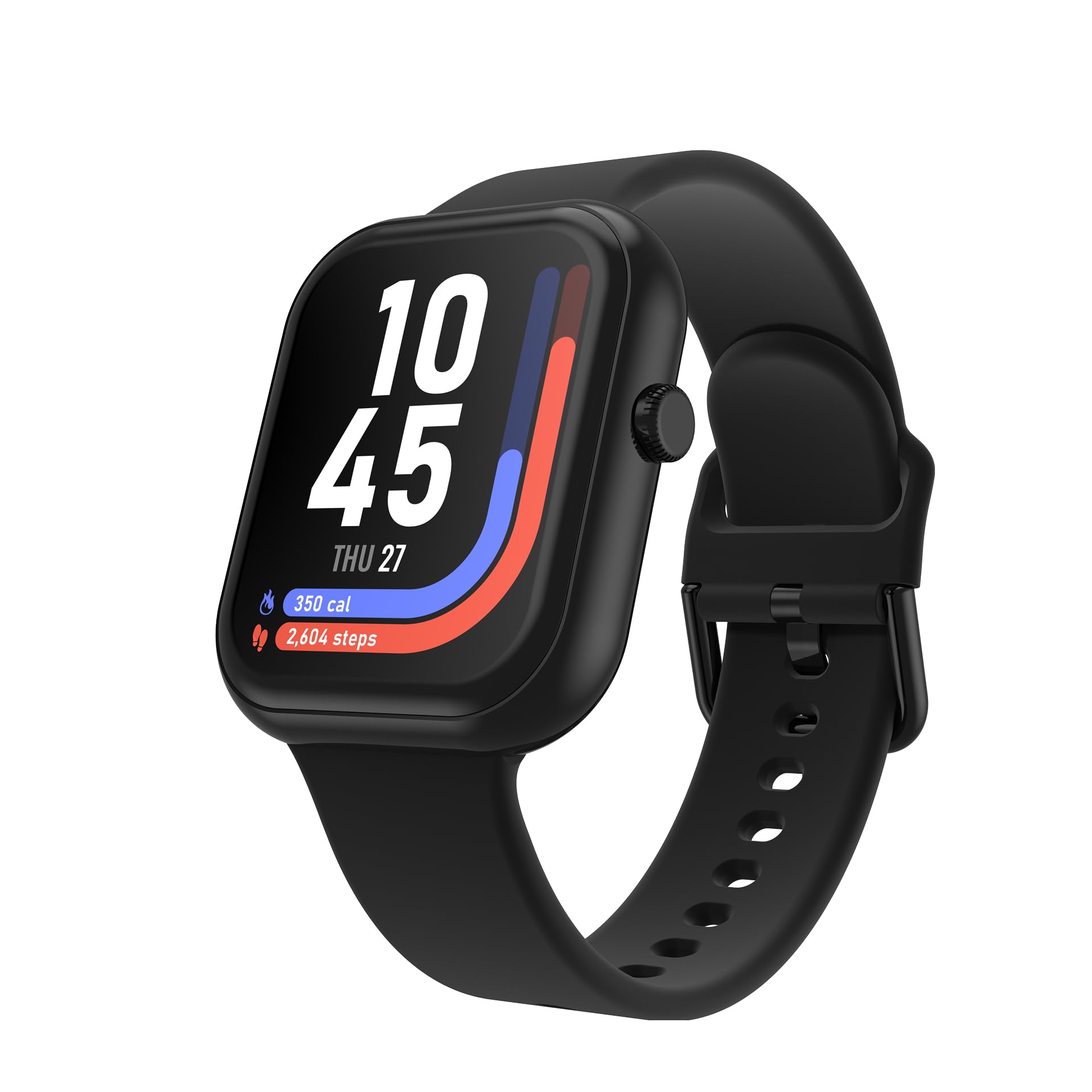
Image: The iTouch AIR 5 Smartwatch, its magnetic charging cable, and the included quick start guide.
3. Produktet er slutview
The iTouch AIR 5 Smartwatch combines advanced technology with a user-friendly design to support your daily activities and wellness goals.
Nøglefunktioner:
- 1.85" AMOLED-skærm: Large, ultra-clear screen with 390×450 resolution and 700 nits brightness for crisp visuals.
- Op til 7 dages batterilevetid: Optimized power management for extended use.
- Bluetooth-opkald: Foretag og modtag opkald direkte fra dit håndled.
- Omfattende sundhedssporing: 24/7 monitoring for heart rate, SpO₂, and stress levels.
- Avanceret søvnovervågning: Tracks nap and nighttime sleep with personalized sleep scores.
- 100+ sportstilstande: Track various workouts with connected GPS.
- IP68 Vandtæthed: Suitable for sweat, splashes, and everyday adventures.
- Smartphone Sync & Notifications: Receive alerts and control music/camera.
- Customizable Watch Faces & Always-On Display: Tilpas din enheds udseende.

Image: The iTouch AIR 5 Smartwatch highlighting its 1.85-inch AMOLED full touchscreen display, 9.8mm thickness, 25.5g weight, and 22mm pin width. Also shows various colorways and band styles.
4. Opsætning
4.1 Opladning af dit smartwatch
Before initial use, fully charge your iTouch AIR 5 Smartwatch. Connect the magnetic charging cable to the charging points on the back of the watch and plug the USB end into a power adapter (not included) or a computer's USB port. A full charge typically takes 1-2 hours.

Image: The iTouch AIR 5 Smartwatch being charged with its magnetic charging cable, illustrating the 7+ day battery life and the charging process.
4.2 Installing the iTOUCH Wearables App
To unlock all features and synchronize data, download the official iTOUCH Wearables app on your smartphone. The app is compatible with Android 9.0+ and iOS 13.0+.
- Scan the QR code provided in the Quick Start Guide or search for "iTOUCH Wearables" in the Apple App Store or Google Play Store.
- Installer appen, og opret en konto, eller log ind.
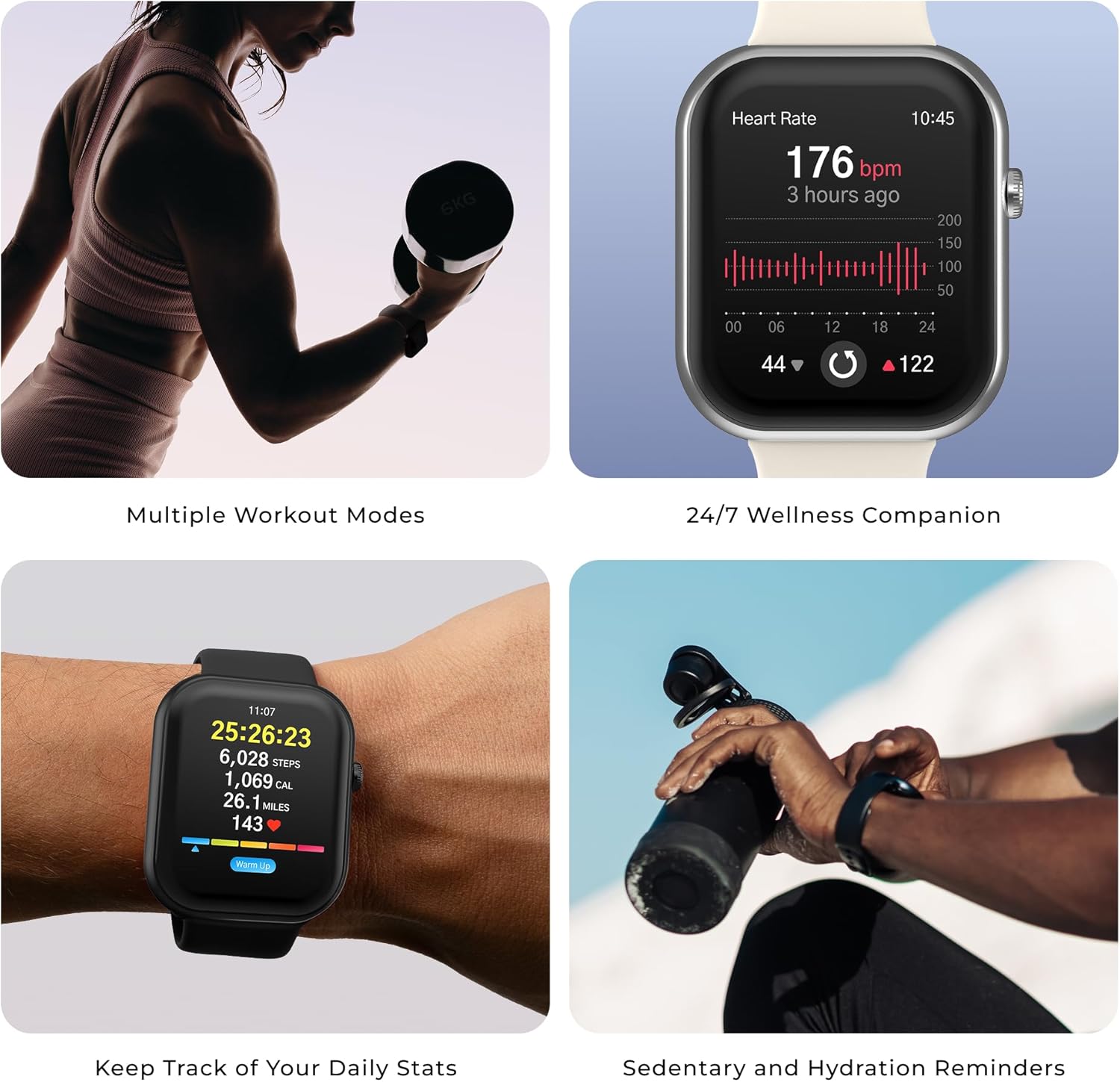
Image: A smartphone displaying the iTOUCH Wearables app download options for App Store and Google Play. A QR code for app compatibility is also shown. The relevant link is https://qr.xwatch.io/ecommitapp.
4.3 Parring af dit smartwatch
Ensure your smartphone's Bluetooth is enabled. Open the iTOUCH Wearables app and follow the on-screen instructions to pair your iTouch AIR 5. The app will guide you through the process of finding and connecting to your device.
5. Betjeningsvejledning
5.1 Grundlæggende navigation
- Stryg op/ned: Få adgang til hurtigindstillinger eller notifikationer.
- Stryg til venstre/højre: Naviger gennem widgets og hovedfunktioner.
- Tryk på: Vælg et element eller bekræft en handling.
- Tryk på sideknappen: Gå tilbage til startskærmen eller åbn appmenuen.
5.2 Bluetooth-opkald
Once paired, you can make and receive calls directly from your smartwatch. Ensure your watch is within Bluetooth range of your phone.
- Foretag et opkald: Access the phone icon on your watch, dial a number, or select from contacts synced via the app.
- Modtagelse af et opkald: When a call comes in, tap the green icon on your watch to answer or the red icon to decline.

Image: The iTouch AIR 5 Smartwatch showing an incoming call notification, demonstrating the Bluetooth calling feature.
5.3 Smarte notifikationer
Receive alerts for calls, texts, and app notifications directly on your wrist. Configure notification settings within the iTOUCH Wearables app.

Image: The iTouch AIR 5 Smartwatch displaying notifications from various applications like Instagram, WeChat, and Amazon, along with a reminder to get active.
5.4 Musik- og kamerastyring
Control your smartphone's music playback and camera shutter remotely from your watch.
- Musik kontrol: Open the music player on your watch to play, pause, skip tracks, and adjust volume.
- Fjernbetjening til kameraet: Use the camera remote feature in the app to trigger your phone's camera.
Video: This video demonstrates various features of the iTouch AIR 5 Smartwatch, including sleep tracking, starting a yoga workout, initiating a dog walk, taking photos remotely, and controlling music playback. It highlights the watch's integration into daily life for health, fitness, and convenience.
6. Sundheds- og fitnesssporing
6.1 Heart Rate, SpO₂, and Stress Tracking
The iTouch AIR 5 continuously monitors your heart rate, blood oxygen (SpO₂), and stress levels. View your data on the watch or in the app for detailed insights.
- For accurate readings, ensure the watch is snug on your wrist.
- Use guided breathing exercises for stress management.

Image: The iTouch AIR 5 Smartwatch displaying heart rate monitoring data, showing a graph of heart rate over time and current BPM.
6.2 Søvnovervågning
The smartwatch automatically tracks your sleep patterns, including naps and nighttime sleep. Review your sleep duration, consistency, and stages in the app to receive a personalized sleep score.

Image: The iTouch AIR 5 Smartwatch displaying sleep tracking data, showing sleep duration and sleep stages.
6.3 Sports Modes and Connected GPS
Choose from over 100 sports modes to track your workouts. For outdoor activities, connect to your phone's GPS to record distance, pace, and routes accurately.
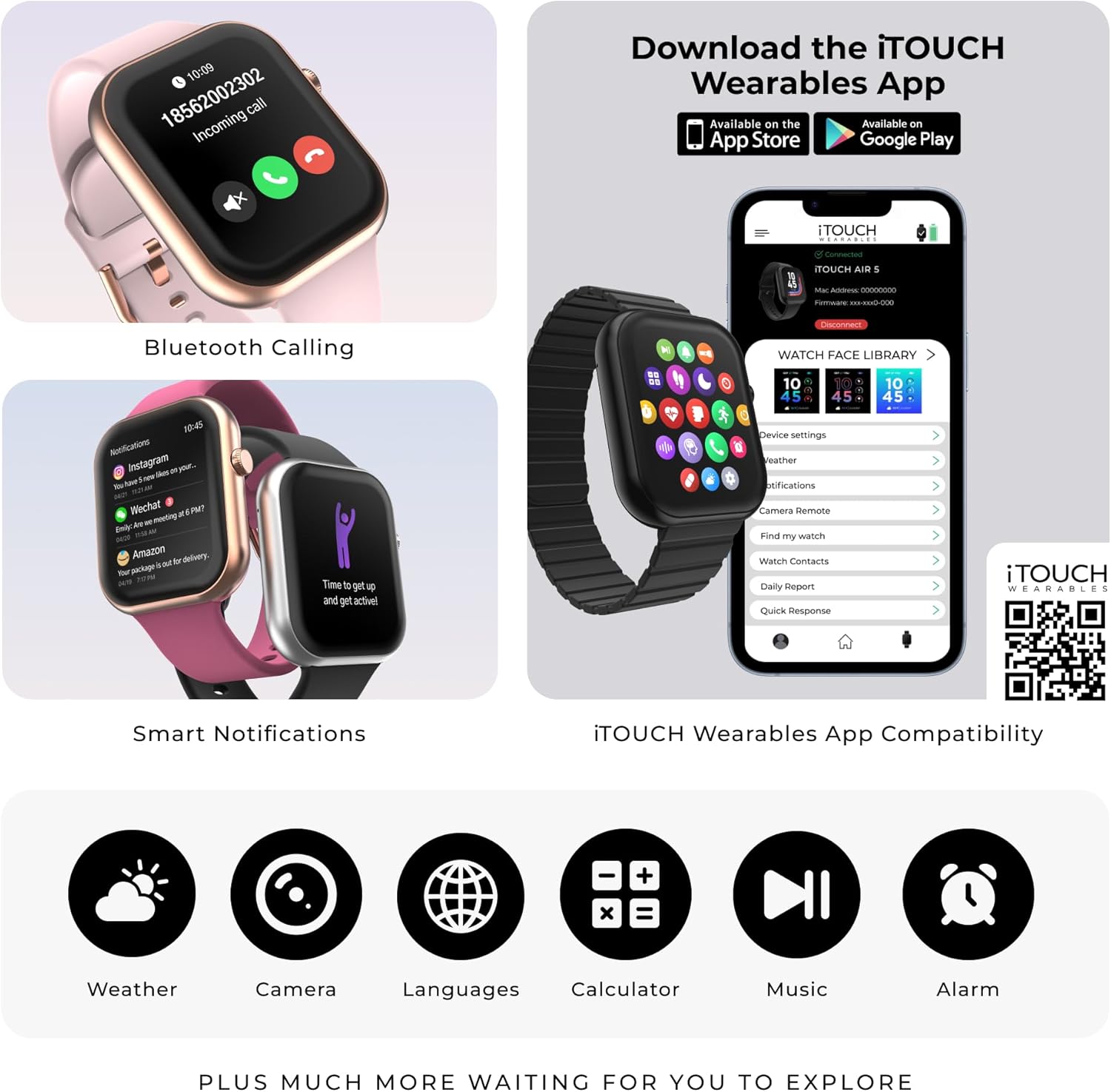
Image: The iTouch AIR 5 Smartwatch displaying a list of sports modes including walking, running, cycling, jump rope, and badminton. Icons for various activities like hiking, swimming, yoga, and weightlifting are also shown.
7. Vedligeholdelse
7.1 Rengøring af dit smartwatch
Regularly clean your smartwatch to maintain its appearance and functionality. Use a soft, lint-free cloth to wipe the screen and casing. For the band, follow specific cleaning instructions based on its material (silicone, metal, etc.). Avoid harsh chemicals or abrasive materials.
7.2 Vandtæthed (IP68)
The iTouch AIR 5 is IP68 water-resistant, meaning it is protected against dust and can withstand immersion in water up to 1.5 meters for up to 30 minutes. It is suitable for everyday use, such as washing hands, rain, and light splashes. It is not recommended for swimming, showering with hot water, or diving.

Image: The iTouch AIR 5 Smartwatch being splashed with water, illustrating its IP68 water resistance for sweat, splashes, and everyday use.
8. Fejlfinding
| Problem | Mulig løsning |
|---|---|
| Uret tænder ikke | Sørg for, at uret er fuldt opladet. Tilslut det til opladeren i mindst 30 minutter. |
| Kan ikke parres med smartphone |
|
| Notifikationer vises ikke |
|
| Unøjagtige sundhedsdata |
|
| Kort batterilevetid |
|
9. Specifikationer
| Feature | Detalje |
|---|---|
| Modelnummer | Air 5 |
| Vise | 1.85" AMOLED Full Touchscreen (390x450 resolution, 700 nits brightness) |
| Forbindelse | Bluetooth |
| Batterilevetid | Up to 7 days (typical use), 4 days (heavy use), 14 days (battery saver mode) |
| Vandmodstand | IP68 |
| Sundhedssporing | Heart Rate, SpO₂, Stress, Sleep Monitoring |
| Sportstilstande | 100+ with Connected GPS |
| Operativsystem | Proprietært operativsystem |
| Appkompatibilitet | Android 9.0+ / iOS 13.0+ |
| Produktdimensioner | 6.5 x 4.5 x 2 tommer |
| Varens vægt | 9.1 ounce |
| Batterikapacitet | 300 mioamp Timer |
10. Garanti og support
For warranty information and customer support, please refer to the documentation included with your product or visit the official iTouch Wearables website. You can also contact their customer service for assistance with product issues, technical support, or warranty claims.
Fabrikant: jeg rører
Officiel butik: iTOUCH Wearables Amazon Store