
1. Introduktion
This manual provides detailed instructions for the NBD 5K Digital Camera, Model B0FR94J83W. This camera is designed for photography and vlogging, featuring 5K video recording, 64MP still images, a 180° flip screen, 16X digital zoom, auto-focus, and macro lens capabilities. Please read this manual thoroughly before using your camera to ensure proper operation and to maximize its features.
2. Pakkens indhold
Bekræft, at alle nedenstående varer er inkluderet i din pakke:
- NBD 5K Digital Camera (Model B0FR94J83W)
- Wide-angle/Macro Lens (52mm)
- Ekstern mikrofon
- 64 GB hukommelseskort
- USB kabel
- 2 x lithium-ion batterier
- Batterioplader
- Camera Neck Rope
- Black Leather Bag
- Linse Rengøringsklud
- Kortlæser
Note: The camera body and accessories are included as a complete kit.

Image: All components included in the NBD 5K Digital Camera kit.
3. Kamera overview
Familiarize yourself with the main components of your NBD 5K Digital Camera.
Front View
Billede: Forside view of the camera, showing the lens, flash, and NBD branding.
- Linse: Digital zoom lens with F1.8 aperture and macro capability.
- Blitz: Indbygget blitz til forhold med svagt lys.
- Udløserknap: To capture photos or start/stop video recording.
Bag View

Billede: Bagside view of the camera, highlighting the 180° flip screen and control buttons.
- 180° Flip Screen (LCD): For easy self-portraits and vlogging.
- Navigationsknapper: Til menunavigation og justering af indstillinger.
- Funktionsvælger: To select various shooting modes.
Side View (Havne)
Video: Et nærbillede view of the camera's ports, including USB and microphone input.
- USB-port: Til opladning og dataoverførsel.
- Mikrofonindgang: Til tilslutning af den eksterne mikrofon.
4. Opsætning
4.1. Batteriinstallation og opladning
- Åbn batteridækslet, der er placeret i bunden af kameraet.
- Insert a fully charged Lithium-Ion battery, ensuring correct polarity.
- Luk batterirummets dæksel forsvarligt.
- To charge, connect the camera to a power source using the provided USB cable and charger. The charging indicator light will show the charging status.
4.2. Installation af hukommelseskort
The camera supports a 64GB TF card (microSD). Ensure the card is inserted correctly.
- Locate the memory card slot, usually near the battery compartment or on the side.
- Insert the 64GB TF card with the gold contacts facing the correct direction until it clicks into place.
- It is recommended to format the memory card via the camera's menu before first use to ensure compatibility and optimal performance.
4.3. Objektivmontering
The camera comes with a wide-angle/macro lens. This lens can be attached to the front of the camera's main lens.
Video: Demonstrates how to attach the wide-angle/macro lens to the camera.
- Align the threads of the wide-angle/macro lens with the threads on the front of the camera's built-in lens.
- Gently twist the accessory lens clockwise until it is securely fastened.
- To use the macro function, unscrew the front part of the accessory lens, leaving the macro component attached to the camera.
4.4. External Microphone Connection
For forbedret lydkvalitet skal du tilslutte den medfølgende eksterne mikrofon.
- Locate the microphone input port on the camera (refer to the Camera Overview afsnit).
- Plug the external microphone's jack into the microphone input port.
- Ensure the microphone is securely connected before recording.
5. Betjening af kameraet
5.1. Tænd/sluk
Press and hold the power button (usually located on the top or side) to turn the camera on or off.
5.2. Grundlæggende fotografering
- Vælg tilstand: Rotate the mode dial to the desired shooting mode (e.g., Automatic, Portrait).
- Indram dit billede: Use the 180° flip screen to compose your image.
- Fokus: The camera features auto-focus. Half-press the shutter button to allow the camera to focus. A green box will indicate focus lock.
- Fange: Fully press the shutter button to take a 64MP photo.
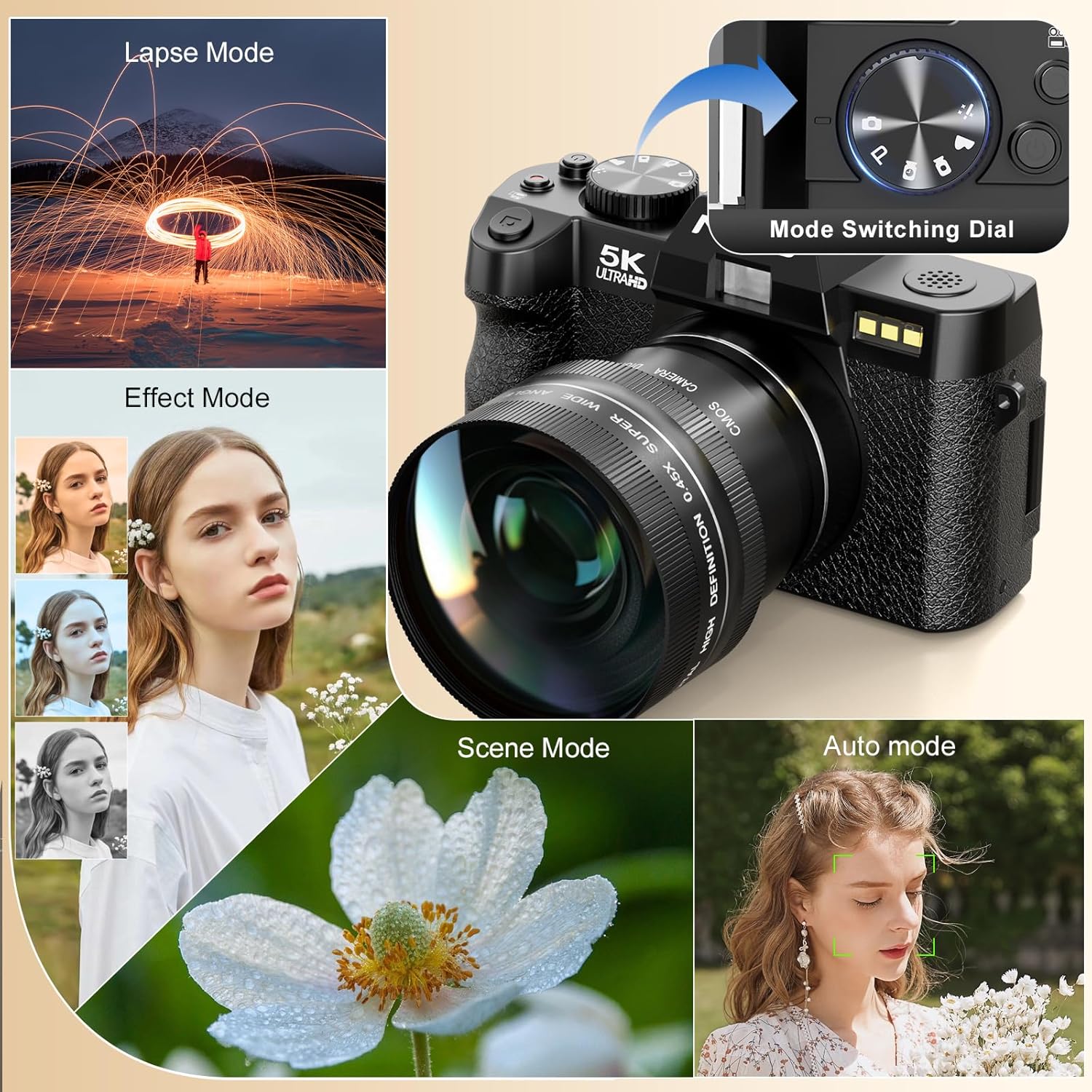
Image: Illustrates the camera's 64 million effective pixels, AF mode, and low-light focusing capabilities.
5.3. Brug af digital zoom
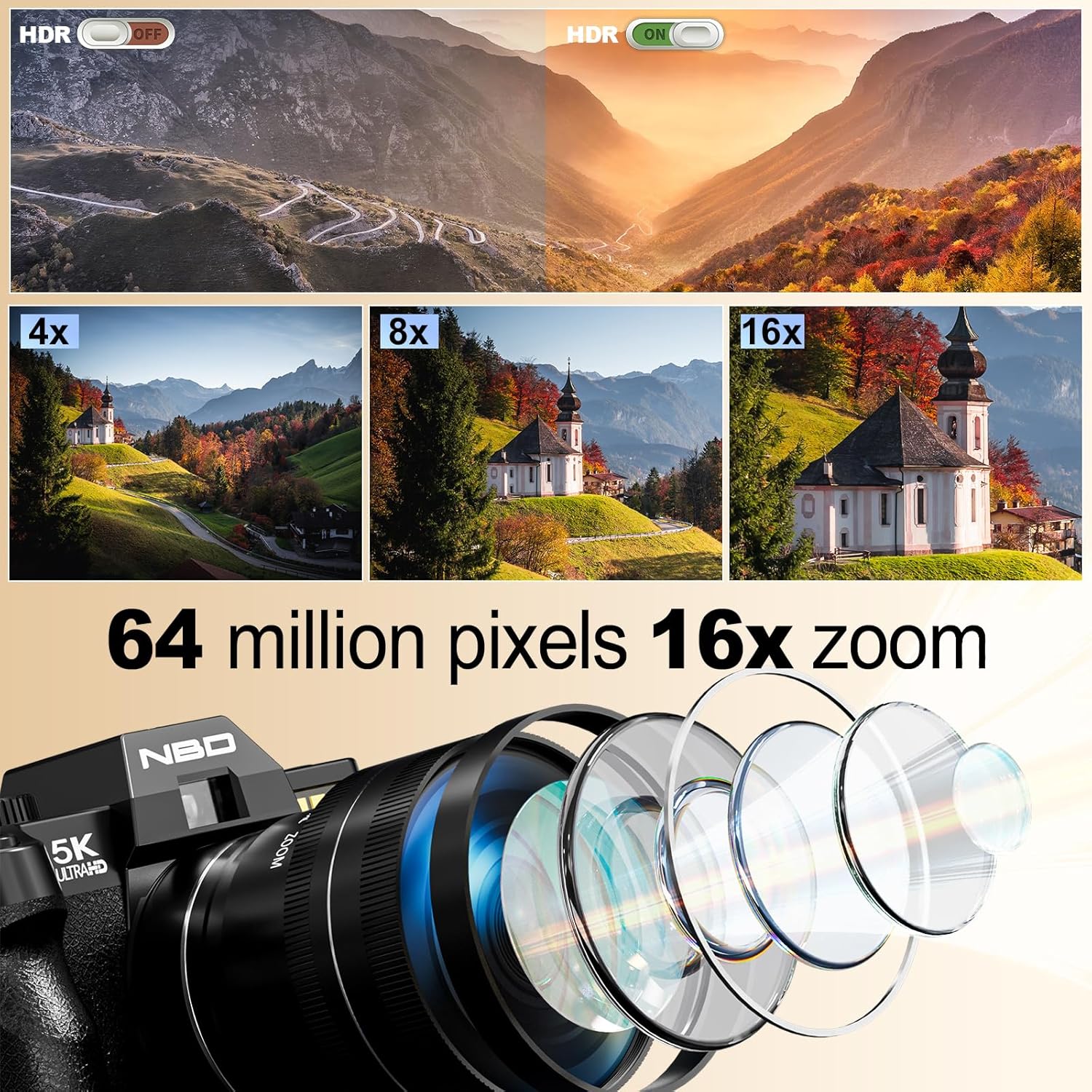
The camera supports 16X digital zoom. Use the zoom lever (often around the shutter button) to zoom in or out.
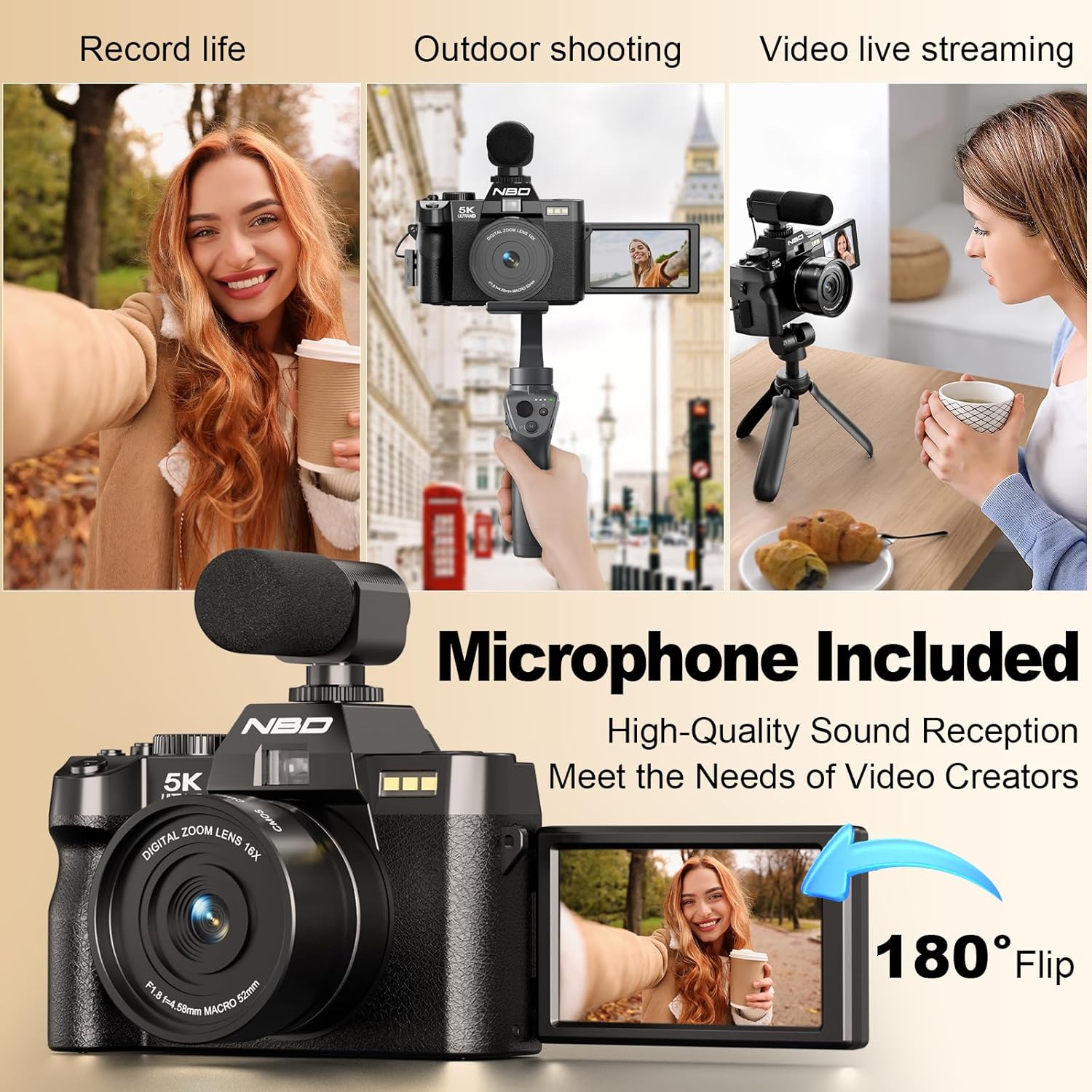
Image: Visual representation of 4x, 8x, and 16x digital zoom levels on the NBD 5K Digital Camera.
5.4. Videooptagelse
The camera supports 5K 25fps and 1080P 60fps video recording.
Video: Shows the NBD 5K Digital Camera in action, recording video in various settings.
- Vælg videotilstand: Drej tilstandshjulet til videokameraikonet.
- Start optagelse: Press the shutter button to begin recording.
- Stop optagelse: Tryk på udløserknappen igen for at stoppe optagelsen.
- Vlogging: Utilize the 180° flip screen to monitor yourself while recording. Ensure the external microphone is connected for clear audio.

Image: Demonstrates the superior detail of 5K video resolution compared to 2K and 1080P.

Image: The camera set up for vlogging, showing the external microphone and flip screen.
5.5. Kameratilstande
The mode dial allows selection of various shooting modes for different scenarios:
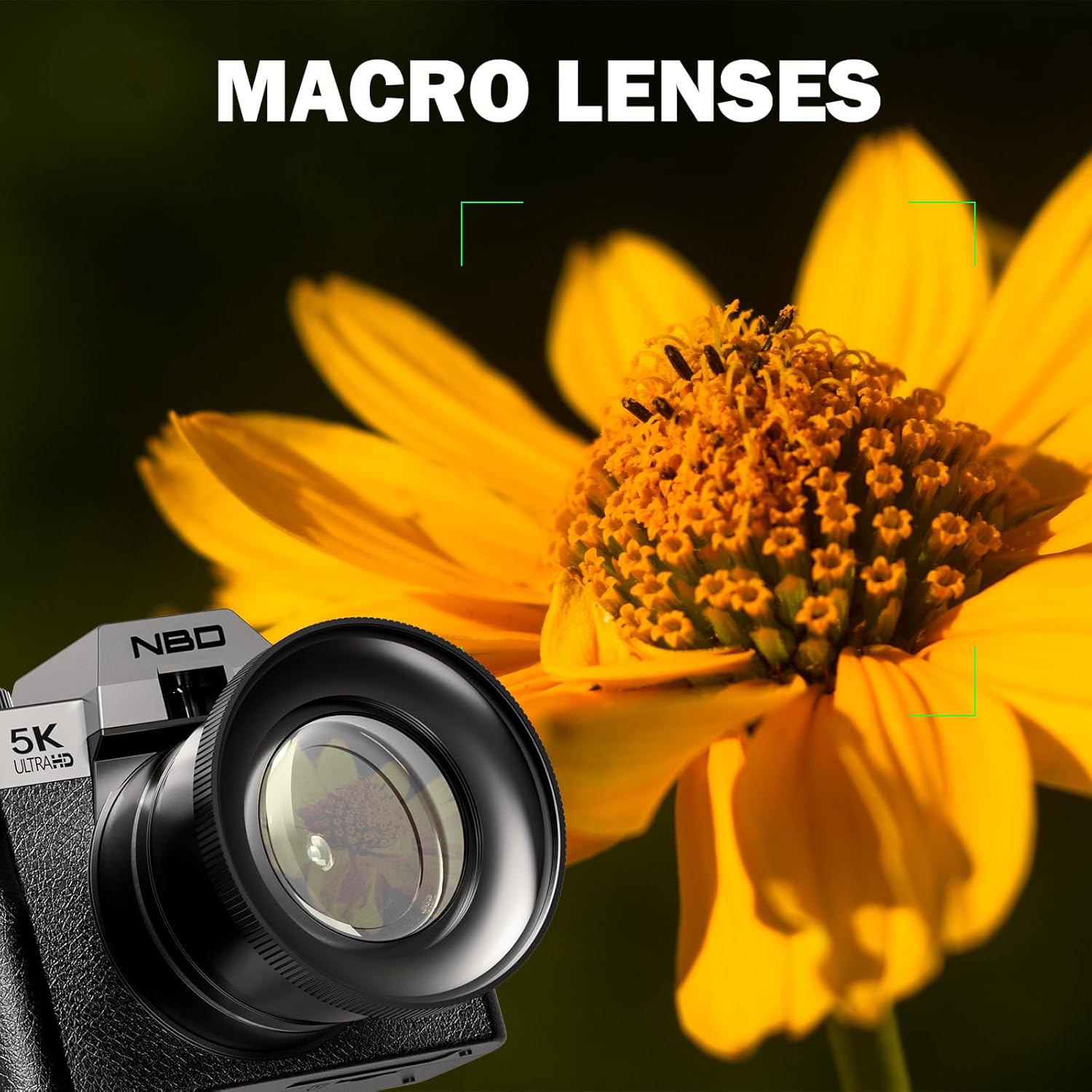
Image: The camera's mode dial and examples of Lapse Mode, Effect Mode, Scene Mode, and Auto Mode.
- Automatisk: General purpose shooting, camera adjusts settings automatically.
- Portræt: Optimizes settings for capturing portraits, often with background blur.
- Makro: For close-up shots of small subjects like flowers and insects.
- Film: Dedicated video recording mode.
- Let: Simplified mode for beginners.
- Tidsforskydning: Captures a series of images over time to create a sped-up video.
- Slow motion: Optager video med højere billedhastighed til afspilning i slowmotion.
5.6. Makrofotografering
Attach the macro lens component for detailed close-up photography.
Image: The NBD 5K Digital Camera with the macro lens attached, capturing a detailed image of a flower.
6. Forbindelse
6.1. Wi-Fi-forbindelse
Connect your camera to a smartphone or tablet via Wi-Fi for remote control and quick file overførsel.
Image: The camera displaying Wi-Fi hotspot information, with a smartphone showing a remote camera view.
- Aktiver Wi-Fi: Access the camera's menu and enable Wi-Fi. The camera will display a network name (SSID) and password.
- Tilslut enhed: On your smartphone or tablet, go to Wi-Fi settings and connect to the camera's network using the provided password.
- Brug appen: Download and install the dedicated camera app (refer to camera packaging or manufacturer website for app name). Use the app for remote framing, controlling settings, and transferring photos/videos.
6.2. USB-forbindelse
Brug USB-kablet til at tilslutte kameraet til en computer for at file overførsel.
- Connect one end of the USB cable to the camera's USB port.
- Slut den anden ende til en USB-port på din computer.
- The camera will appear as a removable drive on your computer, allowing you to access and transfer files.
7. Vedligeholdelse
7.1. Rengøring af kameraet
- Linse: Use the provided lens cleaning cloth or a soft, lint-free cloth specifically designed for optical surfaces. Gently wipe the lens in a circular motion. Avoid using harsh chemicals.
- Skærm: Use a soft, dry cloth to clean the LCD screen. For stubborn smudges, a slightly damp en klud kan bruges, efterfulgt af en tør klud.
- Kamerahus: Tør kamerahuset af med en blød, tør klud.
7.2. Batteripleje
- Opbevar batterierne på et køligt, tørt sted, når de ikke er i brug.
- Undgå at aflade batterier helt ofte for at forlænge deres levetid.
- Udsæt ikke batterier for ekstreme temperaturer.
7.3. Opbevaring
When not in use, store the camera in the provided black leather bag to protect it from dust and scratches. Remove batteries if storing for extended periods.
8. Fejlfinding
If you encounter issues with your NBD 5K Digital Camera, refer to the following common problems and solutions:
| Problem | Mulig årsag | Løsning |
|---|---|---|
| Kameraet tænder ikke. | Batteriet er dødt eller isat forkert. | Oplad batteriet, eller sæt det korrekt i igen. |
| Billederne er slørede. | Camera not focused, subject movement, low light. | Ensure auto-focus locks before shooting. Use flash in low light. Hold camera steady. |
| Fejl på hukommelseskort. | Card incorrectly inserted, corrupted, or full. | Re-insert card. Format card (will erase data). Use a different card. Delete files for at frigøre plads. |
| Problemer med Wi-Fi-forbindelse. | Incorrect password, app not installed, distance. | Verify password. Ensure app is installed. Stay within range of the camera's Wi-Fi signal. |
| No audio in video. | External microphone not connected or faulty. | Ensure external microphone is securely plugged in. Check microphone settings in camera menu. |
If the problem persists, please contact NBD customer support for further assistance.
9. Specifikationer
Key technical specifications for the NBD 5K Digital Camera:
| Feature | Detalje |
|---|---|
| Mærke | NBD |
| Modelnavn | NBD |
| Modelnummer | B0FR94J83W |
| Fotosensor opløsning | 64 MP |
| Effektiv stillopløsning | 64 MP |
| Video opløsning | 2160p (5K), 1080p |
| Billedhastighed | 25fps, 30fps, 60fps, 120fps |
| Digital Zoom | 16X |
| Linsetype | Macro (with F1.8 aperture) |
| Skærmstørrelse | 3 tommer |
| Display Type | LCD (180° Flip Screen) |
| Hukommelseslagringskapacitet | 64 GB (TF-kort inkluderet) |
| Sensortype | CMOS |
| Billedstabilisering | Digital |
| Autofokus teknologi | Kontrastregistrering |
| Forbindelsesteknologi | USB, Wi-Fi |
| Batteritype | Lithium-ion (2 medfølger) |
| Specifikke anvendelser af produktet | Vlogging, Photography |
| Farve | Sort |
| Vandmodstandsniveau | Ikke vandafvisende |
10. Garanti og support
10.1. Produktgaranti
The NBD 5K Digital Camera comes with a limited warranty. Please refer to the warranty card included in your package or visit the official NBD webwebstedet for detaljerede vilkår og betingelser vedrørende dækning og varighed.
10.2. Kundesupport
For technical assistance, troubleshooting beyond this manual, or warranty claims, please contact NBD customer support. Contact information can typically be found on the product packaging, the official NBD webhjemmeside eller gennem din forhandler.

