
1. Produktet er slutview
The AJAZZ AJ139 V2 MC is a versatile tri-mode gaming mouse designed for precision and responsiveness. It features a PAW3311 sensor for accurate tracking, a 1000Hz return rate for smooth performance, and a long-lasting 500mAh battery. Its compact and lightweight design makes it suitable for extended use and portability.
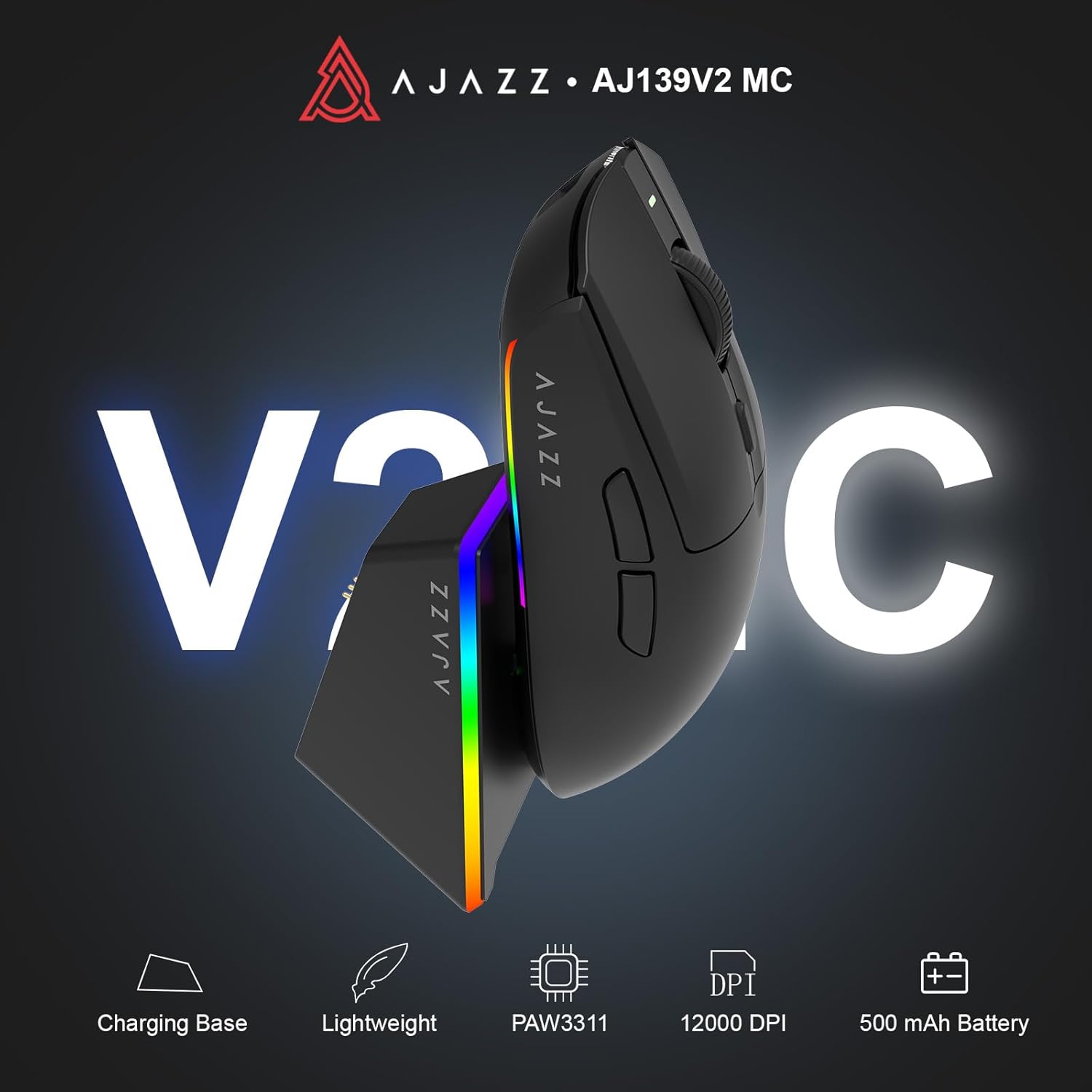
Figure 1.1: AJAZZ AJ139 V2 MC Gaming Mouse and Charging Dock.
Video 1.1: En overview of the AJAZZ AJ139 V2 MC Gaming Mouse, highlighting its features and design.
2. Pakkens indhold
Sørg for at alle varer er til stede i pakken:
- AJAZZ AJ139 V2 MC Gaming Mouse
- Opladningsdock
- USB-C ladekabel
- 2.4G USB-modtager (dongle)
- Brugermanual
3. Nøglefunktioner
- PAW3311 Sensor Technology: Equipped with the PAW3311 sensor, this mouse ensures precise tracking and accurate cursor control for optimal performance.
- High 1000Hz Return Rate: Experience smooth and responsive performance with a 1000Hz return rate, enhancing your gaming or work experience.
- Langtidsholdbart 500mAh batteri: The integrated 500mAh battery provides extended power, ensuring uninterrupted use for prolonged periods.
- Tri-mode-tilslutning: Supports versatile connectivity options including Wired, 2.4G Wireless, and Bluetooth, adapting to various devices and setups.
- Kompakt og let design: Weighing approximately 66 grams, the mouse features a compact design for easy portability and comfortable use during long sessions.
- RGB-belysning, der kan tilpasses: Features integrated RGB lighting for personalized aesthetics.
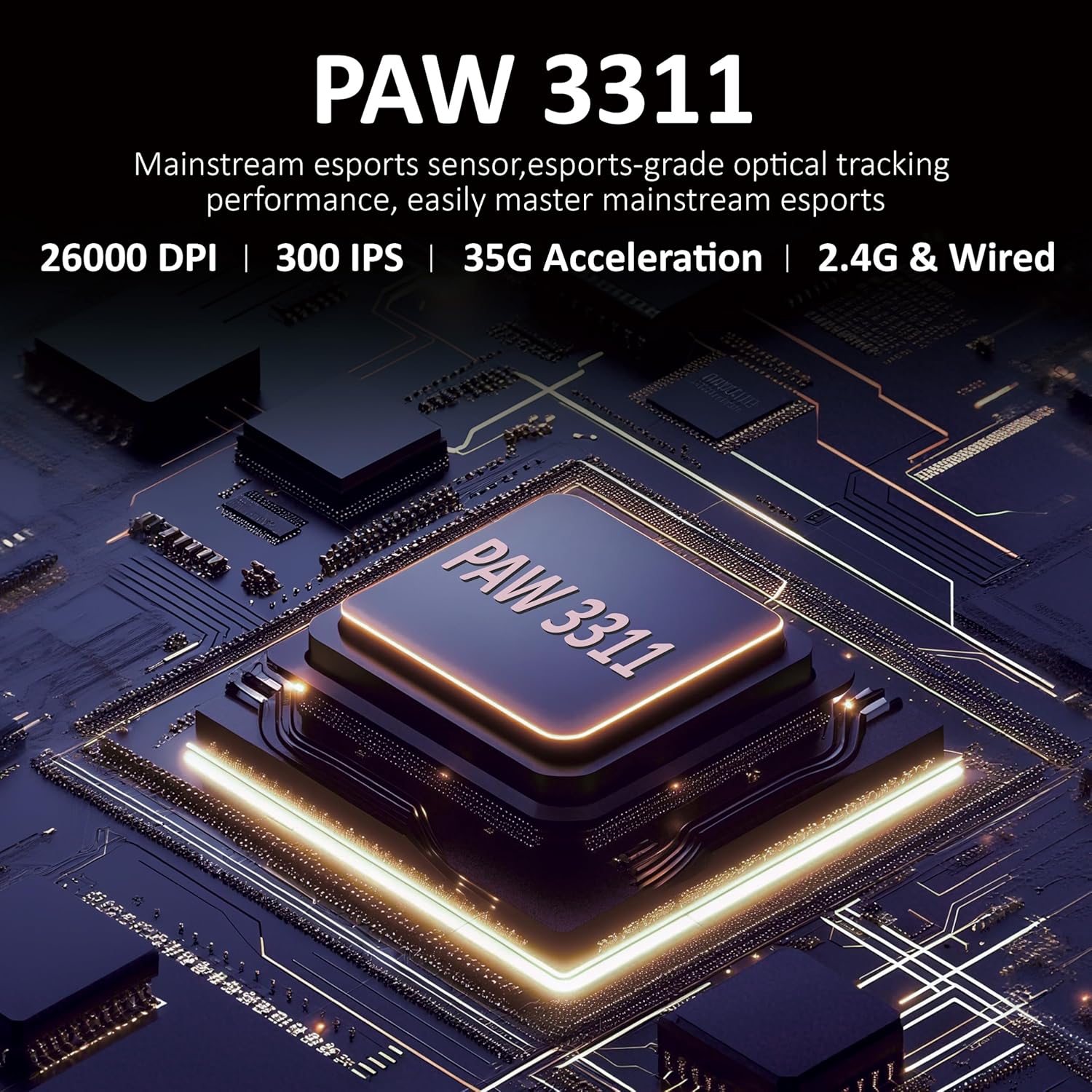
Figur 3.1: Detaljeret view of the PAW3311 sensor technology.
Video 3.1: Demonstration of the mouse's 500mAh battery life.

Figure 3.2: The lightweight design of the AJAZZ AJ139 V2 MC mouse.
4. Opsætningsvejledning
4.1. Tilslutning af musen
The AJAZZ AJ139 V2 MC offers three connection modes:
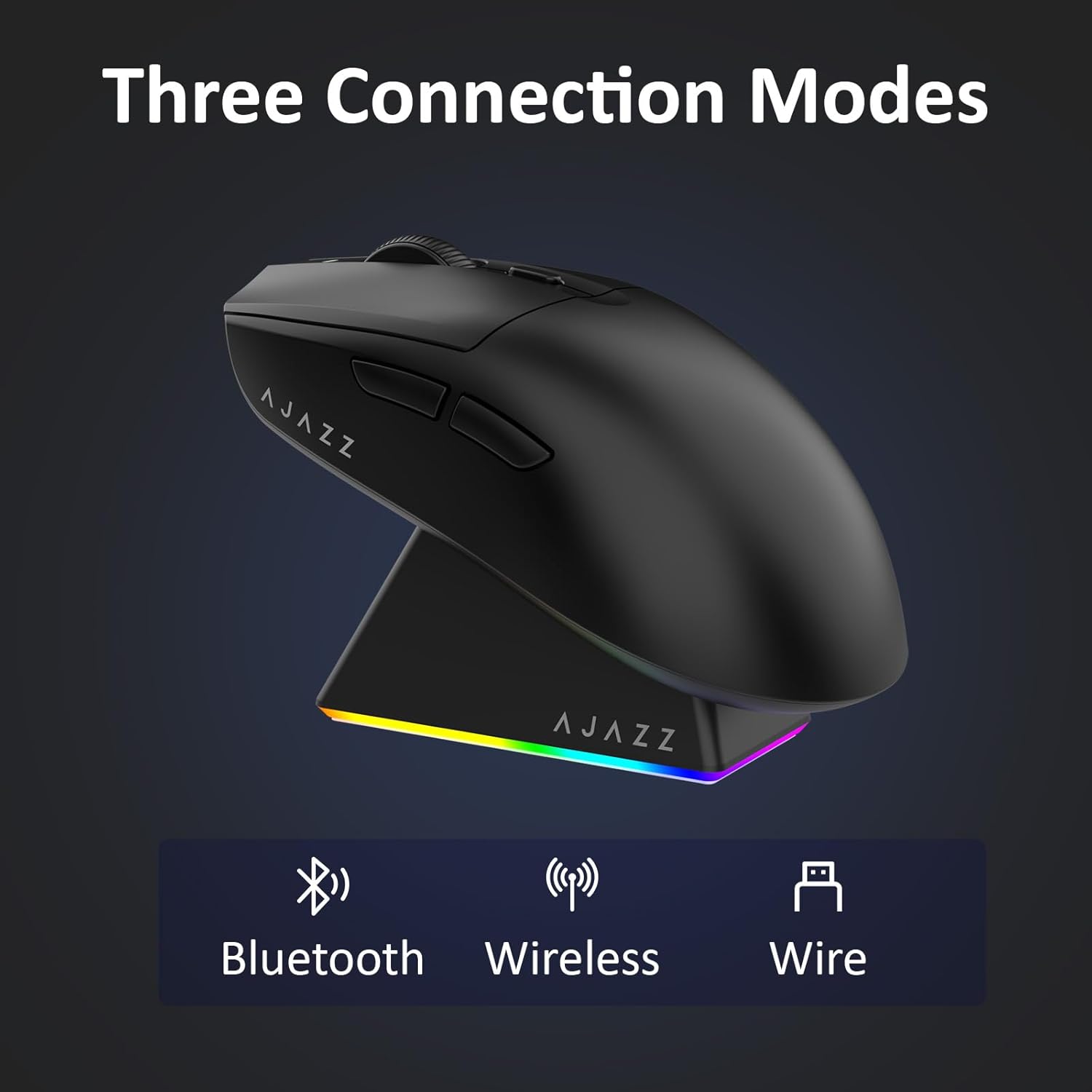
Figure 4.1: Visual representation of the three connection modes.
- 2.4G trådløs tilstand:
- Find 2.4G USB-modtageren, der er opbevaret i rummet på undersiden af musen.
- Sæt USB-modtageren i en ledig USB-port på din computer.
- Slide the switch on the bottom of the mouse to the '2.4G' position. The mouse will automatically connect.
- Bluetooth-tilstand:
- Skub kontakten på undersiden af musen til 'BT'-positionen.
- Åbn Bluetooth-indstillingerne på din enhed, og søg efter nye enheder.
- Select 'AJAZZ AJ139 V2 MC' from the list to pair.
- Kablet tilstand:
- Connect the USB-C charging cable to the mouse and the other end to your computer's USB port.
- Musen fungerer som en kablet enhed og oplades samtidigt.
4.2. Opladning af musen
The mouse can be charged using the included charging dock or directly via the USB-C cable.
- Brug af opladningsdokken:
- Connect the USB-C charging cable to the charging dock and then to a power source (e.g., computer USB port, USB wall adapter).
- Place the mouse onto the charging dock, aligning the magnetic contacts. The RGB lighting on the dock and mouse will indicate charging status.
- Direkte USB-C-opladning:
- Connect the USB-C charging cable directly to the mouse and a power source.
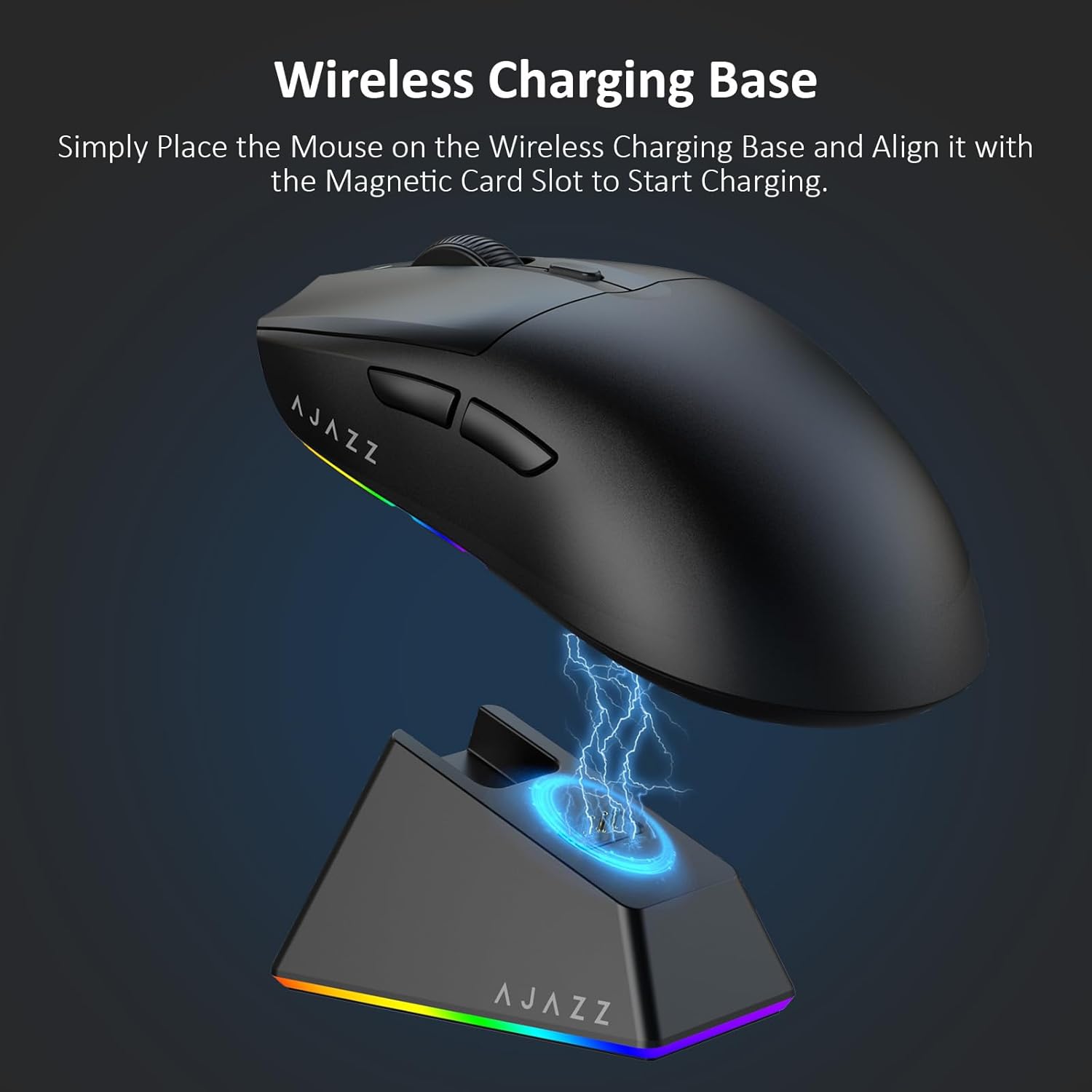
Figure 4.2: The mouse being charged on its wireless charging base.
5. Betjeningsvejledning
5.1. DPI-justering
The mouse features a dedicated DPI adjustment button on its underside, allowing you to cycle through different sensitivity levels. Press the button to change the DPI setting to suit your preference.
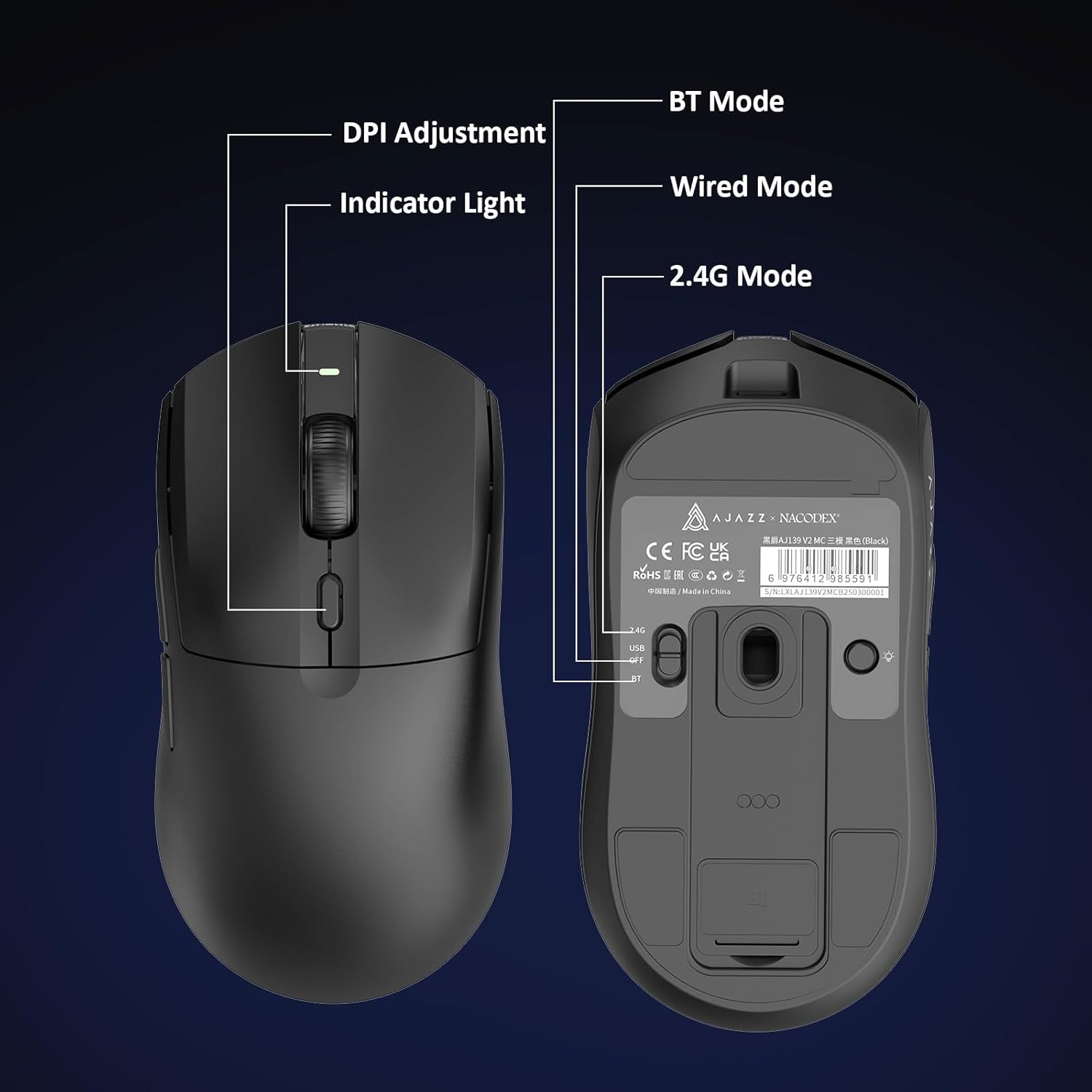
Figure 5.1: Location of the DPI adjustment button and connection mode switch on the mouse underside.
5.2. Knapfunktioner
Musen er udstyret med 6 programmerbare knapper:
- Venstre klik knap
- Højreklik knap
- Scrollhjul (klikbart)
- DPI Adjustment Button (on underside)
- Two Side Buttons (typically for forward/backward navigation)
For advanced customization of button functions and macros, please refer to the official AJAZZ software (downloadable from the manufacturer's webwebsted).
5.3. RGB-lysstyring
The mouse and charging dock feature customizable RGB lighting. Specific controls for lighting modes and colors are typically managed through the official AJAZZ software. A dedicated light button on the underside of the mouse allows for basic cycling or turning off the lighting.
6. Vedligeholdelse
- Rensning: Brug en blød, tør klud til at rengøre musens overflade. Ved genstridigt snavs, brug en let tør klud.amp klud kan bruges, så det sikres, at der ikke trænger fugt ind i de indvendige komponenter.
- Sensorpleje: Hold den optiske sensor på undersiden af musen ren og fri for støv eller snavs for at opretholde sporingsnøjagtigheden.
- Batteriets levetid: For at forlænge batteriets levetid, undgå at aflade musen helt ofte. Oplad den, når batteriindikatoren er lav.
7. Fejlfinding
| Problem | Mulig løsning |
|---|---|
| Mouse not responding in 2.4G Wireless mode. | Ensure the 2.4G USB receiver is securely plugged into a USB port and the mouse switch is set to '2.4G'. Try a different USB port. |
| Mouse not pairing via Bluetooth. | Ensure the mouse switch is set to 'BT' and your device's Bluetooth is enabled and discoverable. Try unpairing and re-pairing the device. |
| Musen oplader ikke. | Verify the USB-C cable is properly connected to both the dock/mouse and the power source. Ensure the mouse is correctly seated on the charging dock's magnetic contacts. |
| Inconsistent tracking or cursor movement. | Clean the optical sensor on the underside of the mouse. Ensure you are using the mouse on a suitable surface (e.g., a mouse pad). |
| RGB-belysningen virker ikke. | Check the mouse's software settings for lighting control. Ensure the mouse has sufficient battery charge. |
8. Tekniske specifikationer
| Feature | Specifikation |
|---|---|
| Mærke | AJAZZ |
| Modelnavn | Aj139 V2 MC |
| Farve | V2 MC Black |
| Forbindelsesteknologi | Bluetooth, USB, 2.4G Wireless |
| Bevægelsesdetekteringsteknologi | Optisk (PAW3311-sensor) |
| Mouse Maximum Sensitivity | 12000 Dots per Inch (DPI) |
| Retursats | 1000 Hz |
| Batterikapacitet | 500mAh |
| Knap Antal | 6 |
| Håndorientering | Højre |
| Kompatible enheder | Stationær computer |
| Operativsystem | Windows |
| Rækkevidde | 10 meter |
| Varens vægt | 4 ounces (ca. 113 gram) |
| Emnemål L x B | 5"L x 2.5"W (approx. 12.7cm x 6.35cm) |
| Udsmykningsfunktion | RGB belysning |
| Indkapslingsmateriale | Plast |
| Slutte | Mat |
9. Garanti og support
This product comes with a standard manufacturer's warranty. For detailed warranty information, please refer to the official AJAZZ webwebsted eller kontakt din forhandler.
For technical support, troubleshooting assistance, or any product-related inquiries, please visit the AJAZZ official support page or contact their customer service team.
Online ressourcer:
AJAZZ Official Store