
Indledning
The Wireless Express Lumina Jellyfish Mood Lamp is designed to create a calming and immersive ambiance in your living space. This lamp features lifelike jellyfish that move within a water-filled chamber, illuminated by customizable RGB LED lighting. It also includes a built-in Bluetooth speaker and white noise functions for a multi-sensory experience. This manual provides instructions for setup, operation, and maintenance of your Lumina Jellyfish Mood Lamp.
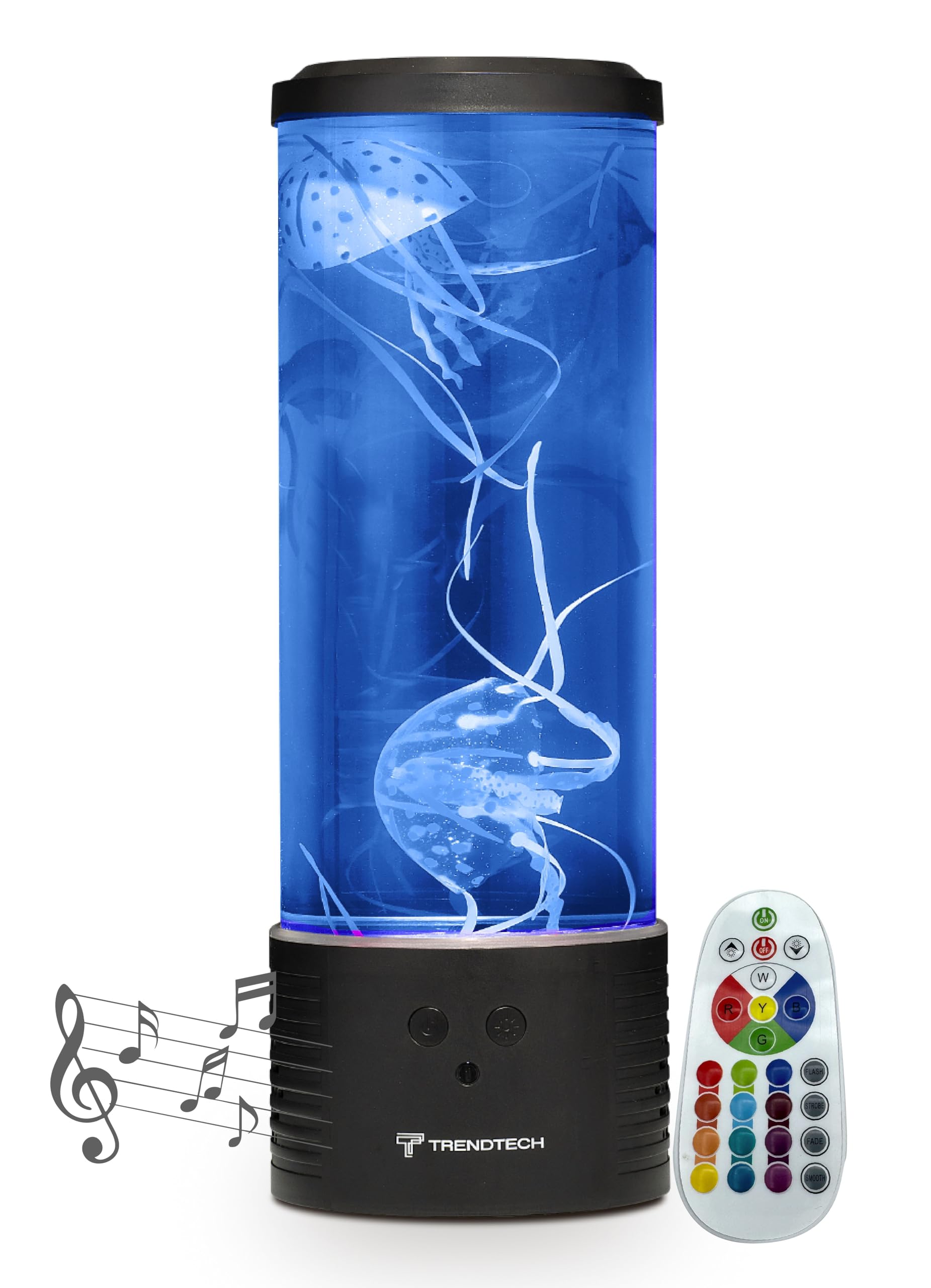
Image: The Lumina Jellyfish Mood Lamp in operation, showcasing its blue illumination and artificial jellyfish.
Hvad er der i æsken
Kontroller venligst pakkens indhold for at sikre, at alle varer er til stede:
- Lumina Jellyfish Mood Lamp Unit (Base and Cylinder)
- 2 x Artificial Jellyfish
- Fjernbetjening
- Strømadapter
- Instruktionsmanual (dette dokument)
Opsætningsinstruktioner
- Pak Lamp: Carefully remove all components from the packaging. Place the lamp base på en stabil, flad overflade.
- Fyld med vand: Remove the top lid of the lamp. Fill the transparent cylinder with distilled water up to the indicated fill line. Avoid overfilling.
- Tilføj vandmænd: Gently place the artificial jellyfish into the water. If they float at the top, use a stick or similar object to push them down and release any trapped air bubbles. This may take a few minutes.
- Fastgør låget: Replace the top lid firmly to prevent water spillage.
- Tilslut strøm: Sæt strømadapteren i l'enamp's strømindgang, og sæt derefter adapteren i en almindelig stikkontakt.
- Fjernbetjenings batteri: Ensure the remote control has a working battery. If not, insert or replace with the correct battery type.
Note: It may take up to 24 hours for the jellyfish to fully acclimate and move naturally within the water.
Betjeningsvejledning
Tænd/sluk
Press the "ON/OFF" button on the remote control or the touch-sensitive switch on the lamp base for at dreje lamp til eller fra.
LED-lystilstande
Use the remote control to select various RGB LED lighting modes and colors. The remote typically includes buttons for specific colors (e.g., Red, Green, Blue) and modes (e.g., Flash, Strobe, Fade, Smooth) to customize the ambiance.

Image: The Lumina Jellyfish Mood Lamp displaying various color options and highlighting its features, including the remote control.

Lilla belysning
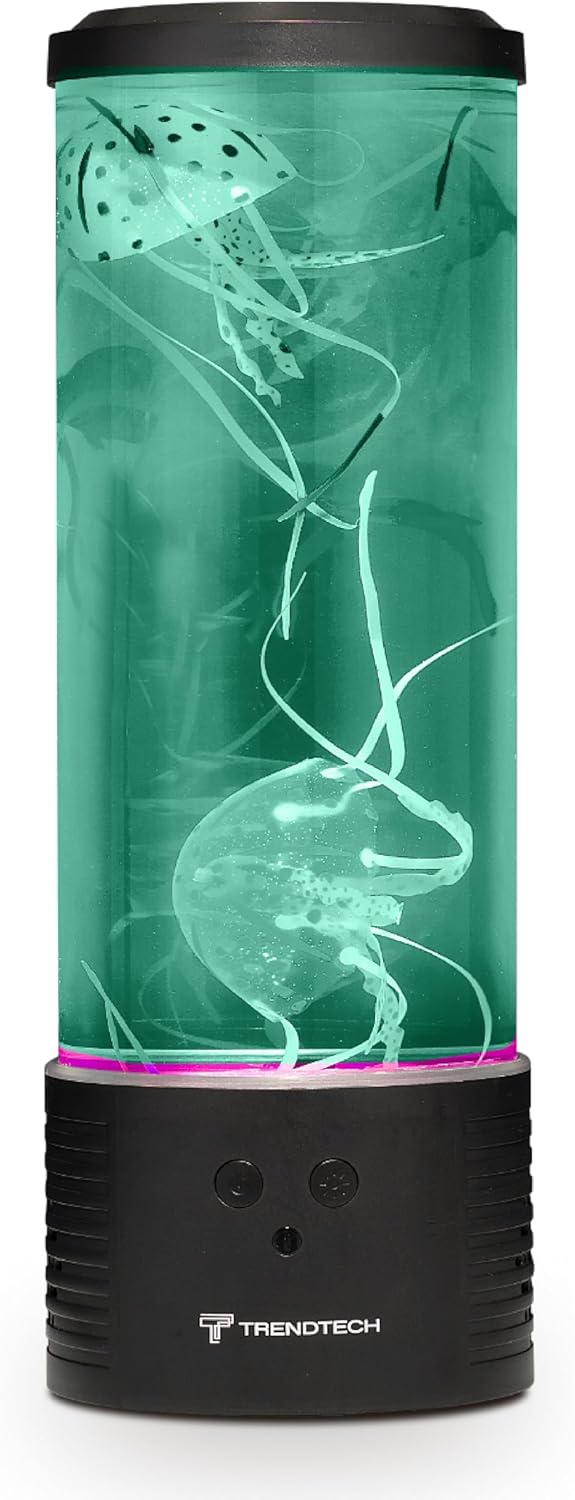
Grøn belysning
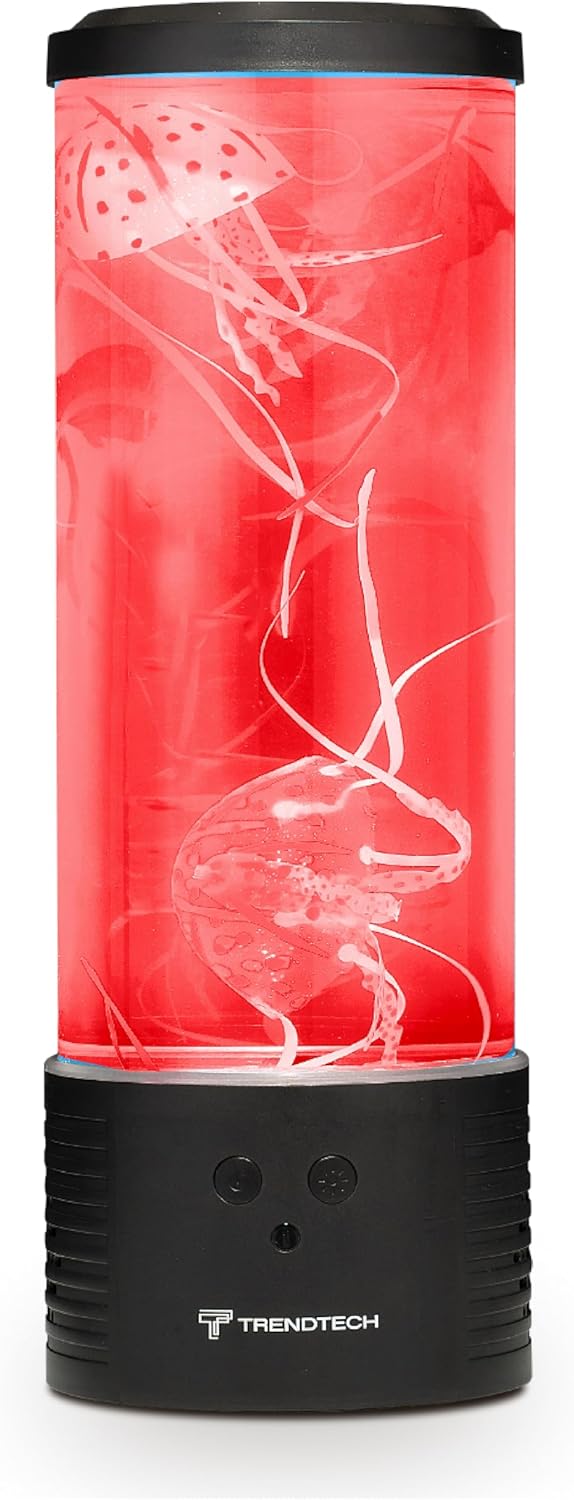
Rød belysning
Bluetooth højttaler funktion
- Parring: Tænd for lamp. Activate Bluetooth on your mobile device and search for "Lumina Jellyfish Lamp" or a similar device name. Select it to pair.
- Afspilning: Once paired, you can play audio from your device through the lamp's built-in speaker.
- Lydstyrkekontrol: Adjust volume using your connected device.
White Noise Feature
Lamp includes a white noise function to aid relaxation. Refer to the remote control for a dedicated white noise button or a mode selection that includes white noise.
Automatisk slukningstimer
Lamp features an auto shut-off timer for convenience. Consult the remote control for timer settings (e.g., 1-hour, 2-hour options).
Produktvideo overståetview
Video: An official product video demonstrating the color-changing LED lights, remote control functionality, white noise feature, and built-in speaker of the Lumina Jellyfish Mood Lamp.
Opretholdelse
Rensning
To clean the exterior of the lamp, brug en blød, damp cloth. Do not use abrasive cleaners or solvents. For the interior, if the water becomes cloudy, it is recommended to replace the distilled water. Unplug the lamp før rengøring.
Udskiftning af vand
If the water appears cloudy or the jellyfish movement is hindered, replace the water. Unplug the lamp, remove the lid, and carefully pour out the old water. Rinse the cylinder and jellyfish with clean water, then refill with fresh distilled water as per setup instructions.
Fejlfinding
- Lamp tænder ikke:
- Sørg for, at strømadapteren er sat ordentligt i både lamp and a working electrical outlet. Check if the outlet is functional. Verify the remote control battery is not depleted.
- Jellyfish are not moving or floating at the top:
- This is common during initial setup. Gently push the jellyfish down with a non-sharp object to release trapped air bubbles. It may take up to 24 hours for them to move freely. Ensure only distilled water is used.
- Bluetooth-højttaleren opretter ikke forbindelse:
- Sørg for at lamp is powered on and Bluetooth is enabled on your device. Try restarting both the lamp and your device. Make sure no other device is currently paired with the lamp.
- Lights are not changing colors:
- Check the remote control battery. Ensure you are pressing the correct buttons for color selection or mode changes.
Specifikationer
| Feature | Detalje |
|---|---|
| Modelnummer | SKU-VOLRED |
| Mærke | Trådløs Express |
| Produktdimensioner | 7" D x 7" B x 17.5" H |
| Lamp Type | Humørlys |
| Lyskildetype | RGB LED |
| Strømkilde | Elektrisk med ledning |
| Voltage | 12 volt |
| Wattage | 5 watt |
| Kontrolmetode | Berøring, fjernbetjening |
| Forbindelsesprotokol | Bluetooth |
| Materiale Type | Metal, glas |
| Indendørs/Udendørs brug | Indendørs |
| Vandmodstandsniveau | Ikke vandafvisende |
Garanti og support
This product comes with a limited warranty from Wireless Express. For specific warranty details, please refer to the documentation included with your purchase or visit the official Wireless Express webwebsted.
Manufacturer Warranty Description: Limited warranty.
For technical support or customer service, please contact Wireless Express directly through their official channels.