
Indledning
This manual provides detailed instructions for the Miracase Magnetic Case designed for the iPhone 17 Pro Max. It covers installation, usage, maintenance, and troubleshooting to ensure optimal protection and functionality of your device.
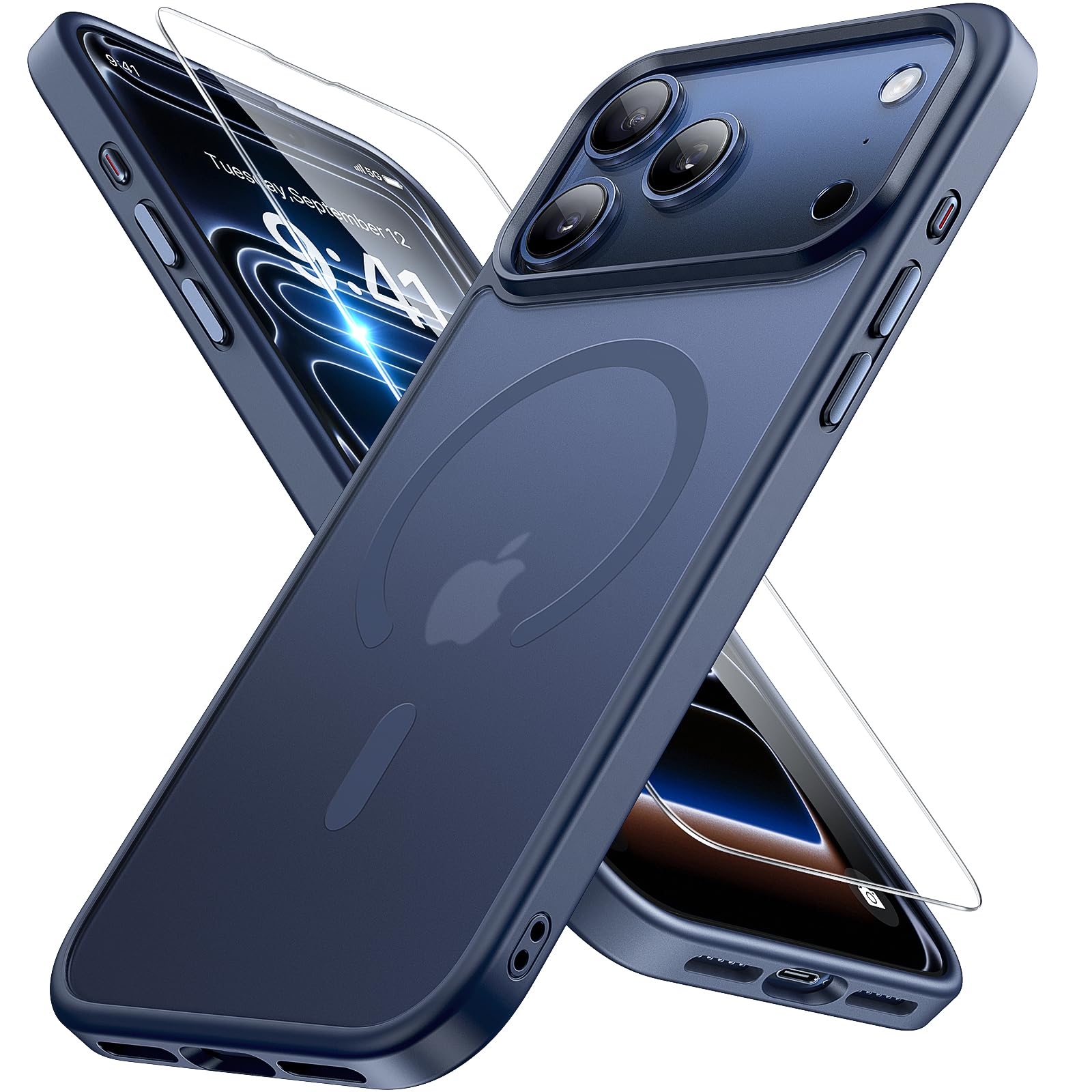
Image: The Miracase Magnetic Case in Dark Blue, fitted onto an iPhone 17 Pro Max, showcasing its design and MagSafe compatibility ring.
Opsætning
1. Case Installation
- Sørg for, at din iPhone 17 Pro Max er ren og fri for støv eller snavs.
- Align the camera cutouts of the case with your phone's camera module.
- Gently press your phone into the case, starting from one side and working your way around until all edges are securely fitted.
- Kontroller, at alle knapper og porte er tilgængelige og justeret korrekt.
2. Skærmbeskytterapplikation
The package includes a high-quality tempered glass screen protector. Follow these steps for proper application:
- Clean your phone screen thoroughly using the provided cleaning wipes (if included) to remove all dust, smudges, and fingerprints.
- Use the dust-absorber sticker to pick up any remaining dust particles.
- Fjern forsigtigt beskyttelsesfilmen fra den klæbende side af skærmbeskytteren.
- Align the screen protector with your phone's screen, ensuring the cutouts for the speaker and sensors match.
- Gently lower the screen protector onto the screen. It will adhere automatically.
- If any bubbles appear, gently push them towards the edges using a soft cloth or the provided squeegee card.
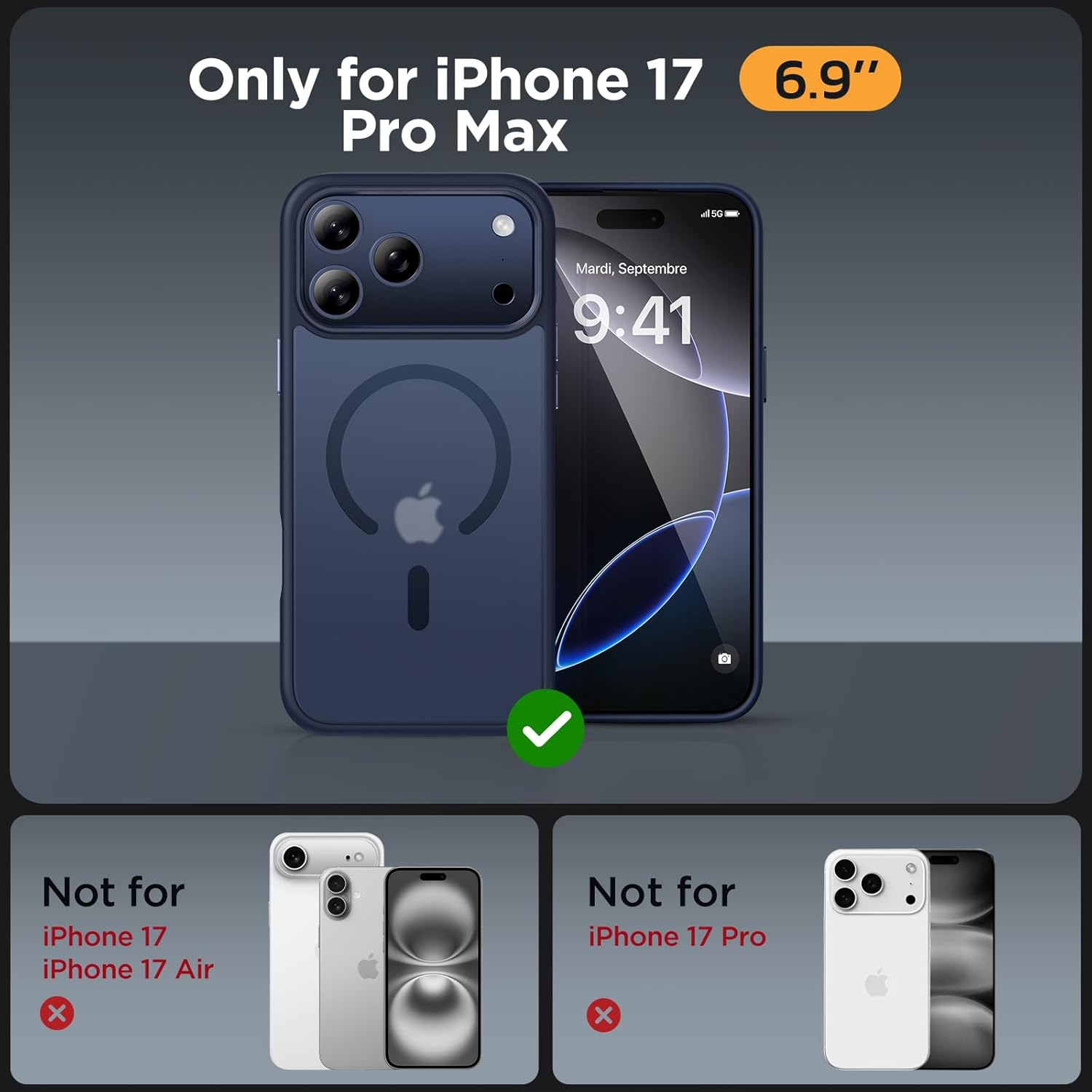
Billede: Flere views of the Miracase Magnetic Case, illustrating its design and how it fits the iPhone 17 Pro Max.
Betjeningsvejledning
MagSafe-kompatibilitet
The Miracase Magnetic Case features built-in N52 magnets for enhanced MagSafe compatibility. This allows for seamless attachment to MagSafe chargers and other magnetic accessories.
- Trådløs opladning: Place your iPhone 17 Pro Max (with the case installed) onto a MagSafe wireless charger. The magnets will automatically align the phone for efficient charging.
- Magnetisk tilbehør: Attach MagSafe-compatible accessories such as wallets, car mounts, or power banks directly to the back of the case. The strong magnetic connection ensures secure attachment.

Image: An iPhone 17 Pro Max in the Miracase Magnetic Case, actively charging on a MagSafe charger, demonstrating the magnetic alignment.

Image: A collage showing the Miracase Magnetic Case with a MagSafe wallet, a MagSafe car mount, and a MagSafe battery pack, illustrating accessory compatibility.
Opretholdelse
Rengøring af kabinettet
The case features an upgraded Nano Oleophobic Coating to resist fingerprints and scratches. To clean your case:
- Wipe the case gently with a soft, damp klæde.
- Avoid using harsh chemicals, abrasive cleaners, or solvents, as these may damage the coating or material.
- Lad etuiet lufttørre helt, før du sætter din telefon i igen.
Pleje af skærmbeskytter
To maintain the clarity and effectiveness of your screen protector:
- Clean the screen protector with a microfiber cloth to remove smudges and fingerprints.
- Avoid sharp objects that could scratch or chip the tempered glass.
Fejlfinding
- Problem: Etuiet passer ikke korrekt.
Løsning: Ensure you have the correct model (iPhone 17 Pro Max). Remove the case and re-install, making sure to align all edges and corners properly.
- Problem: MagSafe-tilbehør sidder ikke ordentligt fast.
Løsning: Verify that the accessory is MagSafe compatible. Ensure there is no debris between the case and the accessory that could interfere with the magnetic connection.
- Issue: Screen protector has bubbles after installation.
Løsning: Gently lift the nearest edge of the screen protector and re-apply, carefully pushing out air bubbles with a soft cloth or squeegee. Ensure the screen is completely dust-free before re-application.
- Issue: Case appears dirty or discolored.
Løsning: Clean the case as per the maintenance instructions. Persistent discoloration, especially with lighter colored cases, can occur over time due to environmental factors and normal wear.
Specifikationer
| Produktdimensioner | 6.1 x 3.15 x 0.43 tommer |
| Varens vægt | 1.41 ounce |
| Materiale | Termoplastisk polyurethan |
| Kompatibel telefonmodel | iPhone 17 Pro Max |
| Særlige funktioner | Screen Protector, Slim Fit, MagSafe Compatible (Built-in 38 N52 Magnets), Military-Grade Drop Protection (10ft) |
| Hvad er der i æsken | iPhone 17 Pro Max Case, Screen Protector |
Garanti og support
Garantioplysninger
This Miracase product comes with a 1 års producentgarantiDenne garanti dækker defekter i materialer og udførelse under normal brug. Den dækker ikke skader forårsaget af misbrug, ulykker eller uautoriserede ændringer.
Kundesupport
If you encounter any issues or have questions regarding your Miracase Magnetic Case, please contact us through the Amazon Message Center for assistance. Our support team is available to help with product inquiries, warranty claims, and troubleshooting.
For further information, you may visit the official Miracase store on Amazon: Miracase Store