
1. Introduktion
This manual provides essential information for setting up, operating, maintaining, and troubleshooting your CUBOT X100 Smartphone. Please read it carefully to ensure optimal performance and longevity of your device.
2. Kom godt i gang
2.1 Hvad er der i æsken
Upon unboxing your CUBOT X100, verify that all items are present:
- CUBOT X100 smartphone
- Telefon etui
- USB kabel
- SIM Ejector Tool
- Skærmbeskytter

Image: The retail box contents of the CUBOT X100, showing the smartphone, a protective case, a USB cable, a SIM ejector tool, and a screen protector.
2.2 Isætning af SIM-kort og SD-kort
Sådan indsætter du dit/dine SIM-kort og/eller microSD-kort:
- Find SIM-kortbakken på siden af telefonen.
- Sæt SIM-kortudkastningsværktøjet i det lille hul ved siden af bakken, og tryk forsigtigt, indtil bakken springer ud.
- Place your Nano-SIM card(s) and/or microSD card into the designated slots on the tray. Ensure the gold contacts face downwards. The CUBOT X100 supports Dual SIM functionality.
- Skub forsigtigt bakken tilbage i telefonen, indtil den flugter med siden.
2.3 Første opstart og opsætning
Press and hold the Power button until the CUBOT logo appears. Follow the on-screen prompts to complete the initial setup, including language selection, Wi-Fi connection, Google account login, and security settings.
3. Enhed overview
3.1 Fysiske komponenter
Familiarize yourself with the key physical features of your CUBOT X100.
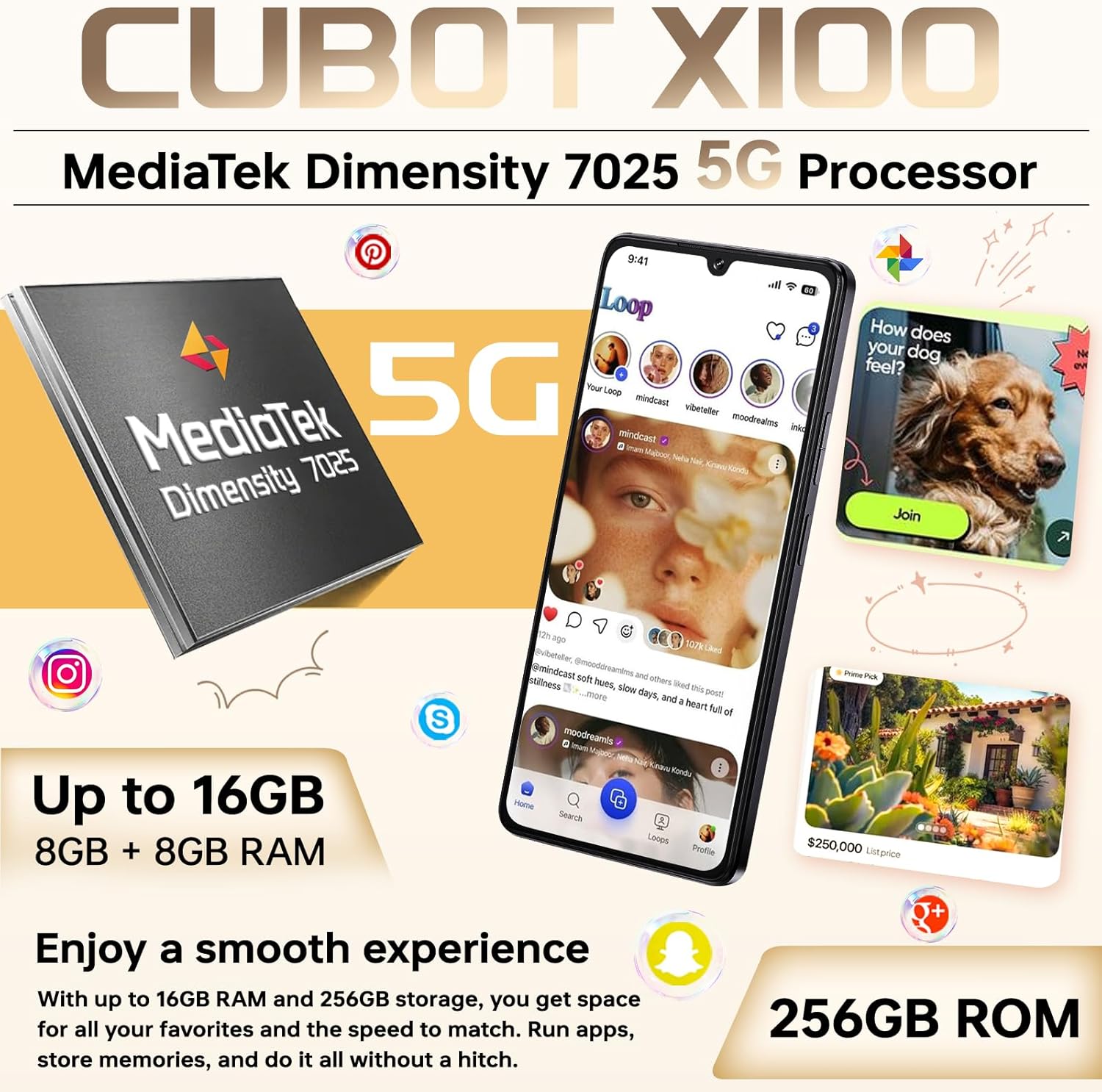
Billede: En overview af CUBOT X100 smartphonen, vistasing its sleek design, the MediaTek Dimensity 7025 5G processor, and its memory configuration of up to 16GB RAM and 256GB ROM.
3.2 Hoveddisplay
The CUBOT X100 features a large 6.88-inch HD+ display with a 120Hz refresh rate for smooth visuals.

Image: The CUBOT X100's 6.88-inch FHD+ display, demonstrating its 120Hz refresh rate with a vibrant image of flamingos, emphasizing a smooth visual experience.
3.3 Rear Sub-Screen
The 1.72-inch rear sub-screen provides quick access to information and controls without needing to flip the phone over.
- Vækningsskærm: Displays notifications upon arrival.
- Follow Main Screen: Mirrors certain main screen activities.
- Incoming Call Screen: Shows caller ID.
- Flip Phone Bright Screen: Activates the main screen by flipping the device.
- Dobbelttryk for at vække: Wakes the rear screen with a double tap.

Image: The CUBOT X100's 1.72-inch rear sub-screen, illustrating its various functionalities such as displaying time, battery status, caller ID, music playback controls, camera access, and notifications.
4. Grundlæggende betjening
4.1 Tænd/sluk
To power on, press and hold the Power button. To power off, press and hold the Power button, then select 'Power off' from the options.
4.2 Skærmlås/lås op
Your CUBOT X100 supports Face ID and fingerprint unlock for secure access. Set these up in the Security settings menu.
4.3 Android 15-operativsystem
The device runs on Android 15, offering an intuitive and customizable user experience with enhanced security features and Gemini AI integration.

Image: The CUBOT X100 displaying the Android 15 interface, showcasing its secure, customizable, and innovative features, including Google Gemini integration.
4.4 Forbindelse
The CUBOT X100 supports 5G cellular connectivity, Wi-Fi, Bluetooth, and NFC.
- Wi-Fi: Opret forbindelse til trådløse netværk via Indstillinger > Netværk og internet > Wi-Fi.
- Bluetooth: Par med Bluetooth-enheder via Indstillinger > Forbundne enheder > Bluetooth.
- NFC: Enable NFC for contactless payments and data transfer via Settings > Connected devices > Connection preferences > NFC.
- Dobbelt SIM-kort: Manage two SIM cards simultaneously for work and personal use.

Image: A series of icons illustrating the CUBOT X100's connectivity features, including GPS, NFC, Dual SIM support, and other smart functionalities.
5. Kamerafunktioner
Capture moments with the versatile camera system of your CUBOT X100.

Image: The CUBOT X100's camera capabilities, featuring a 64MP main camera for detailed shots and a 16MP front camera for clear selfies and video calls.
5.1 Main Camera (64MP)
The 64MP main camera captures high-resolution photos with rich detail. Open the Camera app and select 'Photo' mode for standard shots.
5.2 frontkamera (16MP)
Use the 16MP front camera for clear selfies and video calls. Switch to the front camera within the Camera app.
5.3 Macro Camera (2MP)
Explore close-up details with the 2MP macro lens. Select 'Macro' mode in the Camera app to capture intricate subjects.
5.4 Videooptagelse
Record videos by selecting 'Video' mode in the Camera app. The device supports 4K video capture at 30 frames per second.
6. Batteri og opladning
The CUBOT X100 is equipped with a 5100mAh battery and supports 33W fast charging.
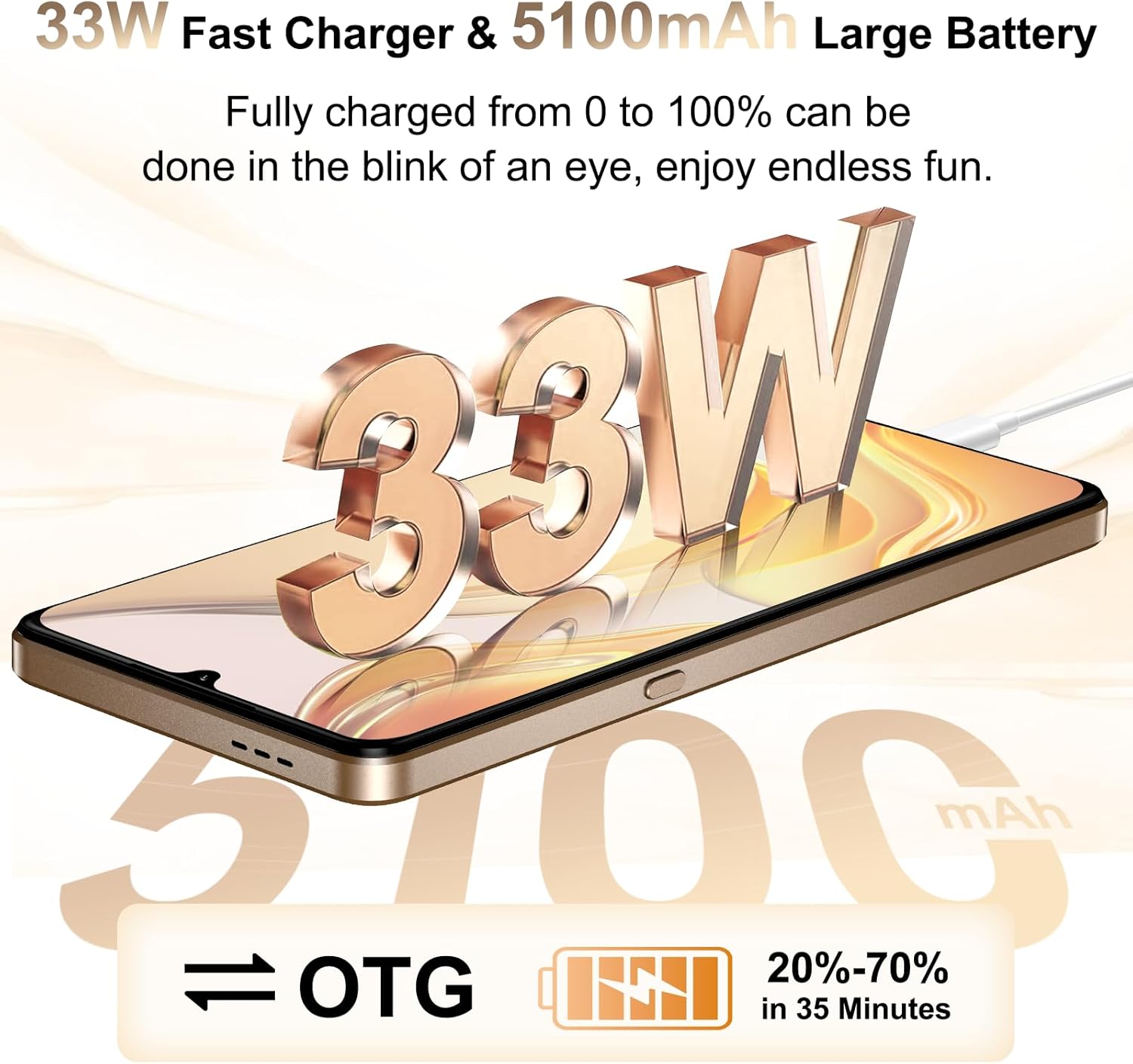
Image: The CUBOT X100 illustrating its 33W fast charging capability and 5100mAh large battery, indicating quick recharge times and extended usage.
6.1 Opladning af din enhed
Connect the provided USB cable to the phone's USB Type-C port and the 33W charger. Plug the charger into a power outlet. The device supports rapid charging, allowing for quick power replenishment.
6.2 Batterioptimering
To extend battery life, consider these tips:
- Reducer skærmens lysstyrke.
- Deaktiver Wi-Fi, Bluetooth og GPS, når de ikke er i brug.
- Luk baggrundsapplikationer.
- Enable battery saver mode in Settings.
6.3 OTG omvendt opladning
The CUBOT X100 supports OTG reverse charging, allowing you to use your phone as a power bank to charge other devices. An OTG cable (sold separately) is required for this function.
7. Vedligeholdelse
7.1 Rengøring af enheden
Brug en blød, fnugfri klud til at rengøre skærmen og kabinettet på din telefon. Undgå at bruge skrappe kemikalier eller slibende materialer.
7.2 Softwareopdateringer
Tjek regelmæssigt for softwareopdateringer for at sikre, at din enhed har de nyeste funktioner og sikkerhedsrettelser. Gå til Indstillinger > System > Systemopdatering.
7.3 Datasikkerhedskopiering
It is recommended to regularly back up your important data to a cloud service or a computer to prevent data loss.
8. Fejlfinding
8.1 Fælles problemer
- Enheden tænder ikke: Sørg for, at batteriet er opladet. Hvis ikke, skal du tilslutte det til opladeren i mindst 10 minutter, før du forsøger at tænde det.
- Netværksproblemer: Check if your SIM card is properly inserted. Verify mobile data settings or try restarting the device.
- Apps der går ned: Ryd appens cache og data i Indstillinger > Apps. Hvis problemet fortsætter, skal du geninstallere appen.
- Berøringsskærmen reagerer ikke: Restart the device. If the problem continues, contact customer support.
8.2 Fabriksindstilling
If your device experiences persistent software issues, a factory reset may resolve them. Advarsel: This will erase all data on your phone. Back up your data before proceeding. Go to Settings > System > Reset options > Erase all data (factory reset).
9. Specifikationer
Key technical specifications of the CUBOT X100 Smartphone:
| Feature | Specifikation |
|---|---|
| Mærke | CUBOT |
| Modelnavn | X100 |
| Operativsystem | Android 15 |
| Processor | MediaTek Dimensity 7025 5G |
| Hukommelse (RAM) | Op til 16 GB (8 GB fysisk + 8 GB virtuel) |
| Lager (ROM) | 256 GB |
| Hovedskærmstørrelse | 6.88 tommer |
| Hovedskærmopløsning | 720 x 1640 pixels |
| Opdateringshastighed for hovedskærmen | 120 Hz |
| Rear Sub-Screen Size | 1.72 tommer |
| Bagkamera | 64 MP (Main), 5 MP (Ultra-wide), 2 MP (Macro) |
| Forreste kamera | 16 MP |
| Batterikapacitet | 5100 mAh |
| Opladning | 33W hurtig opladning |
| Cellulær teknologi | 5G |
| Forbindelse | Bluetooth, NFC, USB Type-C, Wi-Fi |
| SIM-kortpladser | Dobbelt SIM-kort (Nano-SIM) |
| Biometrisk sikkerhed | Face Recognition, Fingerprint |
| Vandmodstand | Ikke vandtæt |
| Dimensioner | 8.9 mm tykkelse |
| Vægt | 208 g |
For detaljerede oplysninger om energieffektivitet henvises til EPREL-databasen: https://eprel.ec.europa.eu/qr/2418330
10. Garanti og support
10.1 Garantioplysninger
CUBOT offers a TWO-YEAR warranty for the X100 Smartphone, covering manufacturing defects. Additionally, a 30-day return policy is available for returns without reason.
10.2 Kundesupport
For technical assistance, warranty claims, or any product-related inquiries, CUBOT provides long-term technical support and 24-hour online customer service.
Please visit the official CUBOT website or contact their customer service channels for support.
11. Vigtige sikkerhedsoplysninger
Please read all safety information before using your device to ensure safe and proper use.
- Udsæt ikke enheden for ekstreme temperaturer eller direkte sollys.
- Undgå at tabe enheden eller udsætte den for kraftige stød.
- Use only CUBOT-approved chargers and accessories.
- Forsøg ikke selv at adskille eller reparere enheden.
- Hold enheden væk fra vand og fugt.


