
1. Introduktion
Thank you for choosing the Wentronic Y02 Active Noise Cancelling Headphones. This manual provides essential information for setting up, operating, and maintaining your headphones to ensure optimal performance and longevity. Please read this manual thoroughly before use.

Image: Wentronic Y02 Active Noise Cancelling Headphones, silver edition.
2. Pakkens indhold
Sørg for, at alle varer er til stede i din pakke:
- Y02 ANC Headphones x 1
- Charging Cable (USB-C) x 1
- 3.5 mm lydkabel x 1
- Brugervejledning x 1
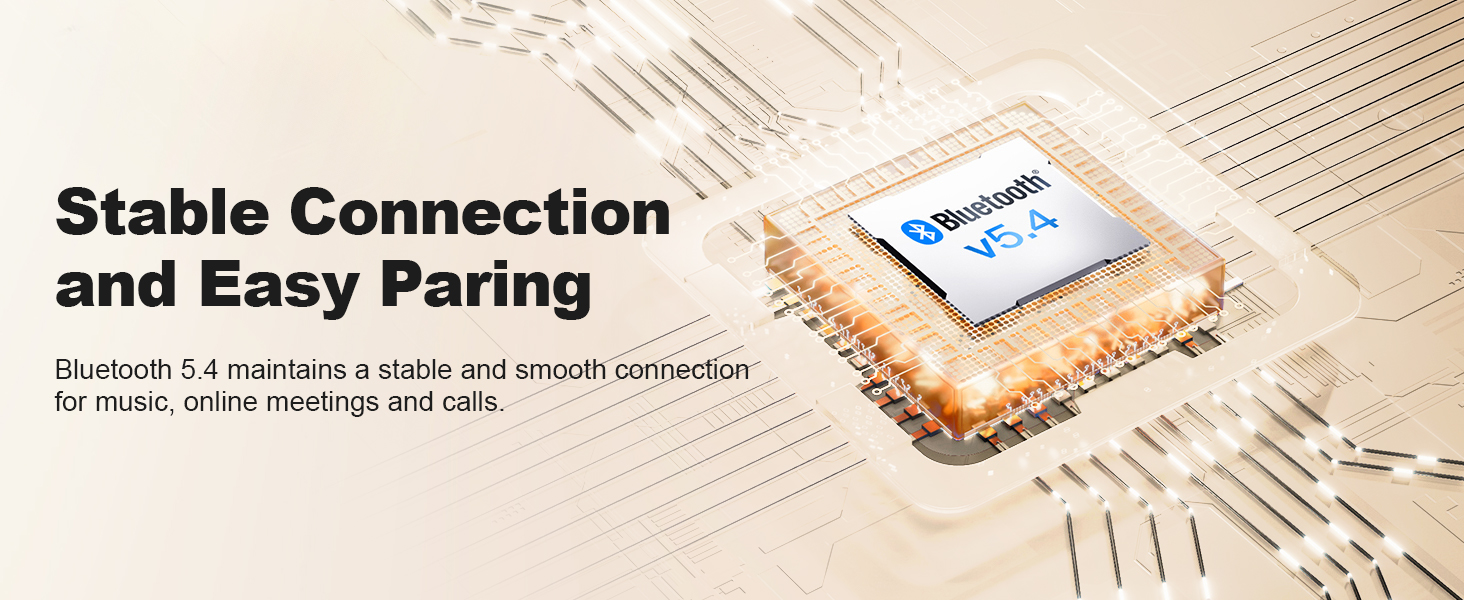
Image: The Wentronic Y02 headphones, USB-C charging cable, 3.5mm audio cable, and user manual as included in the product packaging.
3. Produktet er slutview
Kontrol og porte
Familiarize yourself with the headphone controls:
- Power knap: On/Off, Play/Pause, Answer/End Calls.
- Lydstyrkeknapper (+/-): Juster lydstyrken, spring numre over.
- Multifunktionel knap: Rotate to switch EQ modes, press to toggle Active Noise Cancellation (ANC).
- USB-C opladningsport: Til opladning af høretelefoner.
- 3.5 mm lydstik: Til kablet forbindelse.
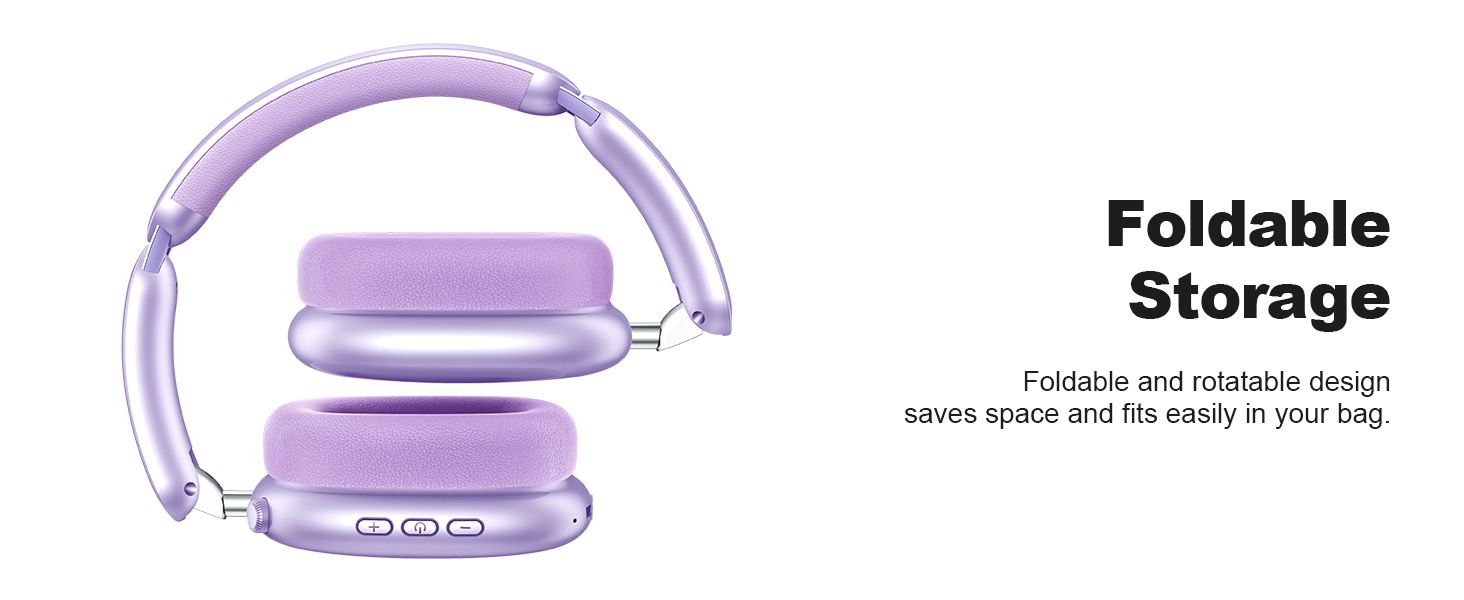
Image: Detail of the multi-functional knob on the headphone earcup, indicating its use for switching ANC and EQ modes.
4. Opsætning
4.1 Opladning af hovedtelefonerne
Before first use, fully charge your headphones. Connect the supplied USB-C charging cable to the headphone's charging port and a compatible USB power source. The LED indicator will show charging status.
- En fuld opladning giver op til 60 timers spilletid (ANC slukket) eller 48 timer (ANC tændt).
- Quick charge feature: 10 minutes of charging provides approximately 4 hours of playtime.

Image: Visual representation of the Y02 headphones' battery life: 48 hours with ANC on, 60 hours with ANC off, and 4 hours playtime from a 10-minute charge.
4.2 Bluetooth -parring
Sådan tilslutter du dine hovedtelefoner trådløst:
- Sørg for, at hovedtelefonerne er opladet og slukket.
- Tryk på tænd/sluk-knappen, og hold den nede, indtil LED-indikatoren blinker blåt og rødt, hvilket angiver parringstilstand.
- Aktiver Bluetooth på din enhed (smartphone, tablet, computer) og søg efter tilgængelige enheder.
- Select "Wentronic Y02" from the list.
- Når den er tilsluttet, lyser LED-indikatoren konstant blåt.
Hovedtelefonerne genopretter automatisk forbindelsen til den sidst parrede enhed, når de tændes, hvis de er inden for rækkevidde.
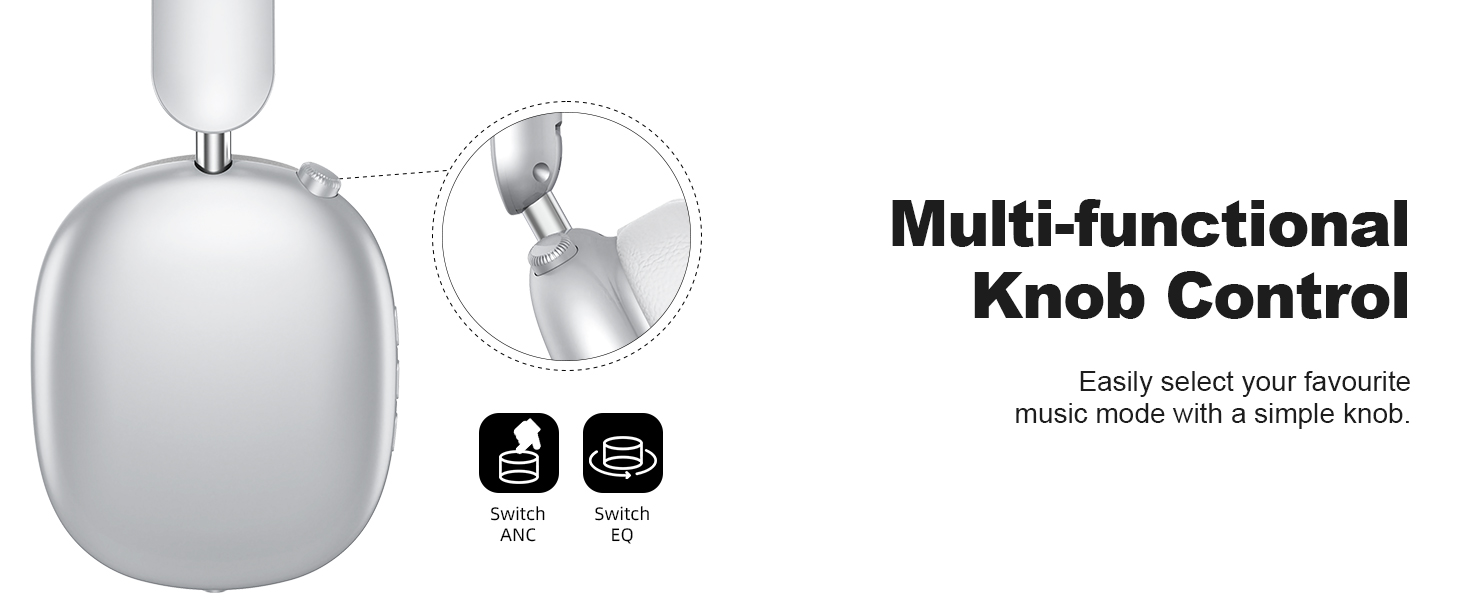
Image: A graphic depicting the Bluetooth 5.4 chip and its role in maintaining a stable and smooth connection for the Y02 headphones.
4.3 Kabelforbindelse
For a wired audio experience or when the battery is depleted, use the included 3.5mm audio cable. Connect one end to the headphone's 3.5mm audio jack and the other end to your audio source's 3.5mm port. The headphones will automatically switch to wired mode.

Image: The Y02 headphones on a stand, connected to an audio source via the 3.5mm cable, highlighting both wireless and wired usage options.
5. Betjeningsvejledning
5.1 Tænd/sluk
- Tænd: Tryk og hold tænd/sluk-knappen nede i 3 sekunder.
- Sluk: Tryk og hold tænd/sluk-knappen nede i 3 sekunder.
5.2 Aktiv støjreduktion (ANC)
The Y02 headphones feature advanced active noise cancellation to reduce ambient sounds.
- Aktivér/deaktiver ANC: Press the multi-functional knob once.
- ANC effectively blocks over 90% of ambient noise, such as engine sounds or general chatter.

Image: The Y02 headphones with a visual representation of sound waves being cancelled, highlighting the hybrid active noise cancellation feature.
5.3 EQ-lydtilstande
Customize your audio experience with 5 preset EQ modes:
- Skift EQ-tilstande: Rotate the multi-functional knob.
- Available modes include Rock, Pop, Electronic, Jazz, Classical, and Normal.

Image: A visual guide to the five EQ music modes available on the Y02 headphones, allowing users to select their preferred sound profile.
5.4 Opkaldshåndtering
The headphones are equipped with multiple microphones for clear calls.
- Besvar/afslut opkald: Tryk én gang på tænd/sluk-knappen.
- Afvis opkald: Tryk og hold tænd/sluk-knappen nede i 2 sekunder.

Image: A user making a call with the Y02 headphones, illustrating the distraction-free calling experience and voice pick-up enhancement.
5.5 Lydstyrke- og sporkontrol
- Lydstyrke op: Tryk på '+'-knappen.
- Skrue ned for lyden: Tryk på '-' knappen.
- Næste nummer: Tryk på '+'-knappen og hold den nede.
- Forrige nummer: Tryk på '-'-knappen og hold den nede.
6. Komfort og design
The Wentronic Y02 headphones are designed for extended wear and portability.
- Komfortable ørepuder: Cloud-soft protein leather earcups with memory foam provide a comfortable and breathable fit.
- Justerbart pandebånd: Ensures a secure yet gentle fit for various head sizes.
- Sammenfoldeligt design: The earcups fold inward for compact storage and easy transport.
- Roterende design: Earcups can rotate 90 degrees for a better fit and flat storage.

Billede: En detaljeret view of the cloud-soft protein leather earpads, designed for comfort during prolonged use.

Image: The Y02 headphones in their folded configuration, demonstrating the space-saving design for travel and storage.
7. Vedligeholdelse
To ensure the longevity and performance of your Wentronic Y02 headphones, follow these maintenance guidelines:
- Rensning: Brug en blød, tør klud til at rengøre hovedtelefonerne. Brug ikke slibende rengøringsmidler eller opløsningsmidler.
- Opbevaring: Store the headphones in a cool, dry place. Avoid extreme temperatures. When not in use, fold them for compact storage.
- Vandeksponering: The headphones are not water-resistant. Avoid exposure to water, rain, or excessive moisture.
- Kabelpleje: Håndter opladnings- og lydkablerne forsigtigt for at forhindre skader.
8. Fejlfinding
If you encounter issues with your Wentronic Y02 headphones, refer to the table below:
| Problem | Mulig årsag | Løsning |
|---|---|---|
| Hovedtelefonerne tændes ikke. | Lavt batteri. | Oplad hovedtelefonerne helt. |
| Kan ikke parres via Bluetooth. | Hovedtelefoner er ikke i parringstilstand; enhedens Bluetooth er slået fra; for langt fra enheden. | Ensure headphones are in pairing mode (flashing blue/red). Turn device Bluetooth off/on. Move closer to device (within 10 meters). |
| Ingen lyd. | Lydstyrken er for lav; forkert lydkilde; problem med kabelforbindelse. | Increase volume. Check if connected to the correct device. Ensure 3.5mm cable is fully inserted if using wired mode. |
| ANC fungerer ikke effektivt. | ANC ikke aktiveret; for høj støj fra omgivelserne. | Press the multi-functional knob to activate ANC. ANC is most effective against low-frequency, constant noise. |
| Dårlig opkaldskvalitet. | Microphone obstructed; environmental noise; weak Bluetooth connection. | Ensure microphone is clear. Move to a quieter environment. Ensure stable Bluetooth connection. |
9. Specifikationer
| Feature | Detalje |
|---|---|
| Modelnavn | Y02 Headphones |
| Forbindelsesteknologi | Trådløs (Bluetooth 5.4), Kablet (3.5 mm jack) |
| Bluetooth version | 5.4 |
| Bluetooth rækkevidde | Op til 10 meter (33 fod) |
| Støjkontrol | Aktiv støjafbrydelse (ANC) |
| Audio driver type | Dynamisk driver (40 mm) |
| Batterilevetid | Op til 60 timer (ANC slukket), 48 timer (ANC tændt) |
| Opladningsport | USB-C |
| EQ-tilstande | 5 (Rock, Pop, Electronic, Jazz, Classical, Normal) |
| Øreplacering | Over Ear |
| Materiale | Protein Leather (earpads) |
| Varens vægt | 0.61 kilo (1.34 pund) |
| Vandmodstandsniveau | Ikke vandafvisende |
10. Garanti og support
For warranty information and customer support, please refer to the documentation included with your purchase or visit the official Wentronic webwebsted. Gem din købsbevis til garantikrav.