
1. Introduktion
Thank you for choosing the Jawploy 80GB MP3 Player with Bluetooth. This device is designed to provide a versatile and portable audio experience, featuring high-fidelity sound, extensive storage, and multiple functions including FM radio, voice recording, video playback, and e-book reading. This manual will guide you through the setup, operation, and maintenance of your new MP3 player.
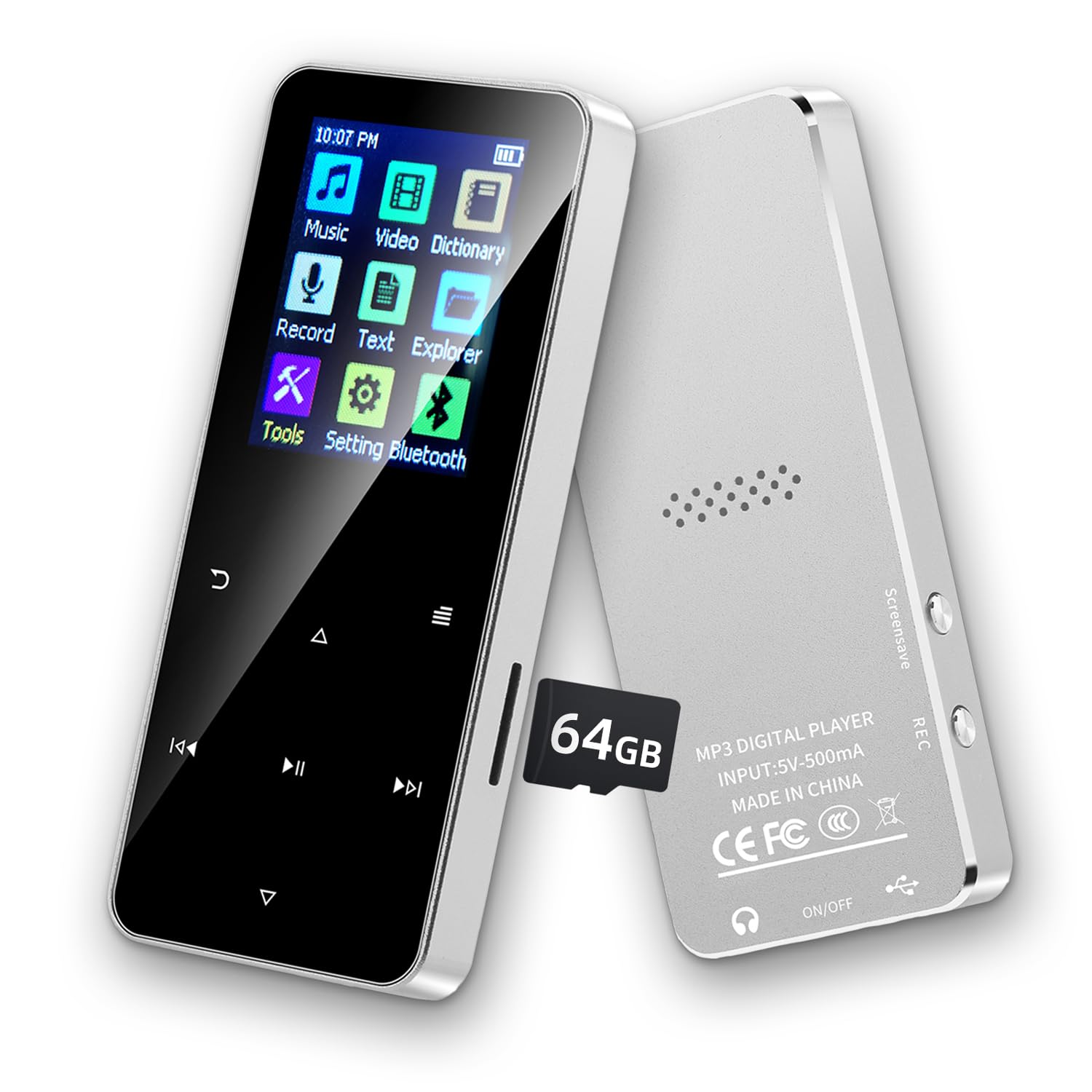
Image of the Jawploy 80GB MP3 Player with Bluetooth, showcasing dens kompakte design og brugergrænseflade.
2. Hvad er der i æsken
Kontroller venligst pakkens indhold for at sikre, at alle varer er til stede:
- 1 x Jawploy 80GB MP3 Player (16GB built-in + 64GB card)
- 1 x USB-kabel
- 1 x høretelefoner
- 1 x brugermanual
3. Produktet er slutview
The Jawploy MP3 Player features a durable alloy body, a 1.8-inch vibrant color display, and responsive touch buttons for easy navigation. It includes a built-in HD speaker, a 3.5mm audio jack for wired headphones, and a TF card slot for expandable storage.

Image showing the Jawploy MP3 player's sturdy alloy casing, 1.8-inch screen, touch buttons, built-in HD speaker, and 3.5mm audio jack.
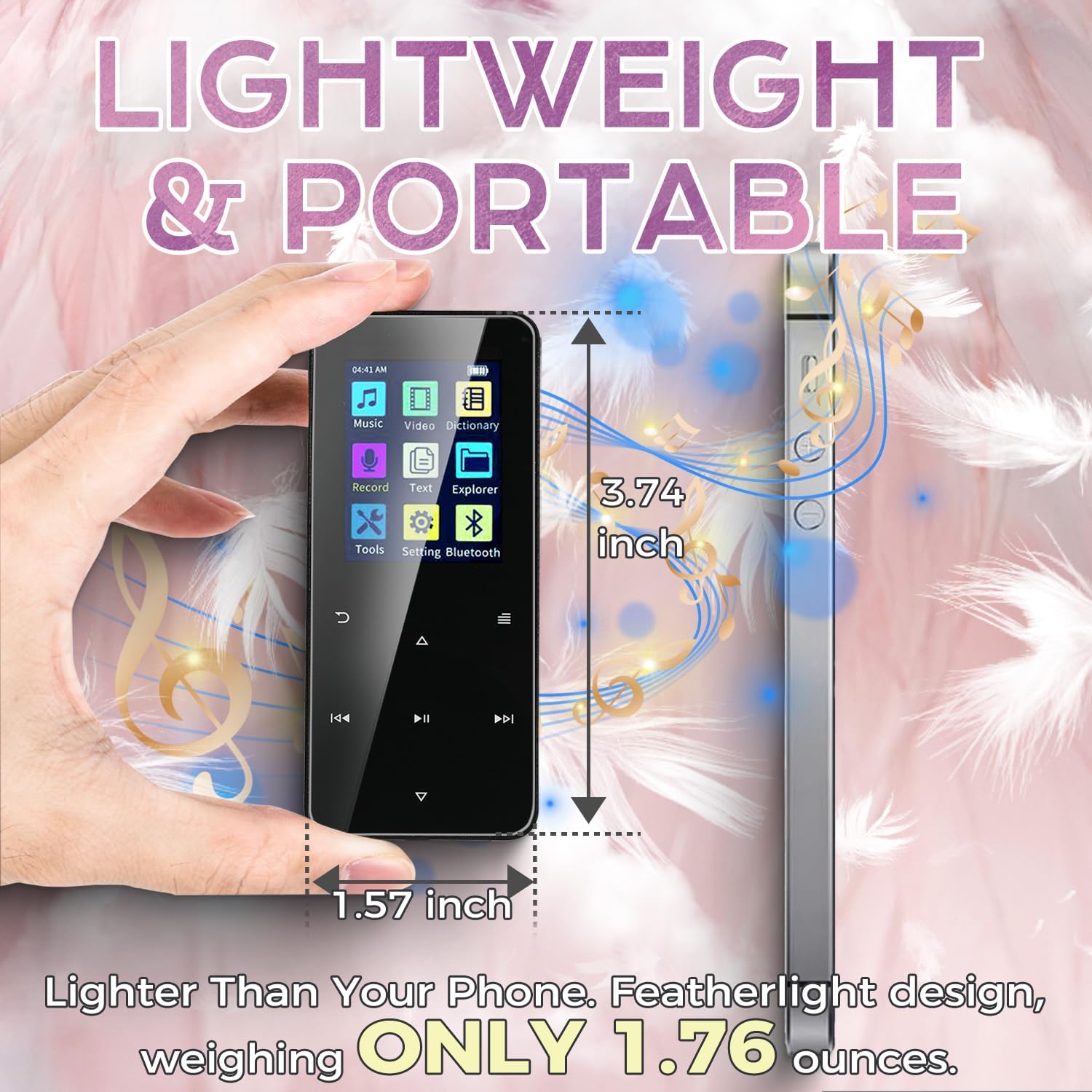
Image illustrating the compact size and lightweight design of the Jawploy MP3 player, measuring 3.74 inches by 1.57 inches and weighing 1.76 ounces.
4. Opsætning
4.1 Tænd/sluk
For at tænde enheden skal du trykke på tænd/sluk-knappen på siden og holde den nede, indtil skærmen lyser. For at slukke enheden skal du trykke på tænd/sluk-knappen igen og holde den nede, indtil enheden slukker.
4.2 Opladning af enheden
Connect the included USB cable to the MP3 player's charging port and the other end to a USB power adapter (not included) or a computer's USB port. The battery indicator on the screen will show charging status. A full charge typically takes a few hours.
4.3 Isætning af hukommelseskortet
The device comes with a 64GB TF card pre-installed, complementing the 16GB built-in storage. To insert or replace a TF card, locate the card slot on the side of the player. Gently push the card into the slot until it clicks into place. To remove, push the card in again until it springs out.
Official product video demonstrating the physical features, charging process, and memory card insertion for the Jawploy MP3 Player.
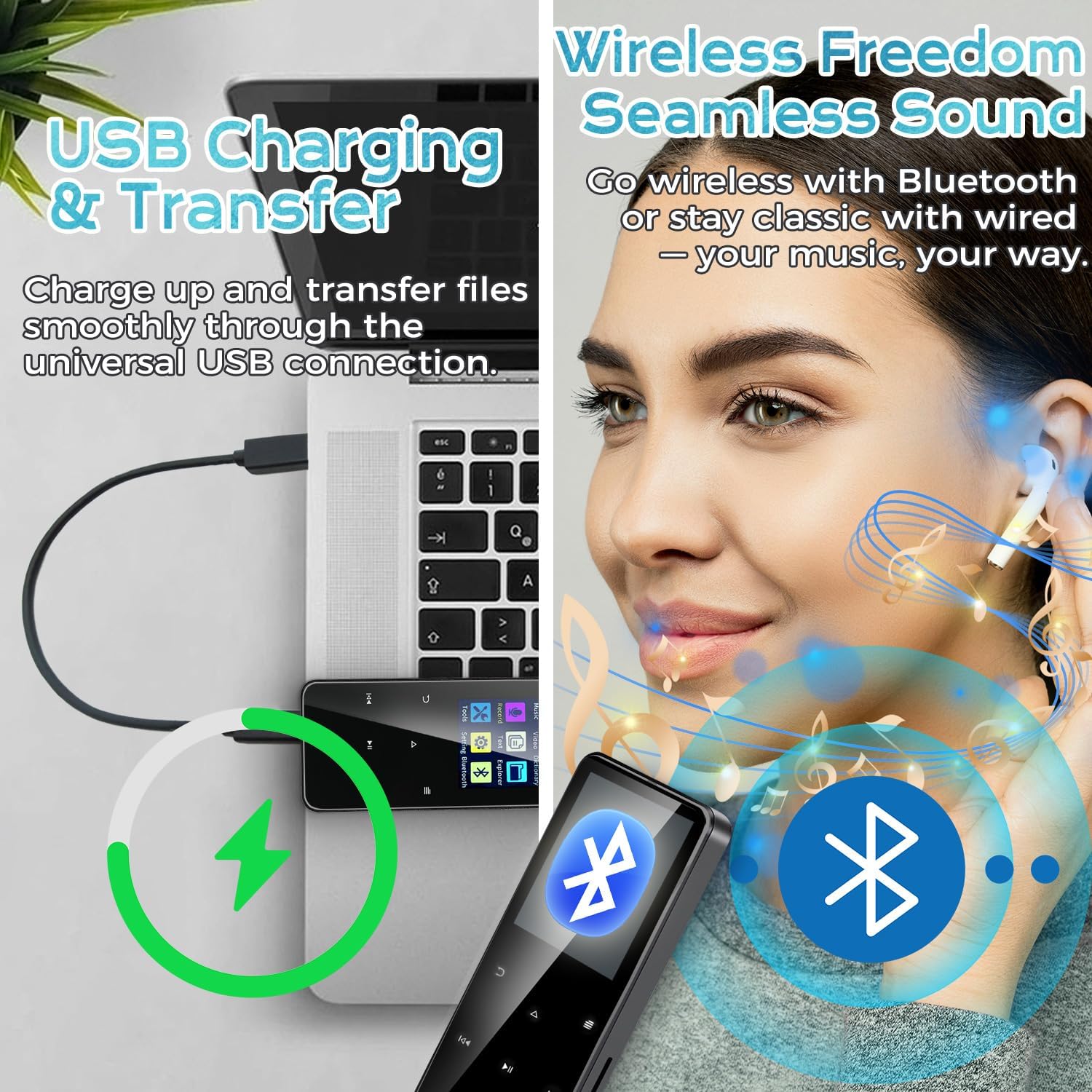
Image showing the Jawploy MP3 player connected to a laptop via USB for charging and file overførsel.
5. Betjeningsvejledning
5.1 Navigation
Use the touch buttons below the screen to navigate through menus and control playback. The central button typically acts as 'Enter' or 'Play/Pause', while the surrounding buttons are for navigation (up, down, left, right) and volume control.
5.2 Musikafspilning
From the main menu, select 'Music'. You can browse your music by All Songs, Artists, Albums, Genres, or Playlists. The player supports various audio formats including FLAC, MP3, WMA, WAV, AAC, and OGG for a high-quality listening experience.
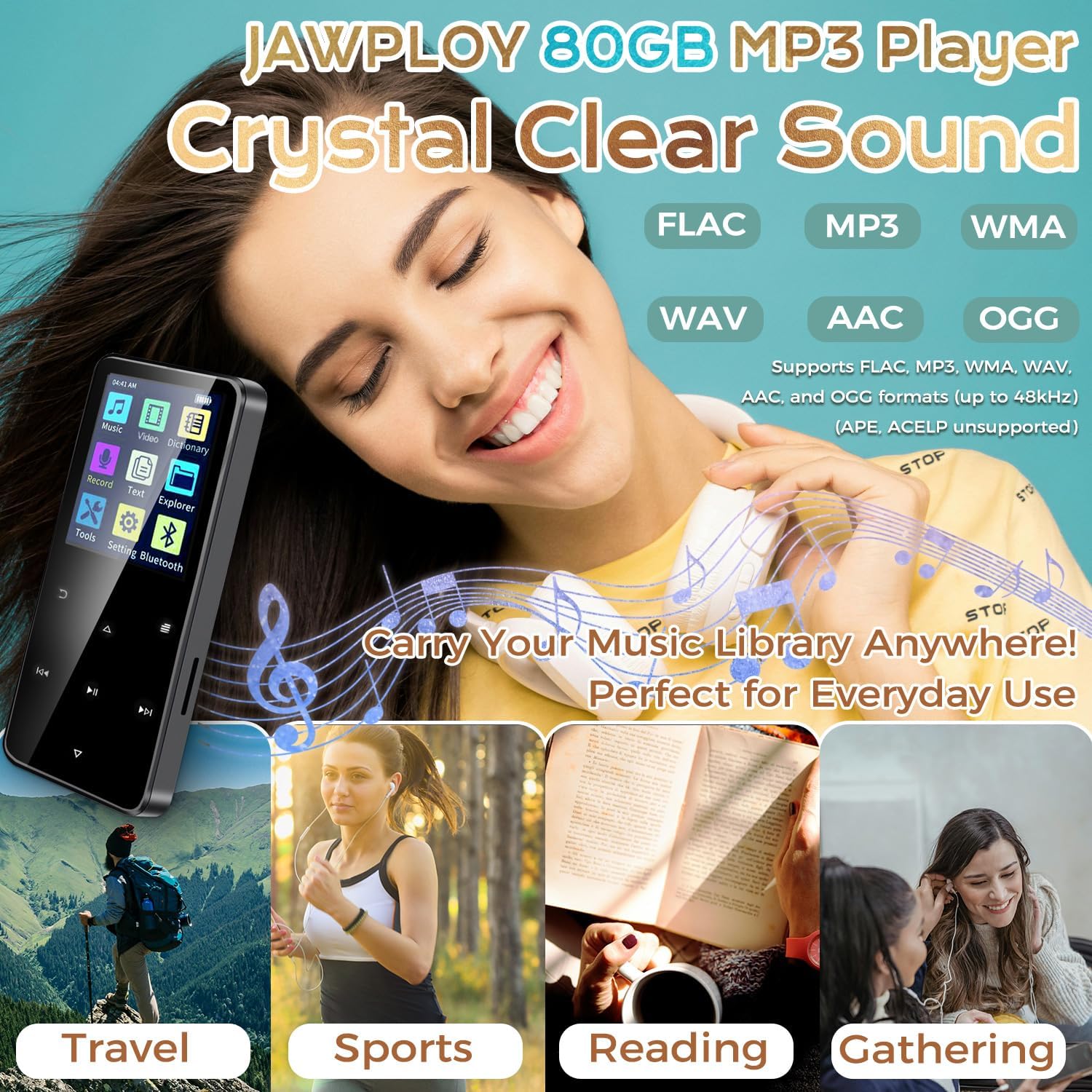
Image highlighting the Jawploy MP3 Player's support for various lossless audio formats like FLAC, MP3, WMA, WAV, AAC, and OGG, emphasizing crystal clear sound.
5.3 Bluetooth -parring
Sådan tilslutter du Bluetooth-hovedtelefoner eller -højttalere:
- Gå til 'Indstillinger' fra hovedmenuen.
- Vælg 'Bluetooth'.
- Slå Bluetooth til.
- The player will search for available devices. Select your device from the list to pair.
5.4 FM radio
To use the FM radio function, ensure wired earphones are connected as they act as the antenna. Select 'FM Radio' from the main menu. You can auto-scan for stations or manually tune.
5.5 Stemmeoptager
Select 'Record' from the main menu to access the voice recorder. Press the appropriate button to start and stop recording. Recorded files are saved in the device's memory.
5.6 Videoafspilning
The player supports AVI and AMV video formats (128x160 resolution). Transfer compatible video files to the device and select 'Video' from the main menu to play them.
5.7 E-bogslæser
The device supports TXT format e-books. Transfer your TXT files to the player and select 'E-Book' from the main menu to read.
5.8 Andre funktioner
The player also includes a stopwatch, alarm clock, and calendar functions, accessible through the 'Tools' or 'Settings' menu.
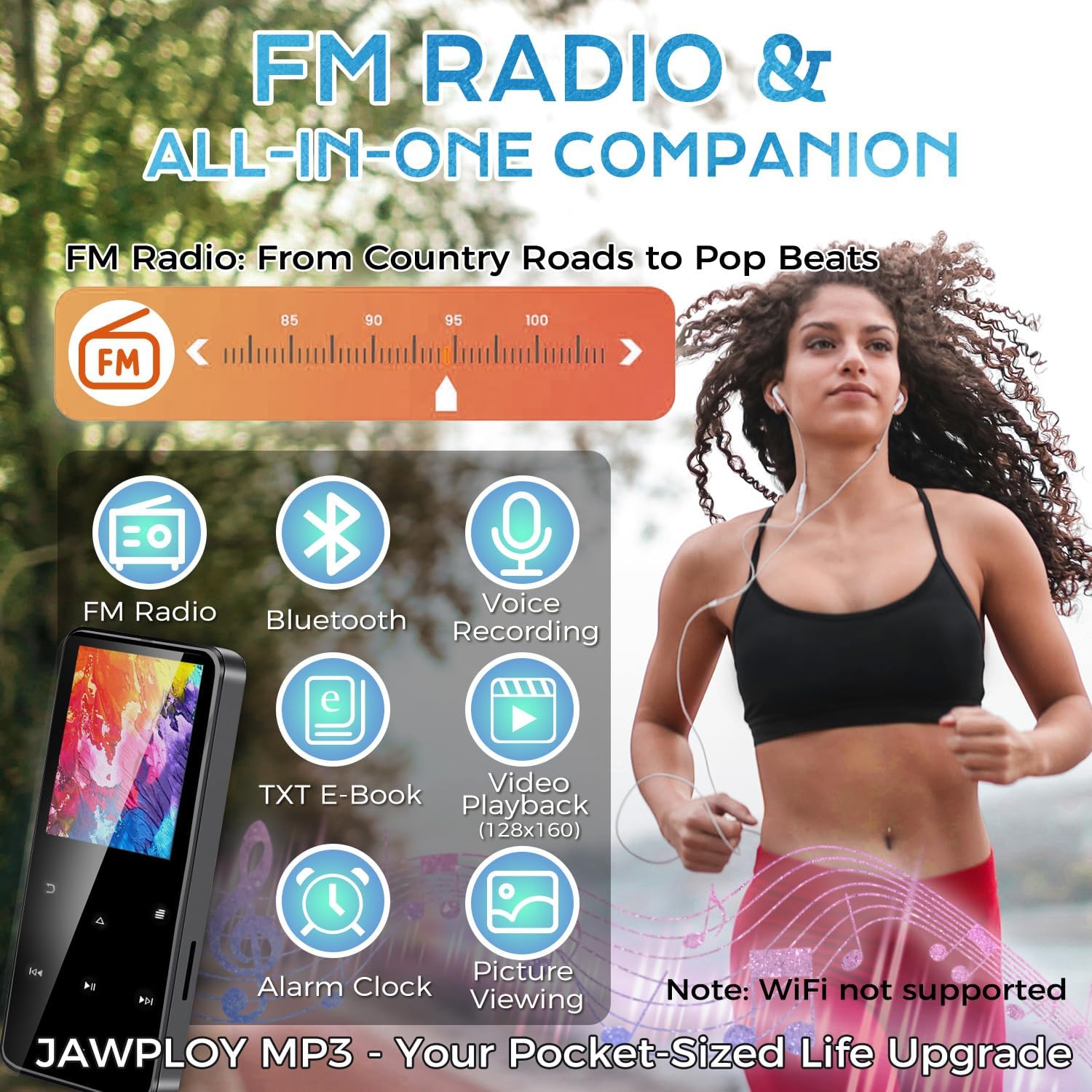
Image highlighting the multi-functional aspects of the Jawploy MP3 player, including FM radio, Bluetooth, voice recording, e-book, video playback, and alarm clock.
6. Vedligeholdelse
- Hold enheden tør og væk fra ekstreme temperaturer.
- Rengør skærmen og kabinettet med en blød, tør klud. Undgå at bruge skrappe kemikalier.
- Undgå at tabe enheden eller udsætte den for kraftige stød.
- Charge the battery regularly to maintain its lifespan, even if not in frequent use.
7. Fejlfinding
- Enheden tænder ikke: Sørg for, at batteriet er opladet. Tilslut til en strømkilde, og prøv igen.
- Unable to play certain files: Bekræft, at file format is supported by the player (e.g., FLAC, MP3, WMA, WAV, AAC, OGG for audio; AVI, AMV for video; TXT for e-books).
- Problemer med Bluetooth-forbindelse: Ensure Bluetooth is enabled on both the player and the external device. Keep devices within close proximity during pairing.
- Ingen lyd: Kontroller lydstyrken. Sørg for, at øretelefonerne er korrekt tilsluttet, eller at Bluetooth-enheden er parret og tilsluttet.
- Enheden er frosset: Tryk og hold tænd/sluk-knappen nede i 10-15 sekunder for at fremtvinge en genstart.
8. Specifikationer
| Feature | Detalje |
|---|---|
| Modelnavn | ZY-006 |
| Hukommelseslagringskapacitet | 80 GB (16GB built-in + 64GB card) |
| Udvidelig opbevaring | Up to 144GB (with 128GB card) |
| Skærmstørrelse | 1.8 tommer |
| Forbindelsesteknologi | Bluetooth, USB |
| Understøttede lydformater | FLAC, MP3, WMA, WAV, AAC, OGG |
| Understøttede videoformater | AVI, AMV (128x160 resolution) |
| E-Book Format Supported | TXT |
| Særlige funktioner | Built-In Speaker, E-Book Reader, FM Radio, Voice Recorder, Touch Buttons |
| Varens vægt | 1.76 ounce (50 gram) |
| Produktdimensioner | 0.39 x 1.57 x 3.74 tommer |
| Battery Life (MP3 via wired headphones) | Op til 16 timer |
9. Garanti og support
Your Jawploy MP3 Player is covered by a standard manufacturer's warranty. For specific warranty details, returns, or technical support, please refer to the contact information provided with your purchase or visit the official Jawploy webwebsted. Gem venligst din købsbevis til garantikrav.