
Indledning
Tak for købetasing the Hisense 43A69Q 4K UHD Smart VIDAA TV. This manual provides essential information for setting up, operating, and maintaining your television. Please read it thoroughly before using the product to ensure safe and correct operation. Keep this manual for future reference.
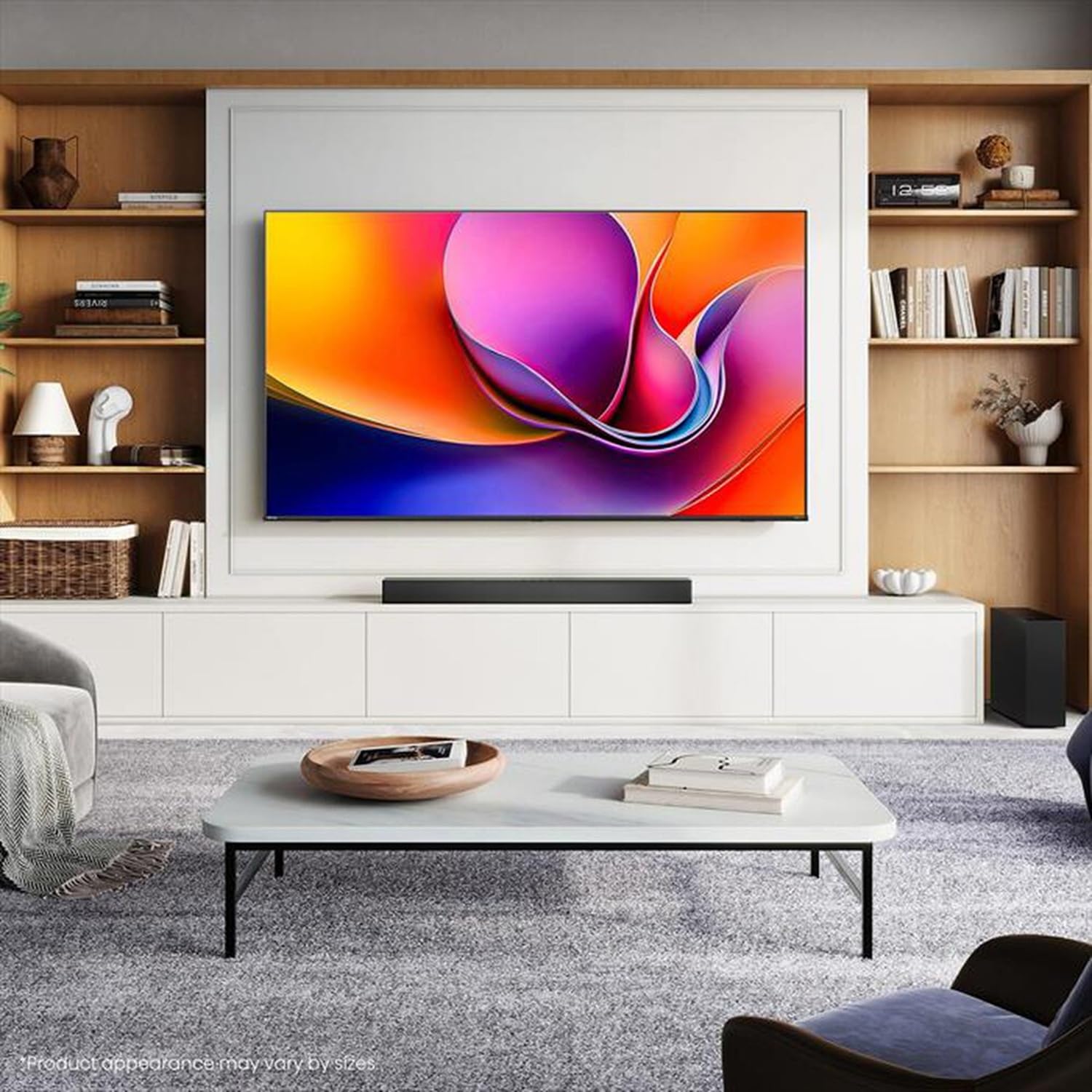
Image: Hisense 43A69Q 4K UHD Smart VIDAA TV. This image shows the television from the front, highlighting its slim bezel design and display.
Sikkerhedsoplysninger
Følg altid disse grundlæggende sikkerhedsforanstaltninger, når du bruger dit fjernsyn:
- Udsæt ikke TV'et for regn eller fugt.
- Do not open the TV cabinet. Refer all servicing to qualified personnel.
- Sørg for tilstrækkelig ventilation omkring tv'et. Bloker ikke ventilationsåbningerne.
- Beskyt netledningen mod at blive trådt på eller klemt.
- Tag stikket ud af tv'et under tordenvejr eller når det ikke bruges i længere perioder.
- Hold tv'et væk fra varmekilder som radiatorer, varmeregistre, komfurer eller andre varmeproducerende apparater.
Hvad er der i æsken
Bekræft at alle komponenter er til stede:
- Hisense 43A69Q 4K UHD Smart VIDAA TV
- Fjernbetjening med batterier
- Strømledning
- TV Stand Components (2 legs)
- Skruer til montering af stativ
- Hurtig installationsvejledning
- Brugervejledning (dette dokument)
Opsætning
1. Udpakning
Carefully remove the TV from its packaging. It is recommended that two people handle the TV to prevent damage or injury. Retain the packaging materials for future transport or servicing.
2. Montering af stativ
If you are not wall-mounting the TV, attach the stand:
- Placer tv'et med forsiden nedad på en blød, ren overflade for at forhindre, at skærmen beskadiges.
- Juster hvert stativben med de tilsvarende riller i bunden af tv'et.
- Fastgør hvert ben med de medfølgende skruer. Sørg for, at de er spændt godt fast.
- Løft forsigtigt tv'et op til en stabil, plan overflade.
3. Vægmontering (valgfrit)
The Hisense 43A69Q is compatible with VESA standard wall mounts (200x300 mm). Wall mount kits are sold separately. Follow the instructions provided with your wall mount kit and ensure professional installation if you are unsure.
4. Tilslutning af eksterne enheder
Connect your devices to the TV's ports:
- HDMI: Connect Blu-ray players, game consoles, or set-top boxes to the HDMI ports (HDMI1, HDMI2, HDMI3). This model features HDMI 2.1 with ALLM and VRR (60Hz) support on all ports, and eARC on HDMI3.
- USB: Plug in USB drives for media playback (2 USB 2.0 ports).
- Antenne/kabel: Connect your antenna or cable TV signal to the RF tuner input.
- Ethernet: For a stable wired internet connection, connect an Ethernet cable to the RJ45 port.
- Lydudgang: Use the S/PDIF optical output for digital audio to a soundbar or receiver, or the headphone jack for private listening.
5. Power On & First-Time Setup
After connecting all devices:
- Sæt netledningen i tv'et og derefter i en stikkontakt.
- Tryk på tænd/sluk-knappen på fjernbetjeningen eller på selve tv'et.
- Følg instruktionerne på skærmen for den første opsætning, herunder valg af sprog, netværksforbindelse (Wi-Fi eller Ethernet) og kanalscanning.
- Log in to your VIDAA account or create a new one to access smart features.
Betjening af tv'et
1. Fjernbetjening overview
Familiarize yourself with the remote control buttons for basic functions like power, volume, channel, input selection, and smart app shortcuts.
2. Navigating VIDAA Smart OS
The VIDAA Smart OS provides a user-friendly interface. Use the directional buttons and OK button on your remote to navigate menus, launch applications, and adjust settings.
3. Brug af smarte funktioner
Access pre-installed applications like Netflix, YouTube, and Amazon Prime Video directly from the home screen. Additional apps can be downloaded from the VIDAA App Store.
4. Billed- og lydindstillinger
Adjust picture modes (Standard, Dynamic, Cinema, Game) and sound modes (Standard, Music, Speech) to optimize your viewing experience. Advanced settings allow fine-tuning of brightness, contrast, color, and audio equalizer.
This TV supports Dolby Vision and HDR10 for enhanced picture quality, and DTS Virtual X for immersive audio.
5. Forbindelsesfunktioner
- Wi-Fi og Bluetooth: Connect wirelessly to your home network and Bluetooth devices like headphones or speakers.
- Skærmdeling: Use built-in screen sharing features (e.g., AirPlay 2 support) to mirror content from compatible mobile devices.
- Spiltilstand PLUS: For gaming, enable Game Mode PLUS to reduce input lag (≤ 20 ms) and utilize VRR (Variable Refresh Rate) for smoother gameplay.
Opretholdelse
1. Rengøring af tv'et
For at rengøre skærmen skal du forsigtigt tørre den af med en blød, fnugfri klud. Ved genstridige mærker skal du forsigtigt tørre den let af.ampen the cloth with water or a specialized screen cleaner. Never spray cleaner directly onto the screen. Clean the TV cabinet with a soft, dry cloth.
2. Softwareopdateringer
Your TV may receive software updates to improve performance and add new features. Ensure your TV is connected to the internet. You can usually check for updates in the TV's settings menu under 'System' or 'About TV'.
Fejlfinding
Hvis du støder på problemer, kan du prøve disse almindelige løsninger:
- Ingen strøm: Kontroller, om netledningen er korrekt tilsluttet både tv'et og stikkontakten. Prøv en anden stikkontakt.
- Intet billede/lyd: Ensure the correct input source is selected. Check all cable connections. Restart connected devices.
- Fjernbetjeningen virker ikke: Udskift batterierne. Sørg for, at der ikke er nogen forhindringer mellem fjernbetjeningen og tv'ets IR-sensor.
- Problemer med netværksforbindelse: Restart your router and modem. Reconnect the TV to your Wi-Fi network or check the Ethernet cable.
- Dårlig billedkvalitet: Check antenna/cable connections. Adjust picture settings. Ensure the source content is high quality.
For persistent problems, consult the Hisense support webwebsted eller kontakt kundeservice.
Specifikationer
| Feature | Specifikation |
|---|---|
| Mærke | Hisense |
| Modelnavn | 43A69Q |
| Skærmstørrelse | 43 tommer (108 cm) |
| Opløsning | 4K Ultra HD 3840x2160 |
| Opdateringshastighed | 60 Hz |
| Operativsystem | VIDAA Smart OS |
| HDR teknologi | HDR, HDR10, HDR10+ decoding, Dolby Vision, HLG |
| Lydteknologi | DTS Virtual X (2x7W speakers) |
| HDMI porte | 3 (HDMI 2.1 with ALLM, VRR (60Hz); HDMI3 also with eARC) |
| USB-porte | 2 (USB 2.0) |
| Forbindelse | Wi-Fi (IEEE 802.11 a/b/g/n/ac-2.4G,5G), Bluetooth, Ethernet |
| VESA-kompatibilitet | 200x300 mm |
| Energy Efficiency Class (SDR/HDR) | E / G |
| Dimensioner (med stativ) | 963 mm (B) x 608 mm (H) x 222 mm (D) |
| Nettovægt (med stativ) | 6.9 kg |
Garanti og support
Hisense products are covered by a manufacturer's warranty. Please refer to the warranty card included with your product or visit the official Hisense webwebstedet for detaljerede garantivilkår og -betingelser, der er specifikke for din region.
For teknisk support, hjælp til fejlfinding eller serviceanmodninger, bedes du kontakte Hisense kundesupport via deres officielle webwebstedet eller kontaktoplysningerne i din produktdokumentation.


