
Indledning
Thank you for choosing the boAt Rockerz Prime 255Z Bluetooth Neckband Earphones. This manual provides essential information for setting up, operating, and maintaining your device to ensure optimal performance and longevity. Please read these instructions carefully before use.
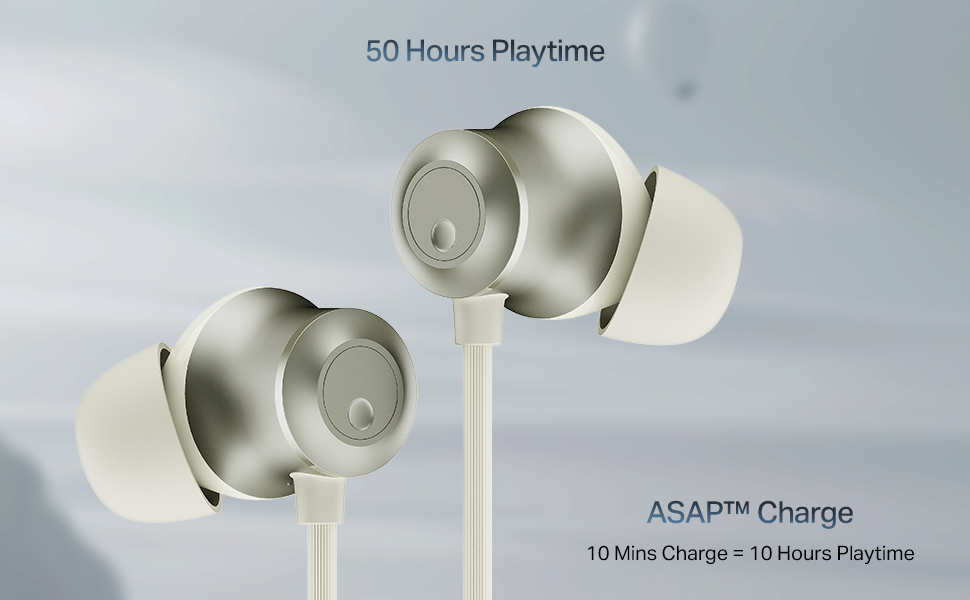
Image: The boAt Rockerz Prime 255Z neckband earphones, showcasing deres elegante design.
Hvad er der i æsken
Bekræft, at alle følgende varer er inkluderet i din pakke:
- boAt Rockerz Prime 255Z Bluetooth Neckband
- Additional Earbuds (various sizes)
- Ladekabel
- Brugermanual
Opsætning
1. Opladning af øretelefonerne
Before first use, fully charge your Rockerz Prime 255Z. Connect the provided charging cable to the charging port on the neckband and a compatible USB power source. The LED indicator will show charging status.
ASAP-gebyr: A quick 10-minute charge provides approximately 10 hours of playtime. A full charge offers up to 50 hours of playback.
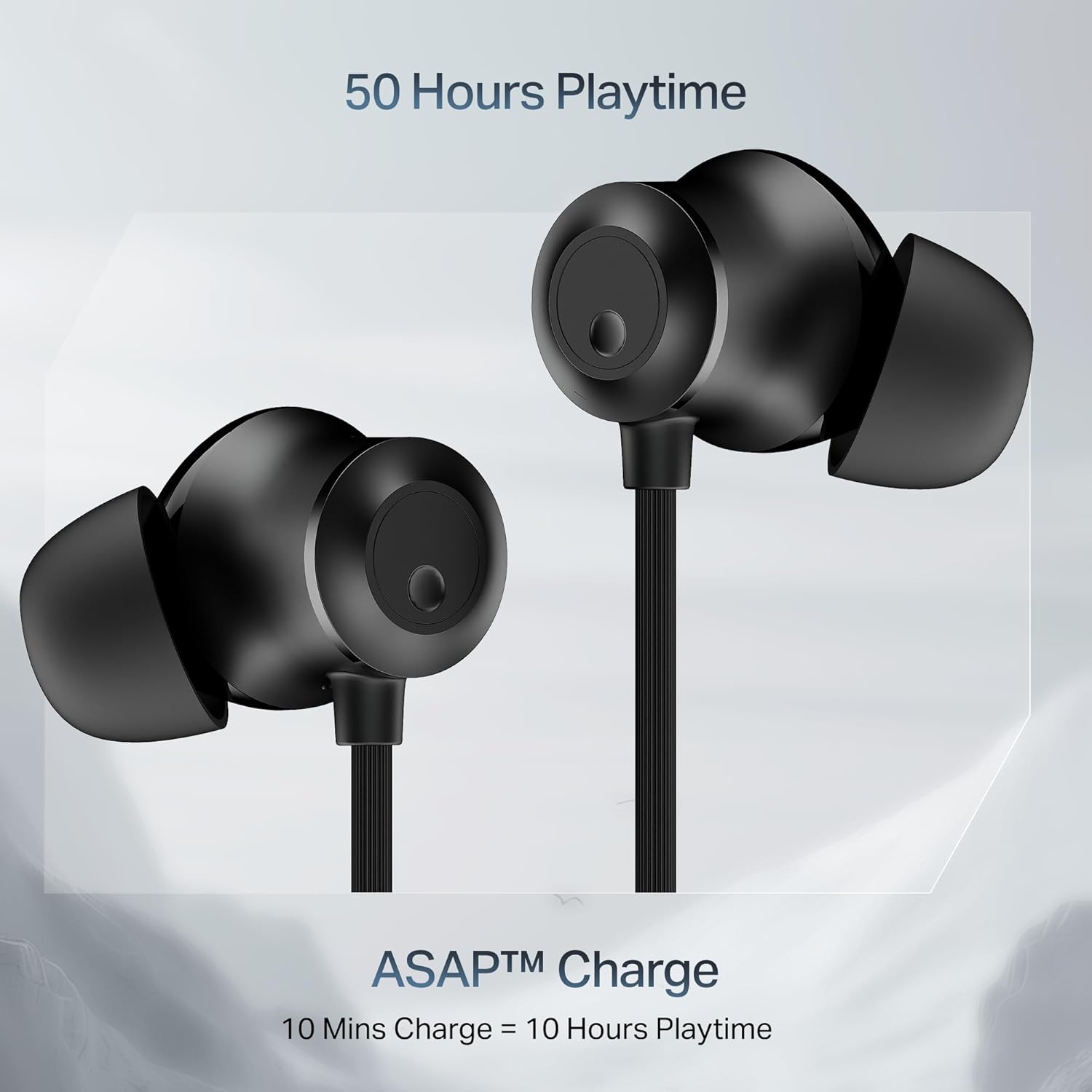
Image: Close-up of the earbuds with text highlighting '50 Hours Playtime' and 'ASAP Charge: 10 Mins Charge = 10 Hours Playtime'.
2. Tænd/sluk
- Tænd: Separate the magnetic earbuds to automatically power on the device.
- Sluk: Attach the magnetic earbuds together to automatically power off the device. Alternatively, press and hold the multi-function button for a few seconds.
3. Bluetooth-parring
Indledende parring:
- Ensure the neckband is charged and powered on (separate magnetic earbuds).
- The LED indicator will flash blue and red, indicating it is in pairing mode.
- Aktiver Bluetooth på din enhed (smartphone, tablet, bærbar computer), og søg efter tilgængelige enheder.
- Select "boAt Rockerz Prime 255Z" from the list.
- Når den er tilsluttet, blinker LED-indikatoren blåt med jævne mellemrum.
Dual Pairing (Connect 2 Devices at once):
The Rockerz Prime 255Z supports dual pairing, allowing connection to two devices simultaneously.
- Pair the neckband with the first device as described above.
- Disable Bluetooth on the first device. The neckband will re-enter pairing mode.
- Pair the neckband with the second device.
- Enable Bluetooth on the first device. The neckband will automatically connect to both devices.
You can now switch between audio sources on the two connected devices.

Image: The boAt Rockerz Prime 255Z neckband connected to both a smartphone and a tablet, illustrating the dual pairing feature.
4. Google Fast Pair
For Android devices, Google Fast Pair enables quick and seamless connection. Simply power on your Rockerz Prime 255Z near your Android device, and a pop-up notification will appear for instant pairing.
Betjening af øretelefonerne
Kontrolelementer
The neckband features integrated controls for easy management of music and calls.
- Afspil/pause: Tryk enkelt gang på multifunktionsknappen.
- Lydstyrke op: Tryk kort på '+'-knappen.
- Skrue ned for lyden: Tryk kort på '-' knappen.
- Næste nummer: Tryk længe på '+'-knappen.
- Forrige nummer: Tryk længe på '-'-knappen.
- Besvar/afslut opkald: Tryk enkelt gang på multifunktionsknappen.
- Afvis opkald: Tryk længe på multifunktionsknappen.
- Aktiver stemmeassistent: Dobbelttryk på multifunktionsknappen.
boAt Spatial Audio
Experience immersive surround sound with boAt Spatial Audio. This feature enhances the audio experience, making sound feel like it's coming from all directions, providing a more engaging listening experience.

Image: The boAt Rockerz Prime 255Z earbuds with a visual representation of immersive sound waves, labeled 'boAt Spatial Audio'.
AI-ENx Technology
The AI-ENx Technology provides enhanced voice clarity during calls by effectively canceling out background noise. This ensures your voice is heard clearly, even in noisy environments.

Image: A close-up of an earbud with a visual representation of sound waves, indicating 'AI-ENx Technology for Enhanced Voice Clarity on Calls'.
Uhyretilstand
Activate BEAST Mode for a low-latency gaming experience. With latency as low as 65ms, this mode minimizes audio lag, providing a more synchronized and realistic gaming session.
boAt Hearables App Compatibility
Enhance your audio experience by connecting your Rockerz Prime 255Z to the boAt Hearables App. The app allows you to monitor battery levels, check Bluetooth connectivity, change EQ modes, and troubleshoot with Smart Diagnostics mode.

Image: A smartphone screen showing the boAt Hearables App with a QR code to scan and explore. Click the image to download the app.
Opretholdelse
IPX4 Stænkbeskyttelse
The Rockerz Prime 255Z features an IPX4 rating, making it resistant to sweat and light splashes of water. This protection allows for use during workouts or in light rain. However, it is not designed for submersion in water.
Almen pleje
- Rengør ørepropperne og nakkebøjlen regelmæssigt med en blød, tør klud.
- Avoid exposing the device to extreme temperatures, direct sunlight, or corrosive liquids.
- Opbevar høretelefonerne på et køligt, tørt sted, når de ikke er i brug.
- Forsøg ikke at skille enheden ad eller ændre den, da dette vil ugyldiggøre garantien.
Fejlfinding
If you encounter issues with your Rockerz Prime 255Z, refer to the following common solutions:
- Ingen strøm: Ensure the device is fully charged. Connect to a power source and check the charging indicator.
- Kan ikke parres: Ensure Bluetooth is enabled on your device and the neckband is in pairing mode (LED flashing blue and red). Move the neckband closer to your device.
- Ingen lyd: Check the volume levels on both the neckband and your connected device. Ensure the neckband is correctly paired and selected as the audio output.
- Dårlig opkaldskvalitet: Ensure the microphone is not obstructed. If using AI-ENx, ensure it is active. Try moving to a quieter environment.
- Intermitterende forbindelse: Ensure there are no obstructions between the neckband and your device. Avoid strong electromagnetic interference.
For further assistance, refer to the boAt Hearables App's Smart Diagnostics mode or contact customer support.
Specifikationer
| Mærke | båd |
| Modelnavn | Rockerz Prime 255Z |
| Modelnummer | PP0023 |
| Øreplacering | In Ear |
| Formfaktor | In Ear |
| Forbindelsesteknologi | Bluetooth |
| Batteriets gennemsnitlige levetid | 50 timer |
| Batteriopladningstid | 10 Minutes (for 10 hours playtime) |
| Vandmodstandsniveau | IPX4 (sved- og stænkbestandig) |
| Særlige funktioner | boAt Spatial Audio, AI-ENx Noise Cancellation, ASAP Charge, BEAST Mode, Google Fast Pair |
| Kontrolmetode | App, knapper |
| Varens vægt | 50 gram |
Garanti og support
Your boAt Rockerz Prime 255Z comes with a 1 års garanti fra købsdatoen. Denne garanti dækker fabrikationsfejl.
For warranty claims, technical support, or any other inquiries, please contact boAt customer service:
- Fabrikant: Imagine Marketing Ltd
- E-mail: info@imaginemarketingindia.com
- Besøg venligst den officielle boAt webwebstedet for de mest opdaterede supportoplysninger og kontaktoplysninger.