
Indledning
Thank you for choosing the VolkanoX VXH100 Bluetooth Headphones. These headphones are designed to provide a superior audio experience with advanced Active Noise Cancellation (ANC) technology. This manual will guide you through the setup, operation, and maintenance of your new headphones.
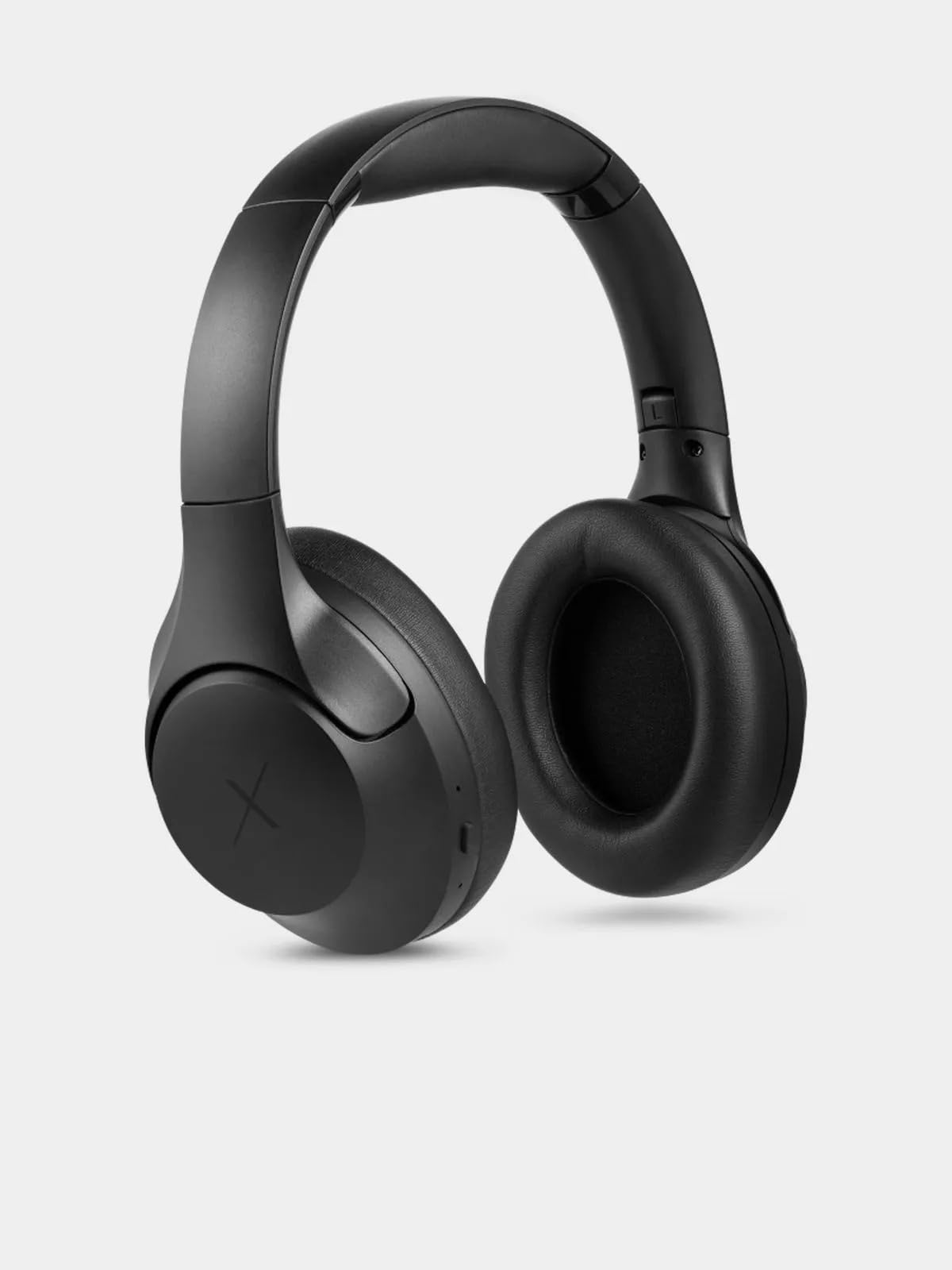
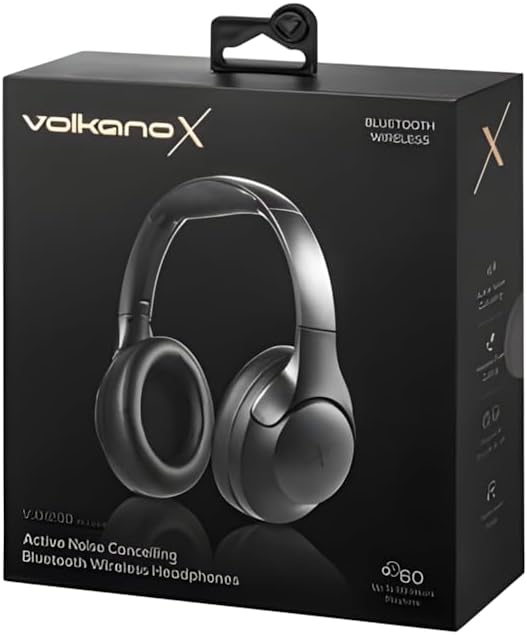
Image: VolkanoX VXH100 Bluetooth Headphones packaging.
Hvad er der i æsken
- 1 x VolkanoX VXH100 Bluetooth Headphones
- 1 x USB-C opladningskabel
- 1 x brugermanual
Opsætning
1. Opladning af hovedtelefonerne
Before first use, fully charge your headphones. Connect the supplied USB-C charging cable to the charging port on the headphones and to a compatible USB power source (e.g., computer USB port or wall adapter).
- Opladningstid: Cirka 3-4 timer for en fuld opladning.
- Quick Charge: A 5-minute charge can provide up to 2 hours of playback.
- Indicator: A charging indicator light will typically show red while charging and turn off or change color when fully charged. Refer to the specific LED indicator behavior in the operating section.
Billede: Side view of the VolkanoX VXH100 headphones, highlighting the charging port.
2. Bluetooth-parring
- Sørg for, at hovedtelefonerne er slukket.
- Tryk på tænd/sluk-knappen og hold den nede i cirka 5-7 sekunder, indtil LED-indikatoren blinker blåt og rødt, hvilket angiver parringstilstand.
- Aktiver Bluetooth på din enhed (smartphone, tablet, computer) og søg efter tilgængelige enheder.
- Select "VXH100" from the list of found devices.
- Når den er parret, vil LED-indikatoren typisk blinke blåt langsomt eller forblive konstant blå.
- The headphones will automatically connect to the last paired device when turned on, if Bluetooth is enabled on the device and it is within range (up to 10 meters).
Betjeningsvejledning
Tænd/sluk
- For at tænde: Tryk på tænd/sluk-knappen og hold den nede i cirka 3 sekunder. LED-indikatoren lyser.
- For at slukke: Tryk på tænd/sluk-knappen og hold den nede i cirka 3 sekunder. LED-indikatoren slukker.
Note: Some units may experience a slight delay (up to 10 seconds) when powering on or off. This is within expected operational parameters.
Aktiv støjafbrydelse (ANC)
- Sådan aktiverer du ANC: Locate the ANC button (often separate from the power button) and press it once. An indicator light (e.g., green LED) will illuminate to confirm ANC is active.
- Sådan deaktiverer du ANC: Tryk på ANC-knappen igen. ANC-indikatorlampen slukker.
Activating ANC will reduce ambient noise, enhancing your listening experience. Battery life will be reduced when ANC is active.

Billede: Forside view of the VolkanoX VXH100 headphones, showing earcups and headband.
Musikafspilning og opkaldsstyring
- Afspil/pause: Tryk én gang på multifunktionsknappen (ofte tænd/sluk-knappen eller en dedikeret afspil/pause-knap).
- Næste nummer: Press and hold the Volume Up button or a dedicated 'Next' button.
- Forrige nummer: Press and hold the Volume Down button or a dedicated 'Previous' button.
- Lydstyrke op: Tryk kort på lydstyrke op-knappen.
- Skrue ned for lyden: Tryk kort på lydstyrke ned-knappen.
- Besvar/afslut opkald: Tryk én gang på multifunktionsknappen.
- Afvis opkald: Tryk og hold multifunktionsknappen nede i 2 sekunder.
Stemmeassistent
The VXH100 headphones are compatible with Google Assistant and Siri. To activate your device's voice assistant, press the Multi-function button twice quickly. This allows for hands-free control and notifications.
Opretholdelse
- Rensning: Tør hovedtelefonerne af med en blød, tør klud. Brug ikke slibende rengøringsmidler eller opløsningsmidler.
- Opbevaring: Opbevar hovedtelefonerne et køligt, tørt sted væk fra direkte sollys og ekstreme temperaturer.
- Vandeksponering: Undgå at udsætte hovedtelefonerne for vand eller overdreven fugt. De er ikke vandtætte.
- Batteripleje: For at forlænge batterilevetiden bør du undgå at aflade hovedtelefonerne helt ofte. Oplad dem regelmæssigt, selvom de ikke er i brug i længere perioder.

Billede: Top view of the VolkanoX VXH100 headphones, showing the headband.
Fejlfinding
| Problem | Mulig løsning |
|---|---|
| Hovedtelefonerne tændes ikke. | Sørg for, at hovedtelefonerne er fuldt opladet. Tilslut dem til en strømkilde, og lad dem oplade i mindst 30 minutter, før du forsøger at tænde dem igen. |
| Kan ikke parres med enheden. |
|
| Ingen lyd eller lav lydstyrke. |
|
| ANC fungerer ikke effektivt. |
|
| Power button delay. | A slight delay (up to 10 seconds) when pressing the power button to turn on or off is a known characteristic for some units. Continue to hold the button until the LED indicator responds. |
Specifikationer
| Feature | Detalje |
|---|---|
| Modelnavn | VXH100 |
| Bluetooth version | 5.3 |
| Bluetooth afstand | 10m |
| Impedans | 32 Ohm |
| Frekvensområde | 2.4-2.480 GHz |
| Støjkontrol | Aktiv støjreduktion |
| Følsomhed | 108 dB |
| Driver størrelse | 40 mm |
| Batterikapacitet | 400mAh |
| Type opladningsport | USB-C |
| Opladningstid | 3-4 timer |
| Playing Time (ANC Off, 50% Volume) | Op til 20 timer |
| Playing Time (ANC On, 50% Volume) | Op til 16 timer |
| Playing Time (ANC Off, 100% Volume) | Op til 16 timer |
| Playing Time (ANC On, 100% Volume) | Op til 10 timer |
| Hovedtelefonstik | 3.5 mm Jack (cable not included) |
| Kompatible enheder | Mobiltelefoner, stationære computere, bærbare computere, tablets |
| Varens vægt | 250 gram |
Garanti
The VolkanoX VXH100 Bluetooth Headphones come with a 1 års producentgaranti. This warranty covers manufacturing defects and ensures reliable performance. For warranty claims or further details, please refer to the official Volkano support channels.
Volkano products are backed by a 1-year limited cover. You may register your product to get an additional 12-Month extension, for a total of 24 Months coverage by Volkano. Visit the official Volkano webwebsted for registreringsoplysninger.
Støtte
For any questions, technical assistance, or support regarding your VolkanoX VXH100 headphones, please contact Volkano customer service. Your satisfaction is important, and assistance is available via the official Volkano Page.
You can find more information and contact details on the official Volkano webwebsted: Visit the Volkano Store on Amazon