
Vanzon V40
Vanzon V40 Bluetooth Speaker User Manual
Model: V40
Mærke: Vanzon
1. Introduktion
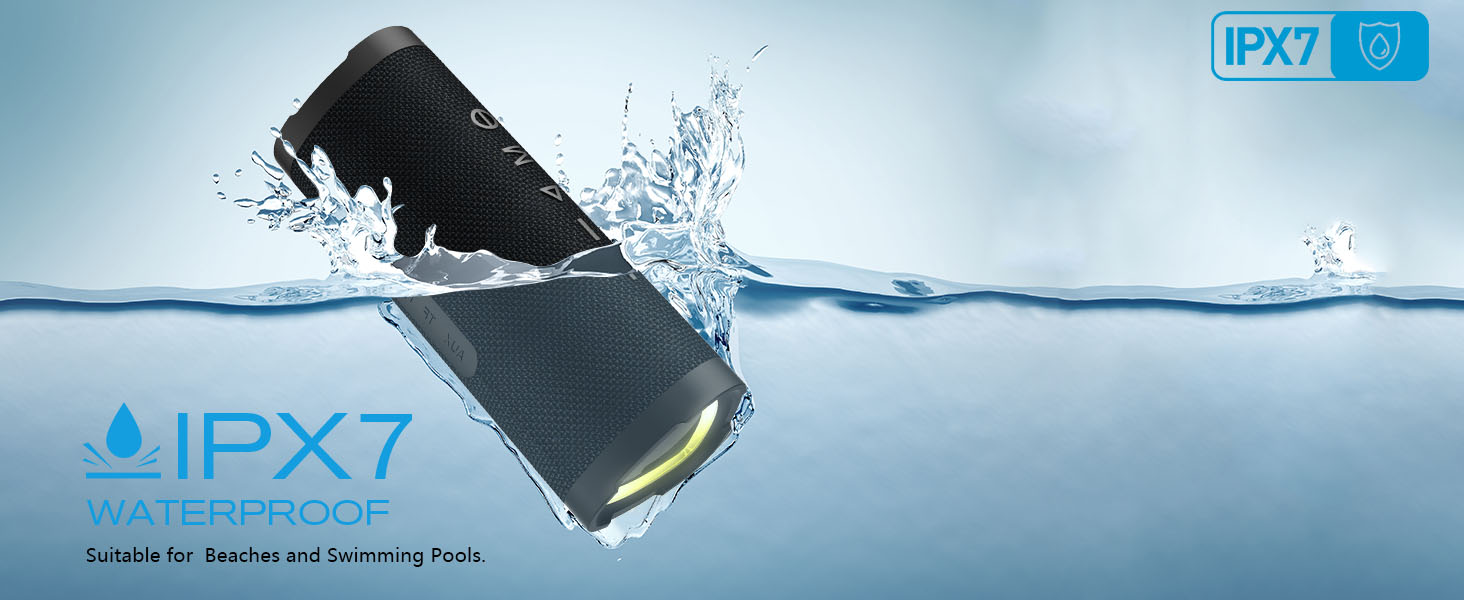
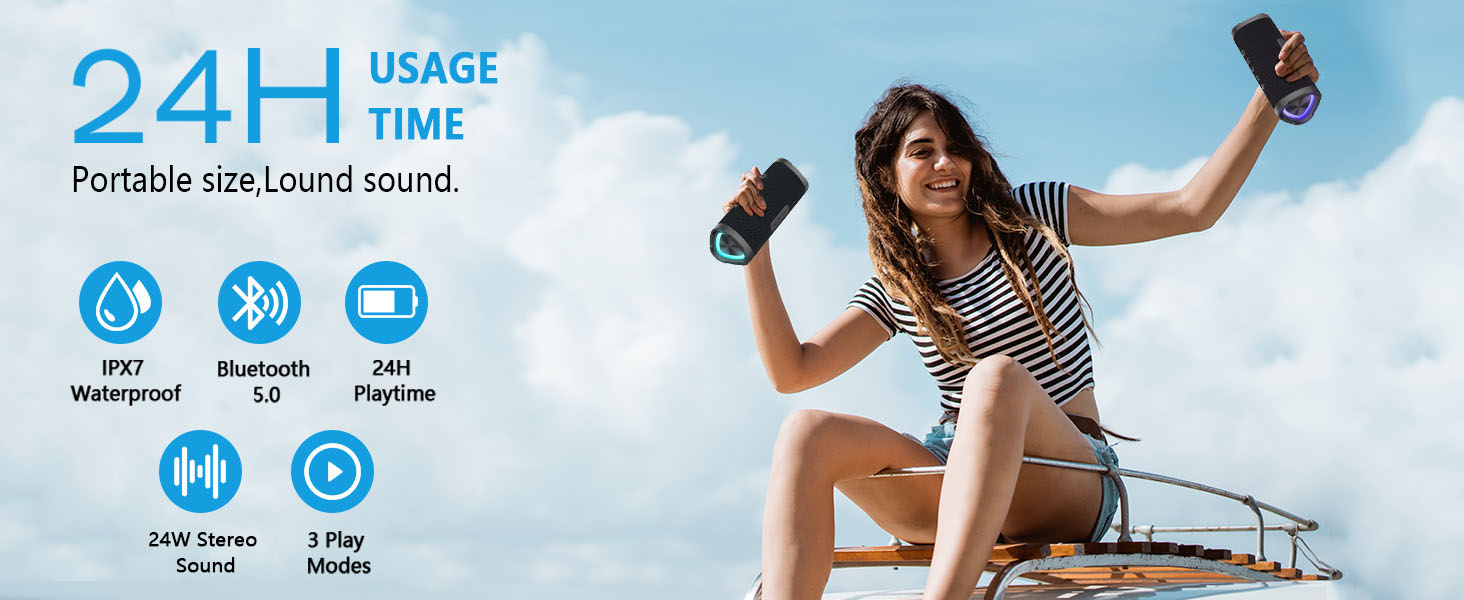
Thank you for choosing the Vanzon V40 Portable Bluetooth Speaker. This manual provides essential information for setting up, operating, and maintaining your speaker to ensure optimal performance and longevity. The Vanzon V40 features IPX7 waterproof rating, 24W stereo sound, TWS dual pairing capability, and up to 24 hours of playtime, making it ideal for various indoor and outdoor environments.

Image: The Vanzon V40 Bluetooth Speaker, showcasing dens elegante design.
2. Hvad er der i æsken
Kontroller venligst pakkens indhold for at sikre, at alle varer er til stede:
- 1 x Vanzon V40 Bluetooth Speaker
- 1 x bærbart reb
- 1 x Type-C ladekabel
- 1 x Brugermanual (dette dokument)
3. Produktet er slutview
3.1. Knapper og knapper
- Power knap: Langt tryk for at tænde/slukke. Kort tryk for at afspille/pause.
- 'M' Button (Mode/TWS): Short press to switch playback modes (Bluetooth/AUX/TF Card). Long press for TWS pairing.
- '-' Button (Volume Down/Previous Track): Kort tryk for forrige nummer. Langt tryk for at sænke lydstyrken.
- '+' Button (Volume Up/Next Track): Kort tryk for næste nummer. Langt tryk for at øge lydstyrken.
Billede: Top view of the Vanzon V40 speaker showing the control buttons.
3.2. Porte og indikatorer
- Type-C opladningsport: Til opladning af højttaleren.
- AUX-IN-port: Til tilslutning af eksterne lydenheder via et 3.5 mm lydkabel.
- TF-kortslot: Til afspilning af musik direkte fra et TF-kort (MicroSD).
- LED-indikator: Displays charging status, Bluetooth connection status, and mode.
Billede: Side view of the Vanzon V40 speaker showing the charging, AUX, and TF card ports.
4. Opsætning
4.1. Første opladning
Before first use, fully charge the speaker. Connect the provided Type-C charging cable to the speaker's charging port and the other end to a USB power adapter (not included) or a computer's USB port. The LED indicator will show charging status and turn off when fully charged.
4.2. Tænd/sluk
- Tænd: Long press the Power button for 2-3 seconds until you hear an audible prompt and the LED indicator lights up.
- Sluk: Long press the Power button for 2-3 seconds until you hear an audible prompt and the LED indicator turns off.
5. Betjeningsvejledning
5.1. Bluetooth-parring
- Ensure the speaker is powered on and in Bluetooth pairing mode (LED indicator will flash blue).
- Aktiver Bluetooth på din mobilenhed, og søg efter tilgængelige enheder.
- Select "Vanzon V40" from the list.
- Once connected, you will hear a confirmation sound, and the LED indicator will turn solid blue.
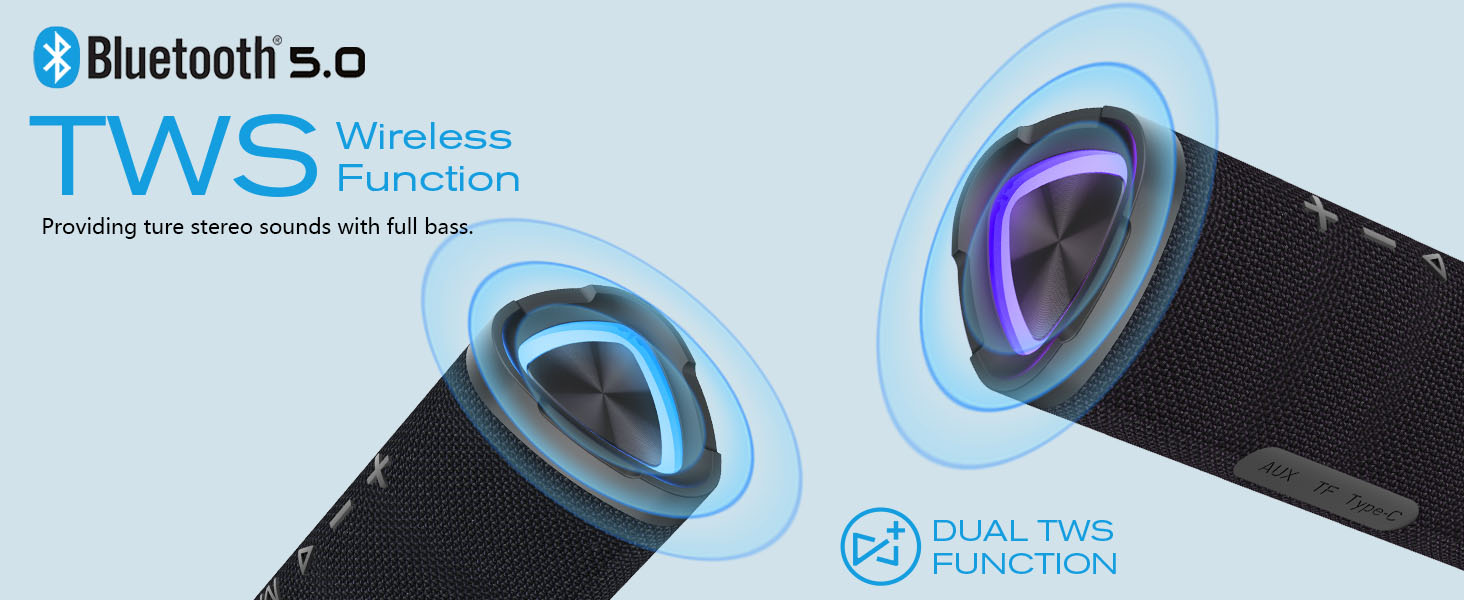
Image: Diagram illustrating Bluetooth 5.0 and TWS wireless function.
5.2. TWS (ægte trådløs stereo) parring
To achieve a true stereo sound experience, you can pair two Vanzon V40 speakers together:
- Ensure both Vanzon V40 speakers are powered off.
- Power on both speakers. They will automatically enter Bluetooth pairing mode.
- On one of the speakers (this will be your master speaker), long press the 'M' button for 2-3 seconds. You will hear a pairing sound, and the speakers will connect to each other.
- Once successfully paired, the master speaker's LED will flash blue, and the secondary speaker's LED will be solid blue.
- Now, connect your mobile device to the master speaker via Bluetooth as described in Section 5.1.

Image: Two Vanzon V40 speakers demonstrating TWS mode connectivity for expanded sound.
5.3. Musikafspilning
- Afspil/pause: Tryk kort på afbryderknappen.
- Lydstyrke op: Tryk længe på '+'-knappen.
- Skrue ned for lyden: Tryk længe på '-'-knappen.
- Næste nummer: Tryk kort på '+'-knappen.
- Forrige nummer: Tryk kort på '-' knappen.
5.4. Call Functions (Hands-Free)
The built-in microphone allows for hands-free calling when connected via Bluetooth:
- Besvar/afslut opkald: Tryk kort på afbryderknappen.
- Afvis opkald: Tryk længe på tænd/sluk-knappen.
- Genopkald sidste nummer: Dobbelttryk på tænd/sluk-knappen.
5.5. AUX-tilstand
To play audio from non-Bluetooth devices:
- Connect a 3.5mm audio cable (not included) from your audio device's output to the speaker's AUX-IN port.
- The speaker will automatically switch to AUX mode, or you can short press the 'M' button to cycle modes until AUX mode is activated.
5.6. TF-korttilstand
Sådan afspiller du musik direkte fra et TF-kort (MicroSD):
- Insert a TF card (up to 32GB, not included) with supported audio files (WAV / FLAC / APE / MP3 format) into the TF card slot.
- The speaker will automatically switch to TF Card mode, or you can short press the 'M' button to cycle modes until TF Card mode is activated.
5.7. Lystilstande
The Vanzon V40 features integrated LED lights. Short press the Power button twice to cycle through different light modes or to turn the lights off.
6. Vedligeholdelse
6.1. Rensning
Tør højttaleren af med en blød, damp cloth. Do not use harsh chemicals or abrasive cleaners. Ensure all ports are dry before charging or using in wet environments.
6.2. Opbevaring
Opbevar højttaleren et køligt, tørt sted væk fra direkte sollys og ekstreme temperaturer. Hvis den opbevares i længere tid, skal batteriet oplades hver 3. måned for at forlænge dens levetid.
6.3. Batteripleje
The Vanzon V40 is equipped with a built-in rechargeable lithium-ion battery. To maximize battery life:
- Undgå at aflade batteriet helt ofte.
- Udsæt ikke højttaleren for temperaturer over 60 °C (140 °F).
- Brug kun det medfølgende Type-C-kabel til opladning.
7. Fejlfinding
| Problem | Mulig årsag | Løsning |
|---|---|---|
| Højttaleren tænder ikke. | Batteriet er lavt eller afladet. | Charge the speaker fully using the Type-C cable. |
| Kan ikke parre med Bluetooth-enhed. | Speaker is not in pairing mode or too far. | Ensure speaker is flashing blue. Move speaker closer to device. Turn off and on both devices. |
| Ingen lyd fra højttaleren. | Lydstyrken er for lav eller slået fra. Forkert tilstand valgt. | Increase volume on speaker and device. Press 'M' button to cycle modes. |
| Dårlig lydkvalitet. | Device is too far from speaker. Interference. | Flyt enheden tættere på højttaleren. Undgå forhindringer mellem højttaleren og enheden. |
| TWS-parring mislykkes. | Speakers not reset or too far apart. | Ensure both speakers are off before starting TWS pairing. Keep them close during pairing. |
8. Specifikationer
- Model: V40
- Højttalertype: Bærbar udendørs Bluetooth-højttaler
- Forbindelse teknologi: Bluetooth 5.0
- Højttalerudgangseffekt: 24 watt
- Vandtæt vurdering: IPX7
- Spilletid: Op til 24 timer (varierer efter volumen og indhold)
- Batteri: Indbygget 3600mAh Lithium-ion
- Produktdimensioner: 7.8" D x 3.07" B x 3.19" H
- Varens vægt: 2.08 ounce
- Understøttede lydformater (TF-kort): WAV / FLAC / APE / MP3
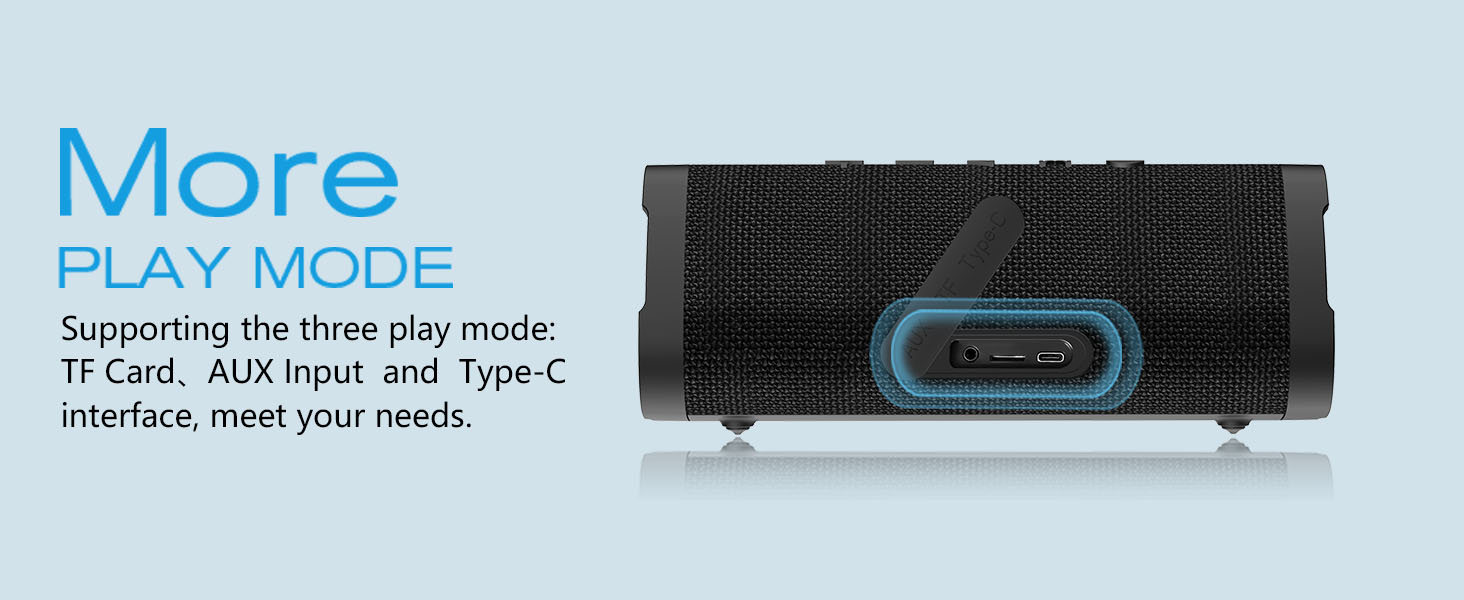
Image: Vanzon V40 speaker highlighting its 24-hour usage time and portability.
9. Sikkerhedsoplysninger
Please read and follow these safety guidelines to prevent damage to the speaker or injury to yourself:
- Do not disassemble, repair, or modify the speaker. This may cause electric shock, fire, or damage the product.
- Hold højttaleren væk fra ekstreme temperaturer, direkte sollys og varmekilder.
- Do not immerse the speaker in water beyond its IPX7 rating (up to 1 meter for 30 minutes). Ensure the charging port cover is securely closed before exposure to water.
- Opbevares utilgængeligt for børn.
- Use only certified power adapters for charging.
- Undgå at tabe eller udsætte højttaleren for kraftige stød.

Image: Vanzon V40 speaker submerged in water, illustrating its IPX7 waterproof capability.
10. Garanti og support
The Vanzon V40 Bluetooth Speaker comes with a standard manufacturer's warranty. For detailed warranty information, product support, or technical assistance, please refer to the warranty card included in your package or visit the official Vanzon website. You may also contact Vanzon customer service directly through the retailer where you purchased the product.
For the latest updates and FAQs, please visit: Vanzon Official Store on Amazon