
Indledning
This manual provides detailed instructions for the installation, operation, and maintenance of your GNCC W5PRO 2K Solar Security Camera. Please read this manual thoroughly before using the product to ensure proper function and safety.

Image: GNCC W5PRO 2K Solar Security Camera, showing the camera unit, solar panel, and a smartphone displaying live footage.
Produktegenskaber
- 2K HD-opløsning: Giver klar og detaljeret videofootage.
- Solar Powered & Rechargeable Battery: Equipped with a solar panel for continuous charging and a built-in rechargeable battery.
- Dual-Band Wi-Fi Connectivity: Supports both 2.4GHz and 5GHz Wi-Fi networks for stable connection.
- Farve Night Vision: Forbedret synlighed under forhold med svagt lys.
- PIR bevægelsesdetektion: Detects human, animal, and vehicle movement with real-time notifications.
- Tovejs lyd: Giver mulighed for kommunikation via kameraet.
- IP65 Vejrbestandig: Designet til udendørs brug, modstandsdygtig over for støv og vand.
- Smart Spotlight & Alert: Activates a spotlight and alarm upon motion detection.
- Opbevaringsmuligheder: Supports cloud storage and local SD card storage (up to 128GB).

Billede: Overview of key features including Dual Band Wifi, Solar Charging, IP65 Waterproof, Colour Night Vision, Two-Way Audio, and PIR Motion Detection.
Opsætningsvejledning
1. Første batteriopladning
Before installation, fully charge the camera's built-in battery using the provided charging cable and power adapter. This ensures optimal performance from the start.
2. Appinstallation og kontooprettelse
- Download the official GNCC application from your smartphone's app store (iOS or Android).
- Åbn appen, og følg instruktionerne på skærmen for at oprette en ny konto eller logge ind, hvis du allerede har en.
3. Enhedsparring
- In the GNCC app, select "Add Device" and choose your camera model.
- Follow the in-app prompts to connect the camera to your 2.4GHz or 5GHz Wi-Fi network. Ensure your camera is within range of your Wi-Fi router.
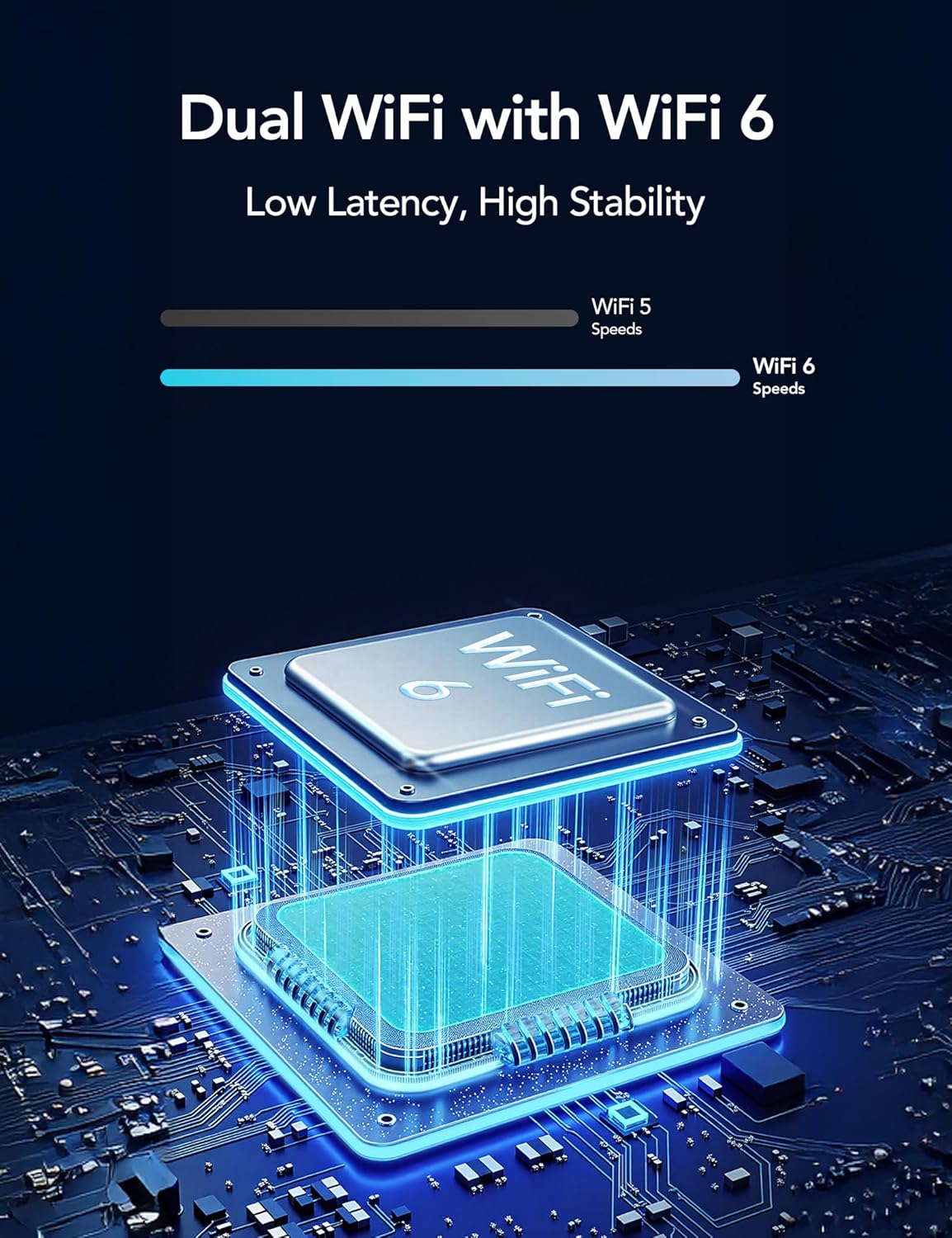
Image: Illustration of Dual WiFi with WiFi 6 technology, indicating low latency and high stability for network connection.
4. Fysisk installation
- Choose a suitable outdoor location for the camera and solar panel. The solar panel requires direct sunlight exposure for efficient charging.
- Mount the camera securely using the provided mounting screws and stand.
- Connect the solar panel to the camera using the 2-meter solar cable.

Image: A person installing the GNCC W5PRO camera on an exterior wall using a ladder, demonstrating easy installation.

Image: Details on solar panel charging, highlighting 2X solar speed, 10 minutes of charge for 24 hours of power, and a 2M solar cable. Note: Solar panel effectiveness depends on direct sunlight exposure.
Betjeningsvejledning
Levende View og optagelse
Access the GNCC app to view live footage fra dit kamera. Du kan manuelt optage video eller tage skærmbilleder direkte fra live-skærmen view interface.
Bevægelsesdetektering og advarsler
The camera utilizes PIR (Passive Infrared) motion detection to identify movement from people, animals, and vehicles. When motion is detected, you will receive real-time notifications on your smartphone via the app.

Image: Illustration of PIR Smart Detection, showing the camera detecting a person, animal, and vehicle, with corresponding app notifications.
To-vejs lyd
Brug tovejslydfunktionen i appen til at tale gennem kameraets højttaler og lytte til lyd fra kameraets mikrofon.
Smart Spotlight and Alert System
Configure the camera to activate its built-in spotlight and sound an alert upon detecting motion. This can be set for specific times or triggered by motion activation.

Image: The GNCC W5PRO camera activating its smart spotlight and alert system, illuminating an area and deterring potential intruders.
Lagerstyring
The camera supports both cloud storage and local storage via a Micro SD card (not included).
- Cloud Storage: Offers 1-day event loop recording.
- SD-kortlagring: Supports up to 128GB Micro SD card for local recording.

Image: Illustration showing cloud storage for 1-day event loop recording and SD card storage up to 128GB. Micro SD card is not included.
Opretholdelse
- Rengøring af solpaneler: Periodically clean the surface of the solar panel to ensure maximum sunlight absorption and charging efficiency.
- Batteriets sundhed: While solar-powered, ensure the camera receives adequate sunlight. If the camera is in a shaded area for extended periods, occasional manual charging may be required.
- Firmwareopdateringer: Check the GNCC app regularly for firmware updates to ensure your camera has the latest features and security enhancements.
- Miljøbeskyttelse: The camera is IP65 weatherproof, but avoid submerging it in water or exposing it to extreme temperatures beyond its operating range.
Fejlfinding
- Kameraet opretter ikke forbindelse til Wi-Fi:
- Ensure your Wi-Fi network is 2.4GHz or 5GHz and the camera is within range.
- Bekræft, at den indtastede Wi-Fi-adgangskode i appen er korrekt.
- Genstart din Wi-Fi-router og kameraet.
- Dårlig videokvalitet:
- Tjek din Wi-Fi-signalstyrke. Et svagt signal kan påvirke kvaliteten af videostreaming.
- Sørg for, at kameralinsen er ren og fri for blokeringer.
- Bevægelsesdetektion virker ikke:
- Bekræft, at bevægelsesdetektion er aktiveret i appens indstillinger.
- Juster indstillingerne for bevægelsesdetektionsfølsomhed.
- Sørg for, at der ikke er nogen fysiske forhindringer, der blokerer kameraets view.
- Battery Not Charging via Solar Panel:
- Sørg for, at solpanelet er placeret i direkte sollys i flere timer dagligt.
- Rengør solpanelets overflade for at fjerne snavs eller affald.
- Kontroller forbindelseskablet mellem solpanelet og kameraet.
Specifikationer
| Feature | Detalje |
|---|---|
| Modelnavn | W5 Pro |
| Videooptagelsesopløsning | 2K |
| Forbindelsesteknologi | Trådløs (Wi-Fi) |
| Forbindelsesprotokol | Wi-Fi (2.4 GHz og 5 GHz) |
| Indendørs/Udendørs brug | Udendørs |
| Særlige funktioner | 2 Way Audio, HD Resolution, Motion Sensor, Night Vision, Weather Proof |
| Monteringstype | Vægmontering |
| Strømkilde | Genopladeligt batteri, solpanel |
| Batteritype | Built-in Rechargeable Lithium Ion |
| Produktdimensioner | 6 x 8.5 x 6 cm; 210 g |
| Inkluderede komponenter | Charging Cable, Instruction Manual, Mounting Screw, Power Adapter, Stand |
| Vejrbestandighed | IP65 |
Garanti og support
For warranty information and technical support, please refer to the official GNCC website or contact their customer service directly. Details are typically provided on the product packaging or within the GNCC application.