
1. Introduktion
Thank you for choosing the Wentronic Y02 Active Noise Cancelling Headphones. These headphones are designed to provide a superior audio experience with advanced noise cancellation, multiple EQ modes, and comfortable wear. This manual will guide you through the setup, operation, and maintenance of your new headphones.
2. Produktfunktioner
- Aktiv støjreduktion (ANC): Reduces ambient noise by up to 35 dB for an immersive listening experience.
- 5 EQ Music Modes: Customize your audio with preset equalization modes for various music genres.
- Hi-Res Audio: Delivers high-resolution sound through 40mm dynamic drivers for clear and detailed audio.
- Bluetooth 5.4: Ensures a stable, fast, and low-latency wireless connection.
- Lang batterilevetid: Up to 60 hours of playtime (ANC off) or 48 hours (ANC on) on a single charge.
- Komfortabelt design: Features skin-friendly, breathable ear pads with memory foam and a lightweight, adjustable headband.
- Foldable and Rotatable: 90° rotating earcups and a foldable design for easy storage and portability.
- Multi-functional Knob Control: Intuitive control for ANC and EQ mode switching.
3. Pakkens indhold
Tjek venligst pakken for følgende varer:
- Wentronic Y02 ANC Headphones × 1
- Type-C opladerkabel × 1
- 3.5 mm lydkabel × 1
- Brugervejledning × 1
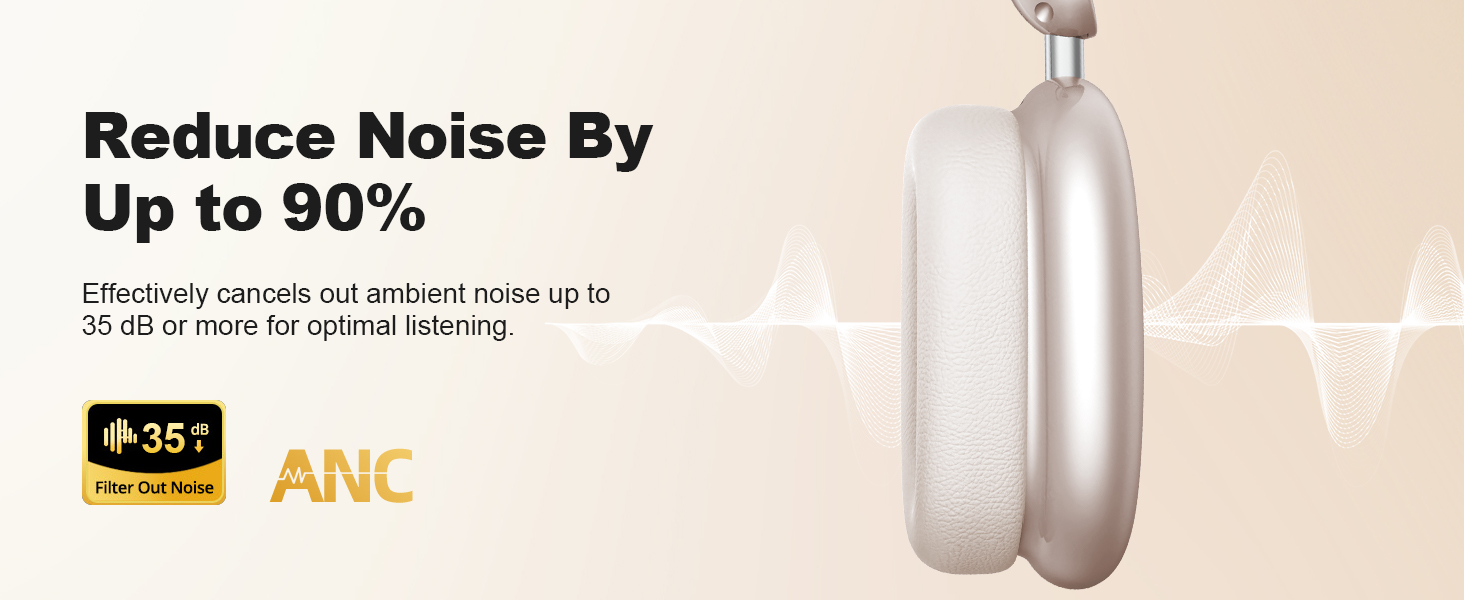
Image: Wentronic Y02 headphones, Type-C cable, 3.5mm audio cable, and user manual.
4. Opsætning
4.1 Opladning af hovedtelefonerne
- Tilslut det medfølgende Type-C-opladerkabel til opladningsporten på hovedtelefonerne.
- Tilslut den anden ende af kablet til en USB-strømadapter (medfølger ikke) eller en computers USB-port.
- LED-indikatoren viser opladningsstatus. En fuld opladning tager typisk cirka 1.5-2 timer.
- En hurtigopladning på 10 minutter giver op til 4 timers spilletid.
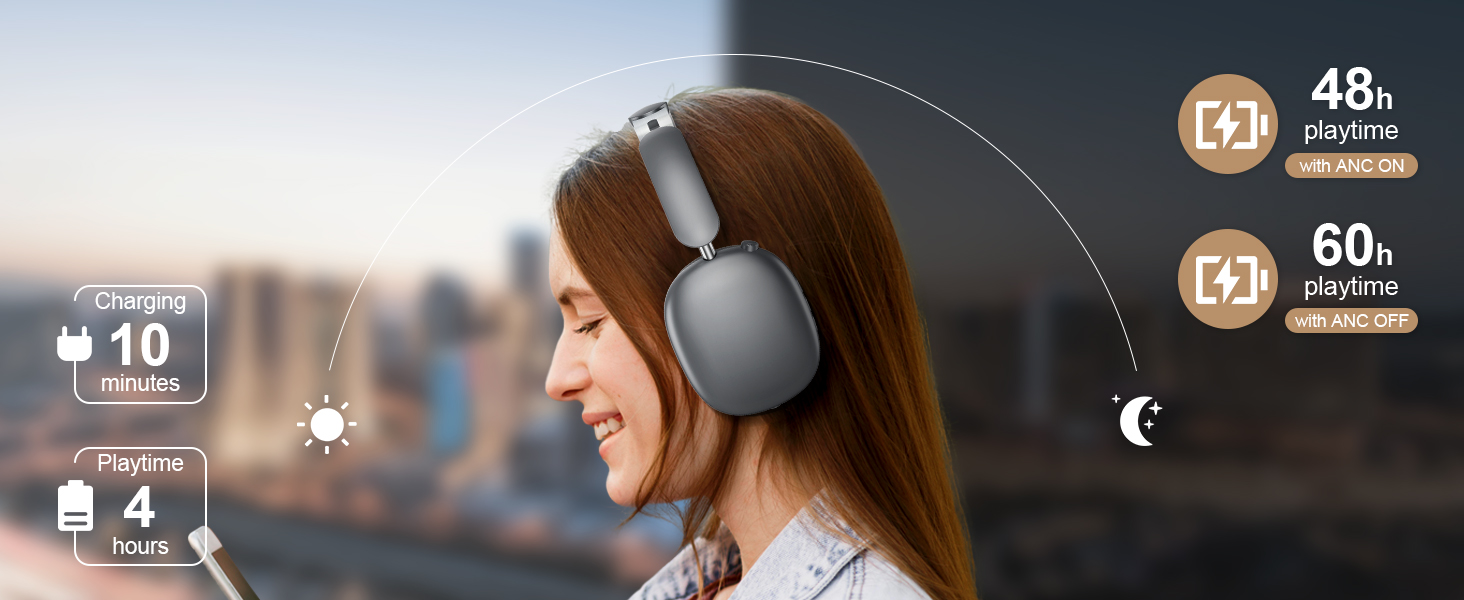
Image: Illustration of charging and battery life (48h with ANC ON, 60h with ANC OFF, 10 min charge for 4h playtime).
4.2 Bluetooth -parring
- Sørg for, at hovedtelefonerne er fuldt opladede.
- Press and hold the Power button for 3 seconds until the LED indicator flashes blue and red, indicating pairing mode.
- Aktiver Bluetooth på din enhed (smartphone, tablet, computer) og søg efter tilgængelige enheder.
- Select "Wentronic Y02" from the list of devices.
- Når den er tilsluttet, lyser LED-indikatoren konstant blåt.
4.3 Kablet forbindelse (3.5 mm lydkabel)
Sådan bruger du hovedtelefonerne med en kabelforbindelse:
- Plug one end of the 3.5mm audio cable into the audio input port on the headphones.
- Sæt den anden ende i 3.5 mm lydstikket på din enhed.
- Hovedtelefonerne skifter automatisk til kablet tilstand. Bluetooth-funktionerne deaktiveres.
5. Betjeningsvejledning
5.1 Tænd/sluk
- Tænd: Tryk og hold tænd/sluk-knappen nede i 3 sekunder.
- Sluk: Tryk og hold tænd/sluk-knappen nede i 3 sekunder.
5.2 Active Noise Cancelling (ANC) Control
The Wentronic Y02 features a multi-functional knob for easy control.
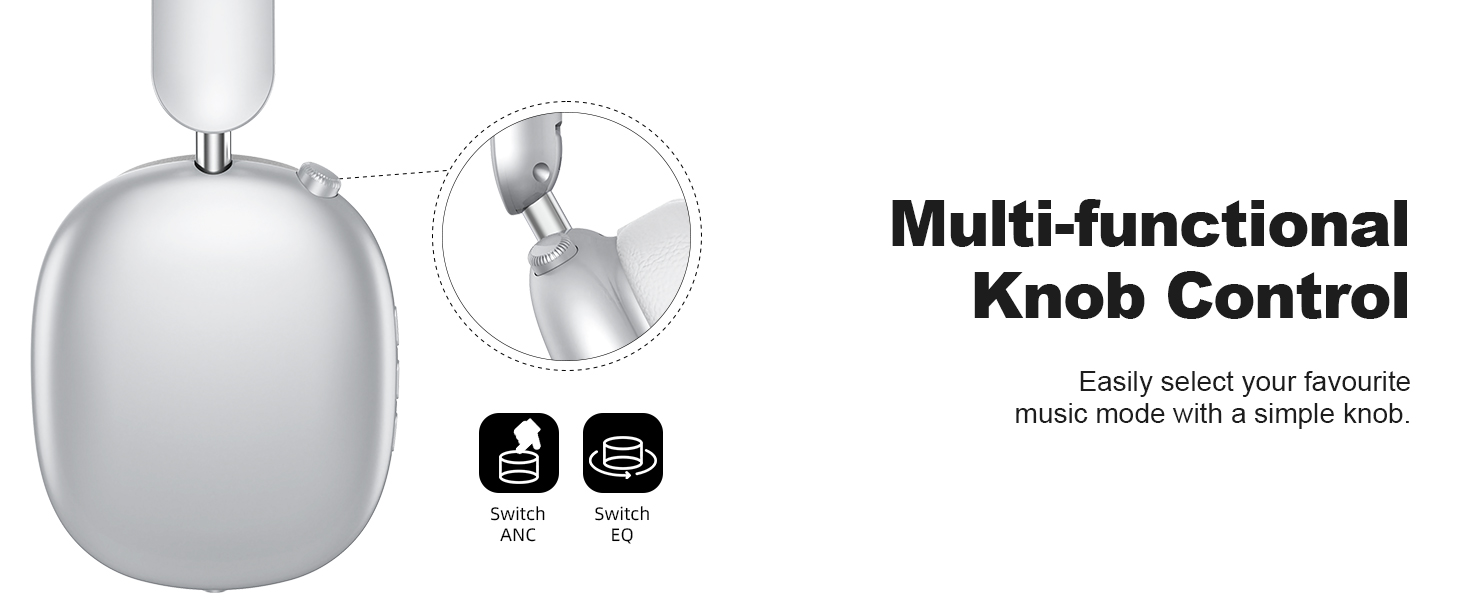
Image: Close-up of the multi-functional knob on the headphones, showing options to switch ANC and EQ.
- Aktivér/deaktiver ANC: Press the multi-functional knob once.
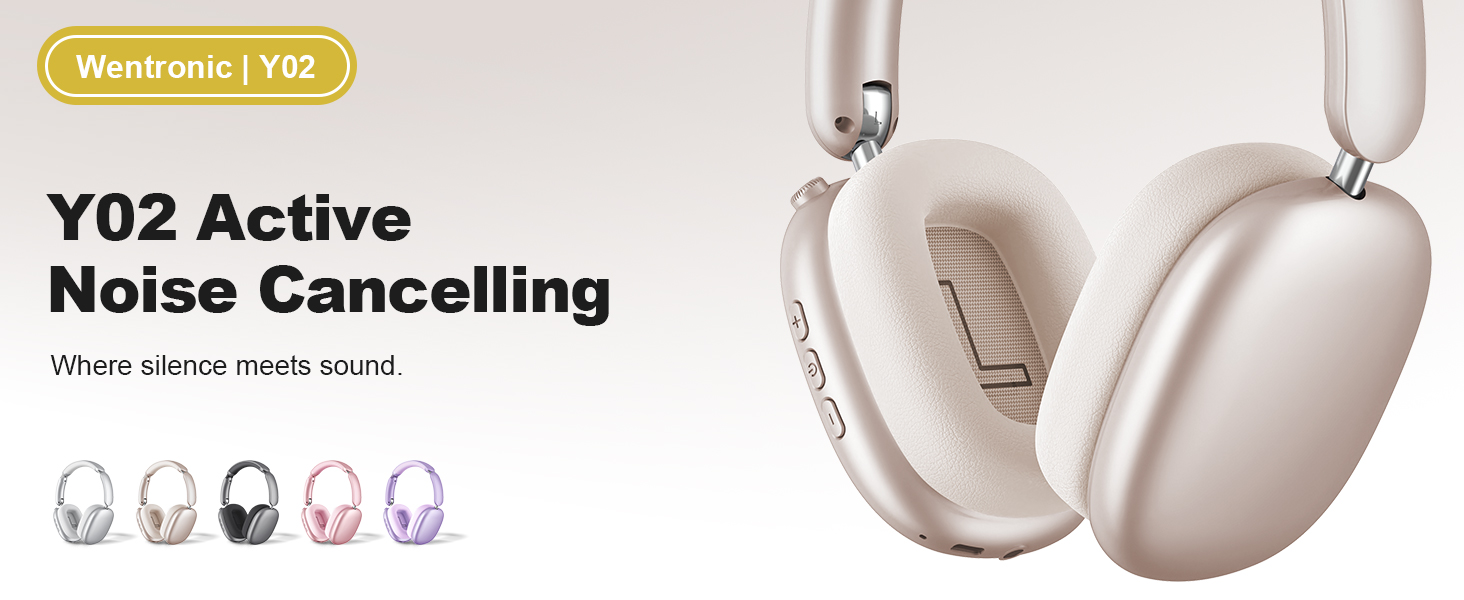
Image: Illustration showing the noise reduction capability of the Wentronic Y02 headphones, indicating up to 35dB noise cancellation.
5.3 EQ Music Mode Selection
- Skift EQ-tilstande: Rotate the multi-functional knob to cycle through the 5 available EQ modes (e.g., Rock, Pop, Electronic, Jazz, Classical).
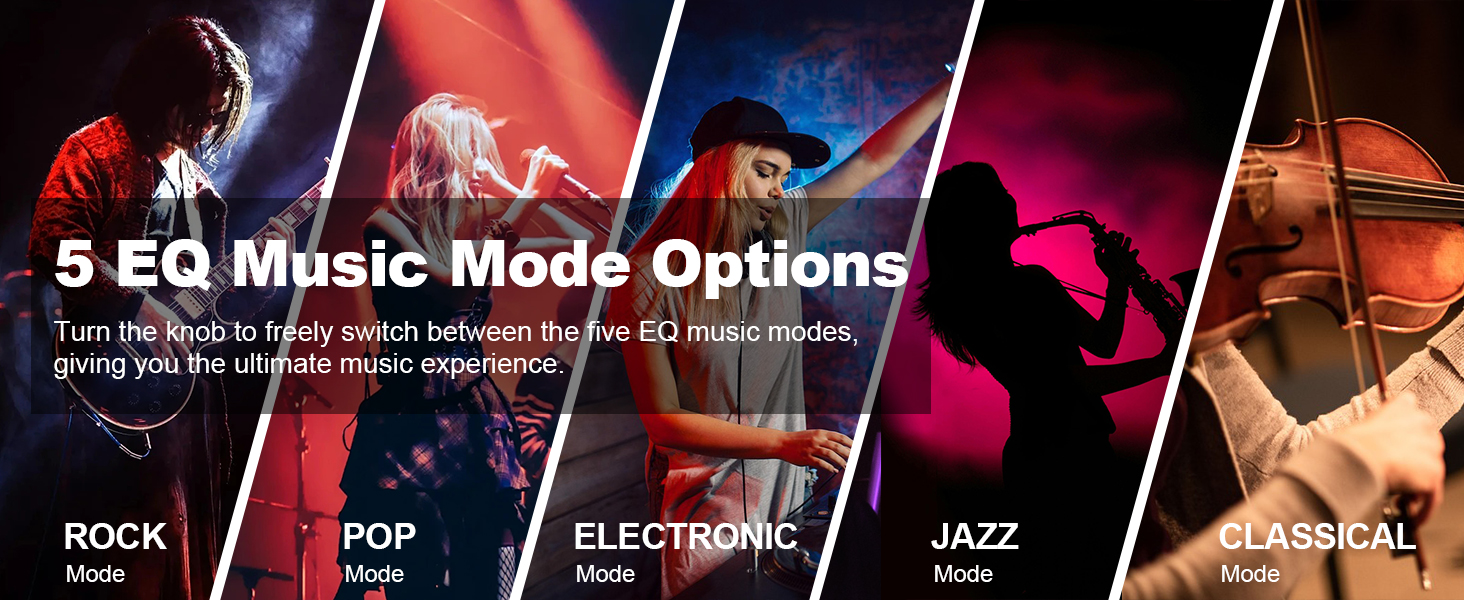
Image: Visual representation of the 5 EQ music mode options: Rock, Pop, Electronic, Jazz, Classical.
5.4 Lydstyrkekontrol og afspilning
- Lydstyrke op: Tryk på '+'-knappen.
- Skrue ned for lyden: Tryk på '-' knappen.
- Afspil/pause: Tryk én gang på knappen Afspil/Pause.
- Næste nummer: Tryk på '+'-knappen og hold den nede.
- Forrige nummer: Tryk på '-'-knappen og hold den nede.
5.5 Opkaldshåndtering
- Besvar/afslut opkald: Tryk én gang på knappen Afspil/Pause.
- Afvis opkald: Tryk og hold knappen Afspil/Pause nede i 2 sekunder.
6. Vedligeholdelse
- Rensning: Brug en blød, tør klud til at rengøre hovedtelefonerne. Brug ikke slibende rengøringsmidler eller opløsningsmidler.
- Opbevaring: Når hovedtelefonerne ikke er i brug, skal de opbevares køligt og tørt. Det foldbare design muliggør kompakt opbevaring.
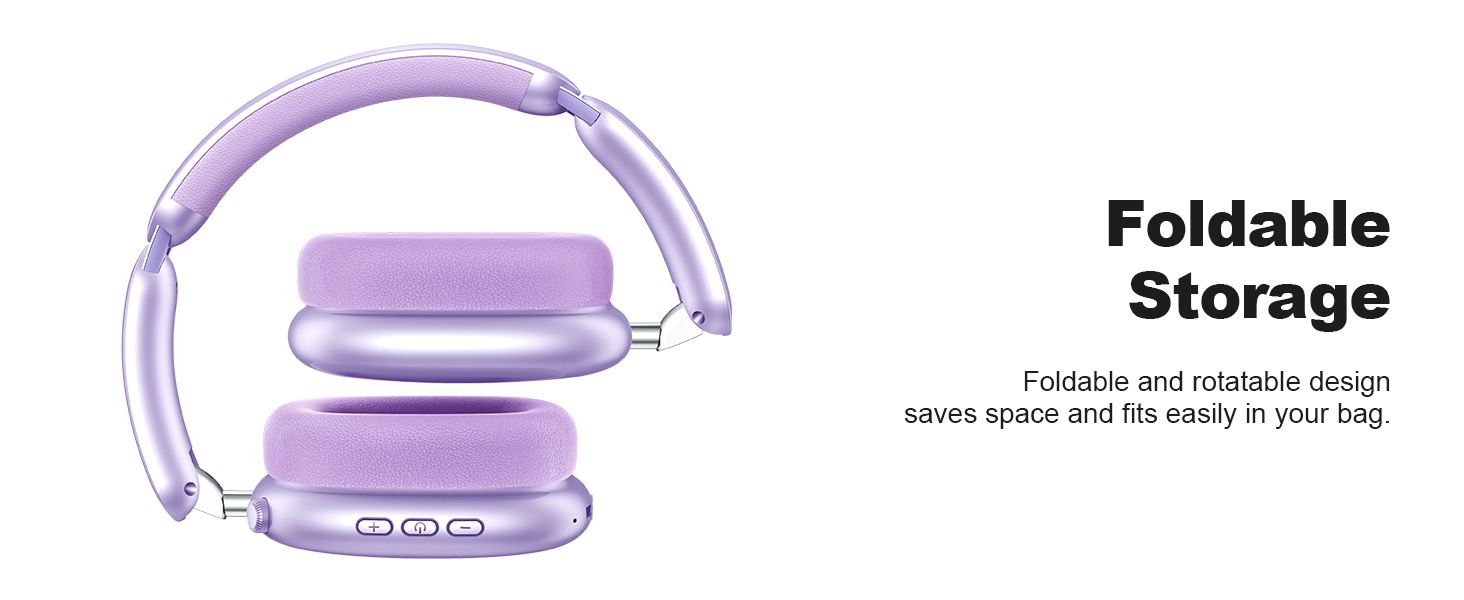
Image: Wentronic Y02 headphones demonstrating their foldable design for convenient storage.
- Undgå vand: Udsæt ikke hovedtelefonerne for vand eller overdreven fugt.
- Temperatur: Undgå ekstreme temperaturer.
7. Fejlfinding
| Problem | Mulig årsag | Løsning |
|---|---|---|
| Hovedtelefonerne tændes ikke | Lavt batteri | Oplad hovedtelefonerne helt. |
| Kan ikke parres via Bluetooth | Headphones not in pairing mode; Device Bluetooth off; Too far from device | Ensure headphones are in pairing mode (flashing blue/red LED). Turn on Bluetooth on your device. Move headphones closer to your device. |
| Ingen lyd | Volume too low; Incorrect audio source; Wired connection active | Increase volume on headphones and device. Check if the correct audio output is selected on your device. Disconnect 3.5mm cable for Bluetooth audio. |
| ANC fungerer ikke effektivt | ANC not activated; Extreme noise levels | Press the multi-functional knob to activate ANC. Note that ANC is most effective for low-frequency, constant noise. |
8. Specifikationer
| Feature | Detalje |
|---|---|
| Mærke | Wentronic |
| Modelnummer | Y02 |
| Hardware-interface | Bluetooth, 3.5 mm lydstik |
| Bluetooth version | 5.4 |
| Driver størrelse | 40 mm dynamisk |
| Aktiv støjreduktion | Op til 35 dB |
| Batterikapacitet | 500mAh |
| Spilletid (ANC slukket) | Op til 60 timer |
| Spilletid (ANC On) | Op til 48 timer |
| Opladningsport | Type-C |
| Varens vægt | 0.63 kilo |
9. Garanti og support
Wentronic products are designed for reliability and performance. For specific warranty details, please refer to the warranty card included in your product packaging or visit the official Wentronic website. If you encounter any issues or have questions not covered in this manual, please contact Wentronic customer support through their official channels.