
1. Produktet er slutview
The Roku Plus Series 55-inch 4K QLED Mini-LED Smart TV is designed to provide a high-quality viewing experience with intuitive smart features. This television integrates advanced display technologies and a user-friendly operating system for seamless entertainment access.

Figure 1.1: Roku Smart TV Home Screen
2. Hvad er der i æsken
Upon unboxing your Roku Plus Series 55-inch 4K QLED Mini-LED Smart TV, ensure all the following components are present:
- Roku Plus Series 55" 4K QLED Mini-LED TV
- Stands and screws for TV base installation
- Roku Enhanced Voice Remote with batteries
- Hurtig startvejledning

Figur 2.1: Inkluderede komponenter
3. Opsætning
3.1 Montering af TV-stativer
- Placer forsigtigt tv-skærmen med nedad på en blød, ren overflade for at undgå ridser.
- Juster hver stander med de tilsvarende skruehuller i bunden af tv'et.
- Secure each stand using the provided screws. Do not overtighten.
3.2 Vægmontering (valgfrit)
If you choose to wall mount your TV, refer to the instructions provided with your wall mount kit. Ensure the mount is compatible with VESA standards for your TV size and weight. Professional installation is recommended for wall mounting.
3.3 Tilslutning af eksterne enheder
The Roku TV offers multiple connectivity options for external devices. Refer to the port diagram below for connection points.

Figure 3.1: TV Input/Output Ports
- HDMI: Connect up to four HDMI devices (e.g., cable box, gaming console, Blu-ray player).
- USB-C: For compatible USB-C devices.
- LAN (Ethernet): Til en kablet internetforbindelse.
- Hovedtelefoner: Til privat lytning med kablede hovedtelefoner.
- Optisk: Til digital lydudgang til en soundbar eller receiver.
- Antenne/kabel: Til tilslutning af antenne eller kabel-tv.
3.4 Første opstart og netværksforbindelse
- Sæt netledningen i tv'et og derefter i en stikkontakt.
- Insert the included AAA batteries into the Enhanced Voice Remote.
- Follow the on-screen instructions to select your language, connect to your Wi-Fi network (or use Ethernet), and activate your Roku account.
4. Betjening af tv'et
4.1 Enhanced Voice Remote
The Roku Enhanced Voice Remote provides intuitive control over your TV and streaming experience. Key features include:
- Stemmestyring: Press the microphone button to search for content, launch apps, or control playback using voice commands.
- Genveje, der kan tilpasses: Set personal shortcuts for your favorite apps or functions.
- Finder af mistet fjernbetjening: Use the button on the TV or the Roku Mobile app to locate a misplaced remote.
- App-genveje: Dedicated buttons for popular streaming services for quick access.

Figure 4.1: Roku Enhanced Voice Remote Layout
4.2 Navigering på startskærmen
The Roku Home Screen provides quick access to your streaming channels, live TV, and inputs. You can customize the order of your channels for personalized access.
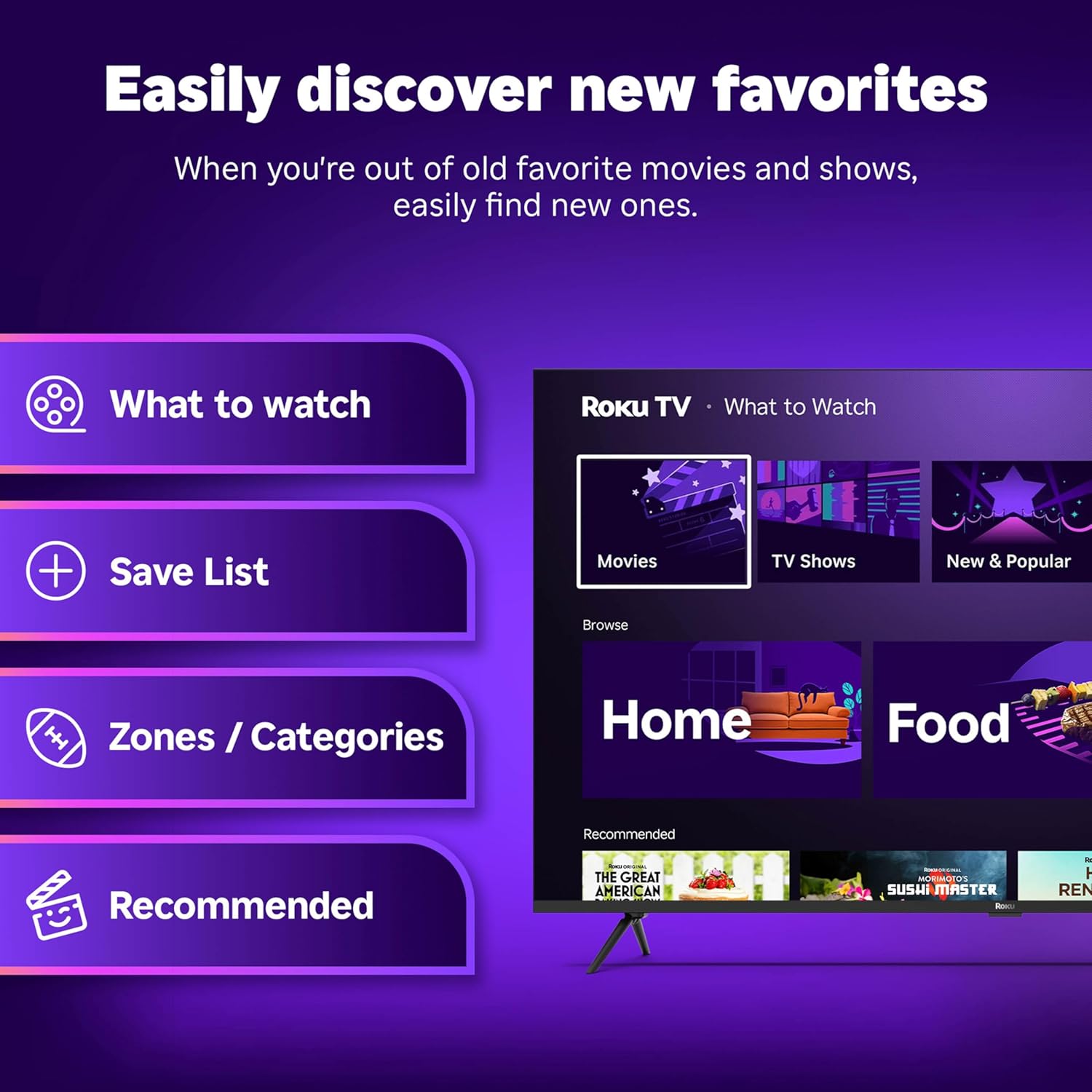
Figure 4.2: Roku Home Screen Interface
4.3 Streaming and Live TV
Access a wide range of streaming services and live TV channels directly from your home screen. The Roku platform offers over 500 free TV channels, including live in-season shows, movies, weather, and local news.

Figure 4.3: Live TV Guide
5. Billed- og lydkvalitet
The Roku Plus Series TV features advanced technologies for an immersive audio-visual experience:
- 4K QLED Mini-LED Display: Mini-LED backlighting enhances detail, while QLED and Dolby Vision technology deliver accurate colors and vivid highlights.
- Roku Smart Picture Max: AI-powered optimization refines color and sharpness for various content types, including sports and movies.
- Dolby Atmos-lyd: Designed for clear speech and enhanced sound, with a built-in subwoofer for a cinematic experience.
- Bluetooth Headphone Mode: Allows private listening using wireless headphones without disturbing others.
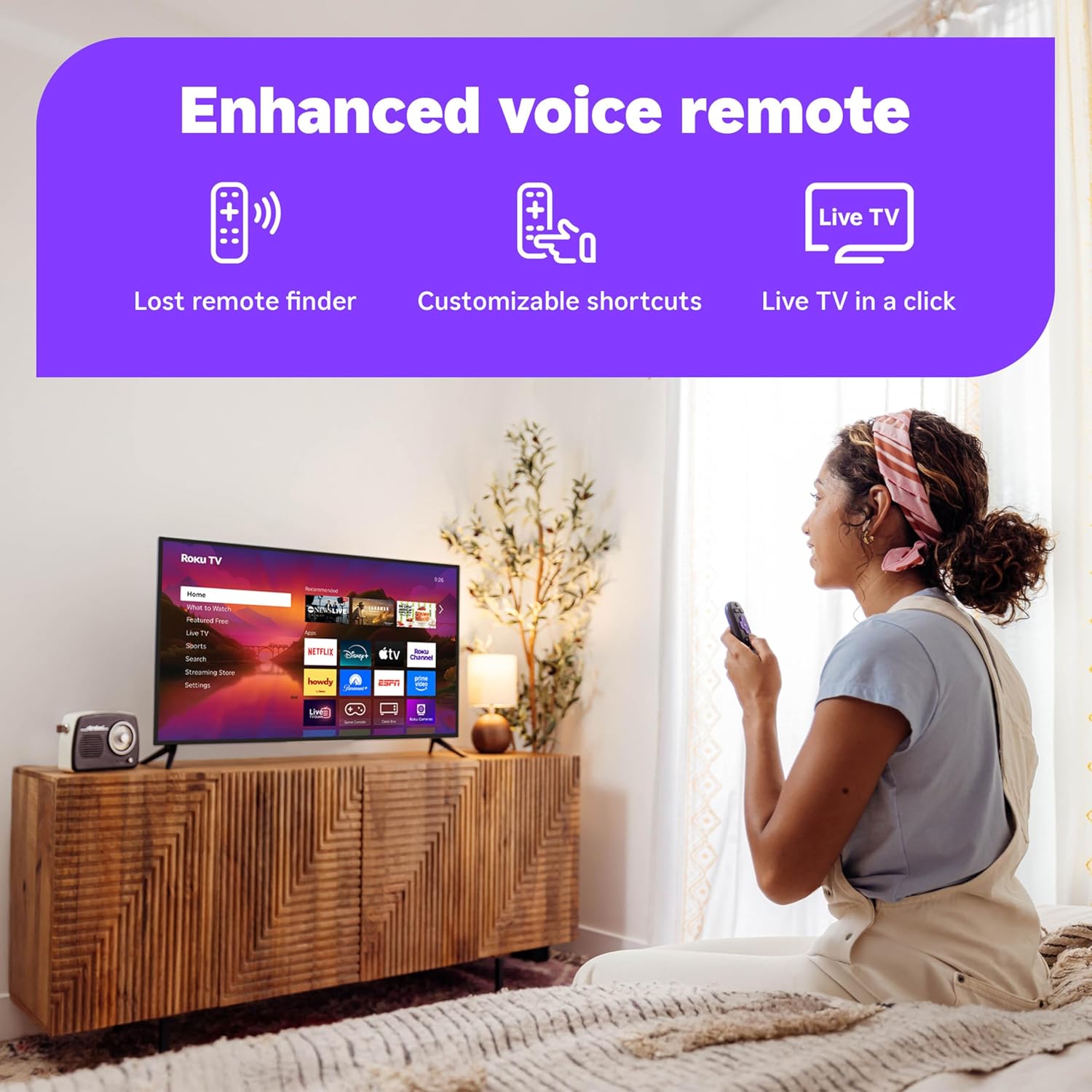
Figure 5.1: Roku Smart Picture Max Settings

Figure 5.2: Bluetooth Headphone Mode in Use
6. Forbindelse og Smart Home-integration
The Roku TV is designed for seamless integration into your digital lifestyle:
- Wi-Fi-forbindelse: Built-in Wi-Fi ensures fast and reliable streaming.
- Stemmeassistenter: Compatible with Roku Voice, Siri, Alexa, and Google Assistant for convenient voice control.
- Apple AirPlay: Effortlessly share videos, photos, and music from your Apple devices to the TV.
- Automatiske softwareopdateringer: Ensures you always have the latest features and security enhancements.
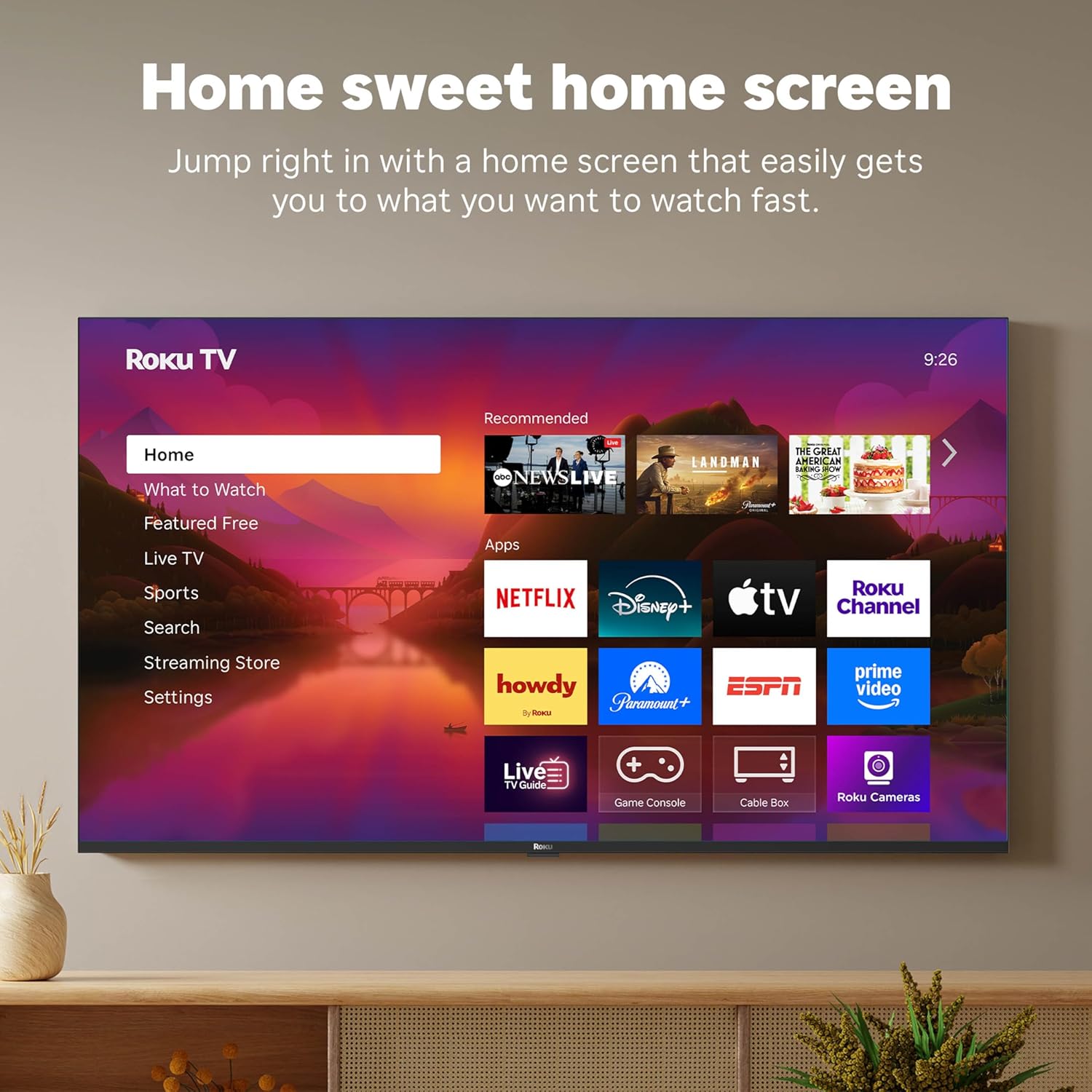
Figure 6.1: Smart Home Integration with Voice Assistants
7. Vedligeholdelse
To ensure the longevity and optimal performance of your Roku TV, follow these maintenance guidelines:
- Rengøring af skærmen: Use a soft, lint-free cloth specifically designed for electronics. Do not use harsh chemicals or abrasive cleaners. Lightly dampen the cloth with water if necessary, and wipe gently.
- Cleaning the Remote: Wipe the remote with a dry, soft cloth. If necessary, use a slightly damp cloth. Avoid getting moisture into the remote's openings.
- Ventilation: Sørg for tilstrækkelig luftgennemstrømning omkring tv'et. Bloker ikke ventilationsåbningerne.
- Strømstyring: Tag stikket til tv'et ud af stikkontakten under tordenvejr, eller når det skal stå uden opsyn i længere perioder.
8. Fejlfinding
If you encounter issues with your Roku TV, try the following common troubleshooting steps:
- Ingen strøm: Sørg for, at netledningen er korrekt tilsluttet både tv'et og en fungerende stikkontakt. Prøv en anden stikkontakt.
- Intet billede/lyd: Verify that the correct input source is selected. Check all cable connections (HDMI, optical, etc.) for secure fit.
- Fjernbetjeningen reagerer ikke: Replace the batteries in the remote. Ensure there are no obstructions between the remote and the TV. For the Enhanced Voice Remote, try using the lost remote finder feature.
- Problemer med netværksforbindelse: Restart your Wi-Fi router and modem. On the TV, go to Settings > Network > Check connection.
- Appen indlæses ikke: Restart the app. If the issue persists, remove the app and reinstall it from the Streaming Store.
- Problemer med softwareopdateringer: Ensure your internet connection is stable. Go to Settings > System > Software update to manually check for updates.
For more detailed troubleshooting or persistent issues, visit the official Roku support webwebsted eller kontakt kundeservice.
9. Specifikationer
| Feature | Specifikation |
|---|---|
| Mærke | Roku |
| Modelnummer | 55R6C7 |
| Skærmstørrelse | 55 tommer |
| Displayteknologi | 4K UHD, LED, Mini LED, QLED |
| Opløsning | 4K |
| Opdateringshastighed | 60 Hz |
| Produktdimensioner | 11.7" D x 48.3" B x 30.5" H |
| Varens vægt | 27.4 pund |
| Forbindelsesteknologi | Bluetooth, Ethernet, USB-C, Wi-Fi |
| Særlige funktioner | Bluetooth Headphone Mode, Dolby Vision, Game Mode, Art Mode, Voice Remote, Variable Refresh Rate (VRR), Flat |
| Inkluderede komponenter | Roku Plus Series 55" 4K QLED Mini-LED TV, Stands and screws, Roku Enhanced Voice Remote with batteries, Quick Start Guide |
10. Garanti og support
For information regarding your product's warranty, please refer to the warranty card included in your product packaging or visit the official Roku support website. Roku provides customer support for technical assistance and service inquiries.
Online support: support.roku.com