
Indledning
This manual provides essential information for setting up, operating, maintaining, and troubleshooting your Acer Aspire 14 AI Copilot+ PC. This high-performance laptop features an Intel Core Ultra 7 Processor, 32GB LPDDR5X RAM, a 1TB PCIe Gen 4 SSD, and a 14-inch WUXGA Touchscreen Display, designed for enhanced productivity and AI-powered experiences.
Opsætningsvejledning
1. Udpakning og indledende inspektion
Carefully remove your Acer Aspire 14 PC and its accessories from the packaging. Ensure all components, including the AC Adapter, are present and undamaged.

Figure 1: Acer Aspire 14 AI Copilot+ PC, open and ready for setup.
2. Tilslutning af strømadapteren
Connect the AC Adapter to the power port on your laptop and then plug it into a power outlet. It is recommended to fully charge the battery before initial use.
3. Første opstart og Windows-opsætning
Press the power button to turn on your PC. Follow the on-screen instructions to complete the Windows 11 Home setup, including language selection, network connection, and user account creation.
4. Tilslutning af eksterne enheder
Your PC supports various compatible devices. Use the available ports to connect external displays via HDMI, mice, keyboards, storage devices, printers, or wireless headphones. For wireless connectivity, utilize Wi-Fi 6E and Bluetooth 5.3.

Figur 2: Side view illustrating available ports for peripheral connections.
Betjeningsvejledning
Grundlæggende betjening
- Tænd/sluk: Press the power button located on the keyboard deck to turn the device on or off.
- Touchskærm: The 14-inch WUXGA (1920 x 1200) display is multi-touch enabled. Interact directly with the screen using your fingers for navigation and input.
- Touch Pad: Use the integrated touchpad for cursor control and gesture-based navigation.
- Baggrundsbelyst tastatur: The keyboard features backlighting for comfortable typing in various lighting conditions.

Figur 3: Top-down view af det baggrundsbelyste tastatur og touchpad'en.
AI Copilot+ Features
Leverage the integrated AI Copilot+ capabilities for enhanced productivity and creative tasks. The Intel Core Ultra 7 Processor with its Neural Processing Unit (NPU) and Intel Arc 140V GPU accelerates AI workloads, providing faster performance for AI-driven applications.
Display og grafik
The 14-inch WUXGA (1920 x 1200) IPS LED-Backlit display offers vibrant visuals with 300-Nits brightness and a 120Hz refresh rate. The integrated Intel Arc 140V GPU handles graphics processing efficiently for both work and entertainment.
Webcam brug
The integrated FHD Webcam (1920 x 1080) with Blue Glass supports 1080p FHD video, ideal for video conferencing and online communication.
Forbindelse
The device supports Wi-Fi 6E (2.4GHz, 5GHz, and 6GHz bands with 2x2 MU-MIMO Technology) and Bluetooth 5.3 for robust wireless connections.
Opretholdelse
Cleaning Your PC
Brug en blød, fnugfri klud til at rengøre skærmen og de udvendige overflader. Tør let ved genstridige pletter.ampRengør kluden med vand eller et skærmsikkert rengøringsmiddel. Undgå skrappe kemikalier eller slibende materialer.
Softwareopdateringer
Regularly check for and install operating system and driver updates to ensure optimal performance and security. Windows 11 Home will prompt you for necessary updates.
Batteripleje
To prolong battery life, avoid extreme temperatures and allow the battery to discharge partially before recharging. For long-term storage, charge the battery to about 50%.
Lagerstyring
The 1TB PCIe Gen 4 Solid State Drive provides ample storage. Regularly back up important data and manage files to maintain system performance.
Fejlfinding
Fælles problemer og løsninger
- PC'en tænder ikke: Sørg for, at strømadapteren er korrekt tilsluttet, og at stikkontakten fungerer. Prøv en anden stikkontakt.
- Problemer med skærm: If the screen is blank or flickering, try restarting the PC. Check external display connections if applicable.
- Ingen Wi-Fi-forbindelse: Verify that Wi-Fi is enabled in Windows settings. Restart your router and PC.
- Langsom ydeevne: Close unnecessary applications. Check for background processes and ensure sufficient free storage space.
Ved mere komplekse problemer henvises til Acer-supporten webwebsted eller kontakt kundeservice.
Produktspecifikationer
| Feature | Specifikation |
|---|---|
| Mærke | Acer |
| Modelnavn | Aspire 14 |
| Modelnummer | A14-52mt-701k |
| Processor | Intel Core Ultra 7 Processor 258V (up to 4.8 GHz) |
| VÆDDER | 32 GB LPDDR5X |
| Opbevaring | 1 TB PCIe Gen 4 SSD |
| Vise | 14" WUXGA (1920 x 1200) Multi-Touch IPS LED-Backlit, 300 Nits, 120Hz Refresh Rate |
| Grafik | Intel Arc 140V GPU (Integrated) |
| Operativsystem | Windows 11 Home |
| Forbindelse | Wi-Fi 6E, Bluetooth 5.3 |
| Havne | 3x USB Ports, 1x Thunderbolt Port, HDMI |
| Webcam | Integrated FHD (1920 x 1080) with Blue Glass |
| Særlige funktioner | AI Copilot+, Enhanced Webcam, Backlit Keyboard |
| Dimensioner (L x B x Tykkelse) | 13 cm L x 1 cm B x 9 cm T |
| Varens vægt | 1.8 kilo |
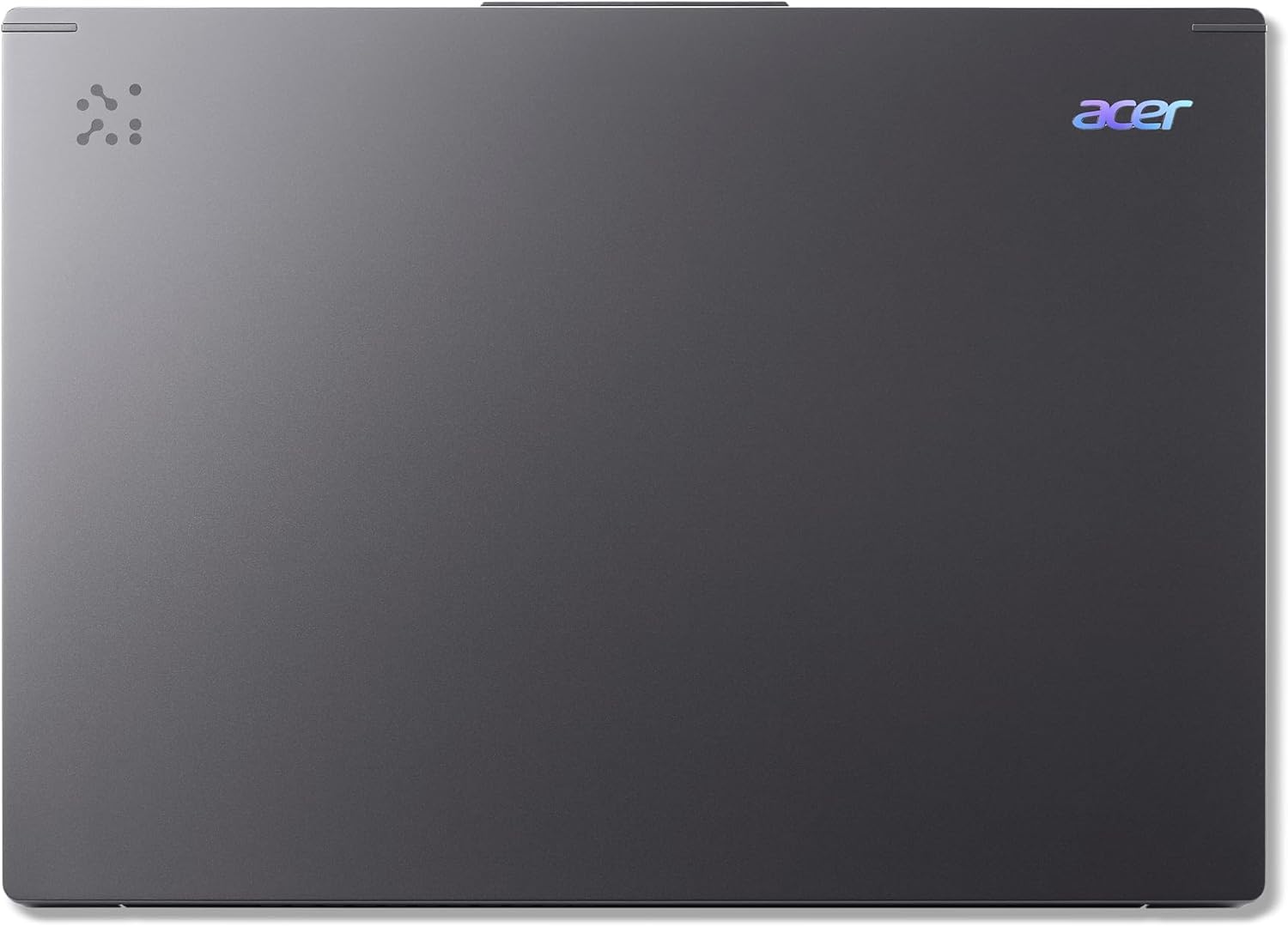
Figure 4: The Acer Aspire 14 AI Copilot+ PC in a closed state.
Garantioplysninger
Your Acer Aspire 14 AI Copilot+ PC comes with a 1 års fabriksgaranti. Please retain your proof of purchase for warranty claims. For detailed terms and conditions, refer to the warranty card included with your product or visit the official Acer webwebsted.
Kundesupport
For further assistance, technical support, or service inquiries, please visit the official Acer support website or contact their customer service hotline. You can find contact information and resources on the Acer webwebsted: www.acer.com/support.