
Vigtige sikkerhedsoplysninger
Læs venligst alle sikkerhedsinstruktioner omhyggeligt, inden du bruger dette produkt. Manglende overholdelse af disse instruktioner kan resultere i elektrisk stød, brand eller andre farer.
- Udsæt ikke powerbanken for ekstreme temperaturer (over 45 °C eller under -10 °C).
- Udsæt ikke powerbanken for vand eller andre væsker.
- Do not disassemble, modify, or attempt to repair the power bank yourself. Contact qualified service personnel.
- Opbevares utilgængeligt for børn.
- Brug kun originale eller certificerede kabler til opladning af powerbanken og dine enheder.
- Undgå at tabe eller udsætte powerbanken for kraftige stød.
- Bortskaf powerbanken ansvarligt i henhold til lokale regler. Smid den ikke ud i husholdningsaffaldet.
Produkt overview
The Grundig Power Bank 20000 mAh is a portable external battery designed to charge your electronic devices on the go. It features a high capacity of 20,000 mAh, allowing multiple charges for smartphones, tablets, and other gadgets. The power bank is equipped with multiple input and output ports for versatile compatibility.
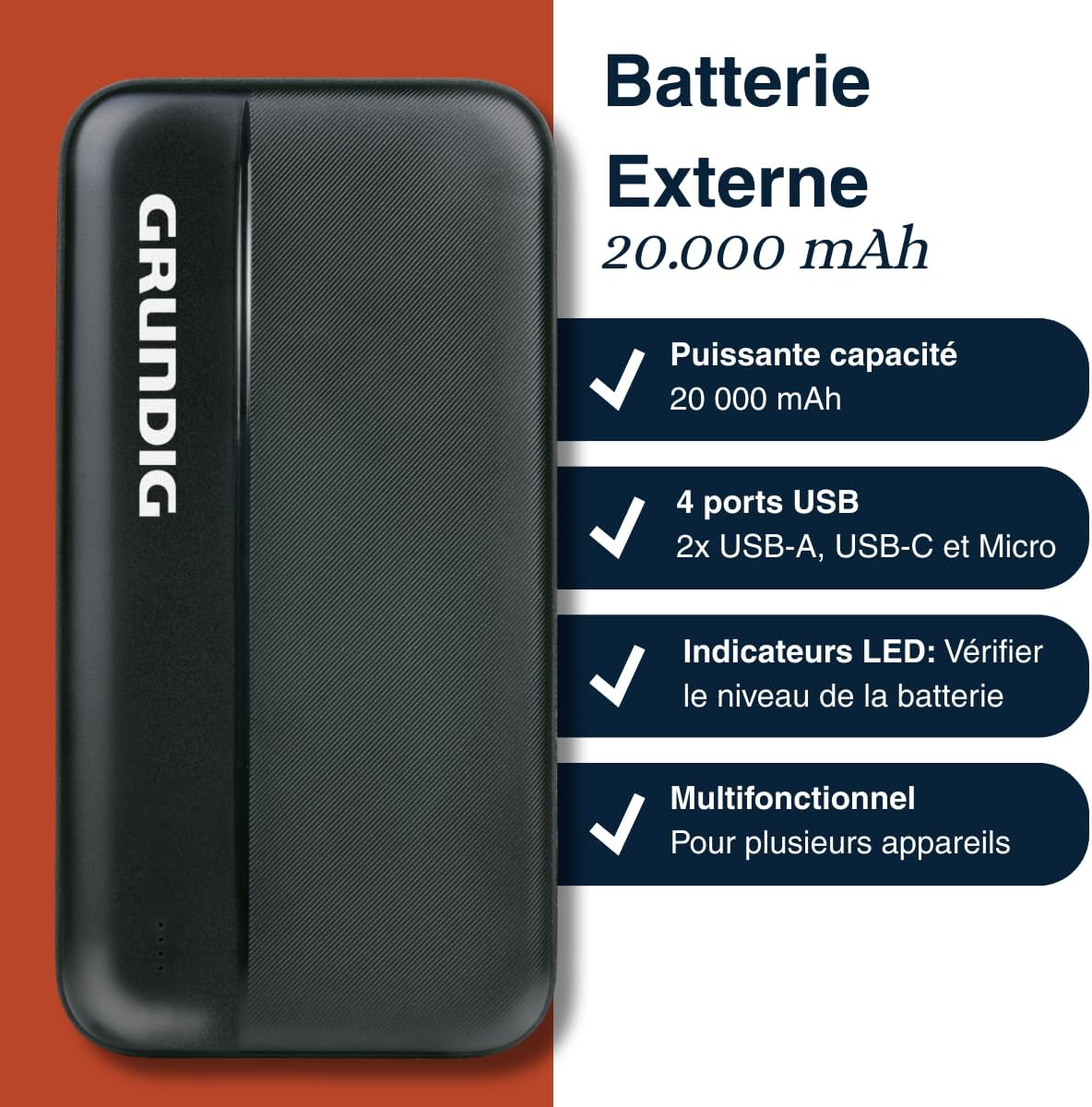
Image 1: Grundig Power Bank highlighting its 20,000 mAh capacity, four USB ports (including USB-A, USB-C, and Micro-USB), LED battery indicators, and multi-device compatibility.
Pakkens indhold
Tjek venligst pakken for følgende varer:
- Grundig Power Bank 20000 mAh
- USB Charging Cable (Micro USB or USB-C, depending on model variant)
- Instruktionsmanual (dette dokument)
Specifikationer
| Mærke | JORD |
| Modelnummer | 8711252572383 |
| Kapacitet | 20000 mAh |
| Indgangsporte | Micro USB, USB-C |
| Udgangsporte | 2x USB-A, 1x USB-C |
| Farve | Sort |
| Dimensioner (ca.) | 14 cm x 7 cm (based on product image) |
| Strømkilde | Hånddrevet |

Image 2: The Grundig Power Bank displayed with approximate dimensions of 14 cm by 7 cm, shown alongside a smartphone for scale.
Opsætning
Opladning af Power Bank
Before initial use, fully charge your Grundig Power Bank. This ensures optimal performance and battery longevity.
- Locate the Micro USB or USB-C input port on the power bank.
- Connect one end of the provided USB charging cable to the power bank's input port.
- Connect the other end of the USB cable to a USB wall adapter (not included) or a computer's USB port.
- The LED indicators on the power bank will illuminate to show the charging status. They will typically blink while charging and become solid when fully charged.
- Når den er fuldt opladet, skal du koble powerbanken fra strømkilden.

Billede 3: En detaljeret view of the power bank's various ports, including USB-A, USB-C, and Micro-USB, used for both charging the power bank and charging external devices.
Kontrol af batteriniveau
To check the remaining battery level of your power bank, briefly press the power button (if available, otherwise the LEDs will light up automatically when a device is connected or charging starts). The LED indicators will light up, showing the current charge level. Typically, each LED represents a percentage of the total capacity.
Betjeningsvejledning
Opladning af eksterne enheder
The Grundig Power Bank can charge a wide range of USB-powered devices.
- Use your device's original charging cable or a certified compatible cable.
- Connect one end of the charging cable to your device.
- Connect the other end of the charging cable to one of the USB-A or USB-C output ports on the power bank.
- The power bank should automatically begin charging your device. If not, press the power button on the power bank to initiate charging.
- Monitor your device's screen to confirm it is charging.
- Når din enhed er fuldt opladet, skal du koble den fra powerbanken.

Image 4: The Grundig Power Bank actively charging a smartphone, demonstrating its use for portable device charging.
Opladning af flere enheder
The power bank features multiple output ports (2x USB-A, 1x USB-C), allowing you to charge up to three devices simultaneously. Note that charging multiple devices at once may affect the charging speed for each device and will deplete the power bank's battery faster.
Opretholdelse
- Rensning: Brug en blød, tør klud til at rengøre overfladen på powerbanken. Brug ikke flydende rengøringsmidler eller aerosoler.
- Opbevaring: Opbevar powerbanken et køligt, tørt sted væk fra direkte sollys og ekstreme temperaturer. Ved langtidsopbevaring anbefales det at oplade powerbanken til ca. 50-75% hver tredje måned for at bevare batteriets sundhedstilstand.
- Kabelpleje: Always handle charging cables by the plug, not the cable itself, to prevent damage.
Fejlfinding
| Problem | Mulig årsag | Løsning |
|---|---|---|
| Powerbank oplader ikke | Cable is faulty; power adapter is not working; power bank is fully charged. | Try a different charging cable and/or power adapter. Ensure the power bank is not already full. |
| Enheden oplader ikke fra powerbanken | Power bank battery is empty; cable is faulty; device is incompatible; power bank is off. | Charge the power bank. Try a different charging cable. Ensure the power bank is turned on (press power button). Check device compatibility. |
| Langsom opladning | Cable is low quality; multiple devices charging; device requires higher input. | Use a high-quality cable. Try charging one device at a time. Ensure the device's charging requirements match the power bank's output. |
| LED-indikatorer virker ikke | Powerbanken er helt afladet; intern fejl. | Attempt to charge the power bank for an extended period. If problem persists, contact customer support. |
Garanti og support
This Grundig Power Bank is covered by a standard manufacturer's warranty. Please refer to the warranty card included in your original packaging for specific terms and conditions, including the warranty period and coverage details.
For technical support, service, or warranty claims, please contact your retailer or visit the official Grundig website for customer service contact information. Please have your model number (8711252572383) and proof of purchase ready when contacting support.
Online ressourcer: For additional information and FAQs, you may visit the Grundig official webwebsted.