
Indledning
The Skullcandy Crusher Evo Wireless Bluetooth Headphones deliver a powerful audio experience with patented Multi-Sensory Crusher Bass technology. Designed for comfort and extended use, these headphones feature up to 40 hours of battery life, Rapid Charge, and personalized sound tuning through the Skullcandy App. This manual provides essential information for setting up, operating, maintaining, and troubleshooting your Crusher Evo headphones.
Hvad er der i æsken
Upon opening your Skullcandy Crusher Evo package, you should find the following items:
- Crusher® Evo trådløse hovedtelefoner
- USB-C ladekabel
- Ekstra lydkabel
- Beskyttende etui
- Hurtigstart og brugervejledninger

Image: The Skullcandy Crusher Evo headphones, USB-C charging cable, auxiliary cable, protective case, and user guide are neatly arranged, illustrating the complete package contents.
Opsætning
1. Opladning af dine hovedtelefoner
Before initial use, fully charge your Crusher Evo headphones. Connect the provided USB-C charging cable to the headphone's charging port and a compatible USB power source. A full charge provides up to 40 hours of listening time. The Rapid Charge feature allows for 4 hours of listening with just a 10-minute charge.
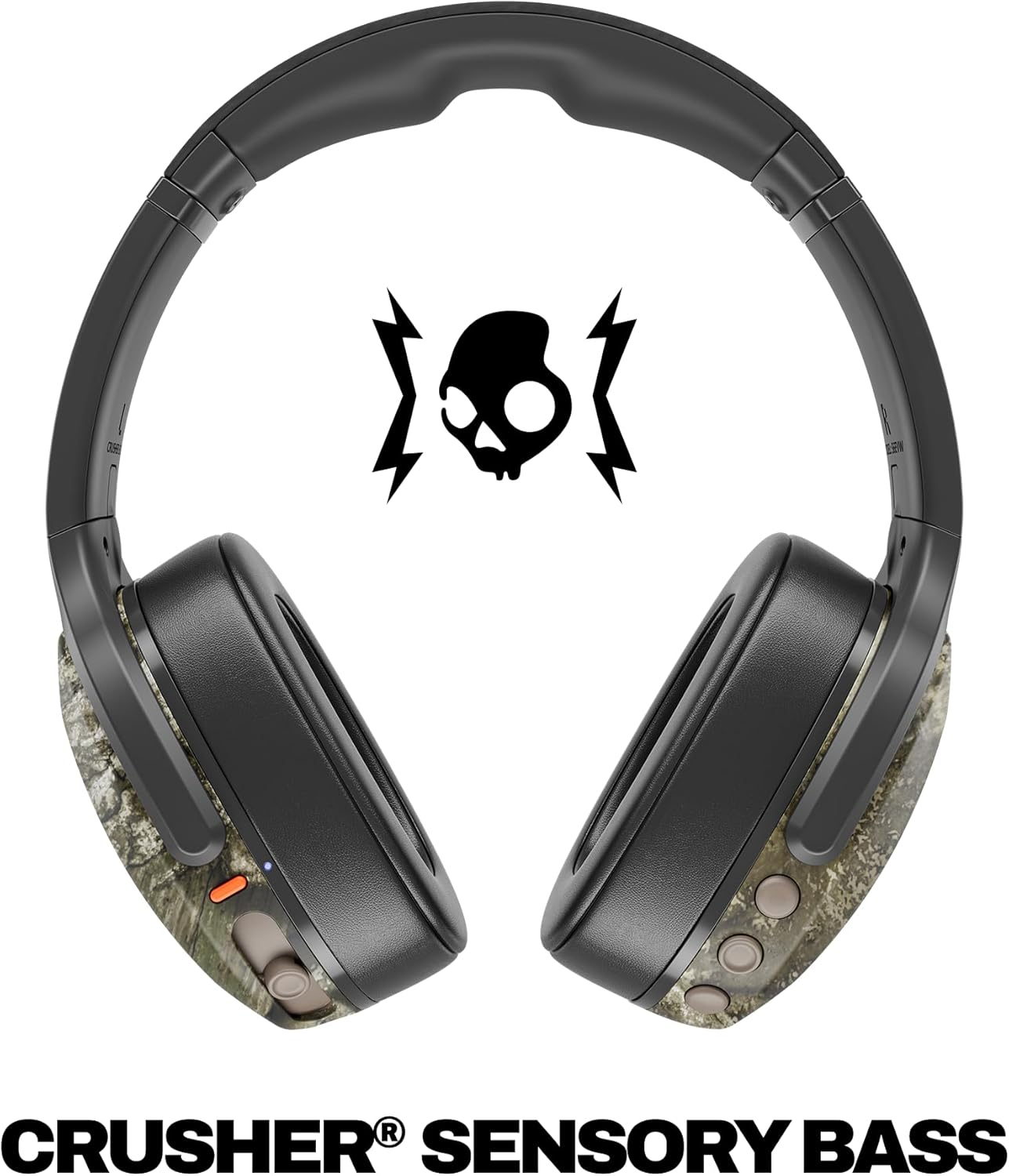
Image: A close-up of the Skullcandy Crusher Evo headphones showing the USB-C charging port and cable connected, indicating the charging process.
2. Bluetooth-parring
- Sørg for, at dine hovedtelefoner er slukket.
- Press and hold the main power button for 3-5 seconds until the LED indicator flashes blue and red, indicating pairing mode.
- Aktiver Bluetooth på din enhed (smartphone, tablet, computer) og søg efter tilgængelige enheder.
- Select "Crusher Evo" from the list of available devices.
- Når den er tilsluttet, blinker LED-indikatoren blåt med jævne mellemrum.
3. Personal Sound Tuning (Skullcandy App)
Enhance your listening experience by downloading the Skullcandy App. The app features a Personal Sound analysis that customizes audio levels to your unique hearing profile, ensuring optimal sound quality.

Image: A woman wearing the headphones, illustrating the personalized sound feature. The accompanying text highlights the "Personal Sound tuned to you" capability via the Skullcandy app.
Betjening af dine hovedtelefoner
1. Grundlæggende kontroller
The Crusher Evo headphones feature intuitive button controls located on the earcups:
- Tænd/sluk: Tryk og hold hovedafbryderknappen nede.
- Afspil/pause: Single press the main power button.
- Lydstyrke op/ned: Brug de dedikerede lydstyrkeknapper.
- Spring over spor: Dobbelttryk for næste spor, tryk tre gange for forrige spor.
- Besvar/afslut opkald: Single press the main power button during a call.
- Aktiver stemmeassistent: Tryk og hold hovedafbryderknappen nede i 2 sekunder.
2. Multi-Sensory Crusher Bass
Experience deep, adjustable bass that you can feel. Use the slider on the earcup to increase or decrease the intensity of the Crusher Bass. This feature provides a tactile feedback that enhances your audio experience.
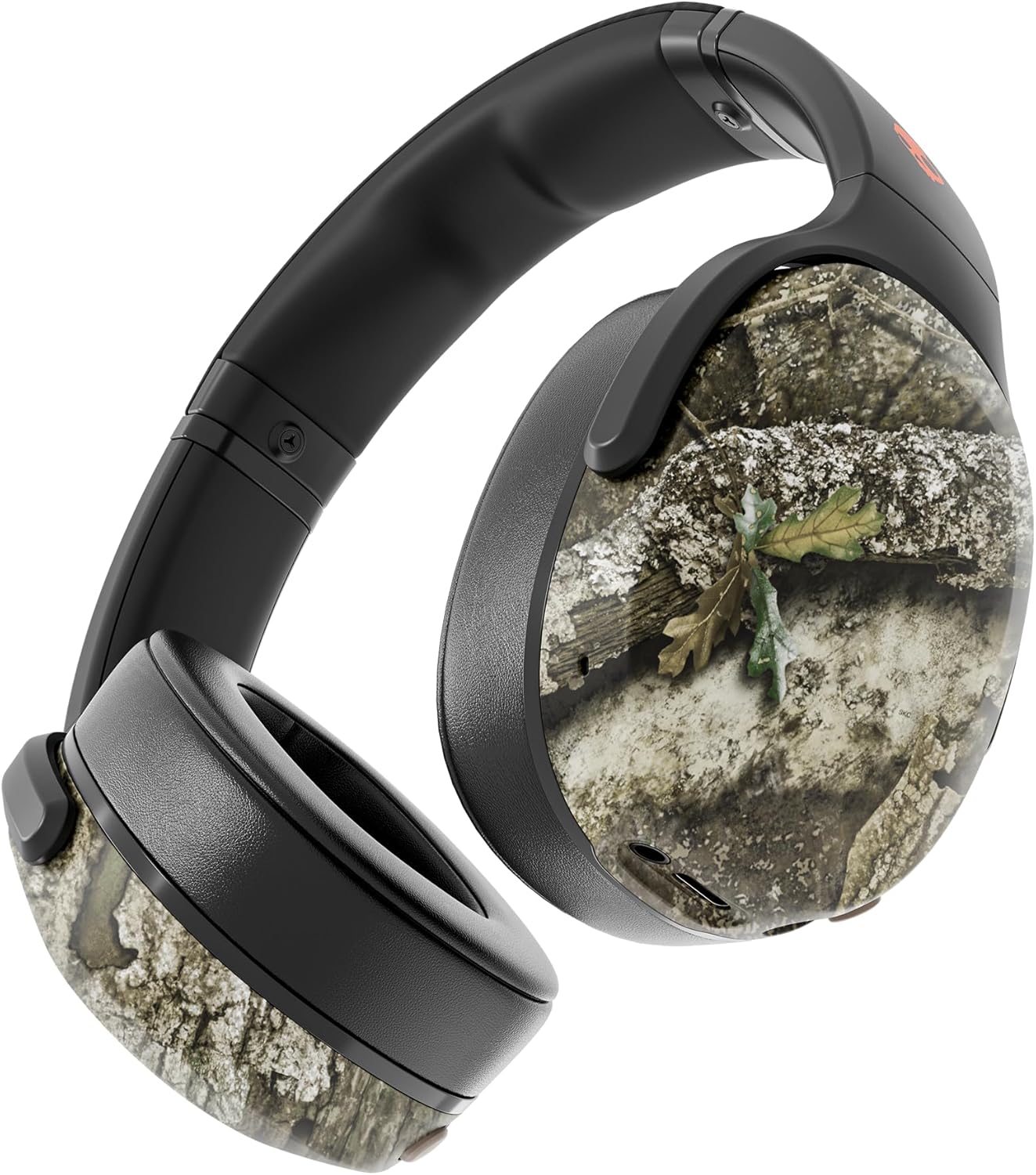
Image: The Skullcandy Crusher Evo headphones, highlighting the "Crusher Sensory Bass" feature, which allows users to feel the bass.
Video: This video demonstrates the multi-sensory bass feature of the Crusher Evo headphones by showing its effect on water, creating ripples. This illustrates how the bass can be physically felt.
Video: This video captures various individuals reacting to the Crusher Bass, showcasing the immersive and impactful experience provided by the headphones' unique bass technology.
3. Flat-Folding and Collapsible Design
The headphones are designed to fold flat and collapse for easy storage and portability. This compact design makes them convenient for travel and daily commutes.
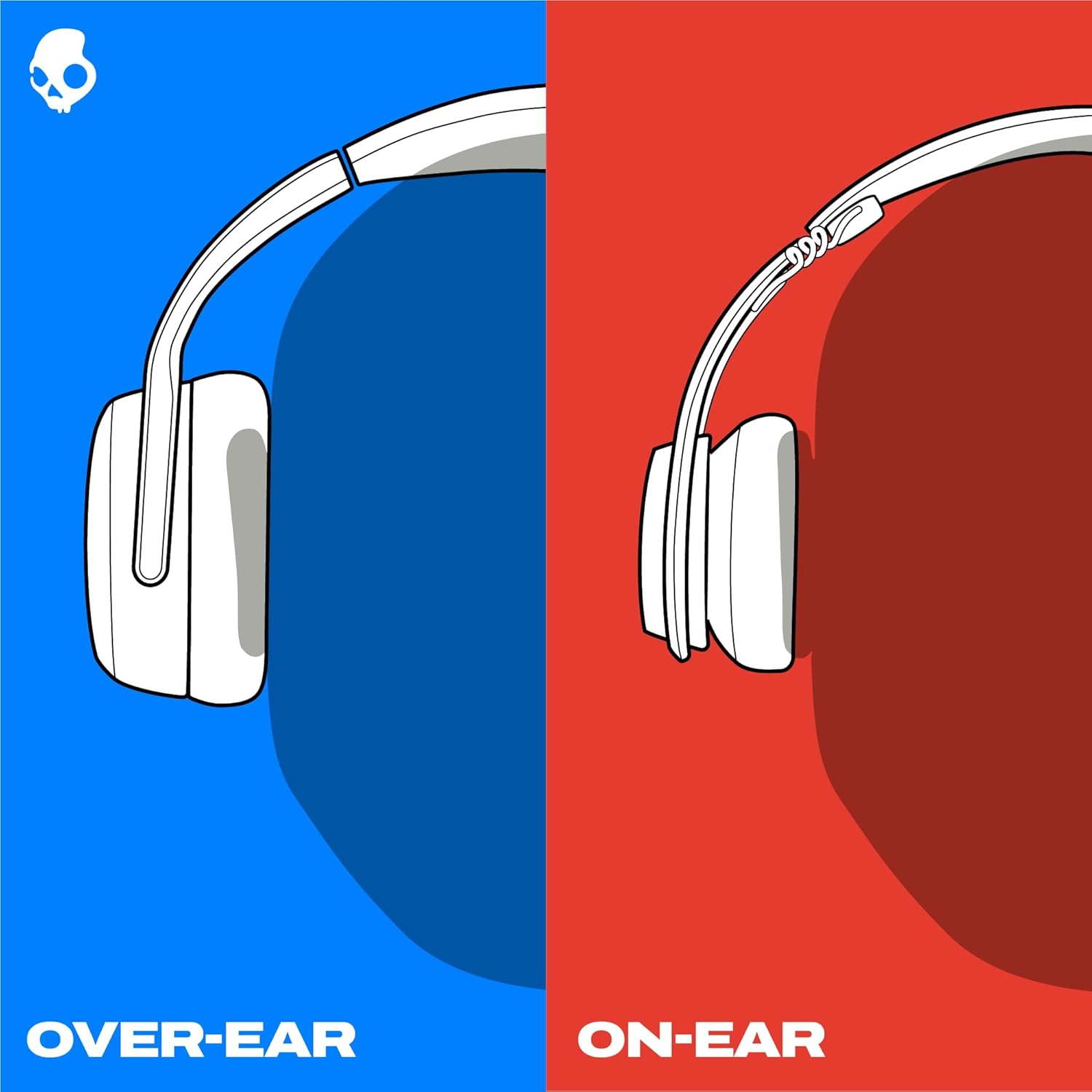
Image: The Skullcandy Crusher Evo headphones are shown folded flat, demonstrating their compact design for easy storage and travel.
Opretholdelse
- Rensning: Brug en blød, tør klud til at rengøre hovedtelefonerne. Undgå at bruge skrappe kemikalier eller slibende materialer.
- Opbevaring: When not in use, store the headphones in their protective case to prevent damage. Keep them in a cool, dry place away from extreme temperatures.
- Batteripleje: For at forlænge batterilevetiden bør du undgå at aflade hovedtelefonerne helt ofte. Oplad dem regelmæssigt, selvom de ikke bruges i længere perioder.
Fejlfinding
Ingen strøm / Oplader ikke
- Ensure the USB-C charging cable is securely connected to both the headphones and a working power source.
- Prøv et andet USB-C-kabel og en anden strømadapter.
- Tjek opladningsporten for snavs eller skader.
Problemer med Bluetooth-forbindelse
- Make sure the headphones are in pairing mode (flashing blue and red LED).
- Sørg for, at Bluetooth er aktiveret på din enhed.
- Forget "Crusher Evo" from your device's Bluetooth settings and attempt to re-pair.
- Move the headphones closer to your device to ensure they are within range.
Ingen lyd / lav lydstyrke
- Kontroller lydstyrkeniveauerne på både hovedtelefonerne og din tilsluttede enhed.
- Sørg for, at hovedtelefonerne er korrekt parret og tilsluttet.
- If using the auxiliary cable, ensure it is fully plugged into both the headphones and the audio source.
- Test med en anden lydkilde eller enhed.
Specifikationer
| Mærke | Skullcandy |
| Modelnavn | Knuser Evo |
| Modelnummer | S6EVW-T991 |
| Forbindelsesteknologi | Trådløs (Bluetooth 5.0) |
| Øreplacering | Over Ear |
| Batterilevetid | Op til 40 timer |
| Hurtig opladning | 10 minutters opladning giver 4 timers spilletid |
| Impedans | 32 Ohm |
| Frekvensrespons | 20 Hz - 20,000 Hz |
| Følsomhed | 100 dB |
| Støjkontrol | Lydisolering |
| Vægt | 0.01 ounces (ca. 0.28 gram) |
Garanti og support
The Skullcandy Crusher Evo headphones come with a 1 års begrænset garanti i USADenne garanti dækker fabrikationsfejl og sikrer, at dit produkt fungerer som tilsigtet under normal brug.
For warranty claims, technical support, or further assistance, please visit the official Skullcandy support webwebstedet eller kontakt deres kundeservice. Gem din købsbevis for at validere garantien.