
Indledning
Thank you for choosing kurdene SP9i Wireless Over-Ear Bluetooth Earbuds. These earbuds are designed to provide a high-quality audio experience with exceptional comfort and stability, making them ideal for sports, meetings, workouts, and everyday use. Featuring advanced Bluetooth 5.3 technology, deep bass sound, and an impressive 60-hour total playtime, your kurdene SP9i earbuds are built for performance and convenience.
This manual will guide you through the setup, operation, maintenance, and troubleshooting of your new earbuds to ensure you get the most out of your listening experience.
Hvad er der i æsken
Upon opening your kurdene SP9i package, you should find the following items:
- kurdene SP9i Wireless Over-Ear Earbuds (Left and Right)
- Bærbart opladningsetui
- USB-C ladekabel
- Interchangeable Ear Tips (Various Sizes)
- Brugermanual

Image: kurdene SP9i Wireless Over-Ear Bluetooth Earbuds in Hot Pink, shown with their charging case.
Opsætningsvejledning
1. Opladning af dine øretelefoner og etui
Oplad både ørepropperne og opladningsetuiet helt inden første brug.
- Place the earbuds into the charging case. Ensure they are correctly seated; the indicator lights on the earbuds will illuminate to confirm charging.
- Tilslut USB-C-opladerkablet til opladningsporten på etuiet, og sæt den anden ende i en kompatibel USB-strømkilde.
- The charging case's indicator light will show charging status. A full charge for the case typically takes about 1.5 hours.
The earbuds offer up to 12 hours of continuous playtime on a single charge, and the charging case provides an additional 48 hours, totaling 60 hours of playtime.

Image: Visual representation of the earbud and charging case battery life, highlighting 60 hours total playtime and USB-C charging.
2. Parring med din enhed
Your kurdene SP9i earbuds utilize Bluetooth 5.3 for a stable and efficient connection.
- Open the charging case. The earbuds will automatically enter pairing mode, indicated by flashing LED lights on the earbuds.
- Gå til Bluetooth-indstillingerne på din enhed (smartphone, tablet, bærbar computer).
- Søg efter available devices and select "kurdene SP9i" from the list.
- Once connected, the earbud indicator lights will stop flashing or show a steady light, and you will hear an audio confirmation.
The Bluetooth 5.3 technology ensures faster data transfer and a reliable connection up to 33 feet, perfect for seamless audio and video synchronization.
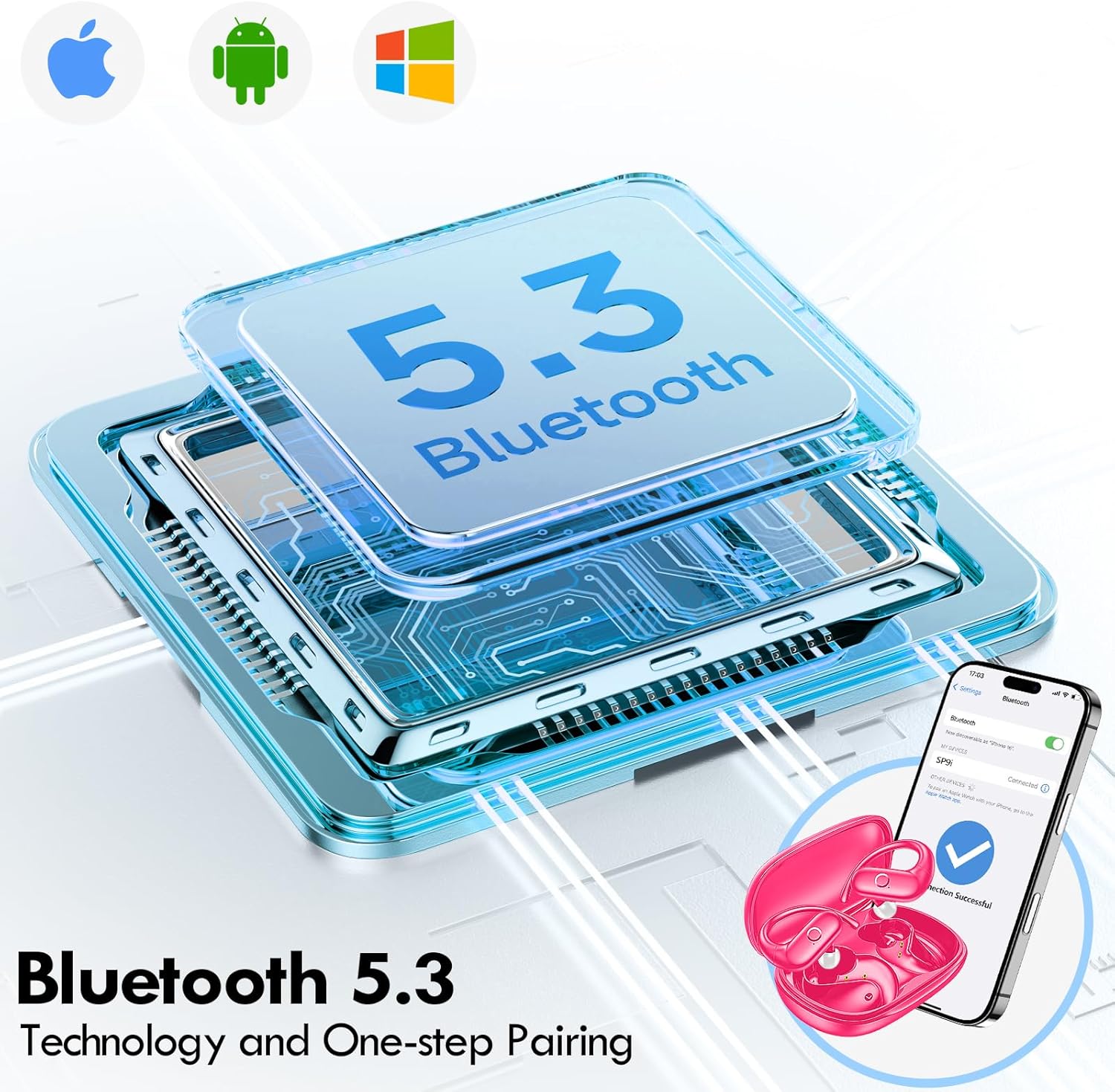
Image: Illustration of Bluetooth 5.3 technology and the one-step pairing process with a mobile device.
Betjeningsvejledning
1. Bær dine øretelefoner
The kurdene SP9i earbuds feature an over-ear design with soft silicone ear hooks for a secure and comfortable fit, especially during active use.
- Identificér venstre (V) og højre (H) ørepropper.
- Gently place the earbud into your ear canal and hook the ear hook over the top of your ear.
- Adjust the earbud and hook until it feels snug and comfortable. The flexible design ensures a natural, pressure-free listening experience.

Image: Visual guide to the over-ear design, emphasizing comfort and secure fit.

Image: A user wearing the earbuds during physical activity, showcasing their suitability for active lifestyles.
2. Smarte berøringskontroller
The earbuds feature intuitive touch controls for easy management of your audio and calls:
- Afspil/pause: Et enkelt tryk på begge øretelefoner.
- Næste nummer: Dobbelttryk på den højre øreprop.
- Forrige nummer: Dobbelttryk på den venstre øreprop.
- Lydstyrke op: Tryk tre gange på den højre øreprop.
- Skrue ned for lyden: Tryk tre gange på den venstre øreprop.
- Besvar/afslut opkald: Enkelt tryk på begge øretelefoner under et indgående opkald.
- Afvis opkald: Tryk og hold en af øretelefonerne nede i 2 sekunder under et indgående opkald.
- Aktiver stemmeassistent: Tryk på en af øretelefonerne, og hold den nede i 3 sekunder.
3. Sound Quality and Microphones
Equipped with 16.1mm vibrating diaphragm drivers, these earbuds deliver powerful bass, crisp mids, and clear treble for a rich, immersive sound. The built-in microphones are designed to isolate your voice, ensuring crystal-clear call quality even in noisy environments.
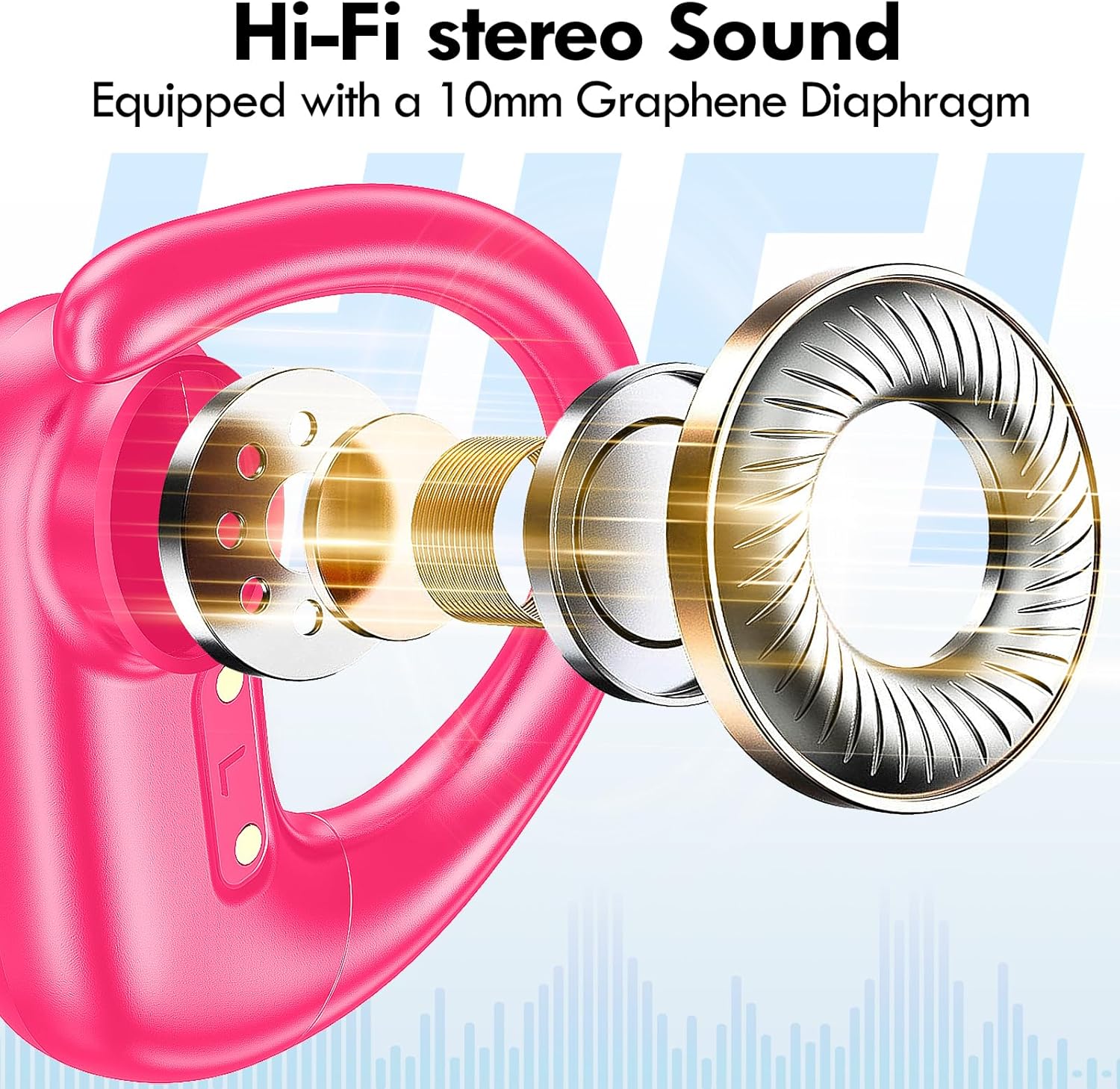
Billede: Eksploderet view of the earbud's internal structure, emphasizing the Hi-Fi stereo sound components.
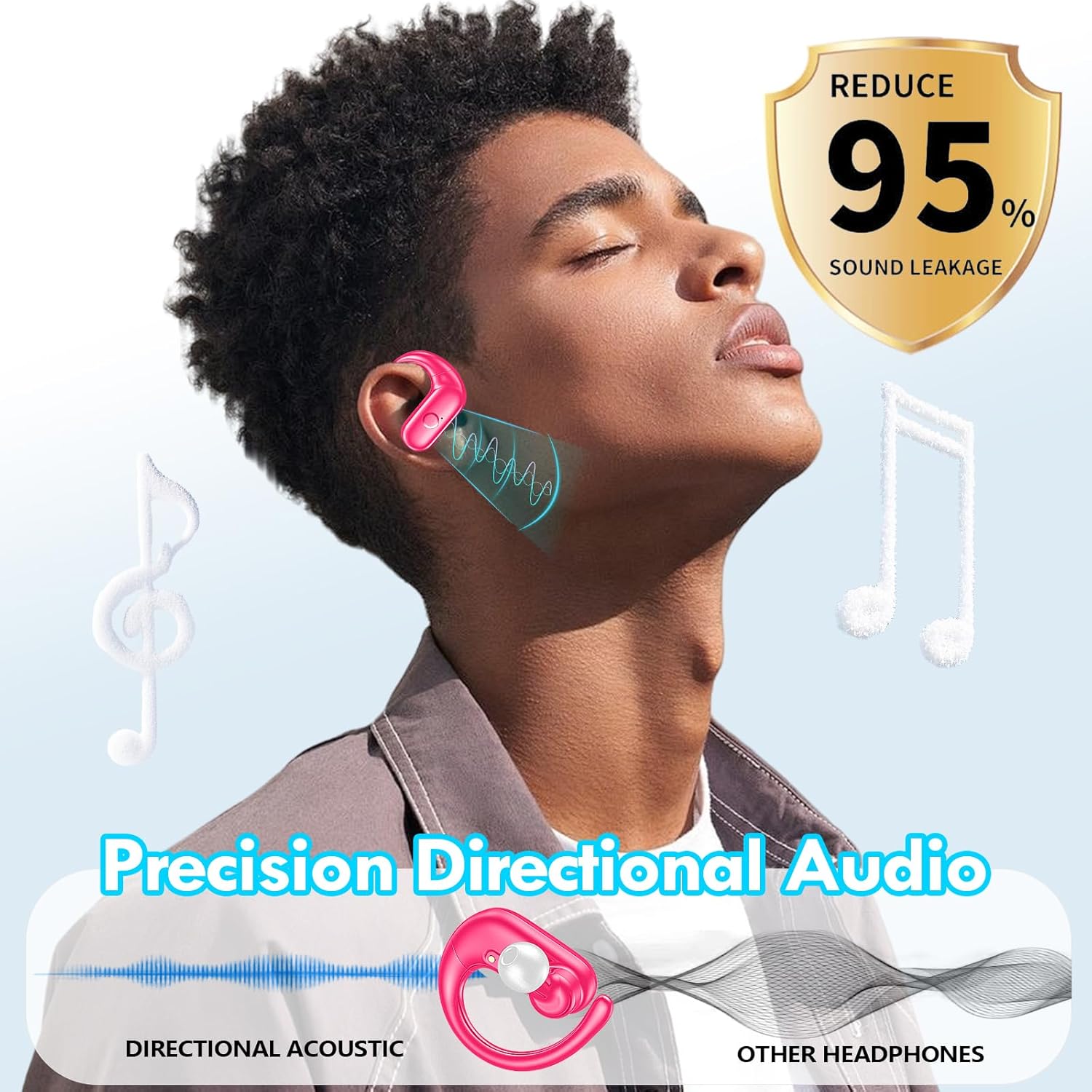
Image: Depiction of precision directional audio and 95% sound leakage reduction for an enhanced listening experience.
Opretholdelse
To ensure the longevity and optimal performance of your kurdene SP9i earbuds, follow these maintenance guidelines:
- Rensning: Tør regelmæssigt ørepropperne og opladningsetuiet af med en blød, tør og fnugfri klud. Brug ikke skrappe kemikalier eller slibende materialer.
- Ørespidser: Fjern og rengør ørepropperne med jævne mellemrum med mild sæbe og vand. Sørg for, at de er helt tørre, før du sætter dem på ørepropperne igen.
- Opladningsporte: Keep the charging contacts on the earbuds and inside the case clean and free of debris. Use a dry cotton swab if necessary.
- Opbevaring: Når ørepropperne ikke er i brug, skal de opbevares i deres opladningsetui for at beskytte dem mod støv og skader og for at holde dem opladet.
- Undgå ekstreme forhold: Do not expose the earbuds to extreme temperatures, humidity, or direct sunlight for extended periods.
Fejlfinding
If you encounter any issues with your kurdene SP9i earbuds, please refer to the following common solutions:
- Ørepropper parrer ikke:
- Sørg for, at begge øretelefoner er fuldt opladede.
- Sluk Bluetooth på din enhed, og tænd den derefter igen.
- Forget/delete "kurdene SP9i" from your device's Bluetooth list and attempt to pair again.
- Sæt ørepropperne tilbage i etuiet, luk låget, vent et par sekunder, og åbn dem derefter for at aktivere parringstilstand igen.
- Ingen lyd eller lav lydstyrke:
- Kontroller lydstyrkeniveauerne på både din enhed og ørepropperne.
- Sørg for, at ørepropperne sidder korrekt i dine ører.
- Try cleaning the ear tips and speaker mesh to remove any obstructions.
- Tilslut øretelefonerne til din enhed igen.
- Øretelefoner oplader ikke:
- Sørg for, at opladningskablet er korrekt tilsluttet til både etuiet og strømkilden.
- Verify that the charging contacts on the earbuds and inside the case are clean and free of debris.
- Prøv at bruge et andet USB-C-kabel eller en anden strømadapter.
- Intermitterende forbindelse:
- Sørg for, at din enhed er inden for Bluetooth-rækkevidden på 33 meter.
- Undgå fysiske forhindringer mellem din enhed og ørepropperne.
- Minimér interferens fra andre trådløse enheder.
If these steps do not resolve your issue, please contact kurdene customer support for further assistance.
Produktspecifikationer
| Feature | Specifikation |
|---|---|
| Modelnavn | SP9i |
| Mærke | kurdene |
| Forbindelsesteknologi | Trådløs (Bluetooth 5.3) |
| Trådløs kommunikationsteknologi | Bluetooth |
| Bluetooth version | 5.3 |
| Bluetooth rækkevidde | 10 meter (33 fod) |
| Øreplacering | Over Ear |
| Formfaktor | Over Ear |
| Støjkontrol | Sound Isolation, Passive Noise Isolation |
| Audio driver type | Dynamisk Driver |
| Batterilevetid (ørepropper) | 12 timer |
| Samlet spilletid (med opladningsetui) | 60 timer |
| Kontrolmetode | Røre |
| Materiale | Silikone |
| Varens vægt | 3.52 ounce (0.1 kilo) |
| Farve | Hot Pink |
| Inkluderede komponenter | Microphone Earphones (Earbuds, Charging Case, USB-C Cable, Ear Tips) |
Garanti og support
kurdene products are manufactured with high-quality standards. For information regarding warranty coverage and customer support, please refer to the warranty card included in your product packaging or visit the official kurdene website. If you require assistance with your SP9i earbuds, our customer support team is ready to help.
For de seneste oplysninger og support, besøg venligst: kurdene Official Store on Amazon