
1. Introduktion
Welcome to the user manual for your new Ordtop Wireless Earbuds Model I13. This guide provides detailed instructions to help you set up, operate, and maintain your earbuds for the best audio experience. Please read this manual thoroughly before use.
Hvad er der i æsken
- 2x Wireless Earbuds (Left and Right)
- 1x Lightweight Charging Case
- 1x USB-C opladerkabel
- 3x Sets of Ear Caps (S/M/L)
- 1x brugermanual
2. Produktet er slutview
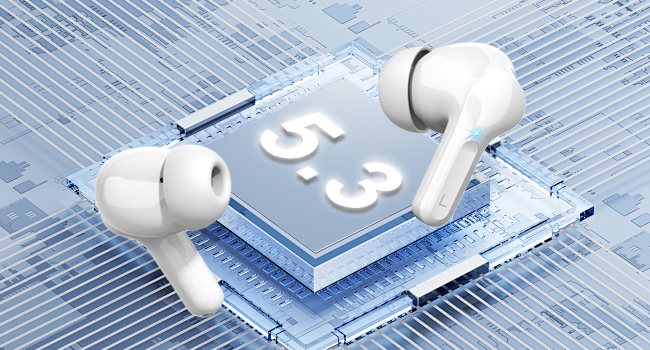
The Ordtop Wireless Earbuds Model I13 feature advanced Bluetooth 5.3 technology, a dual LED power display, and touch controls for a seamless audio experience. The ergonomic design ensures a comfortable and secure fit.
Øreproppernes komponenter
Opladningsetui med LED-display

3. Opsætning
3.1 Opladning af øretelefoner og etuiet
Before first use, fully charge both the earbuds and the charging case. Place the earbuds into the charging case. Connect the provided USB-C cable to the charging port on the case and the other end to a USB power source (e.g., wall adapter, computer USB port).
- The LED display on the case will show the battery percentage of the case and individual earbud charge levels (L/R).
- A full charge for the case typically takes approximately 1.5 hours.
- Earbuds provide up to 8 hours of playback on a single charge. The charging case provides an additional 4 charges, totaling up to 40 hours of continuous music time.

3.2 Parring med din enhed
The Ordtop I13 earbuds feature one-step auto-pairing for convenience.
- Første gangs parring: Åbn opladningsetuiet. Ørepropperne går automatisk i parringstilstand.
- Gå til Bluetooth-indstillingerne på din enhed (smartphone, tablet osv.), og sørg for, at Bluetooth er aktiveret.
- Look for "i13" in the list of available devices and select it to connect.
- Når der er forbindelse, hører du en lydmeddelelse, og ørepropperne er klar til brug.
- Efterfølgende brug: After the initial pairing, simply open the charging case, and the earbuds will automatically connect to the last paired device.

4. Betjeningsvejledning
4.1 Smarte berøringskontroller
The earbuds are equipped with touch sensors for easy control of music, calls, and voice assistant functions.
| Handling | Fungere |
|---|---|
| Long Tap 1s (R) | Næste spor |
| Long Tap 1s (L) | Forrige spor |
| Kort tryk | Besvar/læg på opkald |
| Once Click (R/L) | Afspil/pause musik |
| Langt tryk | Afvis opkald |
| Triple Tap (R/L) | Aktivér stemmeassistent (Siri) |
| Dobbelttryk (L) | Lydstyrke ned |
| Dobbelttryk (R) | Lydstyrke op |
4.2 Sådan tager du ørepropperne på
Select the ear tips that provide the most comfortable and secure fit for your ears. Gently insert the earbuds into your ear canal and rotate them slightly to ensure a snug fit. A proper fit is crucial for optimal sound quality and noise cancellation.

5. Vedligeholdelse
5.1 Rengøring
- Rengør regelmæssigt ørepropperne og opladningsetuiet med en blød, tør og fnugfri klud.
- Fjern ørepropperne, og rengør dem med mild sæbe og vand. Tør dem derefter grundigt, inden de sættes på igen.
- Undgå at bruge slibende materialer eller skrappe kemikalier.
5.2 Opbevaring
When not in use, store the earbuds in their charging case to protect them from dust and damage. Store the case in a cool, dry place away from extreme temperatures.
5.3 Vandtæthed
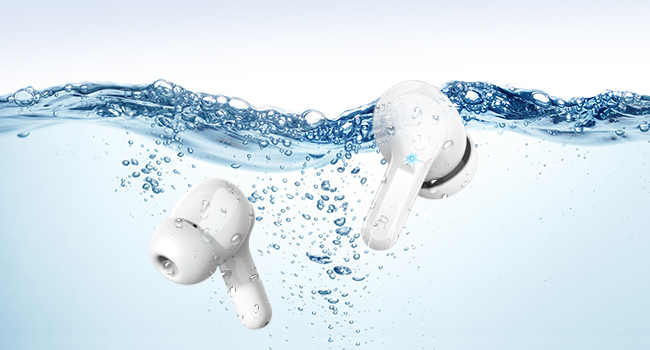
The earbuds are IP7 waterproof, offering protection against sweat, rain, and splashes. They are not designed for swimming or prolonged submersion in water.

6. Fejlfinding
Hvis du støder på problemer med dine ørepropper, kan du bruge følgende almindelige løsninger:
- Ørepropper parrer ikke: Ensure both earbuds are charged and placed in the case. Open the case, then check your device's Bluetooth settings to reconnect. If issues persist, try forgetting the device on your phone and re-pairing.
- Kun én øreprop virker: Place both earbuds back into the charging case, close the lid, wait a few seconds, then open it again. This often resets the connection between them.
- Ingen lyd: Kontrollér lydstyrken på både din enhed og ørepropperne. Sørg for, at ørepropperne er korrekt tilsluttet din enhed.
- Opladningsproblemer: Verify the USB-C cable is securely connected to both the case and the power source. Ensure the power source is active. Clean the charging contacts on the earbuds and inside the case.
- Dårlig lydkvalitet: Ensure the ear tips provide a good seal in your ear. Try different sized ear tips. Check for any obstructions in the earbud's speaker mesh.
For yderligere assistance, kontakt venligst kundesupport.
7. Specifikationer
| Feature | Detalje |
|---|---|
| Modelnavn | I13 |
| Bluetooth version | 5.3 |
| Forbindelsesteknologi | Trådløs (Bluetooth) |
| Audio driver størrelse | 13 mm dynamisk driver |
| Batterilevetid (ørepropper) | Op til 8 timer pr. Opladning |
| Samlet afspilningstid (med etui) | Op til 40 timer |
| Opladningstid (etui) | Ca. 1.5 timer |
| Opladningsport | USB-C |
| Vandmodstandsvurdering | IP7 vandtæt |
| Støjkontrol | ENC støjreduktion (mikrofon) |
| Kontrolmetode | Røre |
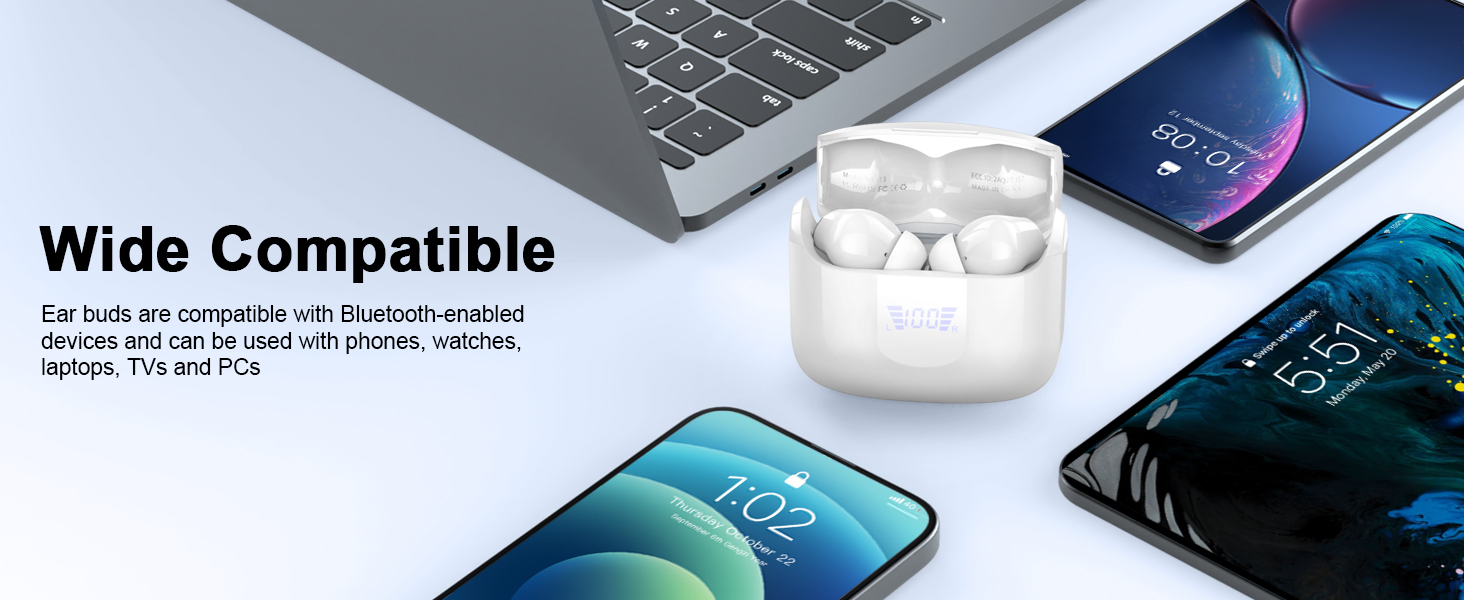
| Kompatible enheder | iOS, Android smartphones, TV, computers, laptops |
| Earbud vægt | 3.8 grams (single earbud) |
8. Sikkerhedsoplysninger
- Produktet må ikke skilles ad eller modificeres.
- Holdes væk fra ekstreme temperaturer og direkte sollys.
- Undgå at tabe ørepropperne eller udsætte dem for kraftige stød.
- Må ikke udsættes for ild eller bortskaffes i ild.
- Opbevares utilgængeligt for børn og kæledyr.
- Brug kun det medfølgende opladningskabel eller et tilsvarende certificeret kabel.
- At lytte ved høj lydstyrke i længere perioder kan forårsage høreskader.
9. Garanti og support
Your Ordtop Wireless Earbuds Model I13 come with a manufacturer's warranty. For specific warranty details, please refer to the warranty card included in your package or contact Ordtop customer support. If you have any questions, require technical assistance, or need to report an issue, please reach out to our support team through the contact information provided on the product packaging or the official Ordtop webwebsted.