
KOORUI S2721XO 27-Inch QD-OLED Gaming Monitor User Manual
Model: S2721XO
1. Introduktion
This manual provides instructions for the setup, operation, maintenance, and troubleshooting of your KOORUI S2721XO 27-inch QD-OLED Gaming Monitor. Please read this manual thoroughly before using the product to ensure proper function and safety.
The KOORUI S2721XO monitor features a 27-inch QD-OLED panel with QHD (2560x1440) resolution, a 240Hz refresh rate, and a 0.03ms (GtG) response time. It supports HDR True Black 400 and AdaptiveSync technology for a smooth visual experience. Connectivity options include HDMI 2.1 and DisplayPort 1.4.
2. Sikkerhedsoplysninger
- Sørg for, at skærmen er placeret på en stabil, flad overflade for at forhindre utilsigtede fald.
- Udsæt ikke skærmen for regn eller fugt for at undgå elektrisk stød.
- Hold ventilationsåbningerne fri for at forhindre overophedning.
- Brug kun den strømadapter, der følger med skærmen.
- Undgå at berøre skærmen med skarpe genstande.
- Disconnect the power cable from the outlet before cleaning or if the monitor will be unused for an extended period.
3. Opsætning
3.1 Pakkens indhold
Bekræft at alle komponenter er til stede i pakken:
- KOORUI S2721XO Monitor
- Monitorstativ (base og hals)
- Strømkabel
- DisplayPort-kabel (1.8 m)
- Brugervejledning (dette dokument)
3.2 Samling af stativet
- Fastgør stativets hals til skærmpanelet. Sørg for, at den klikker sikkert på plads.
- Attach the stand base to the stand neck. Tighten any screws as necessary.
Alternatively, the monitor supports VESA 100x100mm mounting for compatible wall mounts or monitor arms.
Figur 3.2.1: Bagside view of the monitor with VESA mount and stand attachment.

Figur 3.2.2: Bagside view af skærmen med stativet samlet.
3.3 Tilslutning til en enhed
Skærmen tilbyder flere inputmuligheder:
- HDMI 2.1: Connect to a PC or gaming console using an HDMI 2.1 cable. The monitor has two HDMI 2.1 ports.
- DisplayPort 1.4: Connect to a PC using a DisplayPort 1.4 cable. A DisplayPort cable is included.
- Lydudgang: Tilslut eksterne højttalere eller hovedtelefoner til 3.5 mm lydstikket.

Figur 3.3.1: Skærmindgangsporte.
Når du har tilsluttet videokablet, skal du tilslutte strømkablet til skærmen og derefter til en stikkontakt.
4. Betjening
4.1 Tænd/sluk
Press the power button (usually located on the back or bottom of the monitor) to turn the monitor on or off. The power indicator light will illuminate when the monitor is on.
4.2 On-Screen Display (OSD) menu
The monitor features a joystick controller for navigating the OSD menu. This allows for easy adjustment of various settings.
- Tryk på joysticket: Åbner OSD-menuen.
- Flyt joysticket op/ned: Navigerer gennem menupunkter.
- Flyt joysticket til venstre/højre: Justerer værdier eller åbner undermenuer.
- Tryk igen: Bekræfter valg eller afslutter en undermenu.
4.3 Skærmindstillinger
Adjust the following settings via the OSD menu for optimal performance:
- Opløsning: Set to 2560x1440 (QHD) for the native display resolution.
- Opdateringshastighed: Select 240Hz for the smoothest motion.
- AdaptiveSync: Enable AdaptiveSync (FreeSync compatible) to eliminate screen tearing and stuttering during gaming.
- HDR True Black 400: Activate HDR for enhanced contrast and color depth in compatible content.
- Farveskala: Adjust color settings, including DCI-P3 99% and sRGB 100% modes, for accurate color reproduction.
- Lysstyrke/kontrast: Fine-tune display brightness (average 280 nits) and contrast levels.
- Opdatering af billedbevaring: This feature helps prevent burn-in on the OLED panel. It is recommended to keep this enabled.
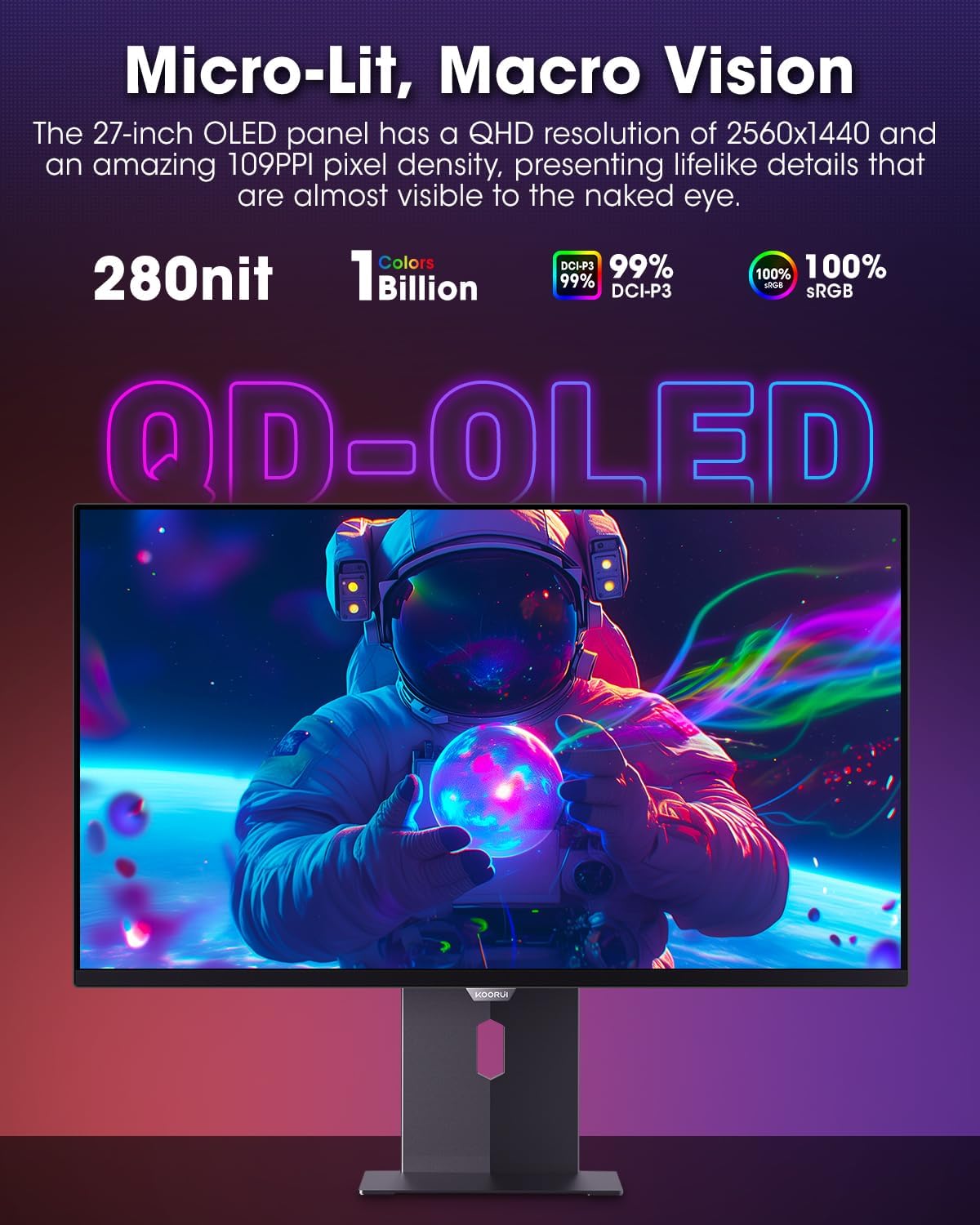
Figure 4.3.1: The QD-OLED panel delivers vivid colors and deep blacks.

Figure 4.3.2: High refresh rate and low response time for smooth gaming.
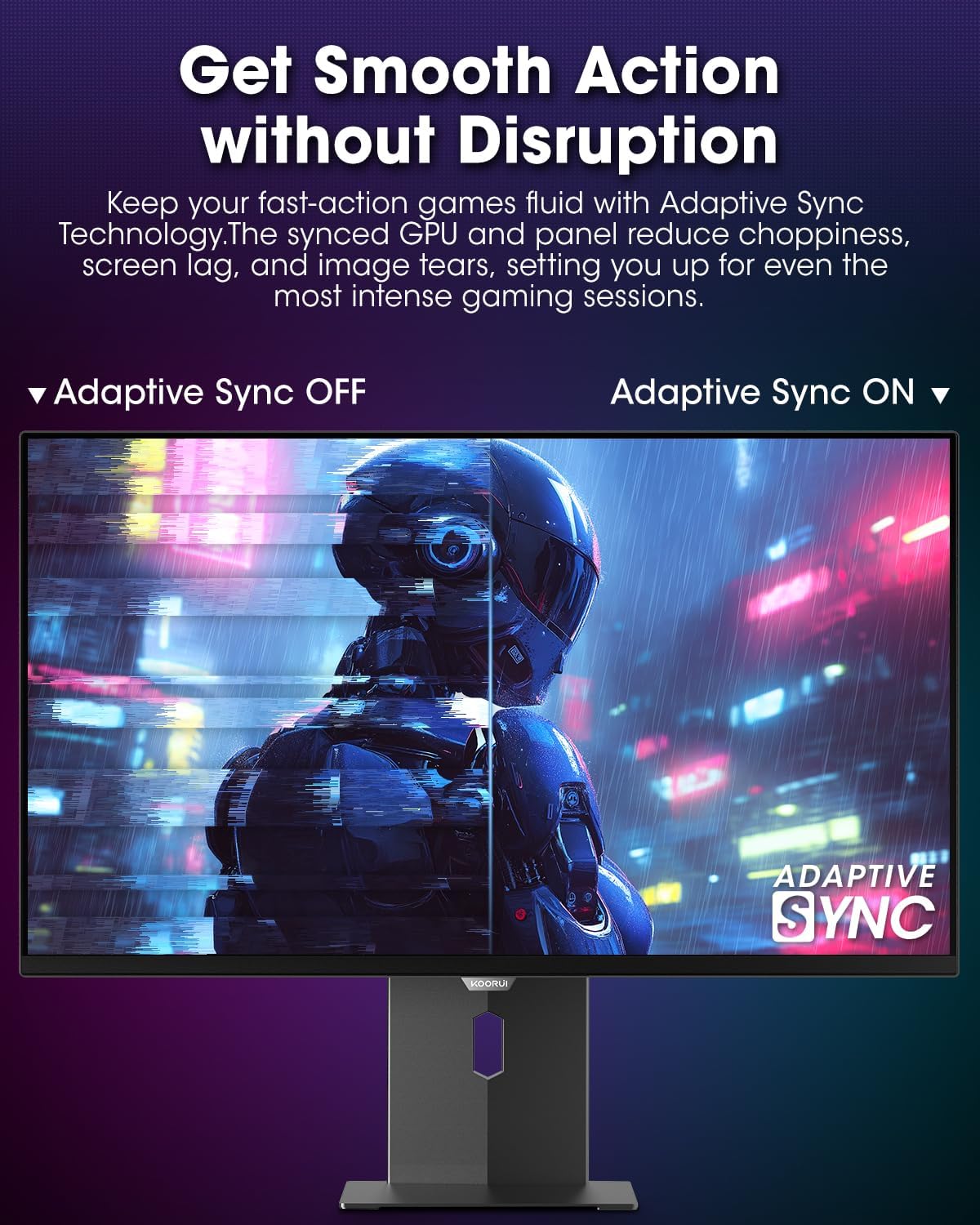
Figure 4.3.3: AdaptiveSync technology prevents screen tearing.
4.4 Ergonomiske justeringer
The monitor stand allows for various adjustments to enhance viewkomfort:
- Højdejustering: Hæv eller sænk skærmen til øjenhøjde.
- Vip: Juster skærmens vinkel fremad eller bagud.
- Drejelig: Drej skærmen vandret.
- Pivot: Rotate the monitor vertically (portrait mode).

Figur 4.4.1: Justering af skærmens hældning.

Figure 4.4.2: Monitor pivot adjustment to portrait mode.
5. Vedligeholdelse
- Rengøring af skærmen: Brug let en blød, fnugfri klud dampskylles med vand eller en skærmrens. Spray ikke rengøringsmiddel direkte på skærmen.
- Rengøring af Casing: Tør skærmen c afasinmed en blød, tør klud. Undgå slibende rengøringsmidler.
- Ventilation: Ensure the monitor's ventilation holes are not blocked to prevent overheating.
- Sluk: Sluk altid skærmen og tag stikket ud af stikket, inden du rengør den.
6. Fejlfinding
| Problem | Mulig årsag | Løsning |
|---|---|---|
| Intet billede på skærmen | Strømkabel frakoblet; Videokabel frakoblet; Forkert indgangskilde valgt. | Kontroller strøm- og videokabelforbindelser; vælg den korrekte inputkilde via OSD-menuen. |
| Billede flimrer eller tearing | AdaptiveSync not enabled; Graphics card driver issues. | Enable AdaptiveSync in OSD menu; Update graphics card drivers. |
| Farverne ser forkerte ud | Farveindstillingerne er forkert konfigureret; Defekt videokabel. | Nulstil farveindstillingerne i OSD-menuen; Prøv et andet videokabel. |
| Skærmen tænder ikke | Strømkabel ikke tilsluttet; Strømudtag virker ikke. | Sørg for, at strømkablet er korrekt tilsluttet; Test stikkontakten med en anden enhed. |
7. Specifikationer
| Feature | Detalje |
|---|---|
| Mærke | KOORUI |
| Modelnummer | S2721XO |
| Skærmstørrelse | 27 tommer |
| Display Type | QD-OLED |
| Opløsning | QHD bred 1440p (2560 x 1440 pixels) |
| Opdateringshastighed | 240 Hz |
| Svartid | 0.03 Milliseconds (GtG) |
| Kontrastforhold | 20,000,000:1 |
| Lysstyrke | 350 candela_per_square_meter (average 280 nits) |
| Farveskala | 99 % DCI-P3 |
| HDR-understøttelse | HDR True Black 400 |
| Adaptiv synkronisering | FreeSync-kompatibel |
| Forbindelse | 2x HDMI 2.1, 1x DisplayPort 1.4, 1x lydudgang |
| Ergonomi | Tilt, Height, Swivel, Pivot Adjustment |
| VESA Mount | 100x100 mm |
| Produktdimensioner | 21.58 x 61 x 51.2 cm; 8.96 kg |

Figur 7.1: Skærmens dimensioner.
8. Garanti og support
8.1 Garantioplysninger
The KOORUI S2721XO monitor comes with a 1 års begrænset garanti. Please retain your proof of purchase for warranty claims. For detailed warranty terms and conditions, refer to the official KOORUI webwebsted eller kontakt kundesupport.
8.2 Kundesupport
For technical assistance, troubleshooting, or warranty inquiries, please contact KOORUI customer support. Refer to the contact information provided on the official KOORUI webwebstedet eller din købsdokumentation.
You can also find additional support resources and FAQs on the KOORUI brand store on Amazon: KOORUI Amazon Store
9. Produktvideoer
KOORUI 4K OLED Gaming Monitor 240Hz (Seller Video)
Denne video giver en overview of the KOORUI OLED Gaming Monitor, highlighting its key features such as high refresh rate and OLED display technology. While the title mentions "4K", the video content is generally applicable to high-performance OLED gaming monitors from KOORUI, including the S2721XO model's features like 240Hz refresh rate and fast response time.