
BoxWave DirectSync Cable
BoxWave DirectSync Cable Instruction Manual
Model: DirectSync Cable for Doogee T6
Brand: BoxWave
1. Introduktion
The BoxWave DirectSync Cable is a versatile accessory designed to provide both charging and high-speed data transfer capabilities for your compatible devices, such as the Doogee T6. This manual provides essential information on the cable's features, usage, maintenance, and troubleshooting to ensure optimal performance and longevity.
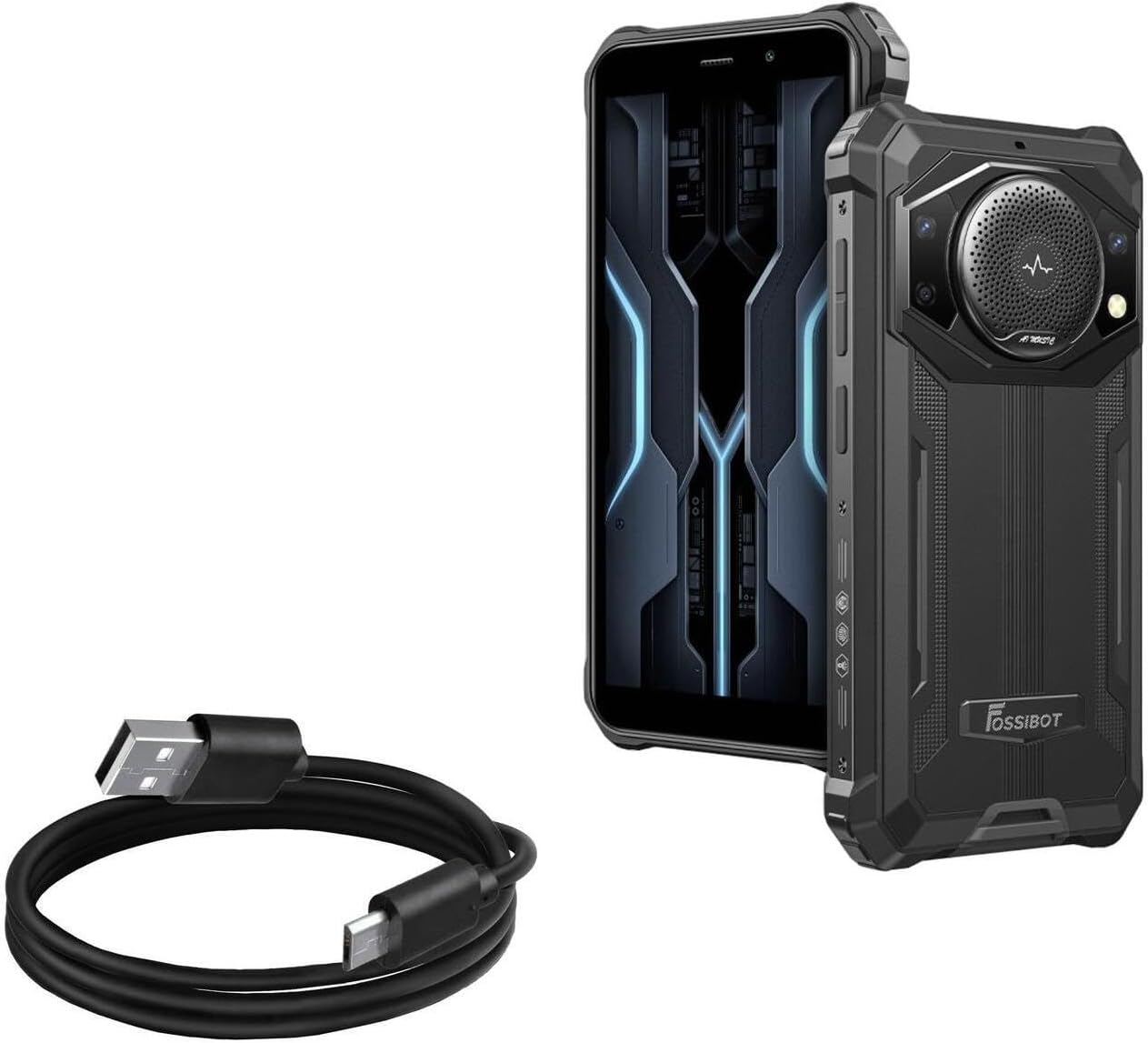
Image 1.1: The BoxWave DirectSync Cable shown alongside a compatible smartphone, illustrating its primary use.
2. Produktfunktioner
The DirectSync Cable is engineered with several key features to enhance its functionality and durability:
- Hi-Speed USB 2.0 Data Transfers: Supports data transfer speeds up to 480Mbps, allowing for quick synchronization of files between your device and a computer.
- Dual-Functionality: Designed to simultaneously charge your device and transfer data, streamlining your connectivity needs.
- Durable and Shielded Design: The cable is shielded to protect against interference and ensure a stable connection, contributing to its long lifespan.
- Reinforced Strain Relief: Features robust rubberized grommet strain reliefs at the connectors to prevent kinking, fraying, and splitting, enhancing durability.
- Generøs længde: Giver ample length for convenient use without restricting device placement during charging or data transfer. The cable is approximately 3 feet long.
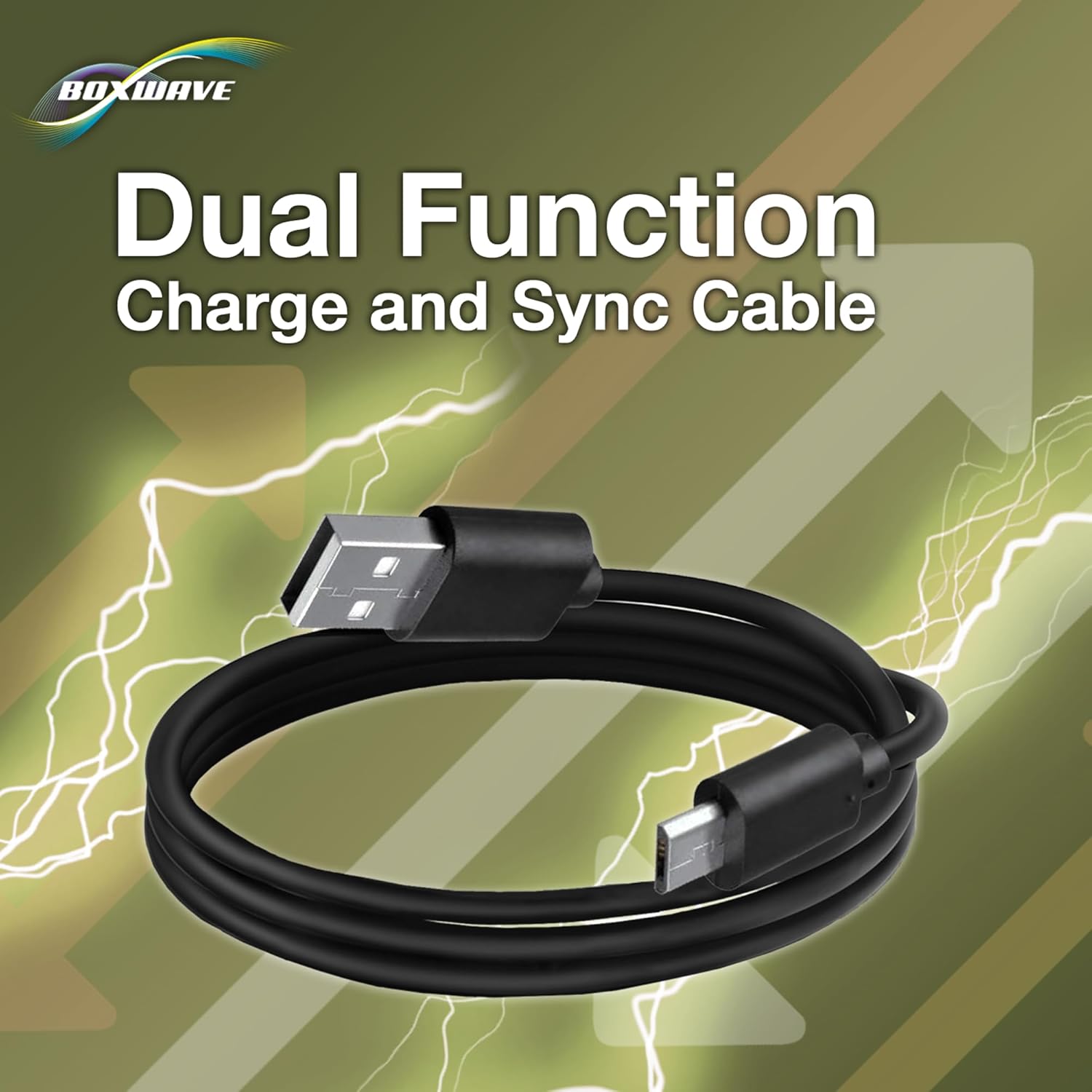
Image 2.1: The DirectSync Cable, emphasizing its dual charge and sync capabilities.

Image 2.2: Detail of the reinforced strain relief, designed to prevent cable damage at the connector points.
3. Opsætning og tilslutning
The DirectSync Cable is designed for simple plug-and-play operation. No special drivers or software are typically required for basic functionality.
3.1 Tilslutning til opladning
- Insert the micro-USB connector of the DirectSync Cable into the charging port of your Doogee T6 or other compatible device.
- Insert the standard USB-A connector into a compatible USB power source, such as a wall adapter, car charger, or power bank.
- Sørg for, at forbindelsen er sikker. Din enhed bør indikere, at den oplader.
3.2 Tilslutning til dataoverførsel
- Insert the micro-USB connector of the DirectSync Cable into the charging/data port of your Doogee T6 or other compatible device.
- Insert the standard USB-A connector into an available USB port on your computer (PC or Mac).
- Once connected, your computer should recognize the device. You may need to select "File Transfer" or "MTP" mode on your device's screen if prompted, to allow access to its storage.

Image 3.1: The DirectSync Cable facilitating both charging and data synchronization between a device and a computer.
4. Betjeningsvejledning
4.1 Opladning af din enhed
To charge your device, connect the DirectSync Cable as described in Section 3.1. The cable supports standard charging rates compatible with USB 2.0 specifications. Charging time will vary depending on your device's battery capacity and the power output of your USB power source.
4.2 Overførsel af data
For data transfer, connect the DirectSync Cable to your device and computer as described in Section 3.2. You can then access your device's internal storage or external SD card (if applicable) through your computer's file explorer. Drag and drop files to transfer them. The cable supports data transfer speeds of up to 480Mbps, which is standard for USB 2.0, allowing for efficient transfer of photos, videos, and documents.
5. Pleje og vedligeholdelse
Proper care of your DirectSync Cable will extend its lifespan and ensure reliable performance:
- Undgå skarpe bøjninger: Do not bend the cable sharply, especially near the connectors, as this can damage the internal wires. The reinforced strain reliefs are designed to mitigate this, but extreme bending should still be avoided.
- Opbevar korrekt: Når kablet ikke er i brug, skal det rulles løst op. Undgå at kablet filtres sammen eller får knuder.
- Hold rent: If the connectors become dirty, gently wipe them with a dry, lint-free cloth. Do not use liquids or abrasive cleaners.
- Håndteres med forsigtighed: Træk altid i stikket, ikke i selve kablet, når du frakobler en enhed eller strømkilde.
- Miljøforhold: Undgå at udsætte kablet for ekstreme temperaturer, direkte sollys i længere perioder eller overdreven fugtighed.
6. Fejlfindingsvejledning
| Problem | Mulig årsag | Løsning |
|---|---|---|
| Enheden oplader ikke. | Loose connection, faulty power source, damaged cable, device issue. |
|
| Device not recognized for data transfer. | Incorrect device setting, loose connection, driver issue, damaged cable. |
|
| Slow charging or data transfer. | Using a non-optimal power source, background processes, cable degradation. |
|
7. Tekniske specifikationer
- Produktnavn: DirectSync Cable
- Modelkompatibilitet: Doogee T6 and other devices with a micro-USB port
- Forbindelsestype 1: USB-A (han)
- Forbindelsestype 2: Micro-USB (Male)
- USB standard: USB 2.0
- Dataoverførselshastighed: Op til 480 Mbps
- Kabellængde: Cirka 3 fod (0.91 meter)
- Varens vægt: 1.7 ounce (48.2 gram)
- Fabrikant: BoxWave
- Første tilgængelige dato: 7. oktober 2015

Billede 7.1: Overview of key features and specifications of the DirectSync Cable.
8. Garanti og support
BoxWave stands behind the quality of its products. For any issues or inquiries regarding your DirectSync Cable, please contact BoxWave customer support. While this product is compatible with the Doogee T6, BoxWave is not affiliated with or endorsed by Doogee. Limited third-party tech support for your device (up to 3 inquiries via messaging) may be available, as noted at the time of purchase.
For the most current support information and contact details, please visit the official BoxWave webwebstedet eller se emballagen på dit produkt.
Webwebsted: www.boxwave.com
Ask a question about this manual
Ask about setup, troubleshooting, compatibility, parts, safety, or missing instructions. Manuals+ will review the question and use this page’s manual context to help answer it.