
FLEXISPOT 60x24" White Top + White Frame
FLEXISPOT elektrisk ståbord i ét stykke, brugsanvisning
Model: 60x24" White Top + White Frame
Mærke: FLEXISPOT
Indledning
This manual provides comprehensive instructions for the assembly, operation, maintenance, and troubleshooting of your FLEXISPOT One-Piece Electric Standing Desk. Please read this manual thoroughly before assembly and use to ensure proper function and safety.
Opsætning og montering
Your FLEXISPOT electric standing desk is designed for straightforward assembly. The desk ships in two separate boxes, which may arrive at different times. The main bracket and motor come pre-attached, simplifying the process. An electric drill may be required for some steps during assembly.
Betjeningsvejledning
The FLEXISPOT electric standing desk offers effortless height adjustment to suit your ergonomic needs throughout the day.
Højdejustering
The desk's height can be adjusted electrically from a minimum of 28.1 inches to a maximum of 45.7 inches. Use the up and down arrows on the control panel for precise adjustments.
Smart kontrolpanel
The integrated smart control panel allows for easy operation. It features an LED display showing the current desk height, along with up/down arrows for manual adjustments. Four memory presets (1, 2, 3, 4) enable you to save and recall your preferred sitting and standing heights with a single touch.
Stille drift
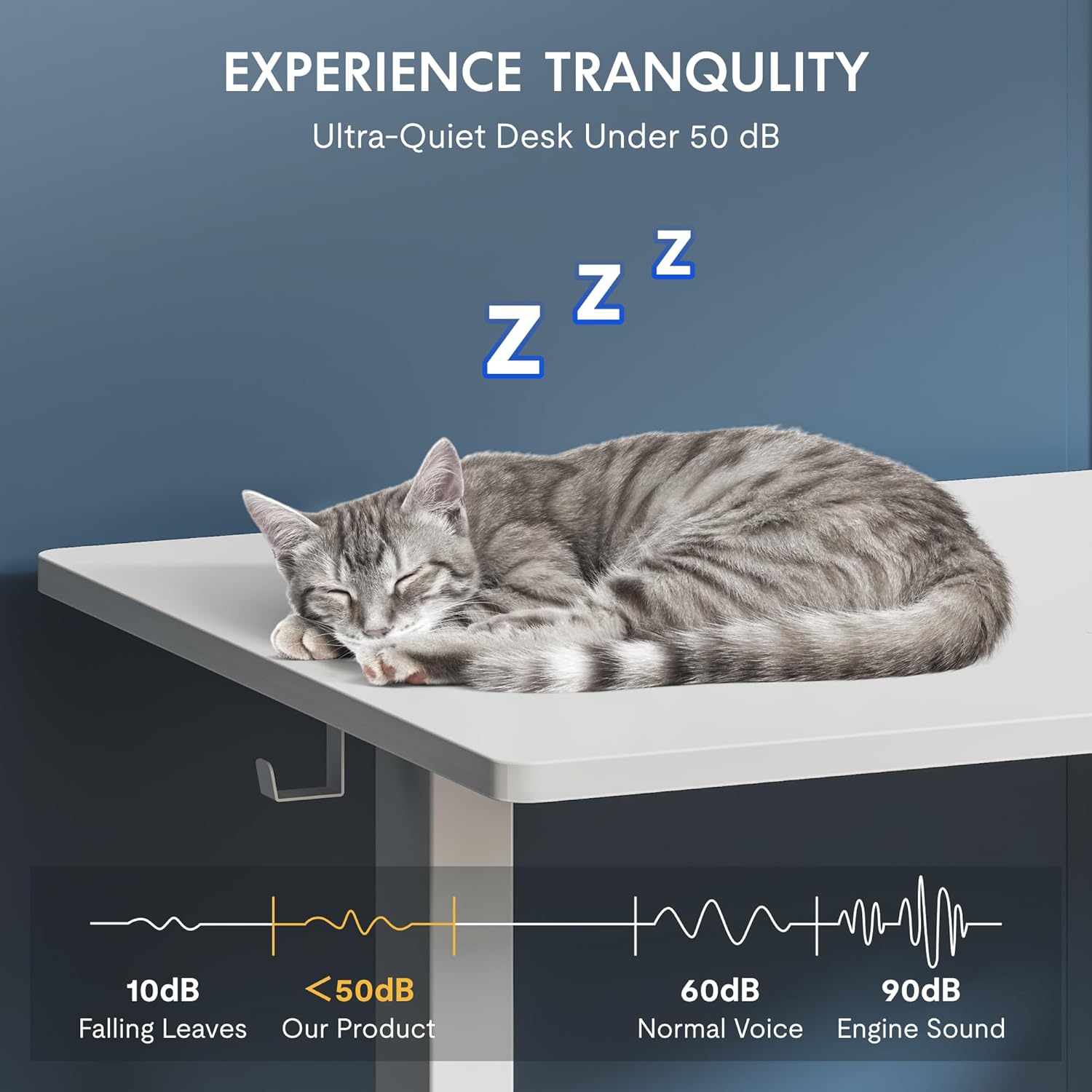
The desk's motor operates at a low noise level, under 50 dB, ensuring a quiet and undisturbed work environment.
Nøglefunktioner
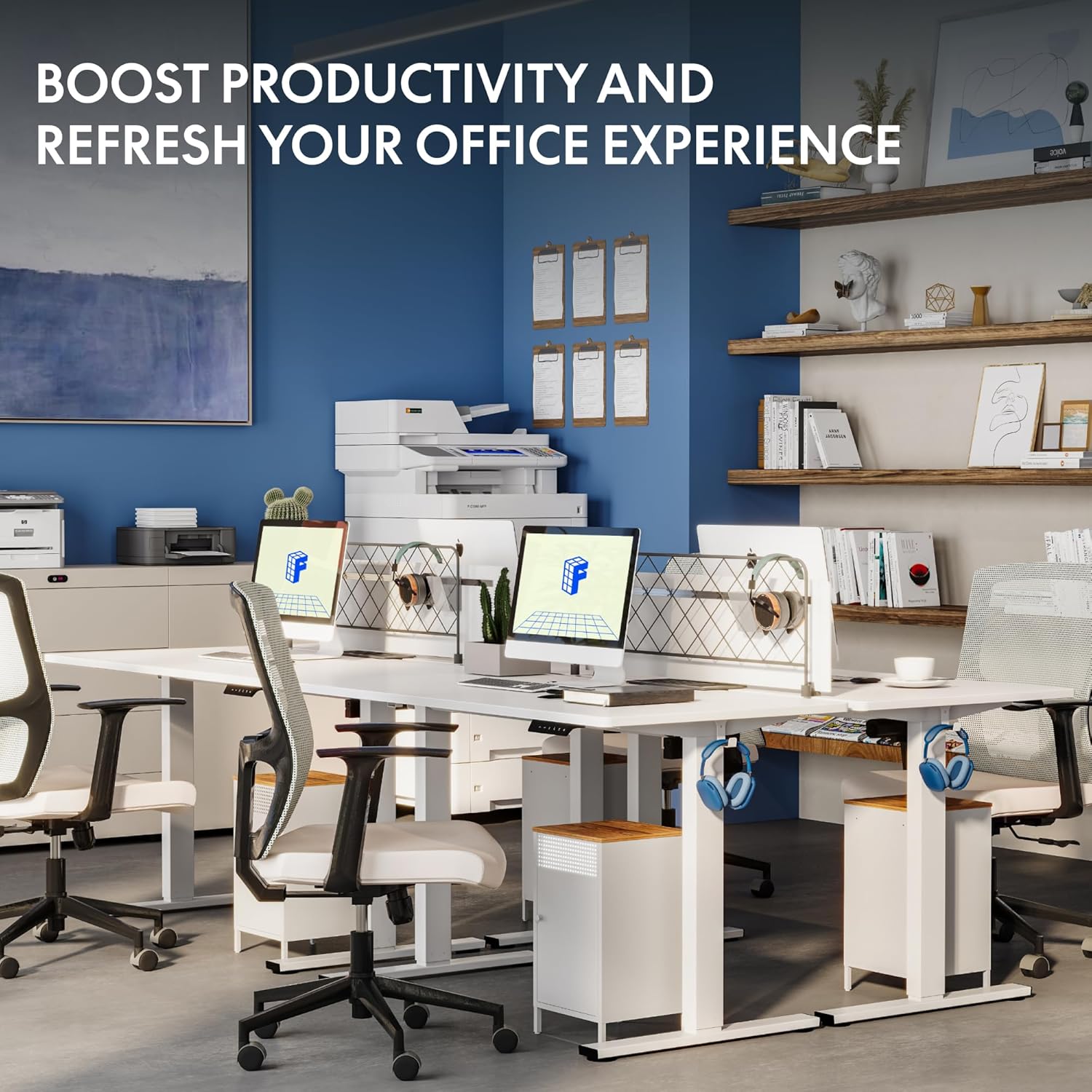
The FLEXISPOT One-Piece Electric Standing Desk is designed with user convenience and durability in mind.
Seamless One-Piece Desktop
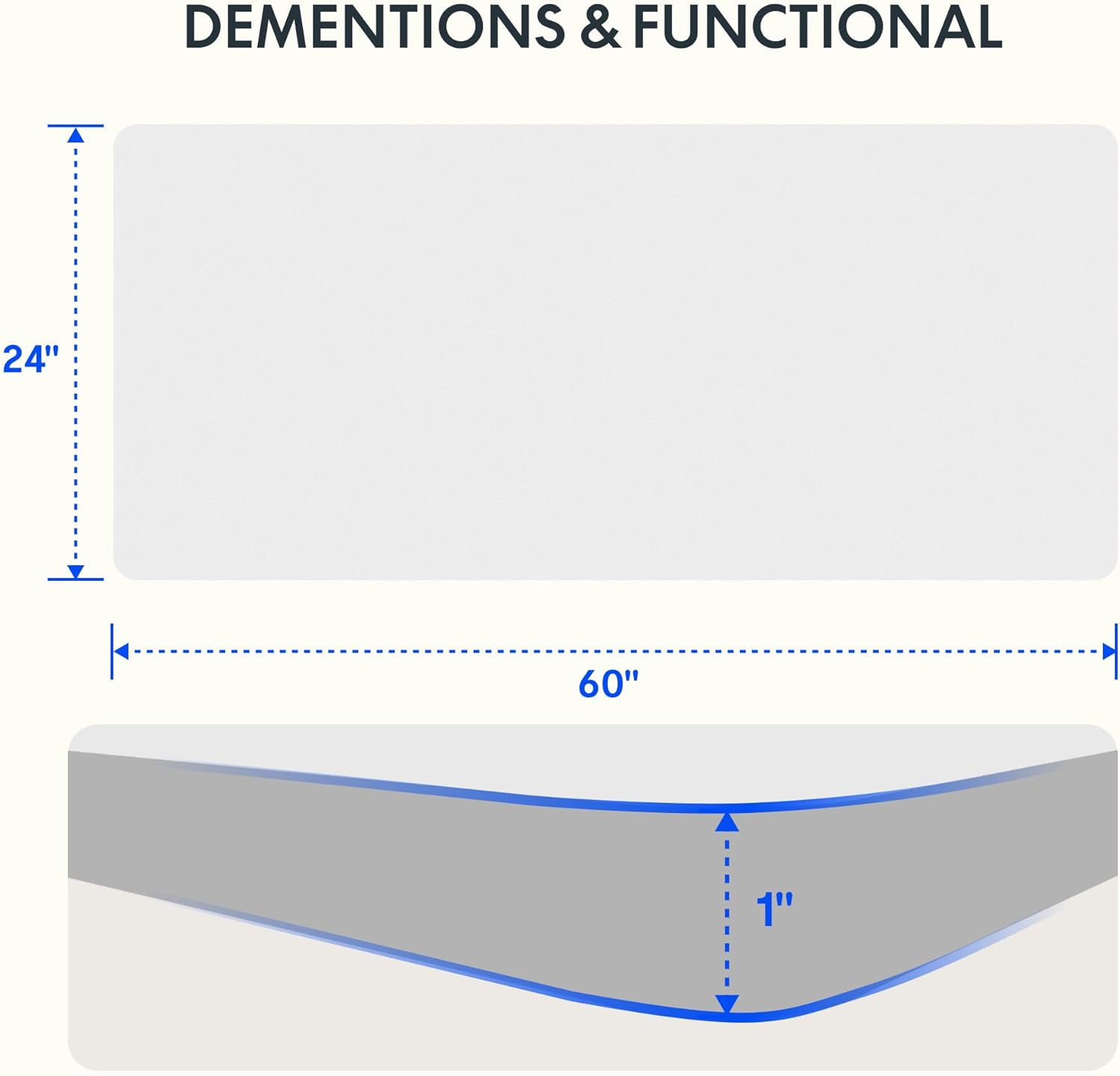
Enjoy a smooth, gap-free work surface. The 1-inch thick one-piece desktop is engineered for enhanced stability and durability compared to multi-piece alternatives.

Robust konstruktion
The desk features a solid steel frame and a thick tabletop, built to support up to 176 lbs. This robust construction ensures stability for dual monitors, laptops, and other office essentials.

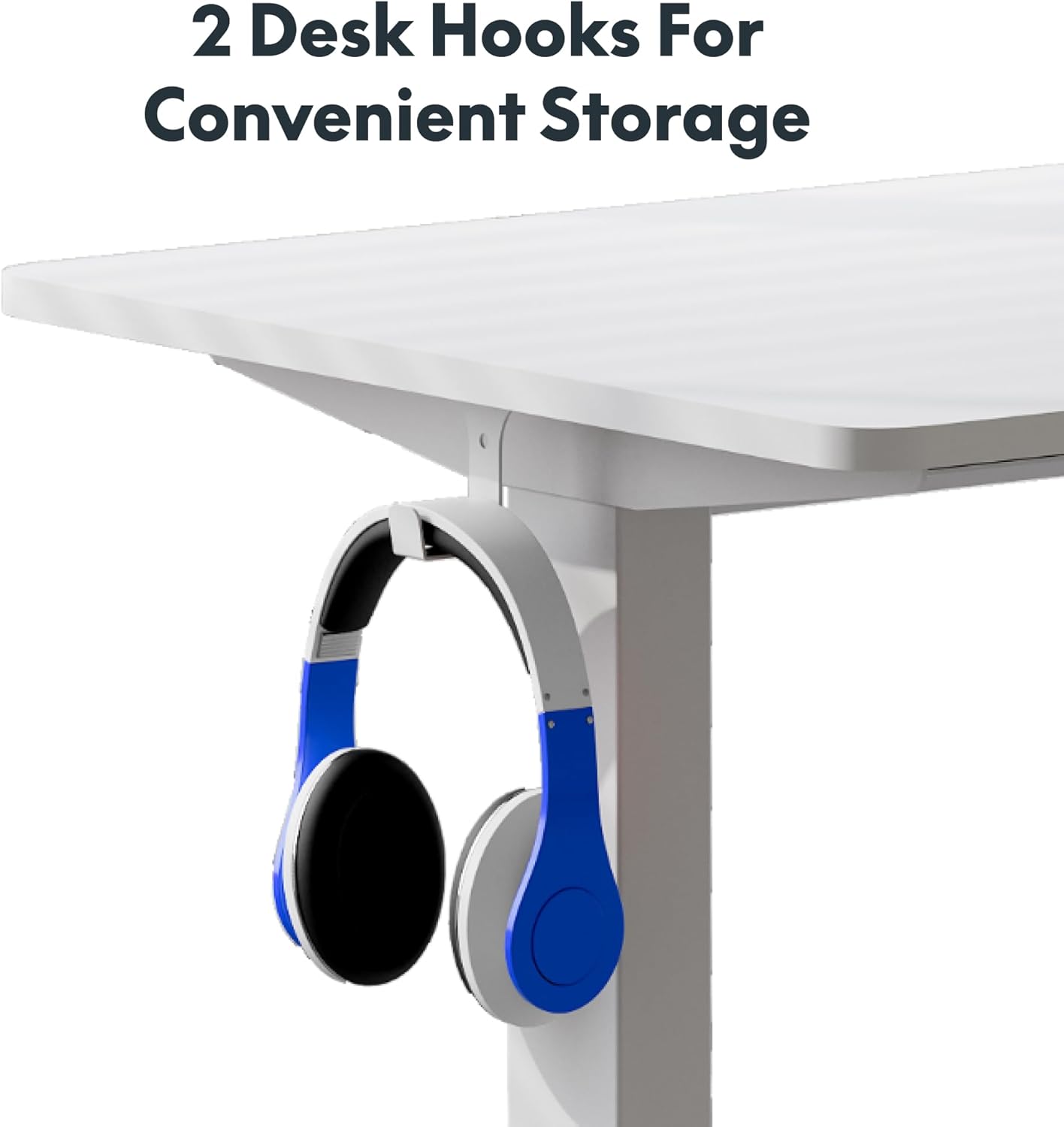
Convenient Headphone Hooks
The desk includes two integrated hooks for convenient storage of headphones or other accessories, helping to keep your workspace tidy.

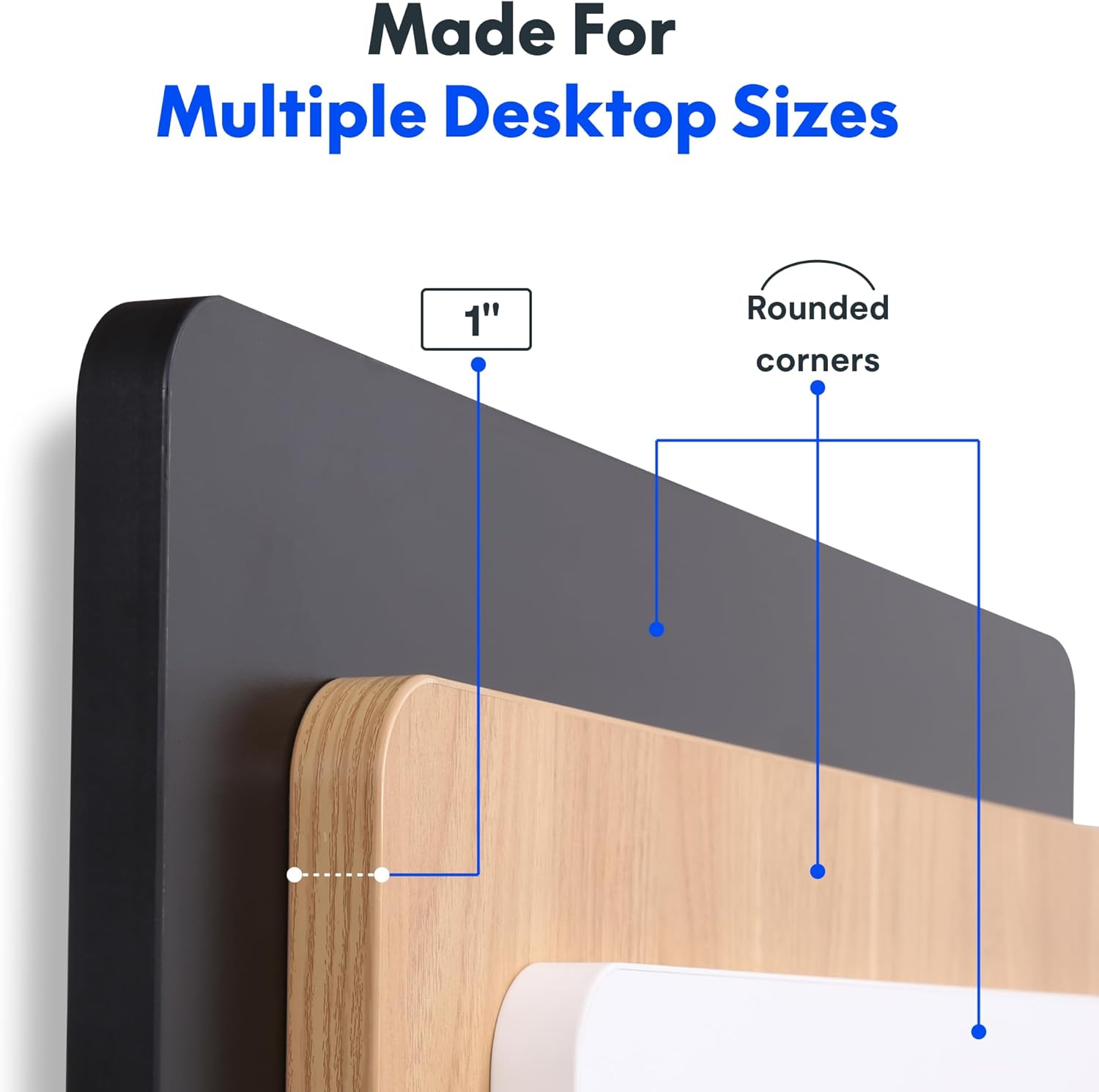
Desktop tykkelse
The desktop is 1 inch thick and features rounded corners for safety and aesthetics.
Opretholdelse
To ensure the longevity and optimal performance of your FLEXISPOT standing desk, follow these maintenance guidelines:
- Tør regelmæssigt skrivebordets overflade af med en blød, tør klud.amp klud. Undgå at bruge skrappe kemikalier eller slibende rengøringsmidler, der kan beskadige overfladen.
- Kontrollér regelmæssigt alle skruer og forbindelser for at sikre, at de forbliver stramme. Spænd eventuelle løse fastgørelseselementer efter behov.
- Keep the motor and moving parts free from dust and obstructions. Do not allow liquids to spill into the motor housing.
- Avoid placing excessively heavy items on the desk, ensuring the weight does not exceed the maximum capacity of 176 lbs.
Fejlfinding
If you encounter any issues with your FLEXISPOT electric standing desk, please refer to the following common troubleshooting steps:
- Desk Unresponsive: Check that the power cord is securely plugged into both the desk and a working electrical outlet.
- Fejlkoder: If the LED display shows an error code, consult the full product manual (if provided separately) for specific code meanings and solutions. A common first step is to unplug the desk for 30 seconds and then plug it back in to reset the system.
- Ujævn bevægelse: Ensure the desk is placed on a flat, level surface. Check that no obstructions are impeding the legs' movement.
- Støj under drift: While the motor is designed to be quiet, unusual noises may indicate an issue. Ensure the weight on the desk is evenly distributed and within the specified limit.
For persistent issues or problems not covered here, please contact FLEXISPOT customer support.
Specifikationer
| Feature | Detalje |
|---|---|
| Mærke | FLEXISPOT |
| Produktdimensioner | 24" D x 60" B x 29" H |
| Farve | Hvid top + hvid ramme |
| Grundmateriale | Legeret stål |
| Top materialetype | Konstrueret træ |
| Maksimal vægtanbefaling | 176 pund |
| Minimum højde | 28 tommer |
| Maksimal højde | 45.7 tommer |
| Bordpladetykkelse | 1 tommer |
| Speciel funktion | 1-inch Thick Standing Desk, 60x24" One-Piece Desktop, Headphone Hook |
| UPC | 840460459228 |
Garanti & Support
The FLEXISPOT One-Piece Electric Standing Desk is backed by a comprehensive warranty:
- 5-års garanti: Covers the frame, motor, and mechanical parts.
- 2-års garanti: Dækker elektroniske komponenter.
For warranty claims, technical assistance, or any product-related inquiries, please visit the official FLEXISPOT website or contact their customer service department directly. Please have your purchase information and model details ready when contacting support.
Vigtige sikkerhedsoplysninger
Please observe the following important safety information:
- This desk requires careful assembly, which may involve using an electric drill.
- Overskrid ikke den maksimale vægtgrænse på 176 pund på skrivebordet.
- Be cautious when handling the desk as it ships in two separate boxes, which can be heavy.
- Ensure all cables are properly managed and secured to prevent tripping hazards or damage during height adjustments.
Ask a question about this manual
Ask about setup, troubleshooting, compatibility, parts, safety, or missing instructions. Manuals+ will review the question and use this page’s manual context to help answer it.