
DOOGEE Tab A9+
Brugermanual til DOOGEE Tab A9 Pro+ Android 15-tablet
Model: Tab A9+
1. Introduktion
This manual provides detailed instructions for the safe and efficient use of your DOOGEE Tab A9 Pro+ Android 15 Tablet. Please read this manual thoroughly before operating the device to ensure optimal performance and longevity. The DOOGEE Tab A9 Pro+ is designed for versatile use, offering powerful performance for work, study, and entertainment.
2. Pakkens indhold
Bekræft, at alle nedenstående varer er til stede i din produktpakke:
- 1x DOOGEE Tab A9 Pro+ Tablet
- 1x Type-C USB-kabel
- 1x oplader
- 1x pakkeboks
- 1x brugermanual
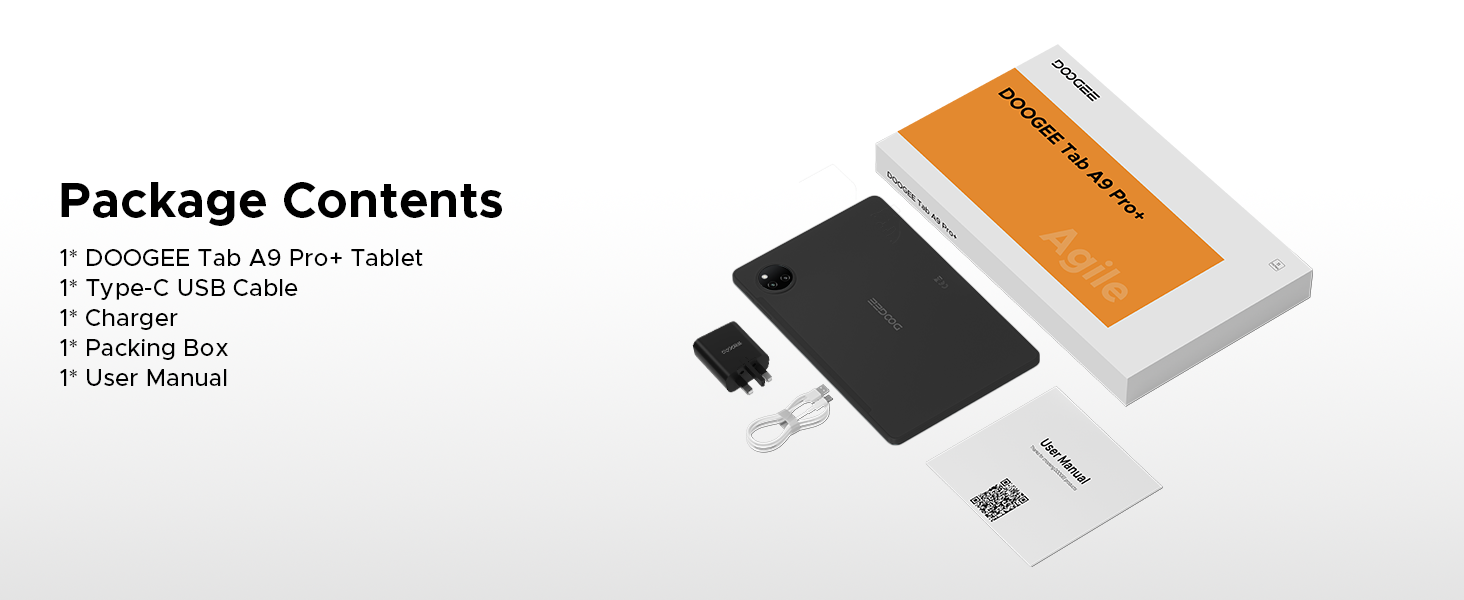
Figure 2.1: Contents of the DOOGEE Tab A9 Pro+ package.
3. Produktet er slutview og funktioner
The DOOGEE Tab A9 Pro+ is equipped with advanced features for a superior user experience.
3.1 Display
The tablet features an 11-inch HD IPS display with a 90Hz refresh rate, providing a wide field of view and smooth visuals. It supports Widevine L1 for high-definition streaming content, ensuring a clear and vibrant viewoplevelse.

Figure 3.1: The 11-inch 90Hz HD IPS display of the DOOGEE Tab A9 Pro+.
3.2 Ydeevne og lagring
Powered by an Octa-Core Unisoc T7200 processor, the tablet offers efficient performance. It comes with 6GB of physical RAM, expandable up to 30GB with virtual RAM, and 128GB of internal storage, expandable up to 2TB via a TF card (sold separately).

Figur 3.2: Overview of RAM and ROM capabilities.

Figure 3.3: The Unisoc T7200 Octa-Core Processor.
3.3 Batterilevetid
The 8580mAh battery provides extended usage times, including up to 24 days standby, 36 hours of music playback, 6.5 hours of video watching, and 7 hours of web browsing. It supports 10W fast charging and 5W reverse charging.

Figure 3.4: Battery capacity and estimated usage times.
3.4 Operating System
The tablet runs on Android 15, offering an intelligent, seamless, and secure user experience with features like split-screen multitasking, advanced privacy controls, and low blue light mode.

Figure 3.5: The Android 15 operating system interface.
3.5 Kameraer og lyd
Equipped with a 13MP main camera and a 5MP front camera for capturing photos and video calls. Dual speakers provide clear audio, and a standard 3.5mm audio jack is included for private listening.

Figure 3.6: Camera specifications and sampbilleder.
Figure 3.7: High-Quality Dual Speakers for immersive audio.
4. Opsætningsvejledning
4.1 Indledende opladning
Before first use, fully charge your tablet using the provided Type-C USB cable and charger. Connect the USB cable to the tablet's charging port and the charger to a power outlet. The charging indicator will show the charging status.
4.2 Tænd/sluk
- For at tænde: Tryk og hold tænd/sluk-knappen nede, indtil DOOGEE-logoet vises på skærmen.
- For at slukke: Tryk på tænd/sluk-knappen og hold den nede, indtil menuen med strømindstillinger vises, og vælg derefter "Sluk".
- For at genstarte: Tryk på tænd/sluk-knappen og hold den nede, indtil menuen med strømindstillinger vises, og vælg derefter "Genstart".
4.3 Guide til indledende opsætning
Når tabletten tændes første gang, vil den guide dig gennem en indledende opsætningsguide. Følg instruktionerne på skærmen for at:
- Vælg dit sprog.
- Opret forbindelse til et Wi-Fi-netværk.
- Log ind med din Google-konto, eller opret en ny.
- Konfigurer skærmlås (pinkode, mønster, adgangskode eller Face ID).
- Review og accepterer vilkår og betingelser.
5. Betjeningsvejledning
5.1 Navigation og bevægelser
The Android 15 operating system uses intuitive gestures for navigation:
- Hjem: Stryg op fra bunden af skærmen.
- Tilbage: Stryg fra venstre eller højre kant af skærmen.
- Seneste apps: Stryg opad fra bunden og hold.
- Notifikationer/Hurtige indstillinger: Stryg ned fra toppen af skærmen.
5.2 App-administration
- Installer apps: Download apps fra Google Play Butik.
- Afinstaller apps: Press and hold an app icon, then drag it to "Uninstall" or go to Settings > Apps.
- Multitasking på delt skærm: Access recent apps, tap the app icon at the top of the window, and select "Split screen". This allows two apps to run simultaneously.
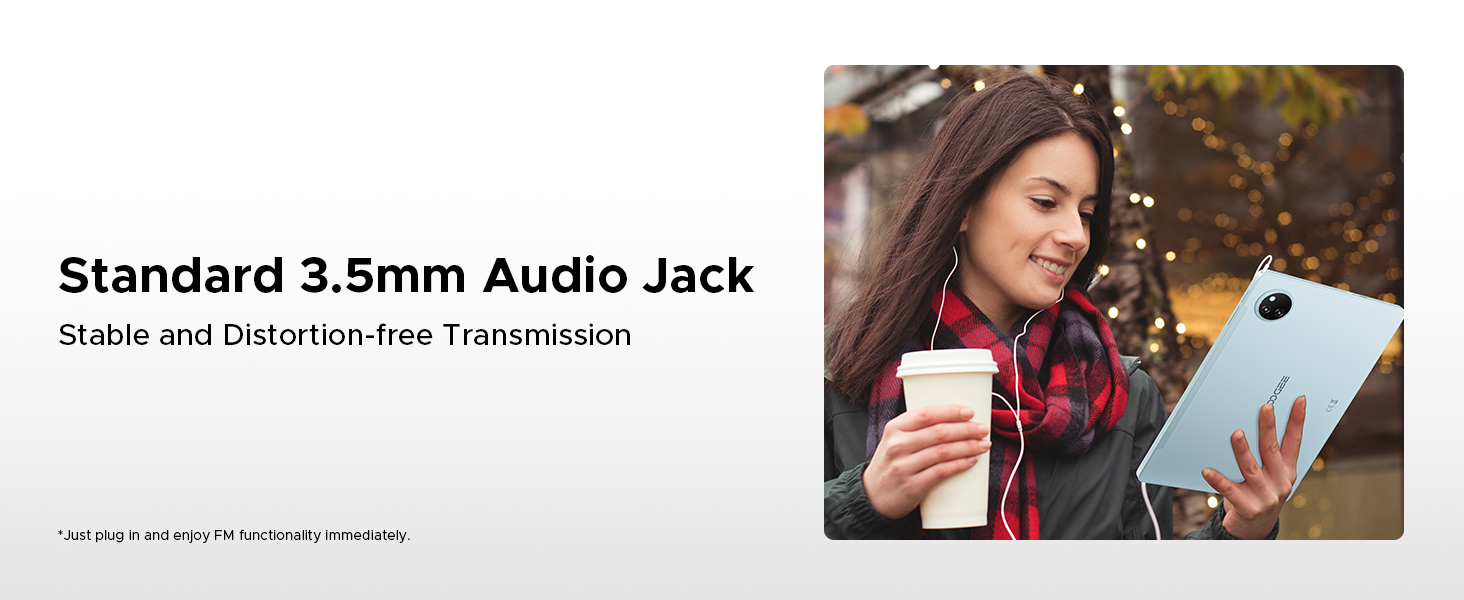
Figure 5.1: Efficient Split-Screen Multitasking.
5.3 Sikkerhedsfunktioner
- Face ID: Set up facial recognition for quick and secure unlocking via Settings > Security > Face Unlock.
- Privatlivskontroller: Android 15 offers enhanced privacy settings. Manage app permissions and data access in Settings > Privacy.
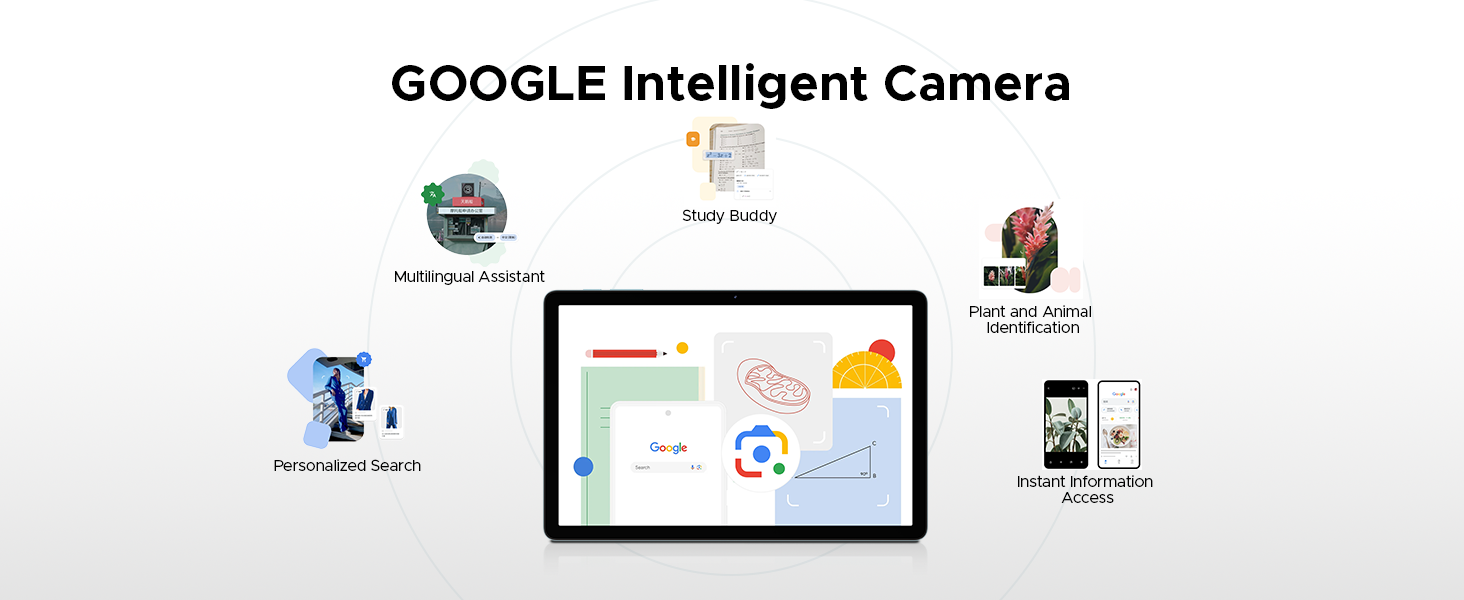
Figure 5.2: Fortified Privacy Shield features.
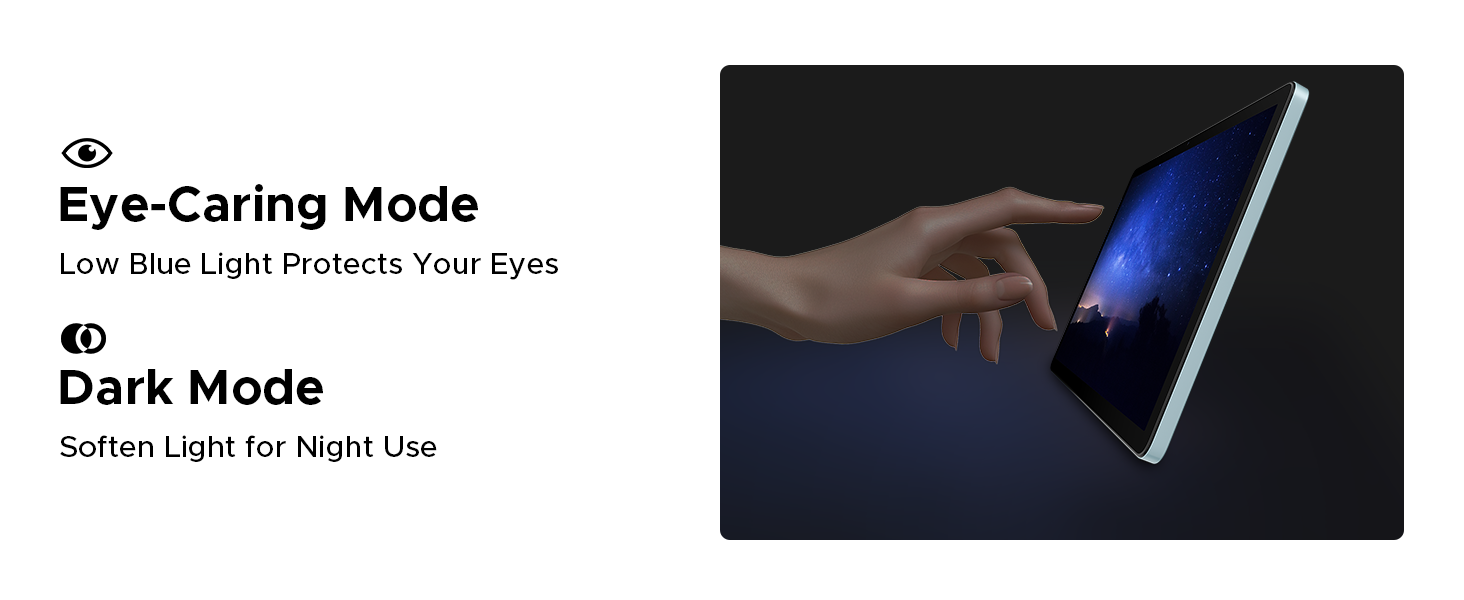
Figure 5.3: Facial Recognition Unlock.
5.4 Øjenkomforttilstande
The tablet includes features to reduce eye strain:
- Lavt blåt lys tilstand: Reduces blue light emission for comfortable reading, especially in low light. Activate this in Display Settings.
- Mørk tilstand: Softens screen light for night use, reducing glare.
- Anti-Flicker Mode: Enhances visual comfort by reducing screen flickering.
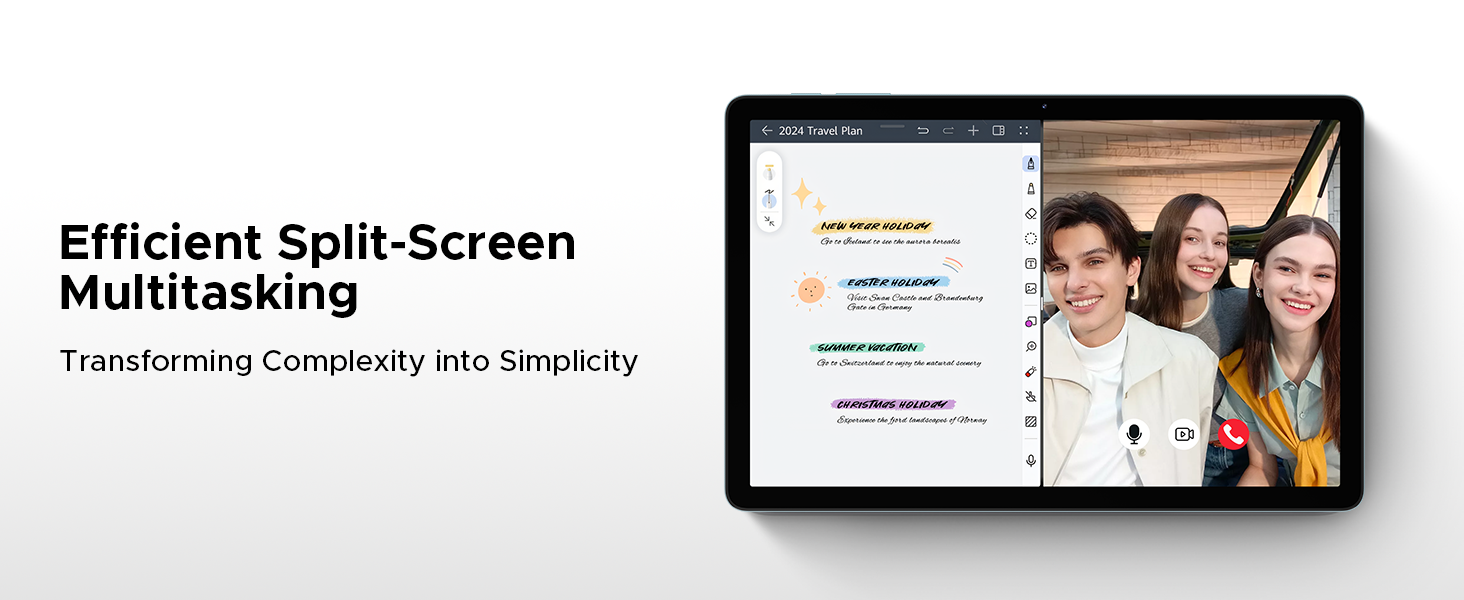
Figure 5.4: Anti-Flicker Mode comparison.
Figure 5.5: Eye-Caring Mode and Dark Mode.
6. Vedligeholdelse
6.1 Rengøring af din tablet
Brug en blød, fnugfri klud til at rengøre tabletten. Tør let ved genstridige pletter.ampRengør kluden med vand eller en skærmrens, der er beregnet til elektronik. Undgå at bruge skrappe kemikalier, slibende materialer eller for meget fugt.
6.2 Softwareopdateringer
Regularly check for and install software updates to ensure your tablet has the latest features, security patches, and performance improvements. Go to Settings > System > System update to check for updates.
6.3 Pleje af batterier
For at forlænge batterilevetiden:
- Undgå ekstreme temperaturer.
- Lad ikke batteriet aflades helt for ofte.
- Brug den originale oplader og kabel.
- Hvis tabletten opbevares i længere tid, skal den oplades til ca. 50%, før den slukkes.
7. Fejlfinding
This section addresses common issues you might encounter with your DOOGEE Tab A9 Pro+.
| Problem | Mulig årsag/løsning |
|---|---|
| Tabletten tænder ikke. | Battery might be depleted. Connect the charger and wait a few minutes before attempting to power on. If still unresponsive, try holding the power button for 10-15 seconds for a forced restart. |
| Langsom ydeevne eller apps der går ned. | Too many apps running in the background. Close unused apps. Clear cache for problematic apps (Settings > Apps > [App Name] > Storage > Clear cache). Consider a factory reset if issues persist (backup data first). |
| Problemer med Wi-Fi-forbindelse. | Ensure Wi-Fi is enabled. Restart your router and the tablet. Forget the network and reconnect. Check if other devices can connect to the same Wi-Fi. |
| Batteriet aflades hurtigt. | High screen brightness, many background apps, or heavy usage. Reduce screen brightness, close unused apps, disable unnecessary notifications, and limit background data usage. |
| Skærmen reagerer ikke. | Perform a forced restart by holding the power button for 10-15 seconds. Ensure the screen is clean and dry. |
8. Specifikationer
Detailed technical specifications for the DOOGEE Tab A9 Pro+ tablet:
| Feature | Detalje |
|---|---|
| Mærke | DOOGEE |
| Modelnummer | Tab A9+ |
| Operativsystem | Android 15 |
| Skærmstørrelse | 11 tommer (10.92 tommer stående skærmstørrelse) |
| Display Type | IPS HD, 90Hz Refresh Rate |
| Opløsning | 1280*800 |
| Processor | Unisoc T7200 Octa-Core, 1.6GHz |
| VÆDDER | 6 GB (kan udvides til 30 GB med virtuel RAM) |
| Intern opbevaring | 128 GB |
| Udvidelig opbevaring | Up to 2TB (TF card not included) |
| Batterikapacitet | 8580mAh Lithium Polymer |
| Opladning | 10W hurtigopladning, 5W omvendt opladning |
| Hovedkamera | 13 MP |
| Forreste kamera | 5 MP |
| Lyd | Dual Speakers, 3.5mm Audio Jack |
| Forbindelse | 5G WiFi (2.4G/5G), Bluetooth |
| Sikkerhed | Face ID |
| Dimensioner | 24.53 x 16.33 x 0.99 cm |
| Vægt | 644 g |
| Farve | Gray (as per current product variant) |
9. Garanti og support
DOOGEE provides a 2-year after-sales service for the Tab A9 Pro+ tablet, ensuring peace of mind. For technical support, warranty claims, or further assistance, please refer to the contact information provided on the official DOOGEE webwebstedet eller din købsdokumentation.
For more information, visit the official DOOGEE store: DOOGEE Store on Amazon UK
Ask a question about this manual
Ask about setup, troubleshooting, compatibility, parts, safety, or missing instructions. Manuals+ will review the question and use this page’s manual context to help answer it.