
Roinvou B0F543XZVB
Roinvou 4+64G Android Autoradio Instruction Manual
Model: B0F543XZVB for Peugeot 208/2008 (2012-2018)
1. Introduktion
This manual provides comprehensive instructions for the installation, operation, and maintenance of your Roinvou 4+64G Android Autoradio. Please read this manual thoroughly before using the product to ensure proper function and safety. This unit is specifically designed for Peugeot 208 and 2008 models manufactured between 2012 and 2018.
2. Sikkerhedsoplysninger
- Kontakt altid en professionel til installation, hvis du er usikker på nogle trin.
- Betjen ikke enheden på en måde, der distraherer dig fra kørslen.
- Sørg for, at alle kabler er korrekt tilsluttet for at forhindre kortslutninger eller skader.
- Undgå at udsætte enheden for ekstreme temperaturer, direkte sollys i længere perioder eller fugt.
- Forsøg ikke at skille enheden ad eller ændre den. Dette vil ugyldiggøre garantien.
3. Pakkens indhold
Bekræft, at alle nedenstående varer er inkluderet i din pakke:
- Roinvou Android Autoradio Unit
- Double Power Cable
- CANBUS-dekoder
- Radio Antenne
- Originalt USB-kabel
- RCA-kabel
- Bagkamera indgangskabel
- GPS antenne
- Dual USB Cable
- Bagkamera
- Ekstern mikrofon
- Installation Accessories and Tool Kit
- Brugervejledning (dette dokument)
4. Opsætning og installation
Proper installation is crucial for the optimal performance of your autoradio. It is recommended to have this unit installed by a qualified technician.
4.1 Kontrol før installation
- Sørg for, at køretøjets tænding er slukket, og at batteriet er frakoblet, før installationen påbegyndes.
- Confirm compatibility with your Peugeot 208/2008 (2012-2018) model.
- Gør dig bekendt med dit køretøjs instrumentbræt og eksisterende ledninger.
4.2 Installationstrin
- Fjern den originale radio: Carefully remove the existing car radio and trim panels using the provided installation tools. Refer to your vehicle's specific service manual for detailed instructions on panel removal.
- Tilslut ledningsnet: Connect the double power cable, CANBUS decoder, radio antenna, original USB cable, RCA cable, and rear camera input cable to the corresponding ports on the new autoradio and your vehicle's wiring harness. The CANBUS decoder ensures proper communication with your vehicle's systems, including steering wheel controls.
- Installer GPS-antenne: Monter GPS-antennen på et sted med frit view of the sky, typically on the dashboard or under the windshield, ensuring it is not obstructed by metal.
- Tilslut bakkamera: Route the rear camera cable from the back of the vehicle to the autoradio. Connect the camera's power to the reverse light circuit and the video signal to the rear camera input cable on the autoradio.
- Tilslut ekstern mikrofon: Plug in the external microphone and position it in a suitable location for clear voice pickup, such as near the rearview spejlet eller på ratstammen.
- Test forbindelser: Before fully reassembling the dashboard, reconnect the car battery and turn on the ignition to test all functions: power, audio, radio, GPS, Bluetooth, CarPlay/Android Auto, and the rear camera.
- Sikr enheden: Once all functions are verified, carefully secure the Roinvou autoradio into the dashboard opening and reattach all trim panels.
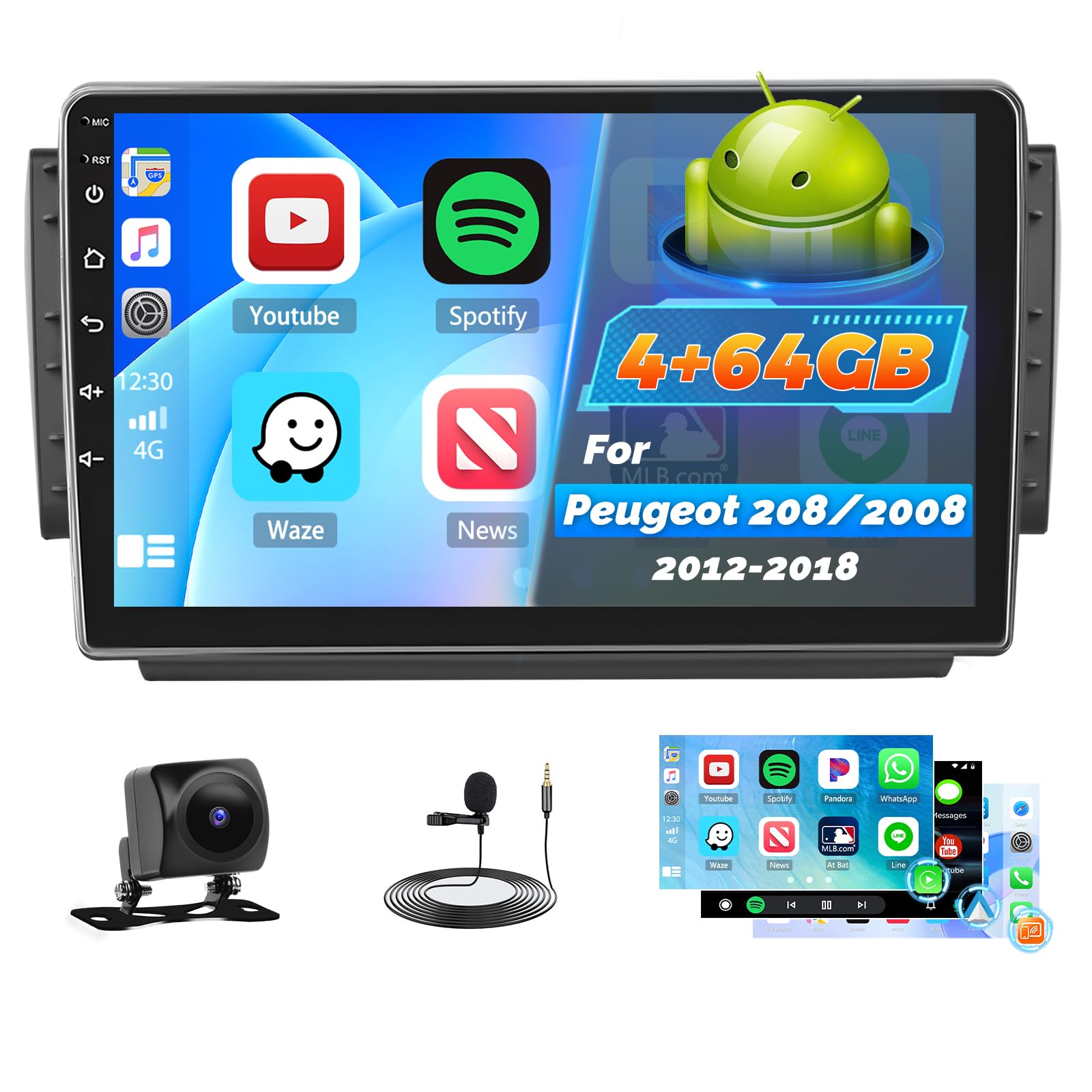
Image: Comparison of the car dashboard before and after installing the Roinvou Android Autoradio. The top image shows the new 10-inch touchscreen unit installed, displaying various app icons. The bottom image shows the original car radio slot.
5. Betjeningsvejledning
5.1 System overview (Android 4GB+64GB)
Your autoradio runs on the latest Android system with 4GB RAM and 64GB internal storage, ensuring stable and fluid operation. It supports split-screen mode, allowing you to use two applications simultaneously.

Billede: Nærbillede views of the touchscreen car multimedia system displaying various interface screens and mounting options.

Image: The 10-inch QLED touchscreen of the Roinvou Autoradio, highlighting its 1280x720 HD resolution.
5.2 Wireless CarPlay, Android Auto, and MirrorLink
These features allow seamless integration with your smartphone.
- Trådløs CarPlay og Android Auto: Connect your smartphone wirelessly to access navigation, communication, music, and other functions directly on the autoradio screen.
- MirrorLink: Project your smartphone's screen onto the autoradio display via Wi-Fi (for iOS) or USB/Wi-Fi (for Android) to enjoy content on a larger screen.

Image: The autoradio display showing the Wireless CarPlay and Android Auto interface, with a smartphone connected wirelessly. Icons for voice control, hands-free calling, online music, and online maps are visible.
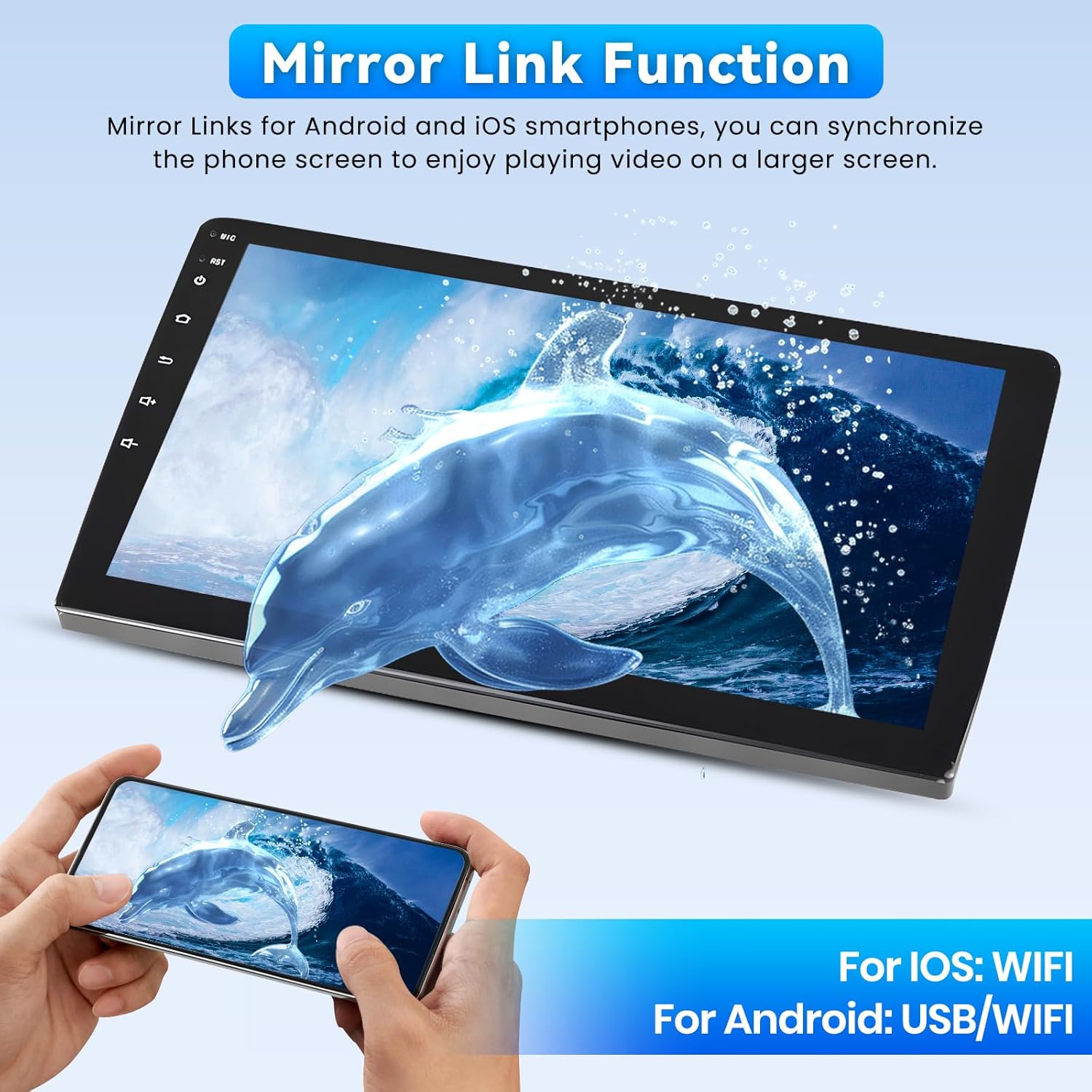
Image: The MirrorLink function in action, showing a smartphone screen mirrored onto the larger autoradio display, featuring a dolphin image.
5.3 Wi-Fi, GPS, and Bluetooth
- Wi-Fi: Connect to a Wi-Fi hotspot to access online maps, stream videos (e.g., YouTube), download apps, and browse the internet.
- GPS-navigation: The unit supports both online and offline navigation. Download offline maps from the Play Store for use without an internet connection.
- Bluetooth: Enjoy hands-free calls and seamless music streaming from your Bluetooth-enabled devices.

Image: The autoradio screen displaying GPS navigation with a map of London, alongside various social media and streaming app icons, illustrating Wi-Fi connectivity.
5.4 FM/RDS Radio and 32-Band Equalizer
- FM/RDS: The radio provides clear signal reception and displays station information, song titles, and traffic updates directly on the screen.
- 32-bånds equalizer: Customize your audio experience with precise adjustments to audio frequencies, enhancing bass, mids, and treble to your preference. Multiple user interfaces are available for personalization.
5.5 Steering Wheel Control (SWC) and Backup Camera
- Ratstyring: Manage audio functions, calls, and navigation directly from your steering wheel for safe and convenient operation.
- AHD-bakkamera: The included AHD backup camera offers a 170° ultra-wide viewing angle, IP68 waterproof rating, and HD night vision for clear images in various conditions, assisting with safe parking.

Image: The top section shows the steering wheel controls and their corresponding functions on the autoradio. The bottom section displays the wide-angle view from the AHD backup camera, assisting with parking.
6. Vedligeholdelse
- Rensning: Brug en blød, tør klud til at rengøre skærmen og enheden. Ved genstridige pletter, tør letampRengør kluden med vand eller et skærmsikkert rengøringsmiddel. Undgå slibende materialer eller barske kemikalier.
- Softwareopdateringer: Tjek regelmæssigt for systemsoftwareopdateringer for at sikre optimal ydeevne og adgang til nye funktioner. Opdateringer kan normalt findes i systemindstillingerne.
- Miljøforhold: Protect the unit from extreme heat or cold, which can affect its lifespan and performance.
7. Fejlfinding
| Problem | Mulig årsag | Løsning |
|---|---|---|
| Enheden tænder ikke. | Løs strømforbindelse, sprunget sikring, problem med bilbatteri. | Kontroller strømkabler og forbindelser. Undersøg bilens sikringer. Sørg for, at bilens batteri er opladet. |
| Ingen lyd. | Lydstyrken er for lav, mute aktiveret, forkert lydkilde, problem med højttalerledningerne. | Øg lydstyrken. Kontroller, om lydløs er aktiv. Vælg den korrekte lydkilde. Kontroller højttalerforbindelserne. |
| GPS-signal mistet eller unøjagtigt. | GPS antenna obstructed, poor satellite reception, software issue. | Sørg for, at GPS-antennen har en fri view of the sky. Move to an open area. Restart the unit. Update GPS software. |
| CarPlay/Android Auto opretter ikke forbindelse. | Bluetooth/Wi-Fi off on phone, incorrect settings, phone software issue. | Ensure Bluetooth and Wi-Fi are enabled on your phone. Check connection settings on the autoradio. Restart phone and autoradio. |
| Bakkamera viser ikke. | Loose camera connection, incorrect wiring to reverse light, camera malfunction. | Check camera cable connections. Verify power supply to the camera when in reverse. Test camera functionality. |
If you encounter issues not listed here or if the suggested solutions do not resolve the problem, please contact Roinvou customer support.
8. Specifikationer
| Feature | Detalje |
|---|---|
| Mærke | Roinvou |
| Modelnummer | B0F543XZVB |
| Operativsystem | Android |
| RAM + Lagerplads | 4 GB RAM + 64 GB intern lagerplads |
| Skærmstørrelse | 10 tommer |
| Skærmtype | 2.5D Touch Screen, QLED, HD Resolution (1280x720) |
| Forbindelsesteknologi | Bluetooth, USB, Wi-Fi, FM/RDS |
| Særlige funktioner | Wireless CarPlay, Android Auto, Mirror Link, 32-Band EQ, GPS, Steering Wheel Control (SWC), Backup Camera Support |
| Kompatible enheder | Smartphone |
| Lydudgangstilstande | APE/FLAC/WAV/MP3/WMA |
| Videokodning | MKV/RMVB/AVI/MP4/MDV |
| Strømudgang | 45 watt x 4 kanaler |
| Internet Applications | Netflix, YouTube, iTunes (via Wi-Fi) |
| Kontrolmetode | Application, Touch Screen, Steering Wheel Control |
| Oprindelse | Kina |
9. Garanti og support
Your Roinvou Autoradio comes with a 24 måneders garanti. For any inquiries or technical assistance, Roinvou provides lifetime online support, with responses typically within 24 hours.
For support, please refer to the contact information provided with your purchase or visit the official Roinvou webwebsted.