
Indledning
Welcome to the Samsung Galaxy A16 5G User Manual. This guide provides detailed, easy-to-follow instructions to help you set up, operate, and troubleshoot your new Samsung Galaxy A16 5G smartphone. Whether you are a first-time smartphone user or looking to master specific features, this manual is designed to enhance your experience and ensure you get the most out of your device.
Please read this manual carefully before using your device to ensure safe and optimal performance. Keep it for future reference.
Introduktion: Opsætning
This section guides you through the initial setup process of your Samsung Galaxy A16 5G.
1. Udpakning og første opladning
- Carefully remove your phone and all accessories from the packaging.
- Connect the USB cable to the charging adapter and plug it into a power outlet. Connect the other end to your phone's USB-C port.
- Lad telefonen oplade i mindst 30 minutter før første brug, eller indtil batteriindikatoren viser tilstrækkelig opladning.
2. Inserting SIM and SD Card (Optional)
- Find SIM-kortbakken på siden af din telefon.
- Sæt udkastningsstiften ind i det lille hul ved siden af bakken for at åbne den.
- Place your Nano-SIM card into the SIM slot with the gold contacts facing down. If using a microSD card for expanded storage, place it in the designated slot.
- Skub forsigtigt bakken tilbage i telefonen, indtil den klikker på plads.
3. Powering On and Initial Setup Wizard
- Tryk og hold tænd/sluk-/sidetasten nede, indtil Samsung-logoet vises.
- Follow the on-screen prompts to select your language, connect to a Wi-Fi network, accept terms and conditions, and sign in with your Google account.
- You may also be prompted to transfer data from an old device or set up security features like a fingerprint or PIN.
4. Customizing Your Device (Easy Mode)
For a simpler interface with larger icons and text, you can enable Easy Mode:
- Gå til Indstillinger > Vise > Nem tilstand.
- Toggle the switch to turn Easy mode On.
Operating Your Samsung Galaxy A16 5G
Learn how to use the core functions of your smartphone.
1. Foretage opkald og sende beskeder
- Sådan foretager du et opkald: Tryk på Telefon icon, enter the number, and tap the green call button.
- Sådan sender du en tekstbesked: Tryk på Beskeder icon, tap the new message icon, enter the recipient's number or select from contacts, type your message, and tap send.
- Håndtering af kontakter: Tryk på Kontaktpersoner app to add, edit, or delete contacts.
2. Optagelse af fotos og videoer
Your Galaxy A16 5G features a powerful 50MP camera.
- Åbn Kamera app.
- Vælge FOTO or VIDEO mode.
- Tryk på udløserknappen for at tage et billede eller starte/stoppe optagelse af en video.
- Pinch in or out on the screen to use the zoom feature.
- Tap on the screen to adjust focus.
3. 5G-forbindelse
Experience ultra-fast internet speeds with 5G. Ensure you are in a 5G coverage area and have a 5G-enabled plan from your carrier.
- To check 5G status, look for the 5G icon in your status bar.
- For optimal ydeevne skal du sørge for, at din enheds software er opdateret.
4. Navigating Menus and Apps
- Startskærm: Stryg til venstre eller højre for at få adgang til forskellige startskærme.
- App Skuffe: Stryg op fra startskærmen til view alle installerede apps.
- Meddelelsespanel: Stryg nedad fra toppen af skærmen for at få adgang til hurtigindstillinger og notifikationer.
- Seneste apps: Tap the Recent Apps button (usually a square icon) to switch between open applications.
Opretholdelse
Korrekt vedligeholdelse sikrer din enheds levetid og optimale ydeevne.
1. Rengøring af din enhed
- Use a soft, lint-free cloth to gently wipe the screen and back of the phone.
- Undgå at bruge skrappe kemikalier eller slibende materialer.
- Til genstridige pletter, let dampRengør kluden med vand eller en skærmrenser beregnet til elektronik.
2. Softwareopdateringer
- Søg regelmæssigt efter og installer softwareopdateringer for at sikre, at din enhed har de nyeste funktioner, sikkerhedsrettelser og forbedringer af ydeevnen.
- Gå til Indstillinger > Softwareopdatering > Download og installer.
3. Batteripleje
- Undgå ekstreme temperaturer, da de kan forringe batteriets levetid.
- Brug kun Samsung-godkendte opladere og kabler.
- For optimal battery health, try to keep the charge between 20% and 80% when possible.
Fejlfinding af almindelige problemer
Dette afsnit omhandler almindelige problemer, du kan støde på, og giver løsninger.
1. Device Not Responding / Frozen Screen
- Perform a force restart: Press and hold the Lydstyrke ned knappen og Sidenøgle samtidigt i mere end 7 sekunder.
2. Connectivity Issues (Wi-Fi/Mobile Data)
- Toggle Wi-Fi or Mobile Data off and on from the Quick Settings panel.
- Genstart din telefon.
- For Wi-Fi, prøv at genstarte din router.
- Gå til Indstillinger > Generel ledelse > Nulstil > Nulstil netværksindstillinger.
3. Apps Crashing or Not Responding
- Luk appen, og åbn den igen.
- Ryd appens cache: Gå til Indstillinger > Apps, select the app, then Opbevaring > Ryd cache.
- If the issue persists, try Ryd data (this will delete app data) or uninstall and reinstall the app.
Specifikationer
Key technical specifications for the Samsung Galaxy A16 5G.
| Feature | Detalje |
|---|---|
| Modelnavn | Samsung Galaxy A16 5G |
| Hovedkamera | 50 megapixel |
| Netværksforbindelse | 5G-kompatibel |
| Operativsystem | Android (versionen kan variere) |
| Batteri | (Refer to official Samsung documentation) |
| Vise | (Refer to official Samsung documentation) |
For a complete list of specifications, please refer to the official Samsung product page or the documentation included with your device.
Garanti og support
Your Samsung Galaxy A16 5G is covered by a limited manufacturer's warranty. For detailed warranty information, please refer to the warranty card included with your device or visit the official Samsung webwebsted.
For teknisk support, softwareopdateringer eller serviceforespørgsler, besøg venligst den officielle Samsung-supportside. website or contact their customer service. Have your device's model number and serial number ready when seeking support.
Produktbillede
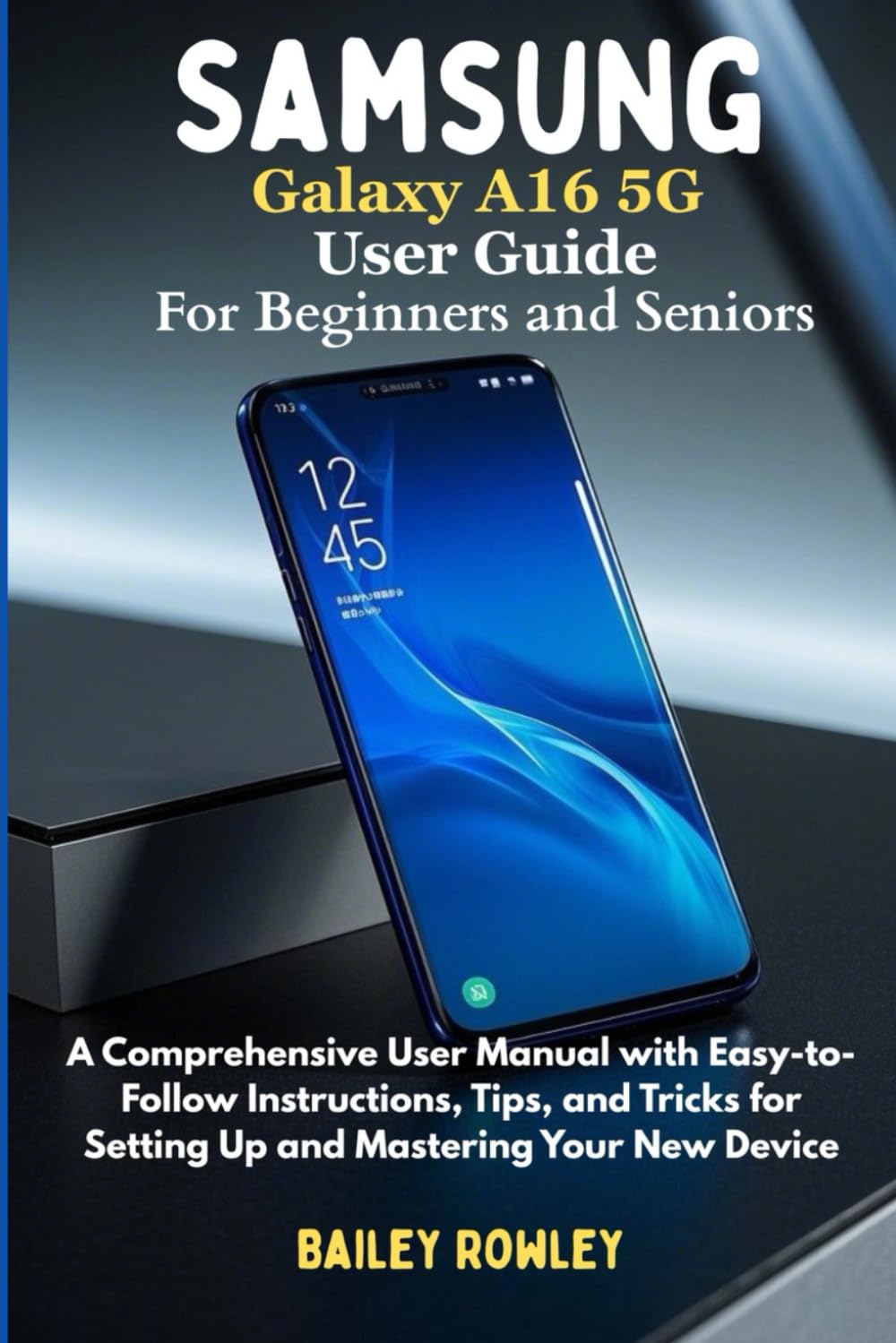
This image displays the front cover of the user guide, featuring the title 'SAMSUNG GALAXY A16 5G USER GUIDE' in white text against a dark gray background with blue accents. The ISBN barcode is visible at the bottom right.