
1. Introduktion
This manual provides essential information for setting up, operating, and maintaining your TCL 98Q7K 98-inch QLED 4K Google TV. This television features a stunning QLED 4K display with a 144 Hz panel for smooth motion, integrated Google TV for smart functionality, and advanced audio with Dolby Atmos. It also includes Google Assistant and Alexa compatibility for hands-free voice control, VisionHDR10+, and AiPQ™ processing for optimized picture quality.

2. Opsætning
2.1 Udpakning og første inspektion
Carefully remove the television from its packaging. Inspect the TV and all included accessories for any signs of damage. Keep the packaging materials for future transport or service needs.
2.2 Montering af stativ
If you plan to use the TV with its included stand, follow these steps:
- Placer tv-skærmen med nedad på en blød, flad overflade for at undgå ridser.
- Juster stativets komponenter med de dertil beregnede huller i bunden af tv'et.
- Secure the stand using the screws provided in the accessory kit. Ensure all screws are tightened firmly.

2.3 Vægmontering (valgfrit)
For wall mounting, a compatible VESA wall mount (not included) is required. Due to the size and weight of the 98-inch television, professional installation is highly recommended to ensure safety and proper mounting. Refer to the wall mount manufacturer's instructions for specific installation details.
2.4 Tilslutning af eksterne enheder
Connect your external devices such as Blu-ray players, gaming consoles, sound systems, and cable/satellite boxes to the appropriate ports on the TV. The TCL 98Q7K features 4 HDMI ports and 2 USB ports for versatile connectivity.
3. Betjeningsvejledning
3.1 Tænd/sluk
Connect the power cord to the TV and a power outlet. Press the power button on the remote control or on the TV itself to turn the television on or off.
3.2 Initial Setup with Google TV
Upon first power-on, the TV will guide you through the initial setup process for Google TV. This includes selecting your language, connecting to a Wi-Fi network, signing in with your Google account, and configuring basic settings. Follow the on-screen prompts.

3.3 Fjernbetjeningsfunktioner
The included remote control allows you to navigate the TV's interface, adjust volume, change channels, and access smart features. It supports voice control via Google Assistant and Alexa. Insert the provided batteries into the remote control before use.
3.4 Smarte funktioner og stemmestyring
- Google TV: Access a wide range of streaming apps, movies, and shows.
- Google Assistent og Alexa: Use voice commands for hands-free control of your TV, search for content, get information, and control smart home devices.
- Chromecast indbygget: Cast indhold fra dine kompatible mobilenheder direkte til tv'et.
3.5 Spilfunktioner
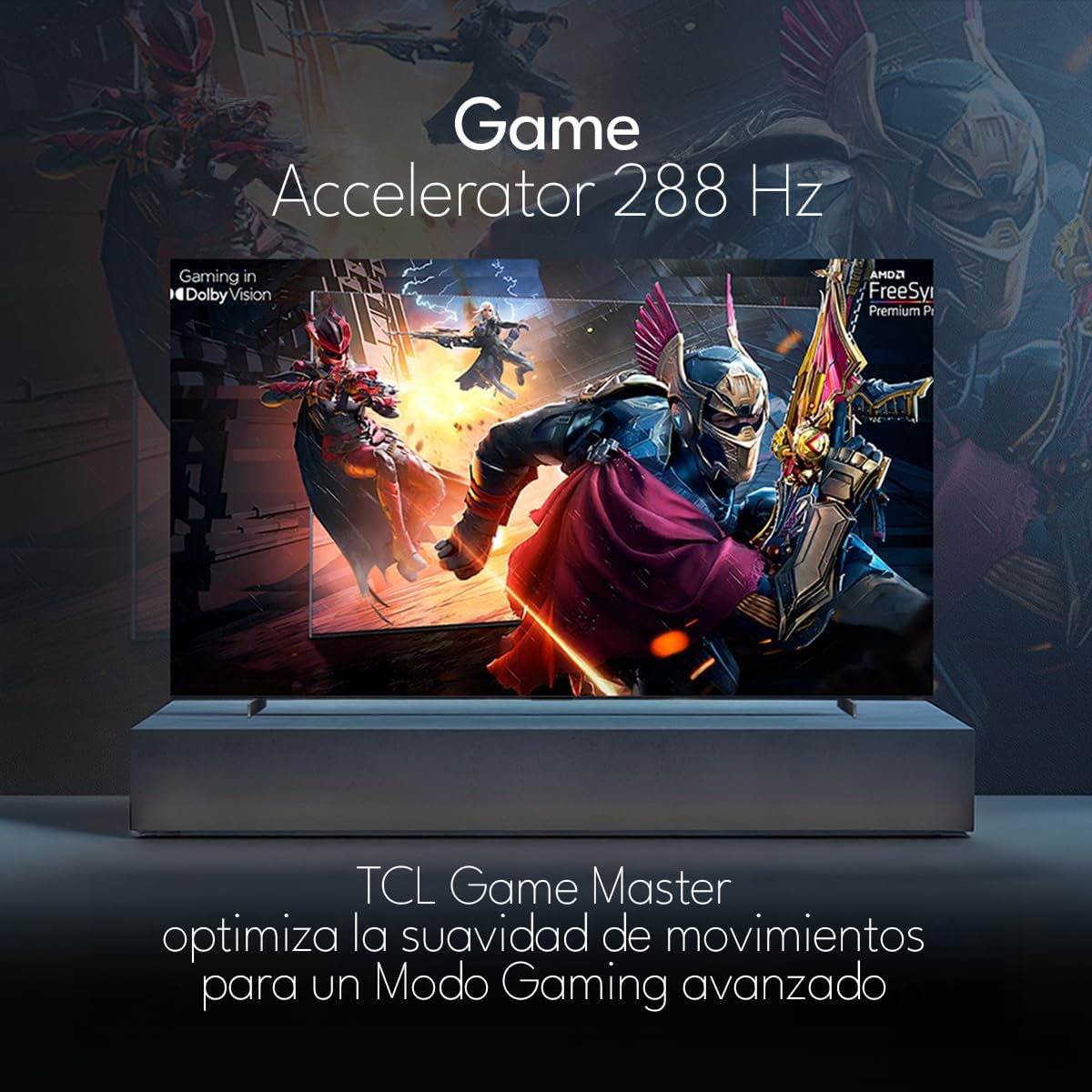
The TCL 98Q7K features a 144 Hz panel and Game Accelerator technology for an enhanced gaming experience with reduced latency and smoother motion.

3.6 Lydfunktioner
Experience immersive sound with Dolby Atmos and the integrated ONKYO Hi-Fi System 2.1 Channels, providing clear vocals and deep bass.

3.7 Produkt overview Video
4. Vedligeholdelse
4.1 Rengøring af skærmen
For at rengøre skærmen skal du forsigtigt tørre den af med en blød, fnugfri klud. Tør den forsigtigt af med en blød, fnugfri klud, hvis der er genstridige mærker.ampRengør kluden med vand eller et specialiseret skærmrensemiddel. Undgå at bruge skrappe kemikalier, slibende materialer eller direkte sprøjtning af væsker på skærmen.
4.2 Rengøring af tv-kabinettet
Wipe the TV body with a soft, dry cloth. Do not use liquid cleaners directly on the TV body.
4.3 Softwareopdateringer
Your TCL Google TV may receive automatic software updates. To manually check for updates, navigate to the settings menu, then select System > About > System update. Ensure your TV is connected to the internet for updates.
5. Fejlfinding
Hvis du støder på problemer med dit tv, kan du bruge følgende almindelige løsninger:
- Ingen strøm:
Sørg for, at netledningen er korrekt tilsluttet både tv'et og en fungerende stikkontakt. Prøv at tilslutte en anden enhed til den samme stikkontakt for at bekræfte, at der er strøm. - Intet billede eller lyd:
Verify that the correct input source is selected (e.g., HDMI 1, AV). Check all cable connections between the TV and external devices. Ensure the volume is not muted or set to minimum. - Fjernbetjeningen virker ikke:
Udskift batterierne i fjernbetjeningen. Sørg for, at der ikke er nogen forhindringer mellem fjernbetjeningen og tv'ets IR-sensor. - Problemer med netværksforbindelse:
Check your Wi-Fi router and ensure it is powered on and functioning correctly. Restart the TV and your router. In the TV settings, verify the Wi-Fi connection status. - Problemer med billedkvaliteten (f.eks. sløret, forvrænget):
Check the resolution settings of your input source. Ensure the cables are not damaged. Adjust picture settings (brightness, contrast, sharpness) in the TV menu.
For persistent issues, consult the full electronic manual available through the TV's help menu or contact TCL customer support.
6. Specifikationer
| Feature | Specifikation |
|---|---|
| Skærmstørrelse | 98 tommer |
| Displayteknologi | QLED |
| Opløsning | 4K (3840 x 2160) |
| Opdateringshastighed | 144 Hz |
| Understøttelse af HDR-format | Dolby Vision, HDR10, HDR10+, HLG |
| Højeste lysstyrke | 450 NITS |
| Lydsystem | Dolby Atmos, Dolby Digital, ONKYO Hi-Fi System 2.1 Channels |
| Operativsystem | Google TV |
| Stemmekontrol | Google Assistant, Alexa |
| Forbindelse | Wi-Fi, Ethernet, 4x HDMI, 2x USB |
| Dimensioner (med stativ) | 217.8 x 128.5 x 42 cm |
| Dimensioner (uden stativ) | 0.06prof. x 2.18an. x 1.25alt. Meters (approx. 6 cm depth) |
| Model årgang | 2025 |
| Inkluderede komponenter | Manual, fjernbetjening, batterier |
7. Garanti og support
7.1 Produktgaranti
The TCL 98Q7K television comes with a 2 års begrænset garanti fra købsdatoen. Denne garanti dækker fabrikationsfejl og funktionsfejl ved normal brug. Gem venligst din købsbevis til garantikrav.
7.2 Kundesupport
For technical assistance, troubleshooting beyond this manual, or warranty inquiries, please contact TCL customer support. Refer to the contact information provided in the separate warranty card or visit the official TCL webwebsted for din region.