
Indledning
This manual provides detailed instructions for the setup, operation, and maintenance of your ZERFUN S68 Wireless Lavalier Microphone System. This system is designed to capture high-quality audio for various applications, including video recording, podcasting, streaming, and vlogging, across multiple devices such as iPhones, Android phones, and PCs.
Pakkens indhold
Upon unboxing, please verify that all the following components are included in your package:
- ZERFUN Charging Case x1
- Sender (mikrofon) x 4
- Type-C Receiver x1
- Lightning Adapter x1
- USB Adapter x1
- Forrude x 4
- Ladekabel x1
- Brugervejledning x 1

Produkt overview
The ZERFUN S68 system consists of multiple transmitters (microphones) and a receiver, all housed within a portable charging case. The system is designed for ease of use with various devices.

Nøglekomponenter:
- Sender (mikrofon): Captures audio. Features include a power button, noise reduction button, mute button, and a clip for attachment.
- Modtager: Connects to your recording device (phone, PC). Available with Type-C, Lightning, and USB adapters for broad compatibility.
- Opladningsetui: Stores and charges the transmitters and receiver. Features a digital display for battery status.
- Forruder: Reduces wind noise for outdoor recordings.
Opsætningsinstruktioner
1. Første opladning
Before first use, ensure all components are fully charged. Place the transmitters and receiver into the charging case. Connect the charging case to a power source using the provided USB-C charging cable. The digital display on the charging case will indicate the charging status. A full charge takes approximately 2 hours.

2. Connecting the Receiver to Your Device
The ZERFUN S68 system supports various devices through its interchangeable adapters:
- For USB-C Devices (Android phones, newer iPhones/iPads, PCs): Directly plug the Type-C receiver into your device's USB-C port.
- For Lightning Devices (older iPhones/iPads): Attach the Lightning adapter to the Type-C receiver, then plug the combined unit into your device's Lightning port.
- For USB-A Devices (PCs, Laptops): Attach the USB adapter to the Type-C receiver, then plug the combined unit into your device's USB-A port.

3. Automatisk parring
The ZERFUN S68 system features automatic pairing. Once the receiver is plugged into your device, simply press the power button on each transmitter (microphone) you wish to use. The microphones will automatically connect to the receiver within seconds. No Bluetooth pairing or additional apps are required.

Betjeningsvejledning
1. Tænd/sluk
- For at tænde: Press and hold the power button on each transmitter until the indicator light illuminates.
- For at slukke: Press and hold the power button on each transmitter until the indicator light turns off.
2. Støjreduktion
The ZERFUN S68 features a one-tap noise cancellation function. Press the dedicated noise cancellation button on the transmitter to activate or deactivate this feature. When active, the upgraded smart chip works to eliminate unwanted ambient noise, providing clearer audio.
3. Lydløs funktion
To temporarily silence the microphone, press the mute button on the transmitter. Press it again to unmute and resume audio capture.
4. Rumklangsfunktion
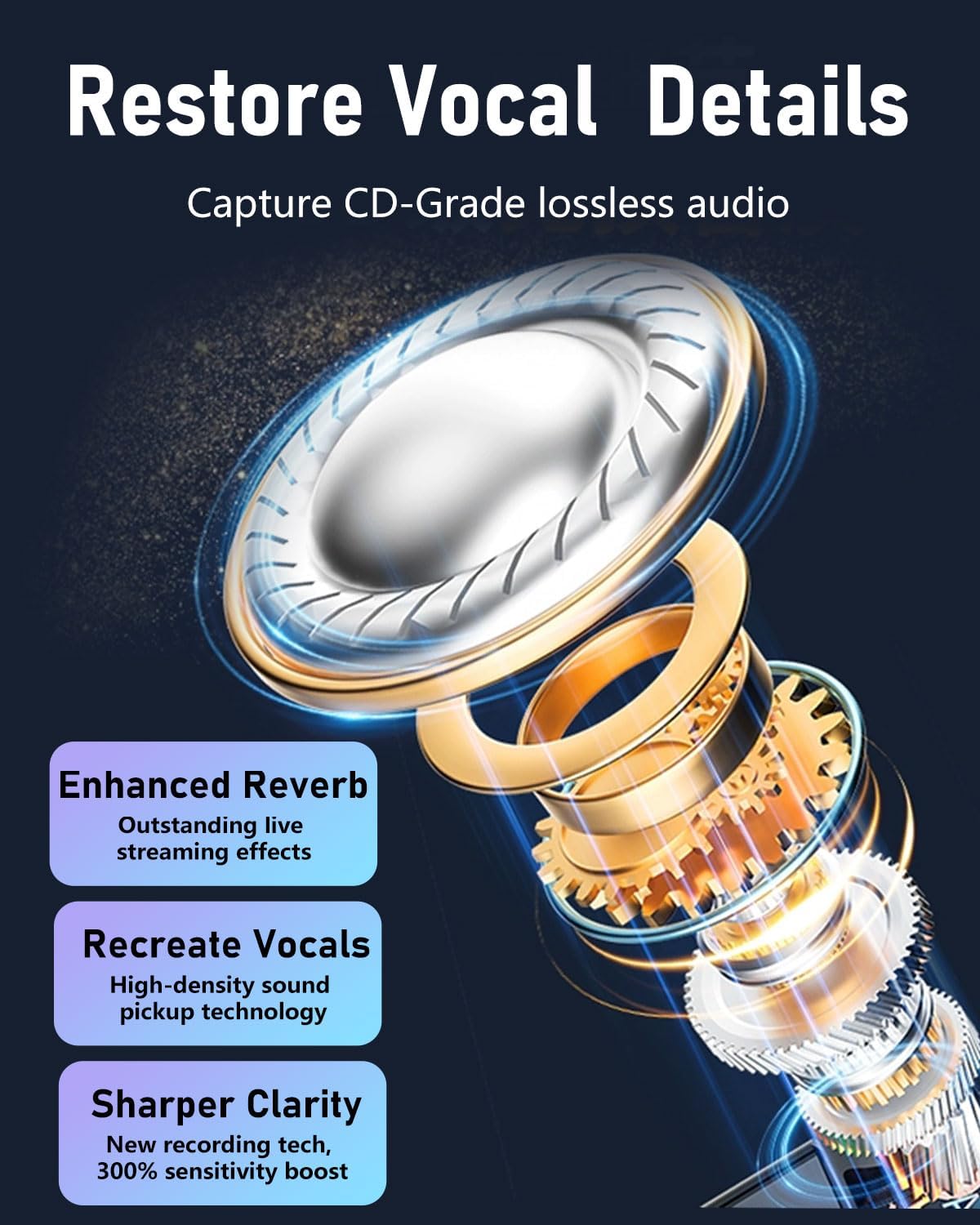
The reverb feature adds depth and richness to your vocals. Activate this function by pressing the designated reverb button on the transmitter. Refer to the specific button layout on your device for exact location.
5. Ear Monitoring
For real-time audio monitoring, connect headphones to the receiver's monitoring port (if available, or through your device's audio output). This allows you to hear the audio as it is being recorded, enabling immediate adjustments.
6. Driftsområde
The ZERFUN S68 system offers a stable transmission range of up to 250 feet (approximately 76 meters) in open environments, providing flexibility for various recording scenarios.
Opretholdelse
1. Rensning
Wipe the microphones, receiver, and charging case with a soft, dry cloth. Avoid using harsh chemicals or abrasive materials, as these can damage the device. Ensure no moisture enters the ports or microphone grilles.
2. Opbevaring
When not in use, store the system in its charging case in a cool, dry place, away from direct sunlight and extreme temperatures. This protects the components and helps maintain battery life.
3. Batteripleje
To prolong battery life, avoid fully discharging the devices frequently. Recharge the system regularly, even if not in constant use. The charging case provides up to 30 hours of total usage time for the microphones, with individual microphones offering 6 hours of continuous use on a single charge.
Fejlfinding
If you encounter issues with your ZERFUN S68 system, please refer to the following common solutions:
- Ingen lyd/dårlig lydkvalitet:
- Sørg for, at receiveren er korrekt tilsluttet din optageenhed.
- Verify that the transmitters are powered on and successfully paired (indicator light solid).
- Kontrollér din enheds lydindgangsindstillinger for at sikre, at den eksterne mikrofon er valgt.
- Confirm the microphone is not muted.
- If recording outdoors or in windy conditions, attach the windscreens.
- Ensure the microphone is positioned correctly, typically clipped near the speaker's mouth.
- Check battery levels of both transmitters and receiver.
- Parringsfejl:
- Ensure both the receiver and transmitters are sufficiently charged.
- Power off and then power on both the receiver and transmitters.
- Sørg for, at der ikke er andre trådløse enheder i nærheden, der forårsager interferens.
- Try re-inserting the receiver into your device.
- Kort transmissionsrækkevidde:
- Ensure there are no significant physical obstructions (walls, large metal objects) between the transmitter and receiver.
- Avoid environments with high levels of 2.4Ghz wireless interference.
- Kontroller batteriniveauer.
- Opladningsproblemer:
- Verify the charging cable is properly connected to the case and a power source.
- Ensure the transmitters and receiver are correctly seated in the charging case.
- Prøv et andet opladningskabel eller en anden strømadapter.
Specifikationer
| Feature | Specifikation |
|---|---|
| Mærke | ZERFUN |
| Modelnummer | S68 |
| Forbindelsesteknologi | 2.4G trådløs |
| Connector Type | Lyn, USB Type-C |
| Kompatible enheder | Laptop, Smartphone, Tablet (PC, iPhone, Android) |
| Lydkvalitet | 48 kHz/24 bit |
| Signal-støj-forhold (SNR) | 70 dB |
| Batterilevetid (mikrofon) | Up to 6 hours (continuous podcasting) |
| Samlet brugstid (med opladningsetui) | Op til 30 timer |
| Opladningstid | Cirka 2 timer |
| Transmission Range | Op til 250 fod (76 meter) |
| Mikrofon formfaktor | Lavalier |
| Polar mønster | Omnidirektionel |
| Varens vægt | 7.8 ounce (0.22 kilo) |
Garanti og support
Your ZERFUN S68 Wireless Lavalier Microphone System comes with a 12-Month Manufacturer Assurance. For any product-related inquiries or assistance, ZERFUN provides 24-Hours After-Sales Customer Service. Please refer to the contact information provided with your purchase or visit the official ZERFUN webwebsted for support.