
Indledning
The Pilipane 4K High Definition Electronic Telescope Eyepiece (Model: Pilipane861auheg7f) is designed to enhance your observation experience, whether for astronomy or bird watching. This electronic eyepiece provides stunning 4K Ultra HD visuals, even in low-light conditions, and features a 3-inch color display for real-time viewing. Its versatile design allows for easy attachment to various optical telescopes and microscopes, and it supports expandable storage for continuous recording of your observations.
Sikkerhedsoplysninger
- Udsæt ikke enheden for ekstreme temperaturer, fugt eller direkte sollys.
- Hold enheden væk fra vand og andre væsker.
- Undgå at tabe eller udsætte enheden for kraftige stød.
- Forsøg ikke selv at adskille eller reparere enheden. Kontakt kundesupport for at få hjælp.
- Brug kun det specificerede opladningskabel og strømkilde.
- Opbevares utilgængeligt for børn.
Opsætning
1. Udpakning
Carefully remove all components from the packaging. Ensure all parts are present before proceeding with setup.
2. Opladning af enheden
The electronic eyepiece comes with a built-in 850mAh lithium battery. Before first use, fully charge the device using the provided Type-C charging cable. Connect the cable to the Type-C port on the device and a suitable USB power adapter.
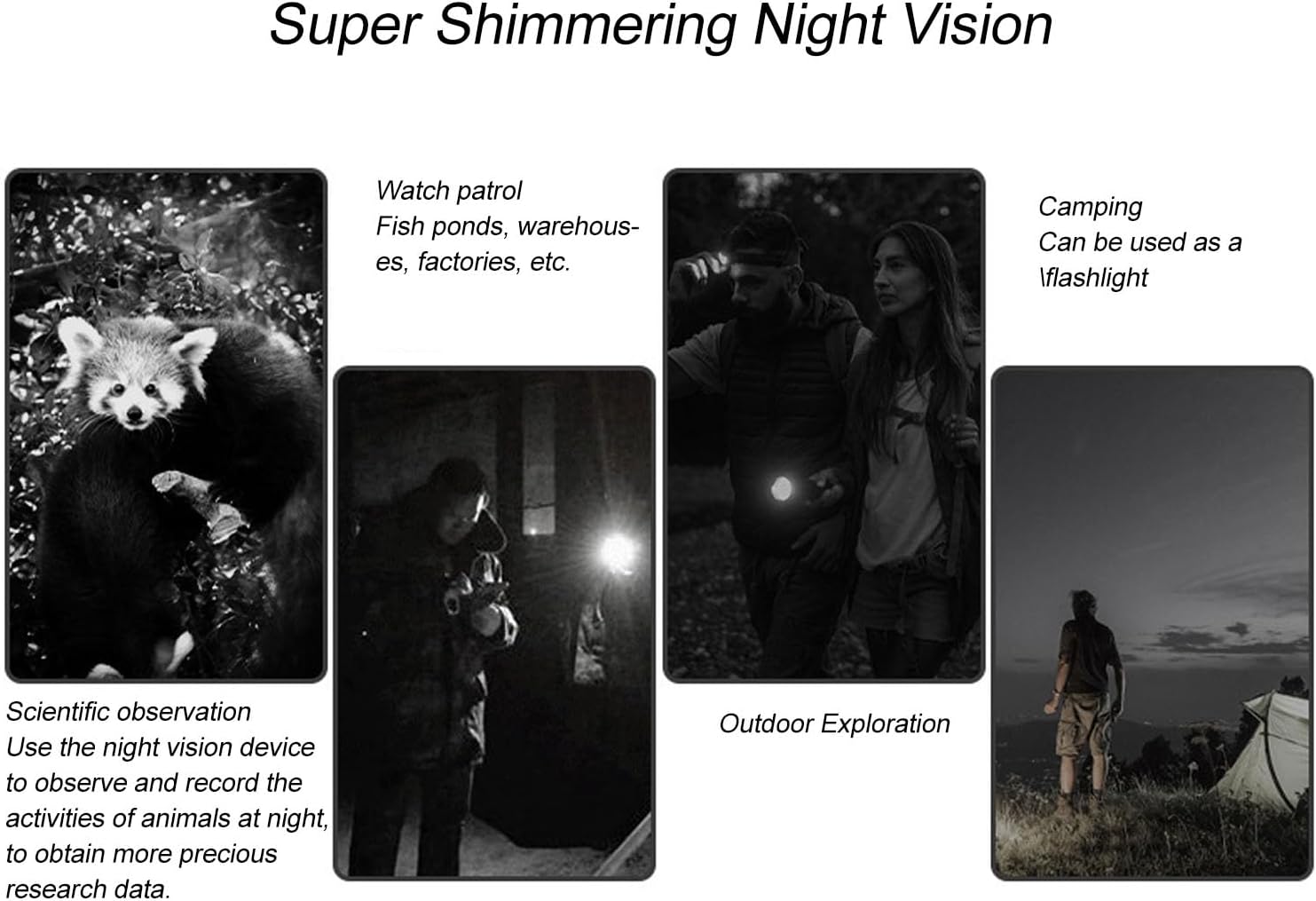
Figure 1: Device ports and indicators, including the 3-inch display and Type-C charging port.
3. Installation af et hukommelseskort
The device supports small memory cards up to 128GB (not included) for recording. Locate the memory card slot and insert the card gently until it clicks into place. Ensure the card is inserted in the correct orientation.
4. Attaching to a Telescope or Microscope
This electronic eyepiece is designed for easy attachment to optical telescopes and microscopes with eyepiece diameters ranging from 22mm to 46mm. The device features a powerful magnetic interface for secure and seamless integration.
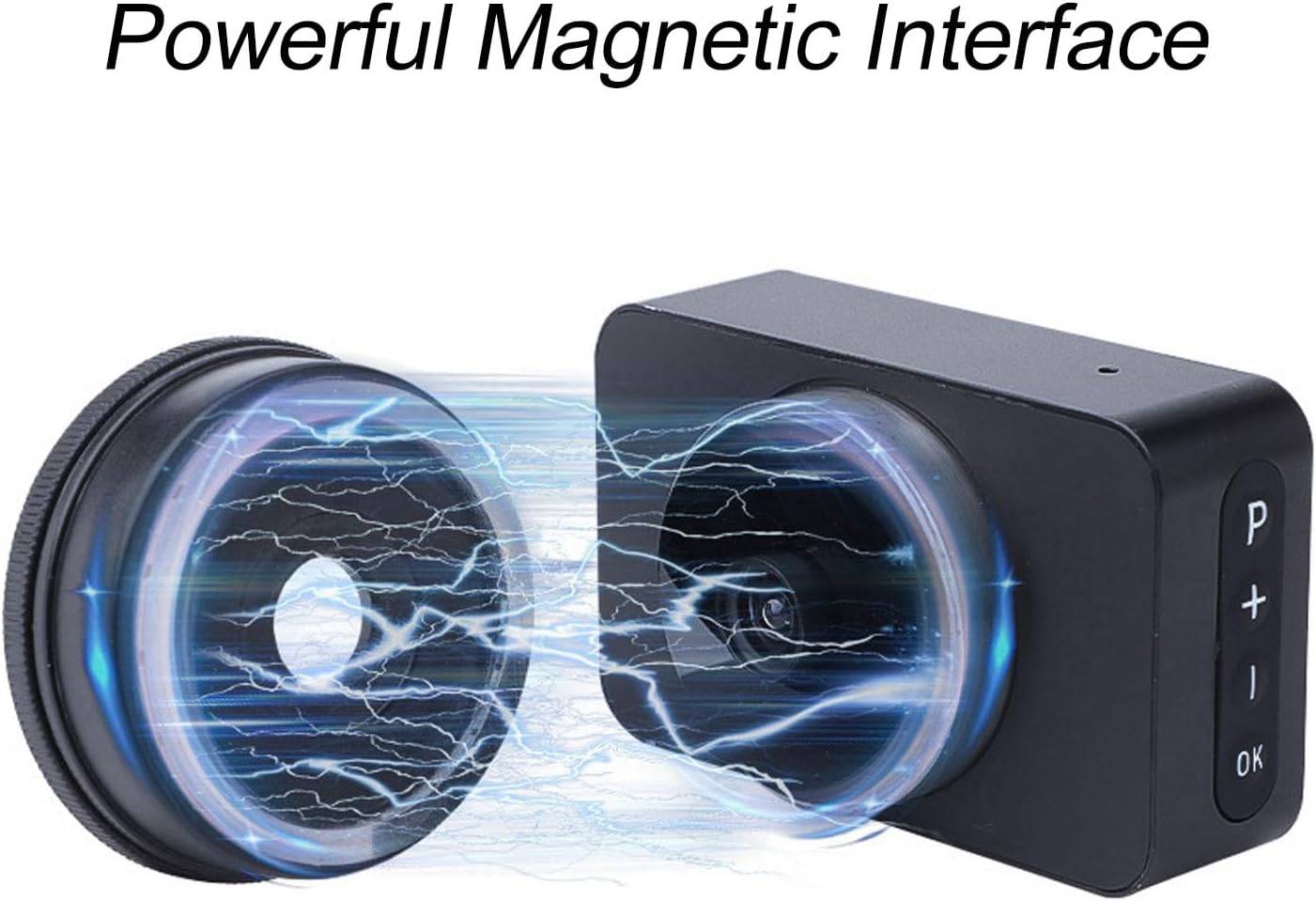
Figure 2: Magnetic interface for secure attachment.
Align the eyepiece with your telescope or microscope's eyepiece barrel and gently push until it is securely attached. The magnetic connection ensures a stable fit.

Figure 3: Electronic eyepiece attached to a telescope.
Betjeningsvejledning
1. Tænd/sluk
Press and hold the power button (usually marked 'P' or a similar symbol) for a few seconds to turn the device on or off. The 3-inch color display will illuminate upon power-on.
2. Realtid Viewing
Once powered on and attached to your optical instrument, the integrated 3-inch color display provides a live view of your observations. Use the controls on the device to adjust settings and focus for optimal clarity.

Figur 4: Realtid viewing on the 3-inch display.
3. Digital zoom
The device features 5 levels of digital zoom. Use the '+' and '-' buttons to adjust the magnification as needed for closer inspection of your subjects.
4. Night Vision Capability
Benefit from enhanced night vision, allowing for clear observations even in low-light conditions. This feature is particularly useful for nighttime astronomy sessions or observing nocturnal wildlife.

Figur 5: Eksamples of night vision use cases.
5. Recording Photos and Videos
Capture high-definition images and 4K Ultra HD videos of your observations. Press the 'OK' button to take a photo or start/stop video recording. Ensure a memory card is installed to save your recordings. The expandable storage capacity up to 128GB allows for continuous recording.
Opretholdelse
- Rensning: Use a soft, dry cloth to clean the exterior of the device. For the lens and display, use a specialized optical cleaning cloth and solution. Avoid abrasive materials.
- Opbevaring: When not in use, store the electronic eyepiece in a cool, dry place, away from direct sunlight and extreme temperatures. Use a protective case if available.
- Batteripleje: For at forlænge batteriets levetid bør du undgå at aflade batteriet helt ofte. Oplad enheden regelmæssigt, selvom den ikke er i brug i længere perioder.
Fejlfinding
| Problem | Mulig årsag | Løsning |
|---|---|---|
| Enheden tænder ikke | Lavt batteri; Defekt tænd/sluk-knap | Oplad enheden helt; Kontakt kundesupport, hvis problemet fortsætter. |
| Intet billede på skærmen | Eyepiece not properly attached; Lens cap on; Incorrect settings | Ensure secure attachment; Remove lens cap; Check focus and zoom settings. |
| Kan ikke optage billeder/videoer | No memory card; Memory card full; Memory card error | Insert a memory card; Delete old files or use a new card; Format the memory card (data will be lost). |
| Dårlig billedkvalitet | Dirty lens/display; Incorrect focus; Low light conditions | Clean lens and display; Adjust focus; Utilize night vision feature in low light. |
Specifikationer
- Mærke: Pilipane
- Modelnavn: Pilipane861auheg7f
- Varemodelnummer: Pilipane861auheg7f
- ASIN: B0F274HC6R
- Fabrikant: Pilipane
- Oprindelsesland: Kina
- Produktmål (L x B x H): 13 x 8 x 6 cm; 40 gram
- Produktdimensioner: 13P x 8L x 6H centimeter
- Fokustype: Manuel fokus
- Kompatible enheder: Smartphone, Tablet, Camera
- Zoomforhold: 25x til 75x
- Speciel funktion: 4K Ultra HD Resolution and Real-time Display with 3-inch Color Screen
- Product Type Name: Microscopic Lenses and Caps
- Batteri: 850mAh Lithium Battery (built-in)
- Opladningsport: Type C
- Skærmstørrelse: 3 tommer
- Digital zoom: 5 niveauer

Figur 6: Produktdimensioner.
Garantioplysninger
This product comes with a standard manufacturer's warranty. Please refer to the packaging or contact your retailer for specific warranty terms and conditions. Keep your proof of purchase for any warranty claims.
Kundesupport
For technical assistance, troubleshooting, or warranty inquiries, please contact Pilipane customer support. You can find more information and contact details on the official Pilipane brand store: