
Indledning
This manual provides detailed instructions for the setup, operation, maintenance, and troubleshooting of your BoxWave SlimKeys Bluetooth Keyboard with Trackpad. Please read this manual thoroughly before using the product to ensure optimal performance and longevity.
Produkt overview
The BoxWave SlimKeys Bluetooth Keyboard with Trackpad is a portable, slim keyboard designed for seamless connectivity with various devices. It features responsive chiclet-style keys and a full-functioning trackpad, enhancing productivity on the go.

Billede: Top-down view of the BoxWave SlimKeys Bluetooth Keyboard with Trackpad, showing the full QWERTY layout and integrated trackpad.

Billede: Vinklet view of the BoxWave SlimKeys Bluetooth Keyboard with Trackpad, highlighting its slim profile.
Opsætning
1. Opladning af tastaturet
Before initial use, fully charge the keyboard. Connect the included charging cable to the keyboard's charging port and to a USB power source. The charging indicator light will illuminate during charging and turn off when fully charged.

Image: The BoxWave SlimKeys keyboard connected to a charging cable, illustrating the charging process.
2. Tænd/sluk
Locate the ON/OFF switch on the side of the keyboard. Slide the switch to the 'ON' position to power on the keyboard. Slide it to 'OFF' when not in use to conserve battery power.
3. Bluetooth-parring
- Sørg for, at tastaturet er opladet og tændt.
- Tryk på Forbinde knappen på tastaturet. Bluetooth-indikatorlampen begynder at blinke, hvilket indikerer, at den er i parringstilstand.
- On your device (e.g., HP Spectre X360, Android tablet, iOS device), go to the Bluetooth settings.
- Søg efter available devices. You should see "BoxWave SlimKeys Keyboard" or a similar name appear in the list.
- Select the keyboard from the list to initiate pairing. Follow any on-screen prompts, such as entering a pairing code, if required.
- Once successfully paired, the Bluetooth indicator light on the keyboard will stop flashing and remain solid or turn off, depending on the model.

Image: A hand using the integrated trackpad on the SlimKeys keyboard, demonstrating navigation capabilities.
4. Kompatibilitet med flere platforme
The SlimKeys keyboard is compatible with Android, Windows, and iOS devices. It automatically adapts to the operating system for optimal functionality.
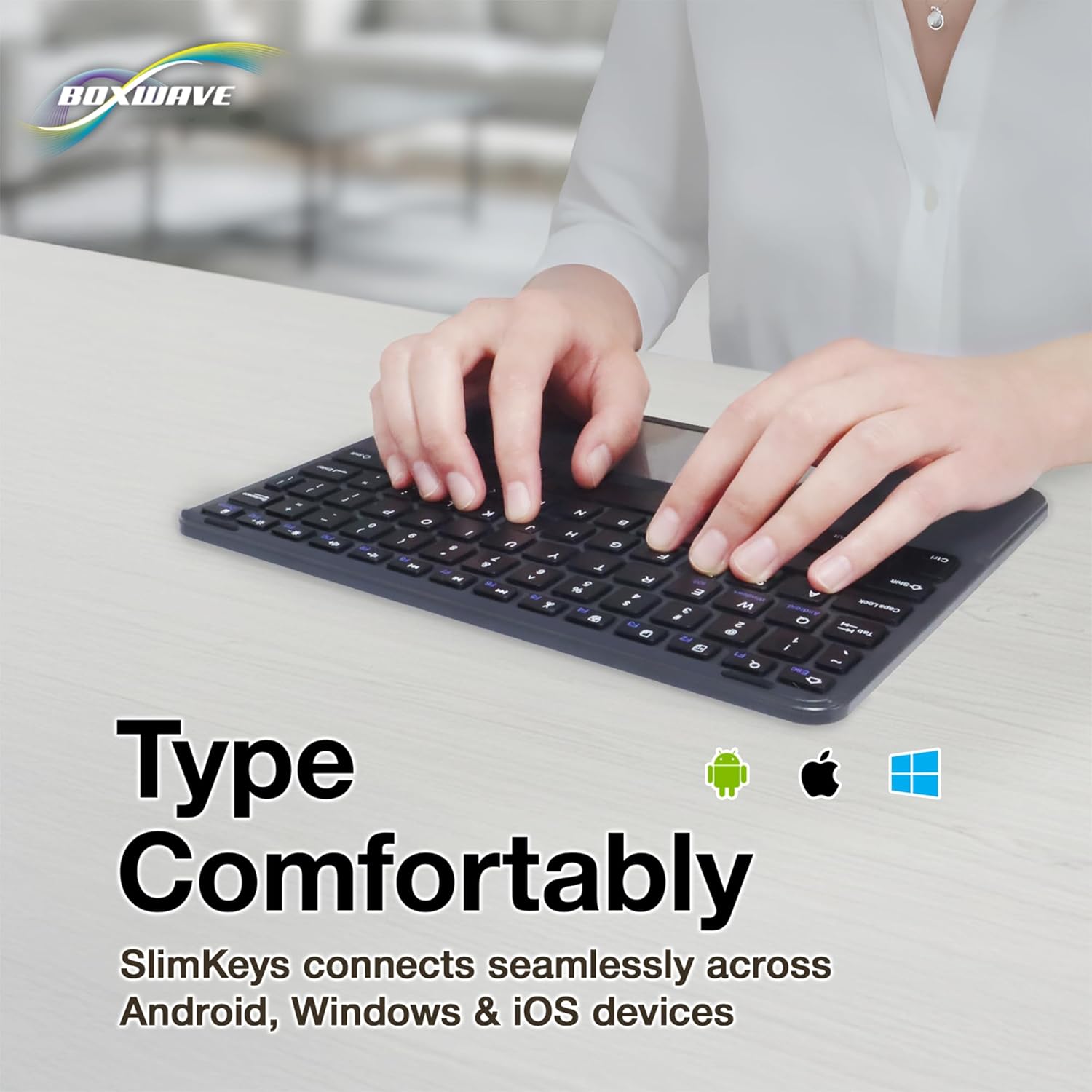
Image: Hands typing on the SlimKeys keyboard, with icons representing Android, Apple (iOS), and Windows operating systems, indicating multi-platform compatibility.
Betjeningsvejledning
1. Basic Keyboard Usage
The keyboard functions like a standard QWERTY keyboard. Simply type as you would on any other keyboard. The chiclet-style keys provide a comfortable and responsive typing experience.
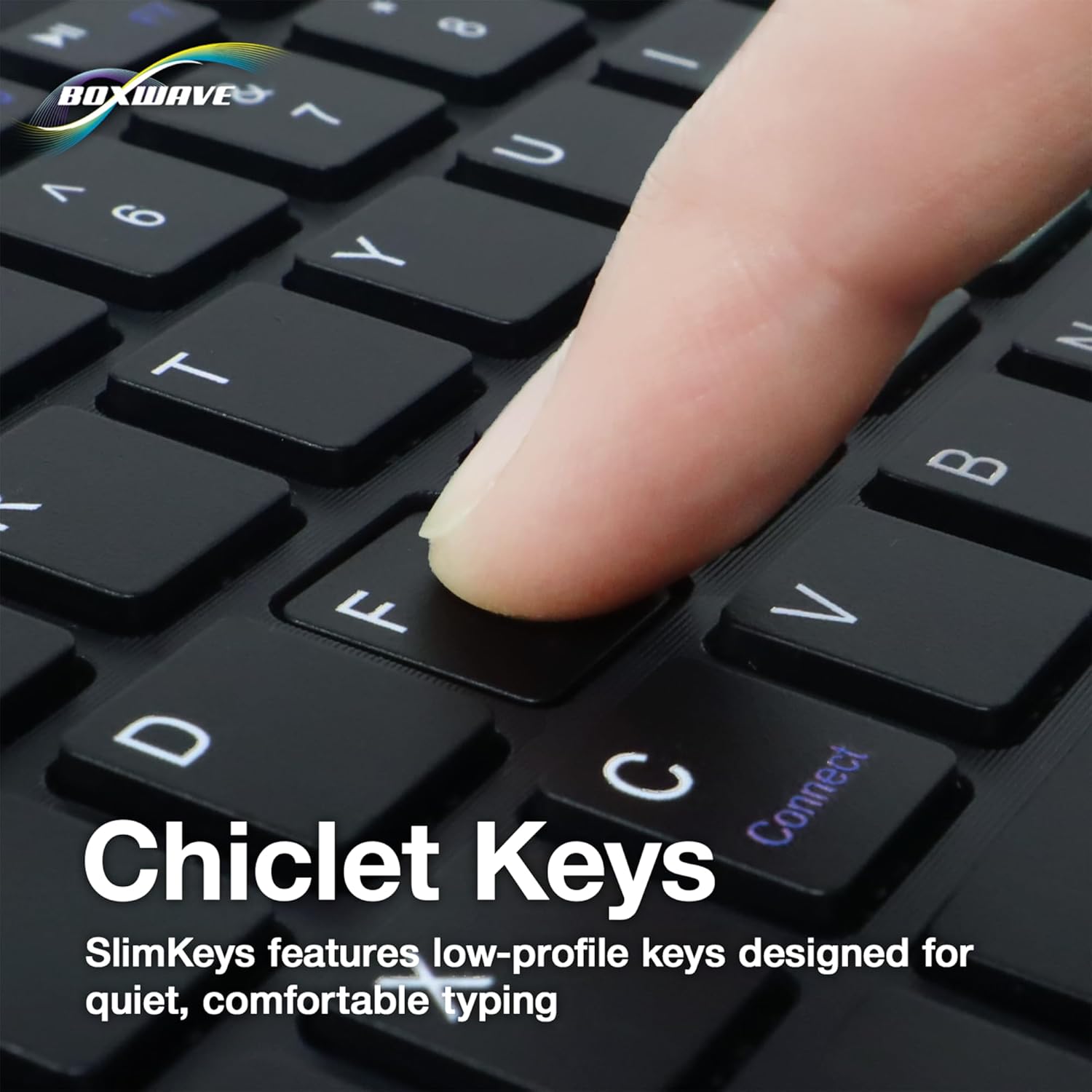
Billede: Et nærbillede view of a finger pressing a key on the SlimKeys keyboard, highlighting the chiclet key design.
2. Trackpad Functionality
The integrated trackpad allows for precise cursor control, similar to a laptop trackpad. Use single-finger gestures for basic navigation and clicking. Multi-touch gestures may be supported depending on your device's operating system.
3. Specialized Function Keys
The keyboard includes a row of specialized function keys (F1-F12) that provide quick access to common commands. These functions may vary slightly depending on the connected device's operating system.
- Esc / Home: Returns to the home screen or acts as Escape.
- F1 / Search: Opens search function.
- F2 / Select All: Selects all content.
- F3 / Copy: Copies selected content.
- F4 / Paste: Pastes copied content.
- F5 / Cut: Cuts selected content.
- F6 / Skip Back: Skips to the previous track/media.
- F7 / Play/Pause: Afspiller eller sætter medier på pause.
- F8 / Skip Forward: Skips to the next track/media.
- F9 / Volume Down: Sænker lydstyrken.
- F10 / Volume Up: Øger lydstyrken.
- F11 / Brightness Down: Formindsker skærmens lysstyrke.
- F12 / Brightness Up: Øger skærmens lysstyrke.
- Delete / Lock: Deletes characters or locks the device.

Image: A detailed diagram illustrating the specialized function keys and their corresponding actions on the SlimKeys keyboard.
Opretholdelse
1. Rensning
For at rengøre tastaturet skal du forsigtigt tørre overfladen af med en blød kludamp cloth. Avoid using harsh chemicals or abrasive materials, as these can damage the finish. Ensure no liquid enters the keyboard's internal components.
2. Batteripleje
The keyboard features a long-lasting battery. To maximize battery life:
- Turn off the keyboard using the ON/OFF switch when not in use.
- Genoplad batteriet, når indikatoren for lavt batteri vises.
- Undgå at udsætte tastaturet for ekstreme temperaturer.
The keyboard offers up to 30 days of active use and up to 6 months of standby time when powered off.
Fejlfinding
- Tastatur forbinder ikke:
- Sørg for, at tastaturet er tændt og fuldt opladet.
- Sørg for, at Bluetooth er aktiveret på din enhed.
- Try re-pairing the keyboard by following the Bluetooth Pairing steps in the Setup section.
- Ensure the keyboard is within the effective Bluetooth range (typically 10 meters or 33 feet).
- Taster reagerer ikke:
- Kontroller, om tastaturet er forbundet via Bluetooth.
- Genstart både tastaturet og din enhed.
- Sørg for, at tastaturets batteri ikke er kritisk lavt.
- Pegefeltet virker ikke:
- Kontroller, at tastaturet er korrekt tilsluttet.
- Check your device's settings for any trackpad or mouse-related configurations.
- Rengør overfladen på pegefeltet for at fjerne eventuelt snavs.
- Intermitterende forbindelse:
- Flyt tættere på din enhed for at reducere interferens.
- Sørg for, at ingen andre stærke trådløse signaler forstyrrer Bluetooth-forbindelsen.
- Afbryd og tilslut Bluetooth-forbindelsen igen.
Specifikationer
| Feature | Detalje |
|---|---|
| Mærke | BoxWave |
| Model | SlimKeys Bluetooth Keyboard with Trackpad |
| Farve | Jet Black |
| Materiale | Polycarbonat |
| Varens vægt | 10.9 ounce |
| Bluetooth version | 3.0 |
| Dimensioner (B x D x H) | 9.5 tommer x 7.0 tommer x 0.2 tommer (23.2 cm x 17.8 cm x 0.5 cm) |
| Batterilevetid (aktiv brug) | Op til 30 dage |
| Batterilevetid (Standby) | Op til 6 måneder |
| ASIN | B0DZ7MNDRF |
| Dato først tilgængelig | 3. december 2021 |

Image: A diagram illustrating the width, depth, and height of the SlimKeys keyboard.
Garanti og support
Specific warranty information and detailed support contacts are not provided within this manual. For warranty details, technical support, or further assistance, please refer to the official BoxWave webhjemmeside eller kontakt deres kundeservice direkte.