
ZEBRONICS 121
ZEBRONICS Zeb PODS 121 Wireless Earbuds User Manual
Model: ZEB-PODS 121
1. Introduktion
Tak for købetasing the ZEBRONICS Zeb PODS 121 Wireless Earbuds. These earbuds are designed to provide a high-quality wireless audio experience with features like touch control, voice assistant support, and splash proof design. Please read this manual carefully before using the product to ensure proper operation and to maximize its lifespan.
2. Pakkens indhold
The ZEBRONICS Zeb PODS 121 package includes the following items:
- Earbuds: 2 Units (Left and Right)
- Charging Case: 1 Unit
- Eartips: 4 Units (Additional pairs for different ear sizes)
- Charging Cable: 1 Unit (Type-C)
- QR-kodevejledning: 1 enhed
3. Produktet er slutview
Familiarize yourself with the components and features of your Zeb PODS 121 earbuds.
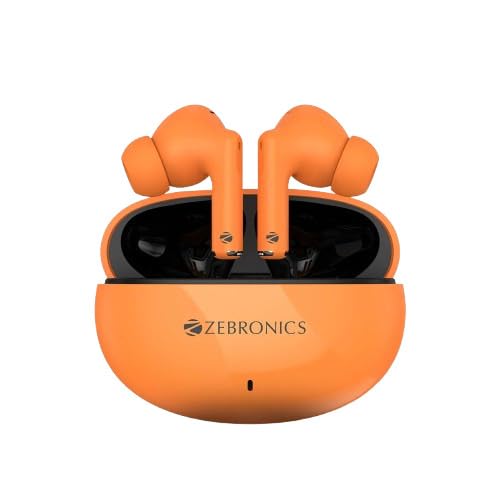
Figur 3.1: The ZEBRONICS Zeb PODS 121 earbuds in their orange charging case. The earbuds are visible, showcasing their in-ear design and the compact nature of the charging case.
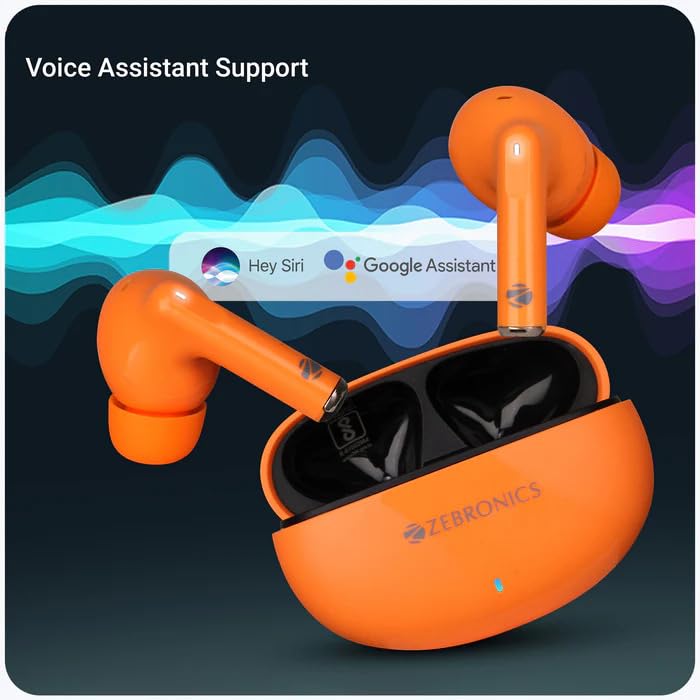
Figur 3.2: This image illustrates the voice assistant support feature of the Zeb PODS 121. The earbuds are shown next to a graphic indicating compatibility with popular voice assistants like Hey Siri and Google Assistant, highlighting the ease of hands-free control.
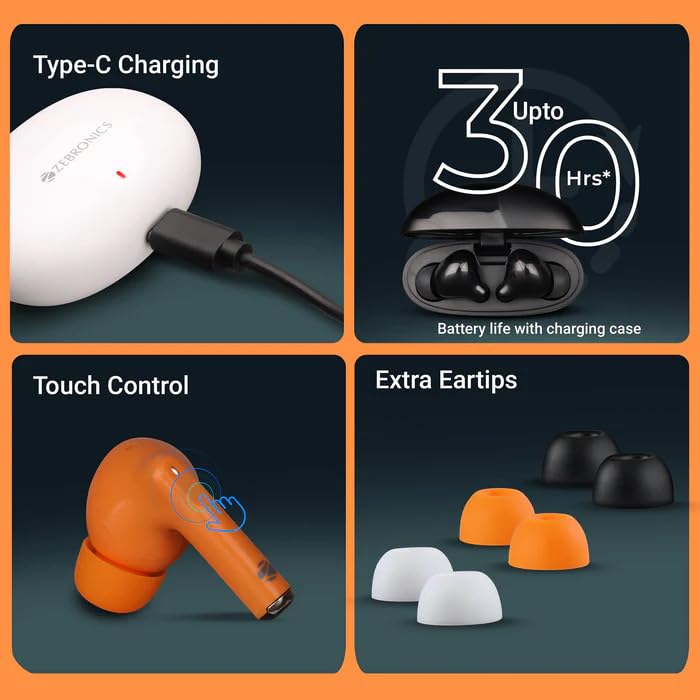
Figur 3.3: A composite image detailing key features. It shows the Type-C charging port in use, an icon indicating up to 30 hours of battery life with the charging case, a visual representation of the touch control functionality on the earbud, and the inclusion of extra eartips for a customized fit.
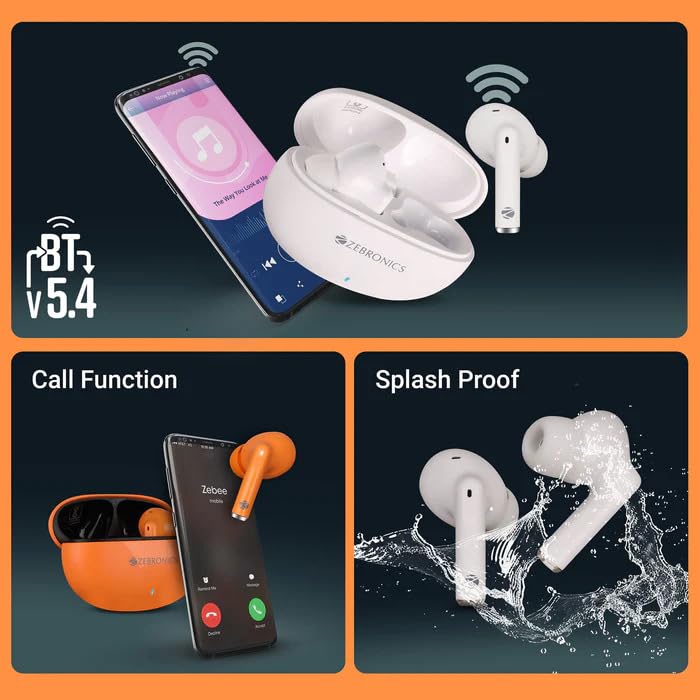
Figur 3.4: This image highlights three important aspects: Bluetooth v5.4 connectivity shown with a smartphone, the call function capability with an earbud near a phone screen displaying a call, and the splash-proof design depicted by earbuds being splashed with water.
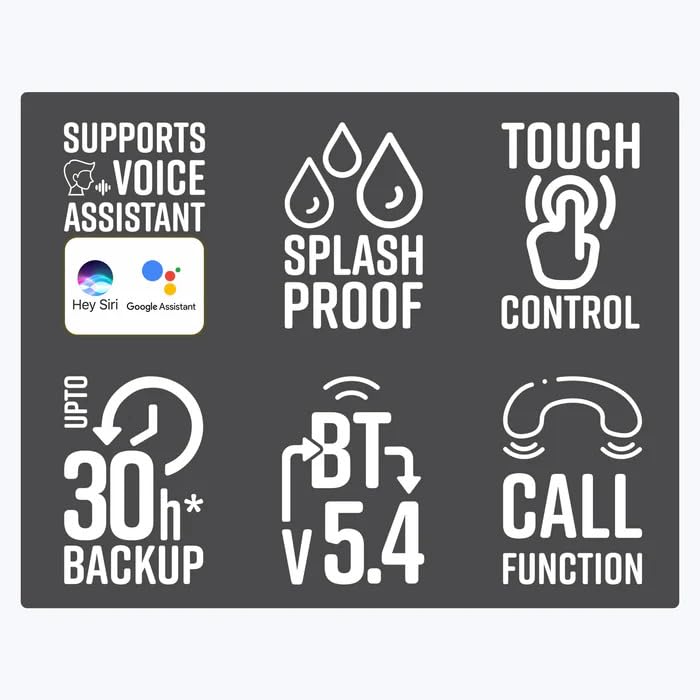
Figur 3.5: A graphic displaying six key feature icons: Voice Assistant Support, Splash Proof, Touch Control, Up to 30 hours of Battery Backup, Bluetooth v5.4, and Call Function. This provides a quick visual summary of the product's main capabilities.
4. Opsætning
4.1 Opladning af øretelefoner og etuiet
Before first use, fully charge the earbuds and the charging case. The charging case provides additional battery life for the earbuds, extending playback time up to 30 hours.
- Tilslut det medfølgende Type-C-opladerkabel til opladningsporten på etuiet og til en USB-strømkilde (f.eks. vægadapter, computerens USB-port).
- Indikatorlampen på opladningsetuiet viser opladningsstatus.
- Opladningstid:
- Ørepropper: Cirka 1.5 timer
- Opladningsetui: Cirka 1.5 timer
- Når det er fuldt opladet, skal du frakoble ladekablet.
4.2 Bluetooth -parring
Follow these steps to pair your Zeb PODS 121 with your device:
- Ensure the charging case is charged and the earbuds are inside the case.
- Åbn låget til opladningsetuiet. Ørepropperne går automatisk i parringstilstand.
- Gå til Bluetooth-indstillingerne på din smartphone eller Bluetooth-aktiverede enhed.
- Søg efter new devices. You should see "ZEB-PODS 121" in the list of available devices.
- Select "ZEB-PODS 121" to connect.
- Når der er forbindelse, hører du en bekræftelsestone, og ørepropperne er klar til brug.
- Ørepropperne genopretter automatisk forbindelse til den sidst parrede enhed, når de tages ud af etuiet, hvis Bluetooth er aktiveret på enheden.
5. Betjeningsvejledning
5.1 Tryk på kontrolelementer
The Zeb PODS 121 features intuitive touch controls on each earbud. The specific functions may vary slightly based on the device and application.
- Afspil/pause: Et enkelt tryk på begge øretelefoner.
- Næste nummer: Dobbelttryk på den højre øreprop.
- Forrige nummer: Dobbelttryk på den venstre øreprop.
- Besvar/afslut opkald: Enkelt tryk på begge øretelefoner under et indgående opkald.
- Afvis opkald: Tryk og hold på en af øretelefonerne i 2 sekunder under et indgående opkald.
- Aktiver stemmeassistent: Tryk tre gange på en af øretelefonerne.
5.2 Opkaldsfunktion
Manage your calls hands-free with the built-in microphone.
- Besvarelse af opkald: Tap either earbud once when a call comes in.
- Afslutning af opkald: Tap either earbud once during an active call.
- Afvisning af opkald: Press and hold either earbud for approximately 2 seconds when a call comes in.
5.3 Understøttelse af stemmeassistent
Access your device's voice assistant (e.g., Siri, Google Assistant) directly from your earbuds.
- Aktivering: Triple tap on either earbud to activate the voice assistant.
- Once activated, you can issue commands such as "What's the weather?", "Play music", or "Call [contact name]".
6. Vedligeholdelse
Proper care will ensure the longevity and optimal performance of your Zeb PODS 121 earbuds.
- Rensning: Brug en blød, tør og fnugfri klud til at rengøre ørepropperne og opladningsetuiet. Brug ikke skrappe kemikalier eller slibende materialer.
- Ørespidser: Regularly remove and clean the eartips with a damp klud. Sørg for, at de er helt tørre, før du sætter dem på igen.
- Opbevaring: Når ørepropperne ikke er i brug, skal de altid opbevares i deres opladningsetuier for at beskytte dem mod støv og skader.
- Vandtæthed: The earbuds are splash proof. Avoid submerging them in water or exposing them to heavy rain. Dry them thoroughly if they get wet.
- Temperatur: Undgå at udsætte ørepropperne for ekstreme temperaturer (varme eller kolde) eller høj luftfugtighed.
7. Fejlfinding
If you encounter any issues with your Zeb PODS 121, please refer to the following common solutions:
| Problem | Mulig årsag | Løsning |
|---|---|---|
| Ørepropper tænder ikke. | Lavt batteri. | Placer ørepropperne i opladningsetuiet, og oplad etuiet helt. |
| Øretelefoner parrer ikke. | Bluetooth er slået fra på enheden; øretelefoner er ikke i parringstilstand; interferens. |
|
| Ingen lyd fra ørepropper. | Volume too low; not connected; wrong audio output selected. |
|
| En øreprop virker ikke. | Low battery on one earbud; connection issue. |
|
8. Specifikationer
Detailed technical specifications for the ZEBRONICS Zeb PODS 121:
| Modelnavn | ZEB-PODS 121 |
| Forbindelsesteknologi | Trådløs (Bluetooth) |
| Bluetooth version | v5.4 |
| Understøttet BT Profile | HSP / SPP / A2DP / AVRCP |
| Driver størrelse | 13 mm |
| Højttalerimpedans | 32Ω |
| Afspilningstid | Up to 6 hours (earbuds), Up to 30 hours (with charging case) *at 50% volume level |
| Opladningstid (øretelefon) | 1.5 timer |
| Opladningstid (etui) | 1.5 timer |
| Taletid | 5 timer |
| Standby tid | 60 timer |
| Kontrolmetode | Tryk, stemme |
| Vandmodstandsniveau | Sprøjtsikker |
| Kuffertdimensioner (L x B x H) | 6.3 x 2.6 x 4.5 cm |
| Nettovægt | 32 g |
| Materiale | Plast |
| Oprindelsesland | Indien |
9. Garanti og support
ZEBRONICS products are designed for reliability and performance. This product comes with a standard manufacturer's warranty against defects in materials and workmanship.
- For warranty claims or technical support, please contact ZEBRONICS customer service.
- Gem din købskvittering som købsbevis af garantihensyn.
- Fabrikant: Zebronics India Pvt Ltd
- Adresse: Survey no.508/2, 200 ft. inner ring road, Madhavaram, Chennai, Tamil Nadu
- Kundeservice Kontakt: 044-4000-0004
- You can also visit the official ZEBRONICS webwebsted for mere information og supportressourcer.
Ask a question about this manual
Ask about setup, troubleshooting, compatibility, parts, safety, or missing instructions. Manuals+ will review the question and use this page’s manual context to help answer it.