
Indledning
This manual provides essential information for setting up, operating, maintaining, and troubleshooting your Lenovo ThinkCentre neo 50a 24 Gen 5 12SD004LUS All-in-One Computer. Please read this manual thoroughly before using your device to ensure proper function and longevity.
Pakkens indhold
Bekræft at alle varer er til stede i pakken:
- ThinkCentre neo 50a 24 Gen 5 12SD004LUS All-in-One Computer
- USB Calliope-tastatur
- USB Calliope mus
- 90W 89% adapter
- Monitor Stand
Opsætning
1. Udpakning og placering
Carefully remove the All-in-One (AIO) computer and all accessories from the packaging. Place the AIO on a stable, flat surface, ensuring adequate ventilation around the device.
2. Attaching the Monitor Stand
Follow the instructions provided with the monitor stand to securely attach it to the back of the AIO computer. Ensure all screws are tightened appropriately.
3. Tilslutning af eksterne enheder
- Tastatur og mus: Connect the USB Calliope Keyboard and USB Calliope Mouse to any available USB ports on the AIO computer.
- Strømadapter: Connect the 90W power adapter to the power input port on the AIO, then plug the adapter into a grounded electrical outlet.
- Netværk (valgfrit): For a wired internet connection, connect an Ethernet cable from your router or modem to the Ethernet port on the AIO.
4. Første opstart
Press the power button, typically located on the side or bottom edge of the display. The computer will boot up, and you will be guided through the initial Windows 11 setup process.
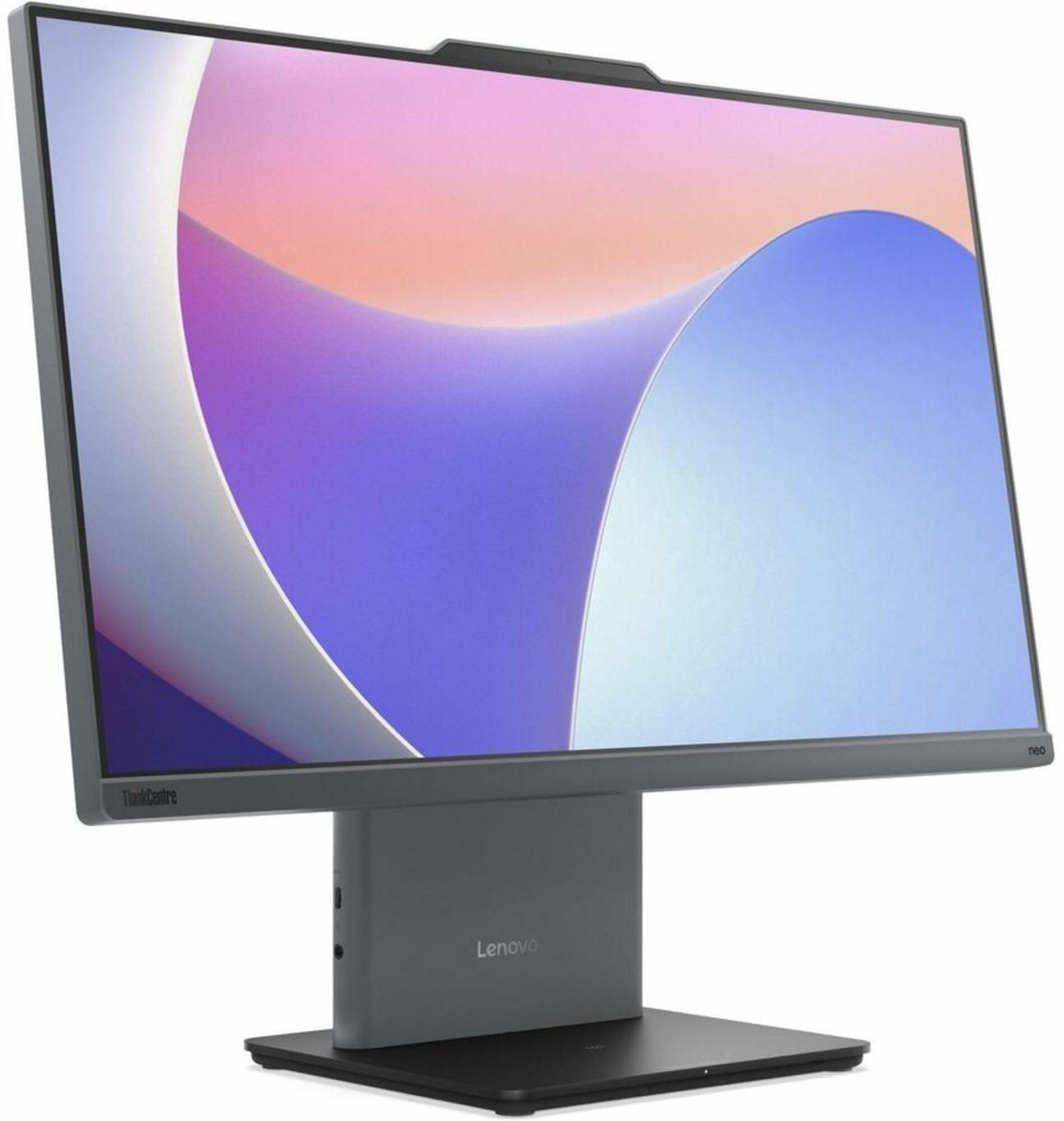
Billede: Forside view of the Lenovo ThinkCentre neo 50a 24 Gen 5 All-in-One Computer, showcasing its 23.8-inch Full HD display and sleek design.
Drift
Tænd/sluk
- For at tænde: Tryk på tænd/sluk-knappen.
- For at lukke ned: Klik på Start-knappen i Windows, og vælg derefter Strøm > Luk ned.
- For at genstarte: Klik på Start-knappen i Windows, og vælg derefter Tænd/sluk > Genstart.
Netværksforbindelse
- Wi-Fi: To connect to a wireless network, click the network icon in the taskbar, select your desired Wi-Fi network, and enter the password if prompted.
- Ethernet: If an Ethernet cable is connected, the system will automatically detect and connect to the wired network.
Using Ports
The ThinkCentre neo 50a 24 Gen 5 features various ports for connectivity:
- USB-porte: For connecting external devices such as USB drives, printers, or additional peripherals.
- HDMI-port: For connecting an external display or projector.
- DisplayPort: For connecting an external display or projector.
- Lydstik: Til tilslutning af hovedtelefoner eller eksterne højttalere.
Opretholdelse
Rengøring af enheden
- Skærm: Brug let en blød, fnugfri klud dampskylles med vand eller en skærmrengøringsopløsning. Sprøjt ikke væske direkte på skærmen.
- Chassis: Tør de udvendige overflader af med en blød, tør klud. Undgå slibende rengøringsmidler.
- Ventilation: Sørg for, at ventilationsåbningerne er fri for støv og forhindringer for at forhindre overophedning.
Softwareopdateringer
Opdater regelmæssigt dit Windows-operativsystem og dine drivere for at sikre optimal ydeevne og sikkerhed. Du kan tilgå Windows Update via Indstillinger > Windows Update.
Fejlfinding
Fælles problemer og løsninger
- Ingen strøm:
- Ensure the power adapter is securely connected to both the AIO and a working electrical outlet.
- Try a different outlet. - Ingen visning:
- Check if the computer is powered on.
- If an external monitor is connected, ensure it is powered on and correctly configured. - Problemer med netværksforbindelse:
- For Wi-Fi, verify your network password and ensure you are within range of the router.
- For Ethernet, check the cable connection and ensure your router/modem is functioning correctly. - Tastatur/mus reagerer ikke:
- Ensure the USB cables are securely plugged into the AIO's USB ports.
- Try connecting them to different USB ports.
If problems persist, refer to the Lenovo support webwebsted for yderligere hjælp.
Specifikationer
| Feature | Specifikation |
|---|---|
| Model | ThinkCentre neo 50a 24 Gen 5 12SD004LUS |
| Processor | Intel Core i7-13620H (13th Gen), Deca-core (10 Core), 2.40 GHz (Max Turbo 4.90 GHz) |
| Operativsystem | Windows 11 |
| Hukommelse (RAM) | 16 GB DDR5 SDRAM (5200 MHz), Max 32 GB |
| Opbevaring | 512 GB NVMe SSD (PCI Express NVMe 4.0 x4) |
| Vise | 23.8" Full HD (1920 x 1080), 250 Nit Brightness |
| Grafik | Intel UHD Graphics (Integrated, Shared DDR5 SDRAM) |
| Netværk | Gigabit Ethernet, IEEE 802.11ax Wireless LAN, Bluetooth |
| Havne | HDMI, DisplayPort, USB (Total 1), Ethernet |
| Webcam | Ja |
| Dimensioner | 26 x 9 x 21 tommer |
| Vægt | 20.2 pund |
Garantioplysninger
Dette produkt sælges med Ingen garanti as per the manufacturer's stated terms. Please refer to your purchase documentation for any retailer-specific return policies.
Støtte
For additional support, driver downloads, or service inquiries, please visit the official Lenovo support webwebsted:
Du kan også finde nyttige ressourcer og fællesskabsfora på Lenovo webwebsted.