
1.Overview
The ESP32-S3-LCD-2.8 is a development board featuring an ESP32-S3 microcontroller with a 2.8-inch IPS display. It is designed for various embedded applications requiring a compact display and wireless connectivity. This board integrates a high-performance Xtensa 32-bit LX7 dual-core processor, supporting Wi-Fi and Bluetooth 5 (LE), and includes onboard memory and various peripheral interfaces.
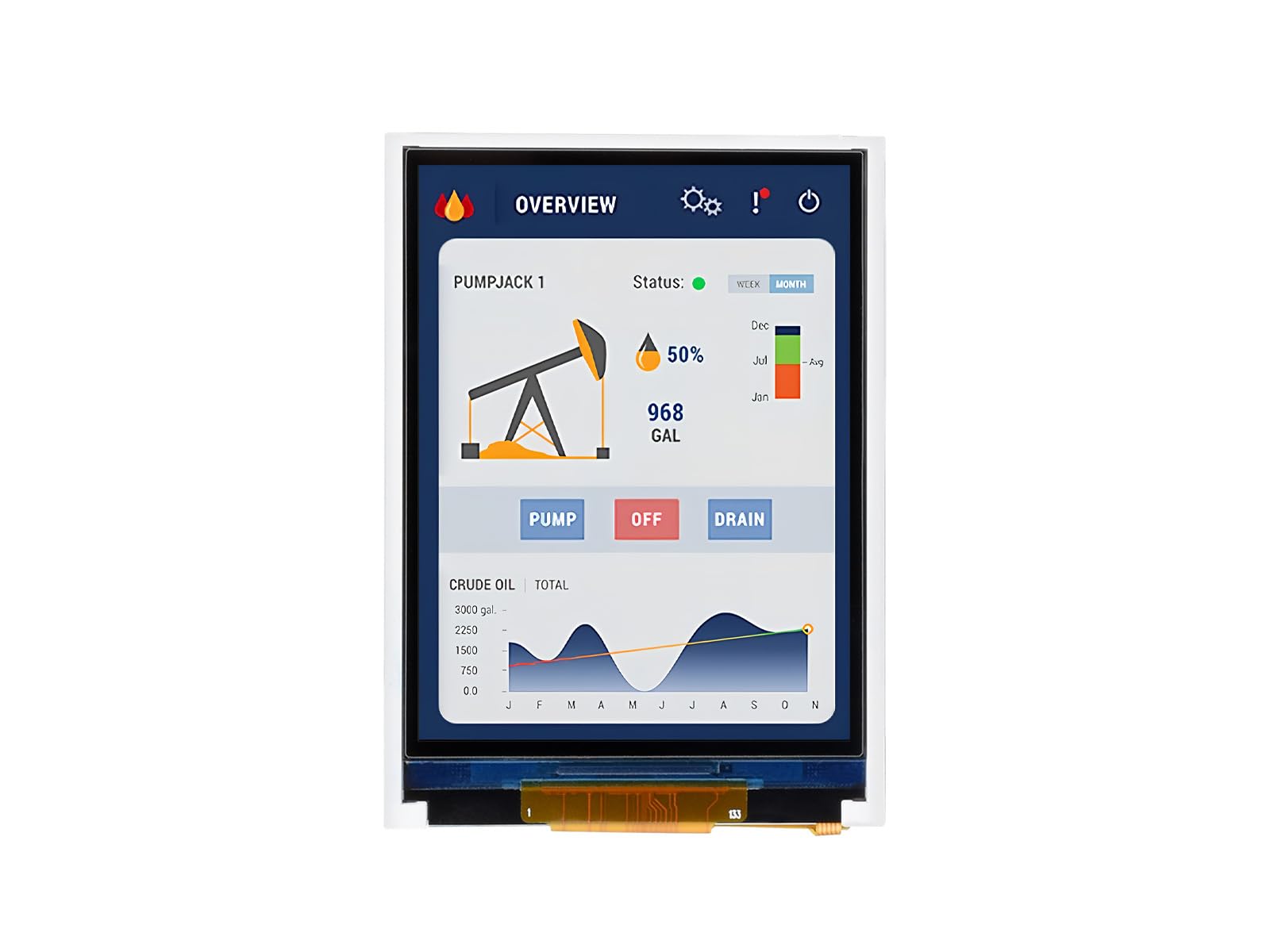
Figure 1: ESP32-S3-LCD-2.8 Development Board
2. Pakkens indhold
Bekræft, at alle nedenstående varer er inkluderet i din pakke:
- ESP32-S3-LCD-2.8 board x1
- SH1.0 12PIN-kabel (~100 mm) x1
- SH1.0 4PIN cable (~100mm) x1 (2 pieces)
- 2030 speaker x1

Figur 2: Inkluderede komponenter i pakken.
3. Funktioner
The ESP32-S3-LCD-2.8 development board offers the following key features:
- Processor: Højtydende Xtensa 32-bit LX7 dual-core processor, der kører op til 240 MHz.
- Trådløs forbindelse: Understøtter 2.4 GHz Wi-Fi (802.11 b/g/n) og Bluetooth 5 (LE) med en indbygget antenne.
- Hukommelse: Indbygget 512KB SRAM og 384KB ROM, med indbygget 16MB Flash og 8MB PSRAM.
- Vise: 2.8-inch IPS LCD display with 240×320 resolution and 262K colors. This model does not include touch functionality.
- Grænseflader: Adapts UART, I2C, and other GPIO interfaces, integrating a full-speed USB port.
- Onboard Peripherals: Includes an onboard speaker, QMI8658 6-axis sensor (accelerometer and gyroscope), RTC sensor, TF card slot, and a battery recharge management module.
- Strømstyring: Supports accurate control and multiple power modes for low power consumption.

Figure 3: Key features of the ESP32-S3-LCD-2.8 development board.
3.1 Version Options
The ESP32-S3 series offers various versions. This specific model, ESP32-S3-LCD-2.8, is designed without touch functionality. Other versions with touch capabilities are available separately.
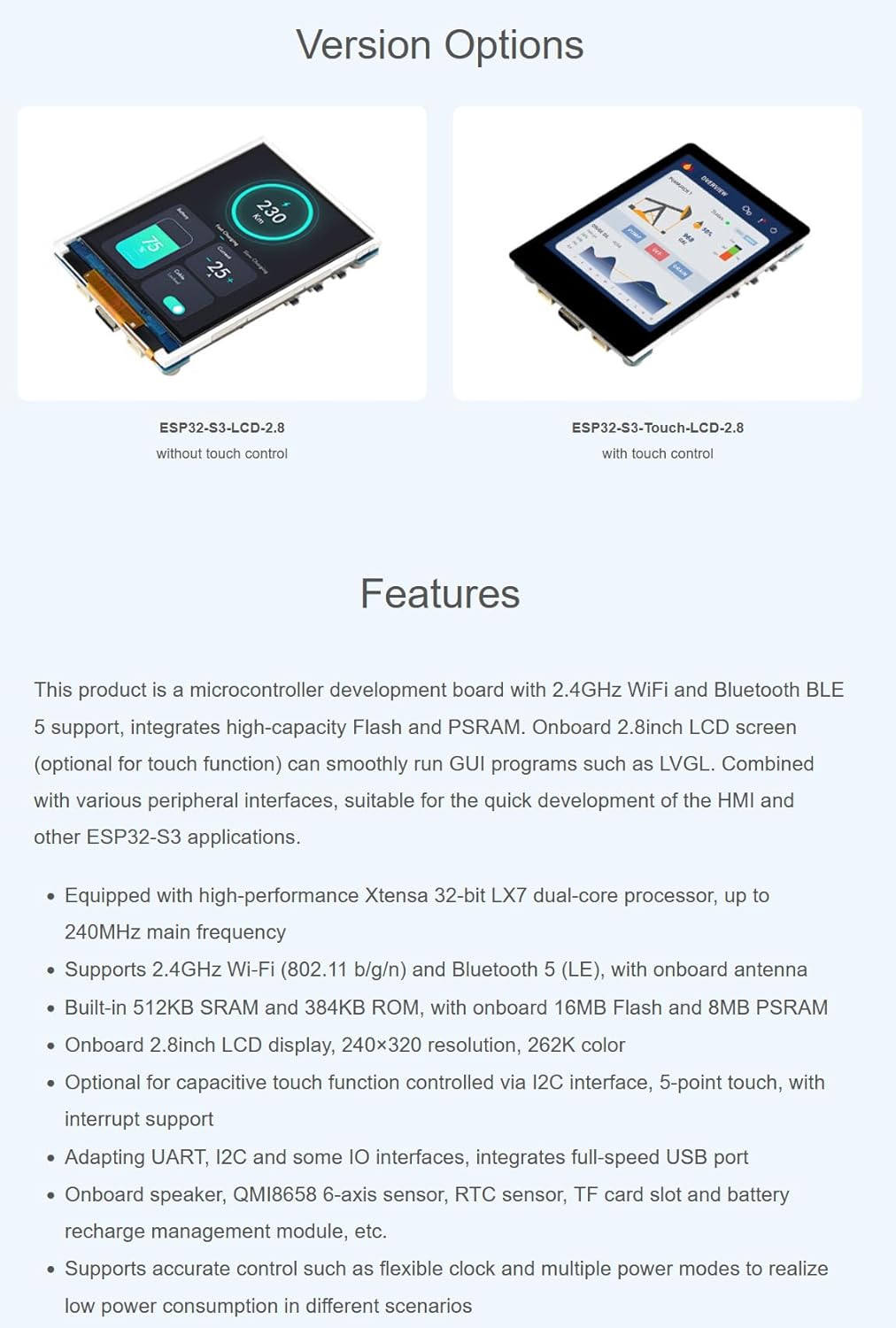
Figure 4: Version options for ESP32-S3 LCD boards, showing models with and without touch.
4. Anvendelsesscenarier
The ESP32-S3-LCD-2.8 development board is suitable for a wide range of applications, including:
- Flere udgange: Can be used as an information output unit with both display and audio capabilities. Users can design custom interfaces for image and audio information interaction.
- Flere indgange: Supports various input methods (excluding touch for this model) for controlling equipment.
- Menneske-maskine-grænseflade (HMI): Serves as a medium for interaction and information exchange between a system and the user, enabling transformation between internal data and user-friendly forms.
- LVGL GUI Development: Compatible with LVGL, a free, open-source graphics library, for creating embedded GUIs with visual effects and low memory requirements.

Figure 5: Potential application scenarios for the development board.
5. Hardware overview
5.1 Pinout-diagram
The board supports the expansion of multiple peripherals via GPIO, UART, and I2C interfaces. Refer to the pinout diagram for detailed connections:

Figure 6: Pinout diagram for connecting peripherals.
5.2 Indbyggede komponenter
The board integrates various components for enhanced functionality:

Figure 7: Onboard components and their locations.
- ESP32-S3-WROOM-1-N16R8 (ESP32-S3 module)
- 2.8inch LCD (240x320 resolution)
- QMI8658 6-axis IMU (3-axis accelerometer and 3-axis gyroscope)
- PCF8563 RTC chip
- PCM5101 audio decoder
- Højttaler interface
- Volumenjusteringsknap
- ETA6096 battery recharge manager
- ME6217C33M5G (3.3V LDO)
- Indbygget keramisk antenne
- IPEX1 connector (for external antenna, requires switching a resistor)
- TF-kortslot (understøtter op til 16GB)
- Battery power supply control button
- RESET knap
- USB Type-C port (for power and data)
- PICO compatible pin header
- I2C header
- UART header
- MX1.25 battery header (for 3.7V Lithium battery, supports charging and discharging)
- RTC battery header (for connecting a rechargeable RTC battery)
- Højttaler (2030)
- BOOT-knap
- Charge Indicator (LED: lights up when charging, off when fully charged; status uncertain when no battery is connected)
6. Setup and Development Environment
This section outlines the steps to set up your development environment for the ESP32-S3-LCD-2.8 board using Arduino IDE.
6.1 Installing Libraries
To begin development, you need to install the necessary libraries in your Arduino IDE. If you do not have a 'libraries' folder, create one in your Arduino sketchbook directory.
- Open Arduino IDE preferences and locate the 'Sketchbook location'.
- Navigate to this location and create a new folder named 'libraries' if it doesn't exist.
- Copy all required library files into this 'libraries' folder.
6.2 Board Selection and Configuration
Configure the Arduino IDE for the ESP32-S3 board:
- I Arduino IDE'en skal du gå til Værktøjer > Board > ESP32 Arduino og vælg ESP32S3 Dev Module.
- Set the 'Flash Mode' to QIO 80MHz.
- Select 'Flash Size' to 8MB (64Mb).
- Select 'PSRAM' as OPI PSRAM.
- Before uploading, ensure you select the correct COM port for your connected board under Værktøjer > Port.
6.3 Uploading Code
After configuring the board and selecting the COM port:
- Click the 'Upload' button (right arrow icon) in the Arduino IDE to compile and upload your sketch to the board.
- Monitor the output window for compilation and upload progress.
Video 1: Demonstrates the setup process for the ESP32-S3 development board, including library installation, board configuration, and code uploading using Arduino IDE. This video also shows display effects, which are relevant to the non-touch version.
7. Betjening af skærmen
The 2.8-inch IPS display provides clear and vivid visuals. The board supports 90-degree hardware rotation, allowing for flexible screen orientation in your applications.
Video 2: Giver en overview of the ESP32-S3/C6 LCD development boards, showcasing features like compact design, display quality, 90-degree hardware rotation, power options (USB and battery), and peripheral resources. This video is relevant for understanding the general capabilities of the ESP32-S3-LCD-2.8.
8. Specifikationer
| Feature | Beskrivelse |
|---|---|
| Modelnummer | ESP32-S3-LCD-2.8 |
| Processor | Xtensa 32-bit LX7 Dual-core, op til 240 MHz |
| Vise | 2.8-inch IPS LCD, 240×320 pixels, 262K color |
| Tryk på funktion | Ingen |
| Wi-Fi | 2.4 GHz (802.11 b/g/n) |
| Bluetooth | Bluetooth 5 (LE) |
| SRAM | 512KB |
| ROM | 384KB |
| Blitz | 16MB Onboard |
| PSRAM | 8MB Onboard |
| Grænseflader | UART, I2C, GPIO, USB Type-C |
| Sensorer | QMI8658 6-axis IMU, RTC sensor |
| Udvidelse af lager | TF card slot (up to 16GB) |
| Strømforsyning | USB Type-C, 3.7V Lithium battery (via MX1.25 header) |
| Dimensioner | Approximately 69.20mm x 49.90mm (board), 57.60mm x 43.20mm (display area) |
9. Support og ressourcer
For additional resources, including detailed documentation, example code, and technical support, please contact XYGStudy via Amazon message. Comprehensive SDK open-source materials and tutorials are available to help developers integrate these boards into various project applications.