
Indledning
Tak for købetasing the Northpoint DAB+ Digital Radio. This device combines a modern design with versatile functions, serving as a DAB+/FM radio, an alarm clock, a wireless charging station, a night light, and a USB charging port. This manual provides detailed instructions for setup, operation, and maintenance to ensure optimal performance and longevity of your device.
Pakkens indhold
- Northpoint DAB+ Digital Radio
- USB-C kabel
- Strømadapter
Produkt overview
Familiarize yourself with the main components and controls of your Northpoint DAB+ Digital Radio.

Figur 1: Forside og top View of the Northpoint DAB+ Digital Radio with Wireless Charging Function.
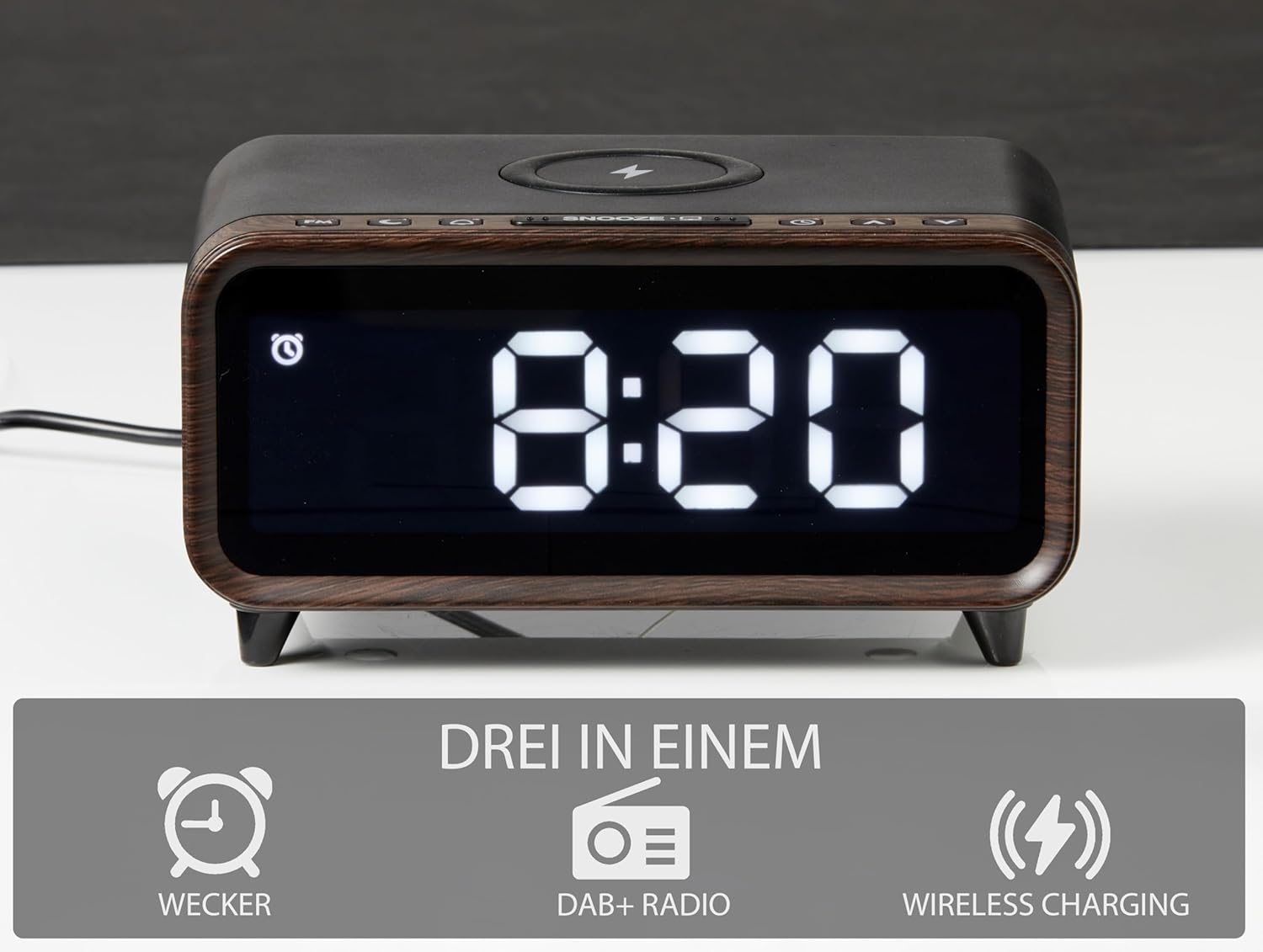
Figure 2: Key Features: Alarm Clock, DAB+ Radio, and Wireless Charging.

Figur 3: Bagside View with USB Charging Port and Power Input.
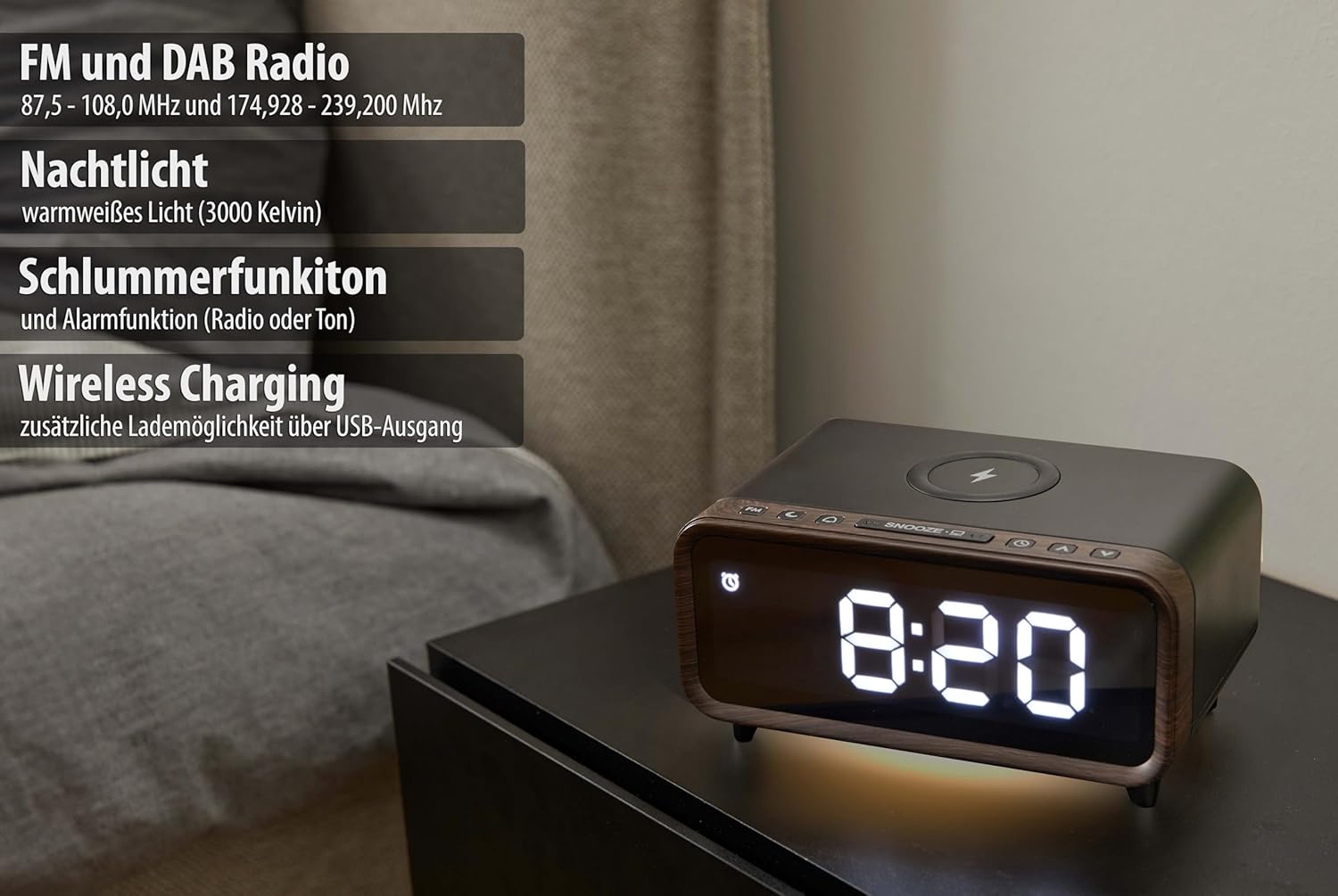
Figur 4: Overview of Radio, Nightlight, Alarm, and Charging Features.
Opsætning
1. Strømtilslutning
- Connect the provided USB-C cable to the power input port on the rear of the radio.
- Plug the power adapter into a standard wall outlet. The display will illuminate.
2. Første tænding og tidsindstilling
Upon first power-on, the device may automatically scan for DAB+ stations and set the time. If not, follow the instructions in the 'Operating Instructions' section to manually set the time and scan for radio stations.
Betjeningsvejledning
1. Radiobetjening (DAB+/FM)
- Skiftemetoder: Press the 'Mode' button to switch between DAB+ and FM radio modes.
- Scanning Stations: In DAB+ mode, press the 'Scan' button to perform a full scan for available digital radio stations. In FM mode, press and hold the 'Scan' button to auto-scan and save stations.
- tuning: Use the 'Tune' buttons (usually arrow keys) to navigate through available stations or frequencies.
- Lydstyrkejustering: Press and hold the volume buttons to adjust the sound level. Short presses may not register.
2. Vækkeurfunktion
- Indstilling af alarm: Press the 'Alarm' button to enter alarm setting mode. Use the navigation buttons to set the desired alarm time and select the alarm source (radio or tone).
- Aktivering/deaktivering af alarm: Press the 'Alarm' button repeatedly to toggle the alarm on or off. An alarm icon will appear on the display when active.
- Snooze-funktion: When the alarm sounds, press the 'Snooze' button to temporarily silence the alarm for a set period (e.g., 9 minutes).
3. Natlys
- Aktivering af natlys: Locate the 'Night Light' button (or a dedicated light icon button) and press it to turn the night light on.
- Justering af lysstyrke: Press the 'Night Light' button repeatedly or use associated navigation buttons to cycle through brightness levels or adjust intensity.
4. Trådløs opladning
- Place your Qi-compatible smartphone centrally on the wireless charging pad located on top of the radio.
- Ensure the phone is correctly aligned for charging to begin. A charging indicator may appear on the radio's display or your phone.
- The wireless charger provides up to 5W of power.
5. USB -opladningsport
- Connect your device (e.g., tablet, headphones) to the USB-A output port on the rear of the radio using a compatible USB cable.
- This port provides an additional charging option for your electronic devices.
Opretholdelse
- Rensning: Use a soft, dry cloth to clean the surface of the radio. Do not use abrasive cleaners, waxes, or solvents.
- Placering: Place the radio on a stable, flat surface. Avoid direct sunlight, excessive heat, humidity, or dusty environments.
- Ventilation: Sørg for tilstrækkelig ventilation omkring enheden for at forhindre overophedning.
Fejlfinding
If you encounter issues with your Northpoint DAB+ Digital Radio, please refer to the following common problems and solutions:
- Ingen strøm: Sørg for, at strømadapteren er korrekt tilsluttet både radioen og en fungerende stikkontakt.
- Poor DAB+ Radio Reception: DAB+ reception can be affected by location. Try repositioning the radio, especially near a window, to improve signal strength. Perform a full scan for stations again.
- Skærm for lys/dæmpet: The display brightness is adjustable. Refer to the operating instructions for adjusting display illumination settings.
- Volume Difficult to Adjust: For precise volume control, press and hold the volume buttons until the desired level is reached. Short presses may not provide fine adjustments.
- Trådløs opladning virker ikke: Ensure your smartphone is Qi-compatible and placed centrally on the charging pad. Remove any thick phone cases that might interfere with charging.
- Alarmen lyder ikke: Verify that the alarm is set correctly and activated (alarm icon visible on display). Check the alarm volume setting.
Tekniske specifikationer
- Mærke: Nordpunkt
- Modelnummer: NP-RC-B1
- Dimensioner (L x B x H): 22.15 x 3.81 x 10.4 cm (ca. 8.72 x 1.5 x 4.09 tommer)
- Radiofrekvenser: FM 87.5 - 108.0 MHz, DAB+ 174.928 - 239.200 MHz
- Trådløs opladningsudgang: 5W
- USB-opladningsportudgang: 5V/2A
- Skærmtype: Digital
- Særlige funktioner: Adjustable Brightness, Multifunction Alarm, Wireless Charging, USB Charging Port, Ambient Night Light, DAB+ Radio, FM Reception
- Strømkilde: Strømforsyning
- Materiale: Plast
Garanti og support
This Northpoint product is covered by a standard manufacturer's warranty. For detailed warranty information, technical support, or service inquiries, please refer to the documentation included with your purchase or contact Northpoint customer support through their official webwebsted. Gem venligst din købsbevis til garantikrav.